
Introduction
The QOZ V969-2Lu External GPS Module is designed to enhance the GPS capabilities of compatible devices. This module provides reliable satellite positioning data, improving navigation and location tracking accuracy. Please read this manual thoroughly before using the product to ensure proper installation and operation.
Safety Information
- Keep the module away from water and excessive moisture.
- Avoid exposing the module to extreme temperatures or direct sunlight for prolonged periods.
- Do not attempt to disassemble or modify the module. This may void the warranty and cause damage.
- Use only with compatible devices as specified by the manufacturer.
- Ensure the cable is not pinched or damaged during installation.
Package Contents
Verify that all items are present in the package:
- 1 x QOZ V969-2Lu External GPS Module
Note: The main unit or device to which this GPS module connects is sold separately.
Setup
- Identify the Connection Port: Locate the designated external GPS input port on your compatible device. This port typically resembles a 3.5mm audio jack or a similar auxiliary input.

Image: The QOZ V969-2Lu External GPS Module, showing the main unit, coiled cable, and the 3.5mm jack connector for attachment to a compatible device.
- Connect the Module: Carefully insert the 3.5mm jack connector of the V969-2Lu GPS module into the corresponding port on your device. Ensure a secure connection.
- Position the Module: For optimal GPS signal reception, place the module in a location with a clear, unobstructed view of the sky. Avoid placing it under metal objects, inside enclosed spaces, or near other electronic devices that may cause interference.
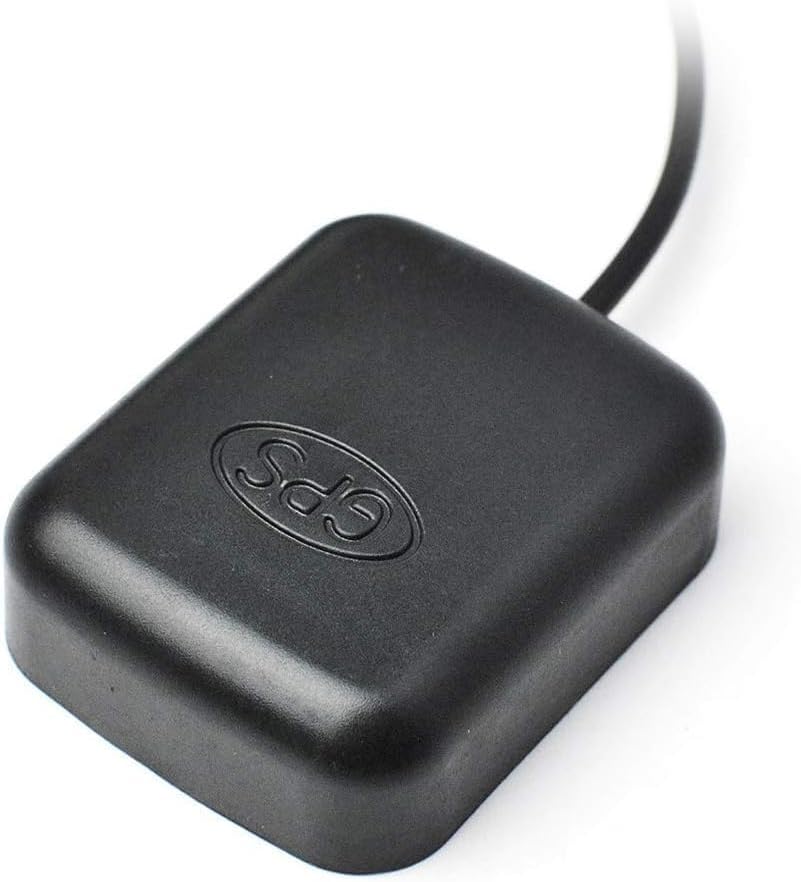
Image: A close-up view of the QOZ V969-2Lu External GPS Module's main unit, highlighting its compact design and the "GPS" branding.
- Power On Device: Turn on your compatible device. The device should automatically detect the external GPS module. Refer to your device's manual for specific settings related to external GPS input.
Operating
Once connected and properly positioned, the V969-2Lu External GPS Module will begin receiving signals from GPS satellites. Your compatible device will then utilize this data for navigation, location tracking, and other GPS-dependent functions. The module operates passively, drawing power directly from the connected device.
- Signal Acquisition: Upon initial connection or after moving to a new location, the module may take a few moments to acquire a stable GPS signal. This is normal.
- Accuracy: GPS accuracy can be affected by environmental factors such as tall buildings, dense foliage, and atmospheric conditions.
Maintenance
- Cleaning: Use a soft, dry cloth to wipe the exterior of the module. Do not use liquid cleaners or solvents.
- Storage: When not in use, store the module in a cool, dry place, away from direct sunlight and extreme temperatures.
- Cable Care: Avoid sharp bends or kinks in the cable to prevent internal damage.
Troubleshooting
| Problem | Possible Cause | Solution |
|---|---|---|
| No GPS signal or intermittent signal. |
|
|
| Device does not recognize the module. |
|
|
Specifications
- Model: V969-2Lu
- Brand: QOZ
- Connection Type: 3.5mm Audio Jack (for data and power from host device)
- Item Weight: 1.76 ounces (approximately 50 grams)
- Package Dimensions: 6.65 x 4.09 x 0.59 inches
- Included Components: GPS Module
- Power Source: Powered by connected device (No batteries included)
Warranty
This product is covered by a limited manufacturer's warranty. For detailed warranty terms and conditions, please refer to the official QOZ website or contact their customer support directly. Keep your purchase receipt as proof of purchase.
Support
If you encounter any issues or have questions regarding the QOZ V969-2Lu External GPS Module that are not addressed in this manual, please contact QOZ customer support. Contact information can typically be found on the product packaging or the official QOZ website.