
Introduction
Thank you for choosing the ANCOON Bluetooth Wireless Speaker S01. This portable speaker is designed to deliver powerful audio with deep bass, featuring IPX6 waterproofing, dynamic LED light modes, and True Wireless Stereo (TWS) pairing. It also includes a built-in power bank for charging your devices. Please read this manual carefully to ensure proper use and optimal performance.
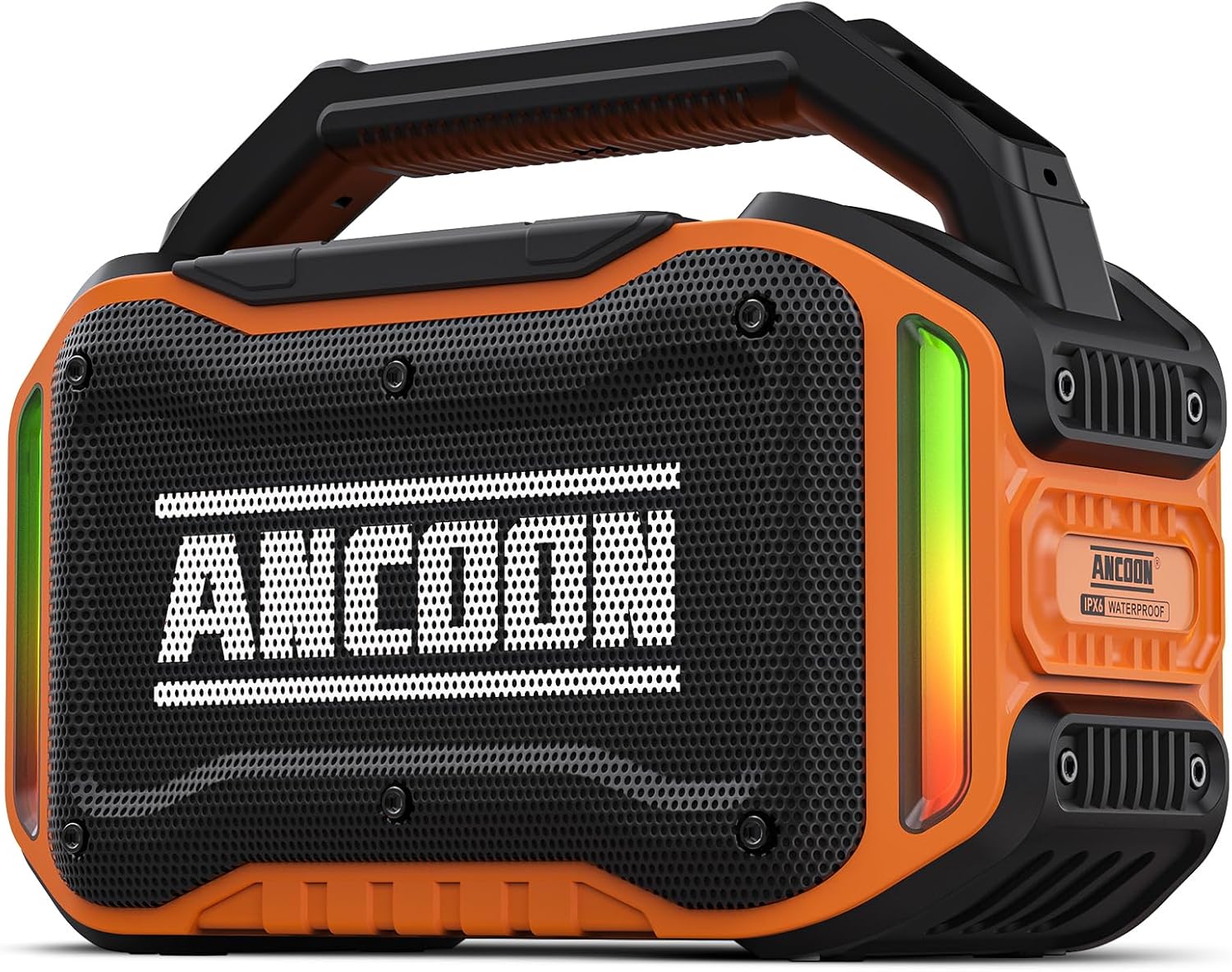
Image: Front view of the ANCOON Bluetooth Wireless Speaker S01, showcasing its robust design and speaker grille.
Package Contents
- ANCOON Bluetooth Wireless Speaker S01
- Power Cable (USB-C)
- AUX Cable (3.5mm)
- Warranty Card
- User Manual
Setup
1. Charging the Speaker
Before first use, fully charge the speaker. The built-in 10000mAh battery provides over 20 hours of playtime on a full charge (actual playback time depends on volume level). Charging time is approximately 6 hours.
- Connect the provided USB-C power cable to the speaker's Type-C port.
- Connect the other end of the cable to a compatible USB power adapter (not included).
- The charging indicator will illuminate. It will turn off or change color once fully charged.

Image: The ANCOON speaker with a phone connected to its USB port, demonstrating its power bank functionality.
2. Bluetooth Pairing
The speaker uses Bluetooth 5.3 for stable and fast connections.
- Press and hold the Power button (U) to turn on the speaker. The LED lights will flash, indicating it's in pairing mode.
- On your device (smartphone, tablet, etc.), enable Bluetooth and search for available devices.
- Select "ANCOON-S01" from the list.
- Once connected, the speaker will emit an audible confirmation, and the LED lights will stop flashing.

Image: Diagram illustrating Bluetooth 5.3 connectivity with various devices and available ports.
3. True Wireless Stereo (TWS) Pairing
For an immersive spatial audio experience, you can pair two ANCOON S01 speakers together.
- Ensure both speakers are powered on and not connected to any Bluetooth device.
- On one speaker, press and hold the 'M' (Mode) button until you hear a pairing tone. This speaker will be the primary unit.
- The two speakers will automatically connect to each other. A confirmation tone will sound once paired.
- Now, connect your device to the primary speaker via Bluetooth as described in step 2.

Image: Two ANCOON speakers wirelessly paired together on a beach, demonstrating the TWS stereo surround feature.
Operating Instructions
Controls Overview

Image: A detailed view of the speaker's control panel and input ports, including Type-C, USB, AUX, and MIC.
- Power Button (U): Press and hold to power on/off.
- Bass Button: Press to toggle bass boost on/off.
- Volume Down (-): Short press to decrease volume. Long press for previous track.
- Play/Pause (►►): Press to play or pause audio.
- Volume Up (+): Short press to increase volume. Long press for next track.
- Mode Button (M): Press to cycle through input modes (Bluetooth, AUX, USB). Long press for TWS pairing.
- Light Mode Button (💡/🌙): Press to cycle through 6 dynamic LED light modes.
LED Light Modes
The speaker features 6 dynamic LED light modes that synchronize with the music, enhancing your listening experience.
Video: Demonstration of the 6 dynamic LED light modes of the ANCOON speaker, showing various color patterns and effects.

Image: Visual representation of the six distinct LED light modes available on the speaker.
3. Using as a Power Bank
The speaker's large capacity battery allows it to charge other devices.
- Connect your device's charging cable to the speaker's USB-A output port.
- The speaker will begin charging your device.
4. Auxiliary (AUX) Input
Connect non-Bluetooth devices using the provided 3.5mm AUX cable.
- Connect one end of the AUX cable to the speaker's AUX port.
- Connect the other end to the audio output of your device.
- Press the 'M' button to switch to AUX mode.
5. Microphone (MIC) Input
The speaker supports a microphone input for karaoke or announcements.
- Connect a compatible microphone (not included) to the speaker's MIC port.
- Adjust microphone volume on the microphone itself or your connected device if applicable.
Maintenance
IPX6 Waterproofing
The ANCOON S01 speaker features an IPX6 waterproof rating, meaning it can withstand powerful water jets. This makes it suitable for outdoor use, including poolside, beach, or jobsite environments.
- Ensure all port covers are securely closed before exposing the speaker to water.
- Do not submerge the speaker in water.
- After exposure to water, wipe the speaker dry with a soft cloth.
Video: A short demonstration of the ANCOON speaker's IPX6 waterproof capability, showing it being splashed with water.
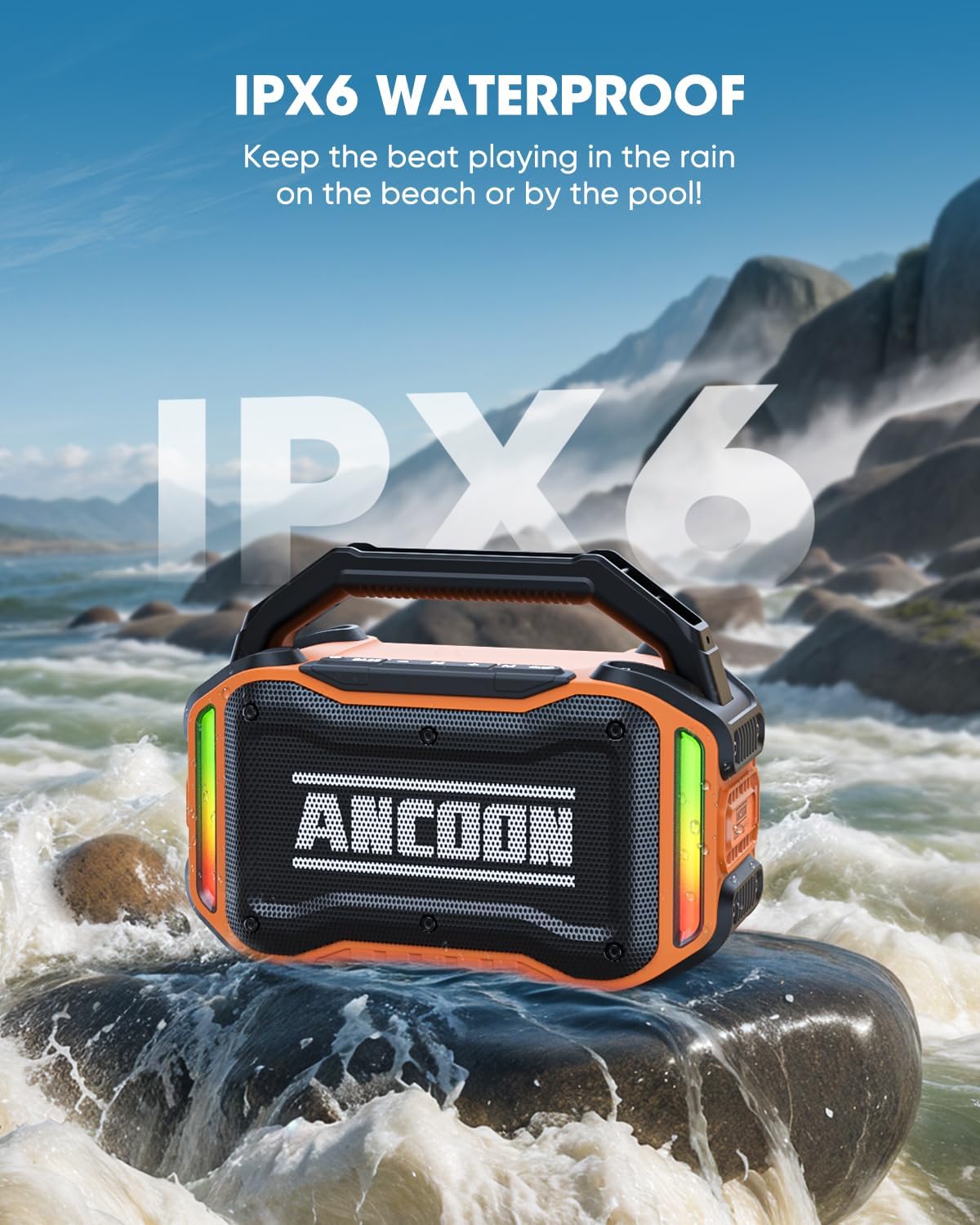
Image: The ANCOON speaker positioned on a rock with water splashing around it, emphasizing its IPX6 waterproof rating.
General Care
- Clean the speaker with a soft, damp cloth. Do not use harsh chemicals or abrasive cleaners.
- Avoid dropping the speaker or subjecting it to strong impacts, despite its durable construction.
- Store the speaker in a cool, dry place when not in use.
Troubleshooting
No Power
- Ensure the speaker is fully charged.
- Check the power cable connection.
Cannot Pair via Bluetooth
- Make sure the speaker is in Bluetooth pairing mode (flashing LED lights).
- Ensure your device's Bluetooth is enabled and within range (up to 100 feet).
- Forget the device from your phone's Bluetooth list and try pairing again.
- If using TWS, ensure both speakers are unpaired from other devices before TWS pairing.
Poor Sound Quality or Distortion
- Adjust the volume on both the speaker and your connected device.
- Ensure the speaker is not too far from your Bluetooth device.
- Check the audio source for quality issues.
- If using AUX, ensure the cable is fully inserted and not damaged.
Specifications
| Feature | Detail |
|---|---|
| Model Name | ANCOON-S01 |
| Speaker Type | Outdoor |
| Speaker Maximum Output Power | 160 Watts (80W Peak) |
| Bluetooth Version | 5.3 |
| Bluetooth Range | 100 Feet |
| Battery Capacity | 10000 Milliamp Hours |
| Playtime | Over 20 hours (varies with volume) |
| Charging Time | 6 Hours |
| Water Resistance Level | IPX6 Waterproof |
| Product Dimensions | 10.4"D x 6.3"W x 5.7"H |
| Item Weight | 4.8 Pounds |
| Connectivity Technology | Auxiliary, Bluetooth, USB |
| Special Features | Bass Boost, Built-In Powerbank, LED Light, Portable, Waterproof |
Warranty & Support
The ANCOON Bluetooth Wireless Speaker S01 comes with a limited warranty. Please refer to the included Warranty Card for detailed terms and conditions.
For technical support, product inquiries, or warranty claims, please contact ANCOON customer service through the retailer's platform or visit the official ANCOON website for contact information.

