
1. Product Overview
This protective case is specifically designed for the 10.1-inch BNCF Bpad 10 tablet, ensuring a precise fit and full access to all ports, buttons, and features. Its sleek design complements the tablet's aesthetics while providing robust protection.

Image: The BNCF Bpad 10 tablet securely fitted into its protective case, displayed in a multi-angle stand position on a desk. The screen shows a vibrant 10.1-inch display. A stylus and a smartphone are visible on the desk.
2. Key Features
- Perfect Fit & Exclusive Design: Tailored specifically for the 10.1-inch Bpad 10 tablet, ensuring easy access to all functionalities.
- Ultimate Protection: Crafted from premium waterproof, stain-resistant, and anti-fingerprint materials to guard against scratches, bumps, and spills.
- Multi-Angle Viewing & Stable Support: Features an adjustable built-in stand for various viewing angles, ideal for media consumption, video calls, or typing.
- Lightweight & Portable: Slim and lightweight design for easy transport, providing protection without adding bulk.
- Eco-Friendly & Smart Design: Easy to install and made with environmentally conscious materials.
3. Installation and Usage
3.1 Installing the Case
The case is designed for easy installation. Gently align your BNCF Bpad 10 tablet with the case's frame and press it firmly into place. Ensure all corners are securely fitted and that all ports and buttons are accessible through the precise cutouts.

Image: A detailed view of the BNCF Bpad 10 tablet perfectly fitted into its protective case, highlighting the precise cutouts for the charging port, speakers, and buttons, ensuring full functionality.
3.2 Using the Multi-Angle Stand
The built-in adjustable stand allows for multiple viewing angles. Fold the front cover into a triangular stand to prop up your tablet. This feature is ideal for watching videos, making video calls, typing, or studying, providing hands-free convenience.

Image: Two BNCF Bpad 10 tablets, each in its protective case, are shown in different multi-angle stand positions, illustrating the versatility for various viewing needs.
3.3 Portability
The slim and lightweight design of the case ensures easy portability. It adds minimal bulk, making it convenient to carry in a bag or by hand for travel or daily commutes.

Image: A person is shown effortlessly placing a BNCF Bpad 10 tablet, enclosed in its protective case, into a compact bag, emphasizing its lightweight and portable design.
4. Maintenance and Care
The case is made from waterproof, stain-resistant, and anti-fingerprint materials. To clean, simply wipe the surface with a damp cloth. Avoid harsh chemicals that may damage the material. Regular cleaning will help maintain its fresh appearance and protective qualities.
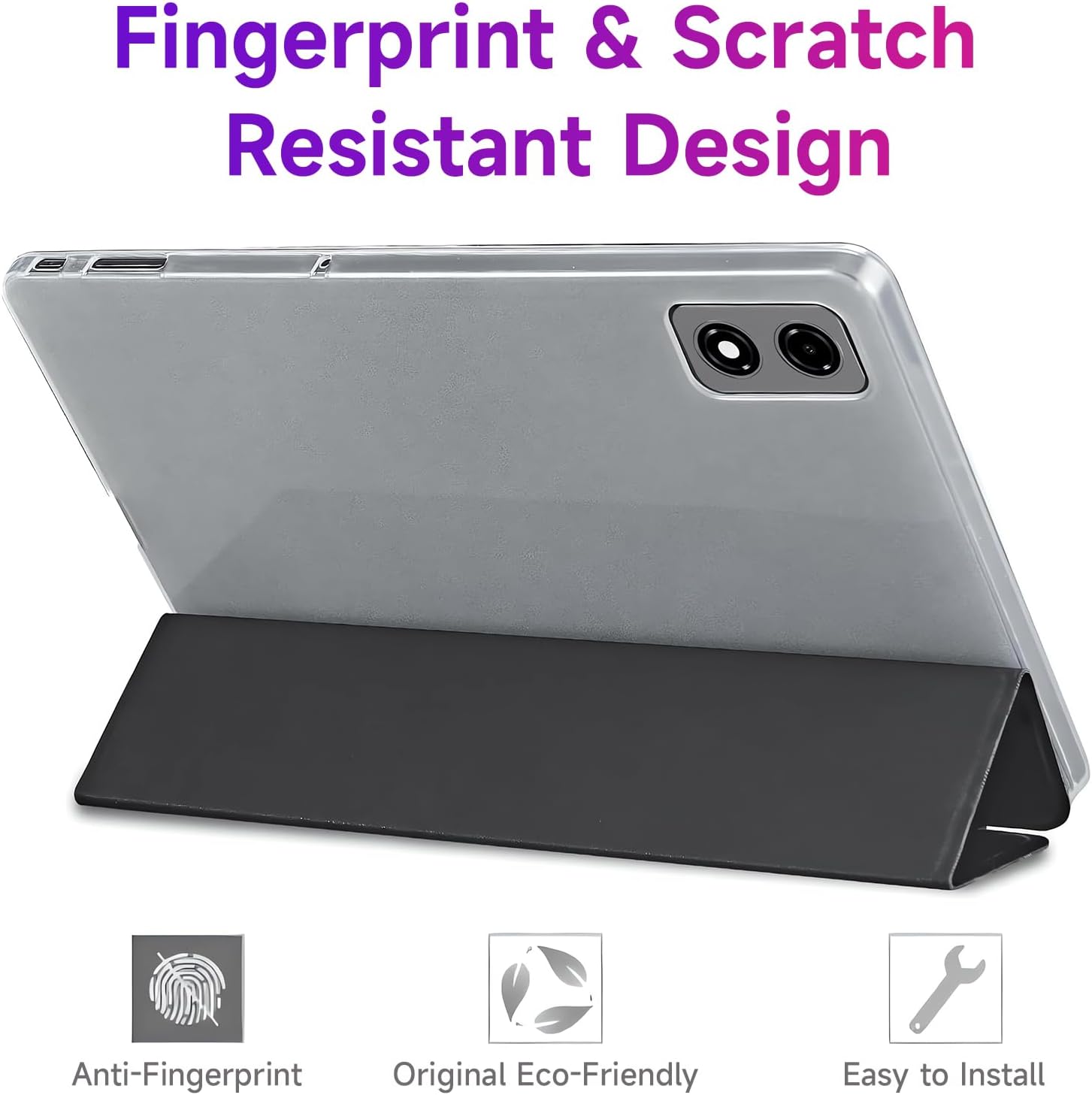
Image: A close-up of the BNCF Bpad 10 tablet case, showcasing icons that represent its anti-fingerprint, original eco-friendly, and easy-to-install attributes, emphasizing its durable and user-friendly design.

Image: The BNCF Bpad 10 tablet, protected by its rugged case, is depicted in a simulated drop scenario, landing on a cracked surface to demonstrate its drop-proof capabilities.
5. Troubleshooting
5.1 Tablet Goes to Sleep When Cover is Folded Back
Some users may experience the tablet entering sleep mode when the cover is folded completely back. This is due to the magnetic sensor designed for wake/sleep functionality. Currently, there is no setting on the Bpad 10 tablet to disable this feature. To avoid this, try to adjust the cover so it does not fully align with the magnetic sensor when folded back, or use the case in stand mode.
6. Specifications
- Standing screen display size: 10.1 Inches
- Item model number: Bpad 10 Case
- Item Weight: 7 ounces
- Product Dimensions: 9.45 x 6.22 x 0.31 inches
- Material: Premium waterproof, stain-resistant, anti-fingerprint materials
- Features: Multi-angle stand, lightweight, portable, eco-friendly design
7. Warranty and Support
BNCF upholds rigorous standards from design to production. Each product undergoes thorough quality checks to ensure an exceptional user experience. For tablets purchased from the BNCF Official Flagship Store, customers benefit from a 12-month free repair warranty and lifetime technical support.
If your product has issues, please leave us a message. We will use our expertise to solve the problem for you, or provide a return or exchange service. You can expect a response from us within 24 hours.

Image: A graphic displaying 'BNCF ONE-YEAR WARRANTY & SUPPORT' with a stylized headset icon, indicating customer service and product assurance.