
1. Introduction
Thank you for purchasing the AGPTEK A02XT MP3 Player. This device is designed to provide a high-quality audio experience with its HIFI lossless sound and Bluetooth 5.3 connectivity. It features a compact design, button operation, and various functions including FM radio, voice recording, and a pedometer. This manual will guide you through the setup, operation, and maintenance of your new MP3 player.

Figure 1.1: AGPTEK A02XT MP3 Player with accessories.
2. Product Overview
2.1 Package Contents
- AGPTEK A02XT MP3 Player (1)
- USB-C Charging Cable (1)
- User Manual (1)
- Earphones (1 pair) - May vary by region/package

Figure 2.1: Contents of the AGPTEK A02XT package.
2.2 Device Layout and Controls
Familiarize yourself with the buttons and ports on your A02XT MP3 player.

Figure 2.2: Front view of the A02XT MP3 Player.
- Screen: Displays menus, music information, and settings.
- M Button: Menu/Back button. Long press to lock/unlock the screen.
- Play/Pause Button: Starts or pauses playback.
- Previous/Next Buttons: Navigates through tracks or menu options.
- VOL Button: Volume control.
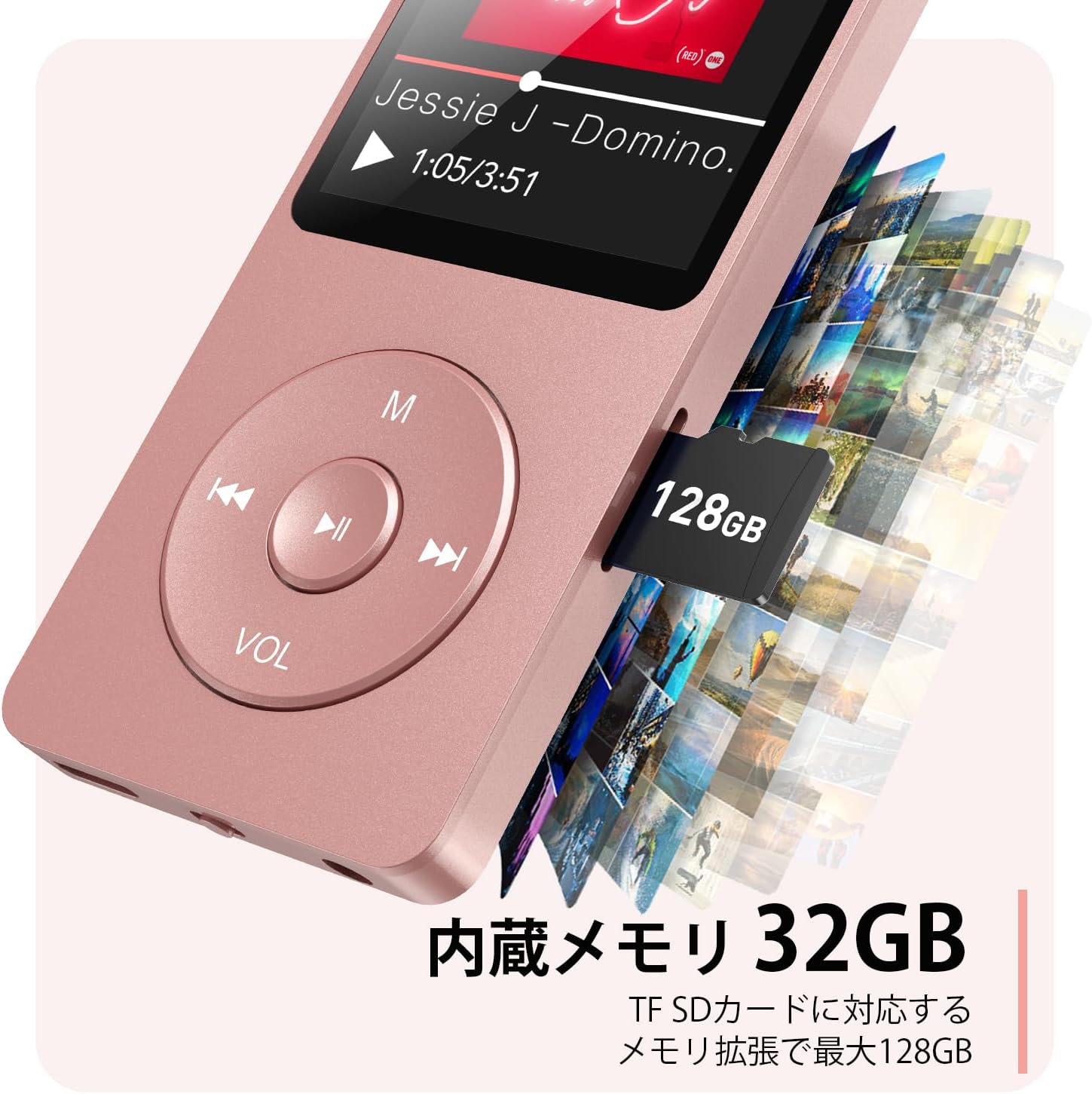
Figure 2.3: Side view with microSD card slot.
- USB-C Port: For charging and data transfer.
- 3.5mm Headphone Jack: For wired audio output.
- MicroSD Card Slot: For expandable storage up to 64GB.
3. Setup
3.1 Charging the Device
Before first use, fully charge the MP3 player. Connect the provided USB-C cable to the player's USB-C port and the other end to a USB power adapter (not included) or a computer's USB port. The screen will indicate charging status. A full charge takes approximately 2 hours and provides up to 40 hours of music playback.

Figure 3.1: MP3 Player charging indication.
3.2 Inserting a MicroSD Card
The player has 32GB of internal storage. To expand storage, insert a microSD card (up to 64GB, not included) into the microSD card slot until it clicks into place. Ensure the card is inserted correctly to avoid damage.
3.3 Transferring Music Files
- Connect the MP3 player to your computer using the USB-C cable.
- The player will appear as a removable disk on your computer.
- Drag and drop your music files (MP3, WMA, OGG, WAV, APE, FLAC, AAC, ACELP) into the 'Music' folder on the player or microSD card.
- Safely eject the device from your computer before disconnecting the cable.
4. Operating Instructions
4.1 Power On/Off
- Power On: Long press the Power button (usually on the side or top edge) until the screen lights up.
- Power Off: Long press the Power button until the 'Power Off' option appears, then select it.
4.2 Basic Navigation
Use the navigation buttons (Previous, Next, Play/Pause, M) to move through menus and select options. The Play/Pause button often acts as a 'Confirm' button in menus.

Figure 4.1: Main menu interface with various functions.
4.3 Music Playback
- From the main menu, select 'Music'.
- Browse by Artist, Album, Songs, Playlists, etc.
- Select a song to begin playback.
- Use the Previous/Next buttons to skip tracks, and Play/Pause to control playback.
- Adjust volume using the VOL button.
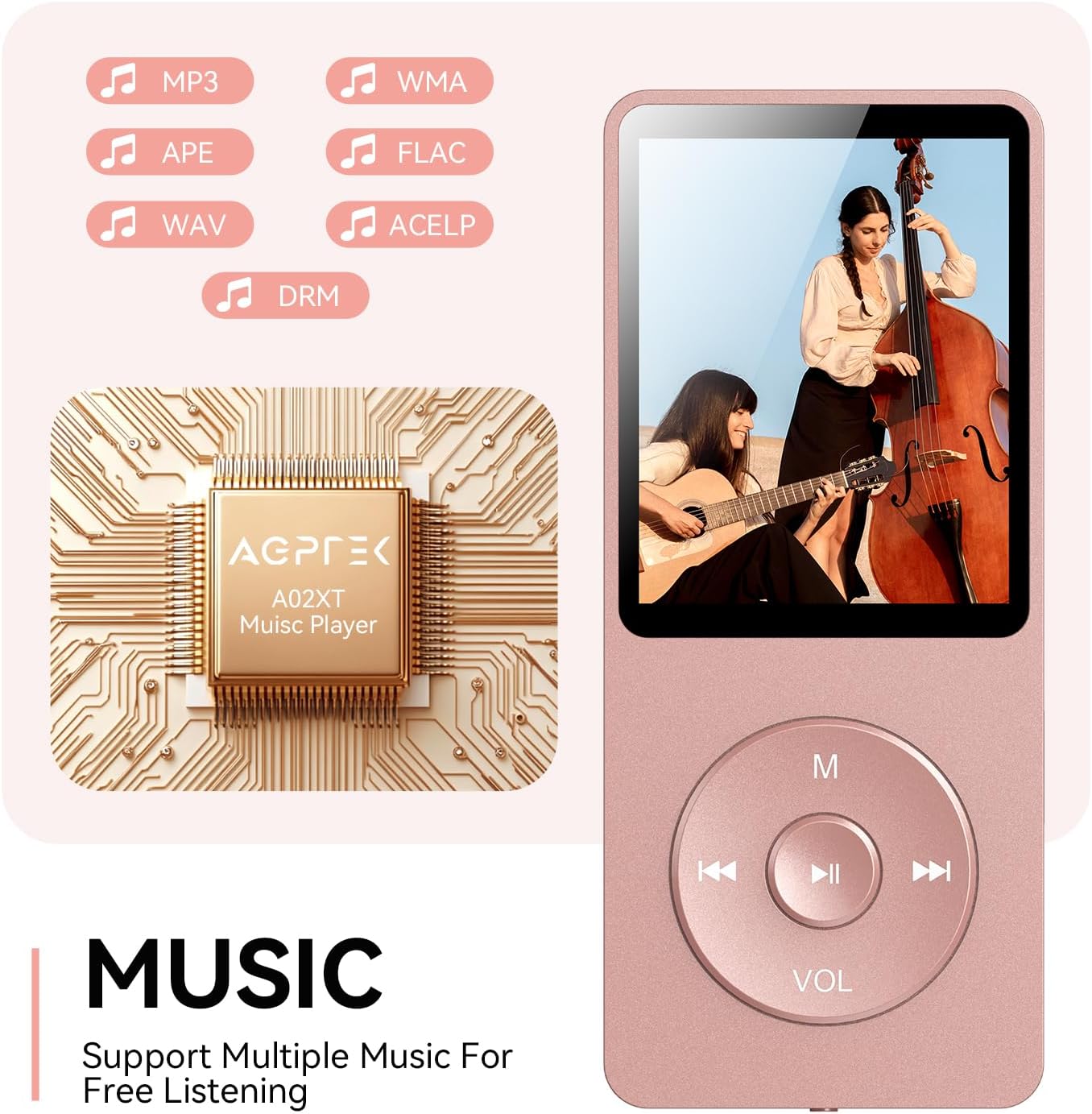
Figure 4.2: Music playback screen and supported formats.
4.4 Bluetooth Connection
The A02XT supports Bluetooth 5.3 for wireless audio output to headphones or speakers.
- From the main menu, select 'Bluetooth'.
- Turn on Bluetooth on the player.
- Ensure your Bluetooth headphones/speaker are in pairing mode.
- The player will search for nearby devices. Select your device from the list to pair.
4.5 FM Radio
- Connect wired earphones to the 3.5mm jack; they act as the antenna.
- From the main menu, select 'FM Radio'.
- Use the navigation buttons to scan for stations or manually tune.
4.6 Voice Recording
- From the main menu, select 'Record'.
- Choose 'Start Voice Recording' to begin.
- Press Play/Pause to stop and save the recording.
4.7 Screen Lock
To prevent accidental button presses, long press the 'M' button to lock the screen. Repeat the action to unlock.
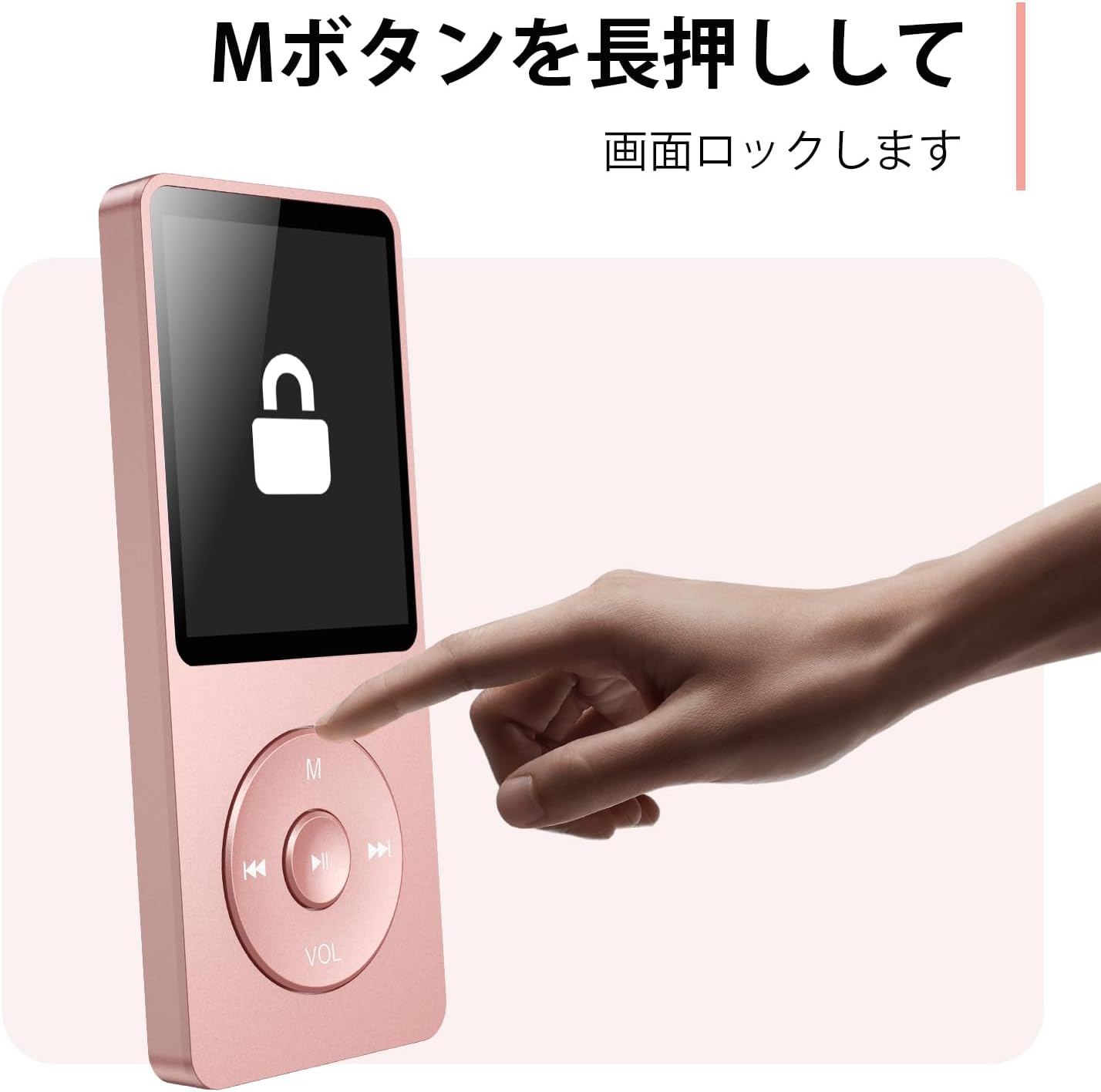
Figure 4.3: Screen lock function using the M button.
5. Maintenance
5.1 Cleaning
- Wipe the device with a soft, dry cloth.
- Do not use liquid cleaners or solvents.
5.2 Storage
- Store the player in a cool, dry place away from direct sunlight and extreme temperatures.
- Avoid dropping or subjecting the device to strong impacts.
5.3 Battery Care
- Charge the battery regularly, even if not in use, to maintain battery health.
- Avoid completely draining the battery frequently.
6. Troubleshooting
6.1 Device Not Turning On
- Ensure the battery is charged. Connect to a power source and try again.
- Perform a hard reset by pressing and holding the power button for 10-15 seconds.
6.2 Cannot Transfer Files
- Check the USB-C cable connection. Try a different cable or USB port.
- Ensure the device is properly recognized by your computer.
- Verify that the file format is supported by the player.
6.3 Bluetooth Pairing Issues
- Ensure both the player and the Bluetooth device are in pairing mode and within range.
- Turn off and on Bluetooth on both devices.
- Delete previous pairings and try pairing again.
6.4 No Sound
- Check the volume level.
- Ensure headphones are properly connected or Bluetooth device is paired.
- Test with different headphones or Bluetooth device.
7. Specifications
| Brand | AGPTEK |
| Model Name | A02XT |
| Memory Storage Capacity | 32 GB (expandable up to 64 GB via microSD card) |
| Color | Pink |
| Screen Size | 8.9 Centimeters (approx. 3.5 inches) |
| Media Type | microSD Card |
| Display Technology | LCD |
| Supported Audio Formats | MP3, WMA, OGG, WAV, APE, FLAC, AAC, ACELP |
| Battery Life | Up to 40 Hours |
| Item Weight | 130 Grams |
8. Warranty and Support
8.1 Warranty Information
This AGPTEK A02XT MP3 Player comes with a 1-year warranty from the date of purchase. This warranty covers manufacturing defects and malfunctions under normal use. It does not cover damage caused by misuse, accidents, unauthorized modifications, or normal wear and tear.
8.2 Customer Support
If you encounter any issues or have questions regarding your AGPTEK A02XT MP3 Player, please refer to the troubleshooting section of this manual first. If the problem persists, contact AGPTEK customer support through the official website or your retailer's support channels. Please have your purchase receipt and product model number (A02XT) ready when contacting support.


