
Introduction
Thank you for choosing the Philips S2508 Portable Karaoke Machine. This device combines a powerful Bluetooth speaker with dual wireless microphones, multi-colored light modes, and various input options to enhance your entertainment experience. This manual provides essential information for safe and effective use, setup, operation, and maintenance of your karaoke machine.
Safety Information
- Read all instructions before using the product.
- Keep the device away from water, moisture, and extreme temperatures.
- Do not attempt to disassemble or repair the device yourself. Refer to qualified service personnel.
- Use only the charging cables provided or recommended by the manufacturer.
- Avoid prolonged exposure to very high volume levels to prevent hearing damage.
Package Contents
Ensure all items are present in the package:
- Philips S2508 Portable Karaoke Machine (Main Unit)
- 2 Wireless Karaoke Microphones
- USB Charging Cable for Main Unit
- USB Charging Cable for Microphones
- AUX Cable
- Warranty Card
Product Overview
The Philips S2508 features a compact design with a comfortable carry strap for portability. It includes a display screen for song titles and light modes, along with intuitive controls for volume, vocal effects, and playback.

Figure 1: Philips S2508 Portable Karaoke Machine with two wireless microphones.
Main Unit Features
- Display Screen: Shows song titles, light modes, and other information.
- Control Buttons: For power, mode selection, volume adjustment, and track control.
- Speaker Grille: Delivers clear and powerful audio.
- Carry Strap: Soft, flexible rubber strap for easy transport.
Microphone Features
- Power/Volume Buttons: Control microphone power and volume levels.
- Vocal Effect Buttons: Apply 6 different vocal effects.
- Charging Port: Micro-USB port for recharging.

Figure 2: Two wireless microphones included with the Philips S2508.
Input/Output Ports
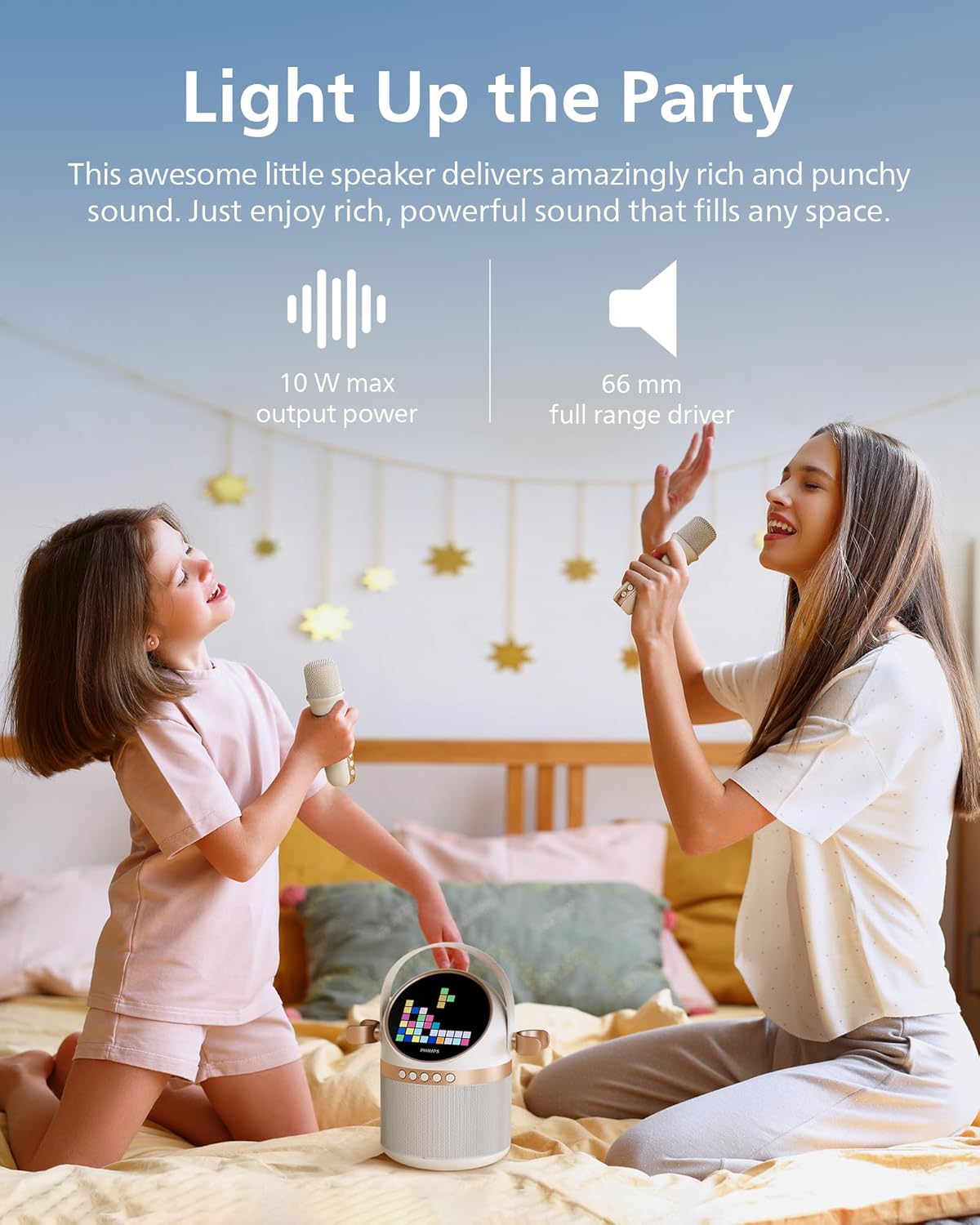
Figure 3: Rear panel with various input and charging ports.
- AUX Input: Connect external audio devices via 3.5mm cable.
- TF Card Slot: Play music directly from a TF (microSD) card.
- USB Port: Play music from a USB drive.
- DC 5V Charging Port: For charging the main unit.
Setup
1. Charging the Device
Before first use, fully charge the karaoke machine and microphones.
- Connect the main unit to a 5V DC power source using the provided USB charging cable. The charging indicator will light up.
- Connect each microphone to a 5V DC power source using their respective USB charging cables. The indicator on the microphone will show charging status.
- A full charge provides up to 7 hours of playtime for the main unit.
2. Microphone Setup
The two wireless microphones are pre-paired with the main unit. Simply turn them on to connect.
- Press and hold the power button on each microphone until it turns on.
- The microphones will automatically connect to the main unit.
3. Bluetooth Pairing
To play music from your mobile device, connect via Bluetooth:
- Turn on the Philips S2508 karaoke machine. It will automatically enter Bluetooth pairing mode.
- On your mobile device, go to Bluetooth settings and search for


