
Introduction
This manual provides essential instructions for the safe and efficient use of your TELEFUNKEN 50-inch Ultra HD Smart TV, model TE50750B46I2PZ. Please read this manual thoroughly before operating the device and retain it for future reference.

Image: Front view of the TELEFUNKEN 50-inch Ultra HD Smart TV, showcasing its slim bezel and the "Powered by TiVo" logo.
Important Safety Information
Always follow basic safety precautions when using this television to reduce the risk of fire, electric shock, and injury. Keep this manual accessible for reference.
- Do not expose the TV to rain or moisture.
- Do not block ventilation openings.
- Ensure proper grounding of the power plug.
- Protect the power cord from being walked on or pinched.
- Unplug the TV during lightning storms or when unused for long periods.
- Refer all servicing to qualified service personnel.
Setup Guide
1. Unpacking
Carefully remove the television from its packaging. It is recommended to have assistance due to the size and weight of the unit. Retain the packaging for potential future transport or service.
2. Stand Assembly
Attach the included stand to the television. The assembly process is designed to be straightforward and intuitive. Ensure all screws are securely fastened to prevent instability.
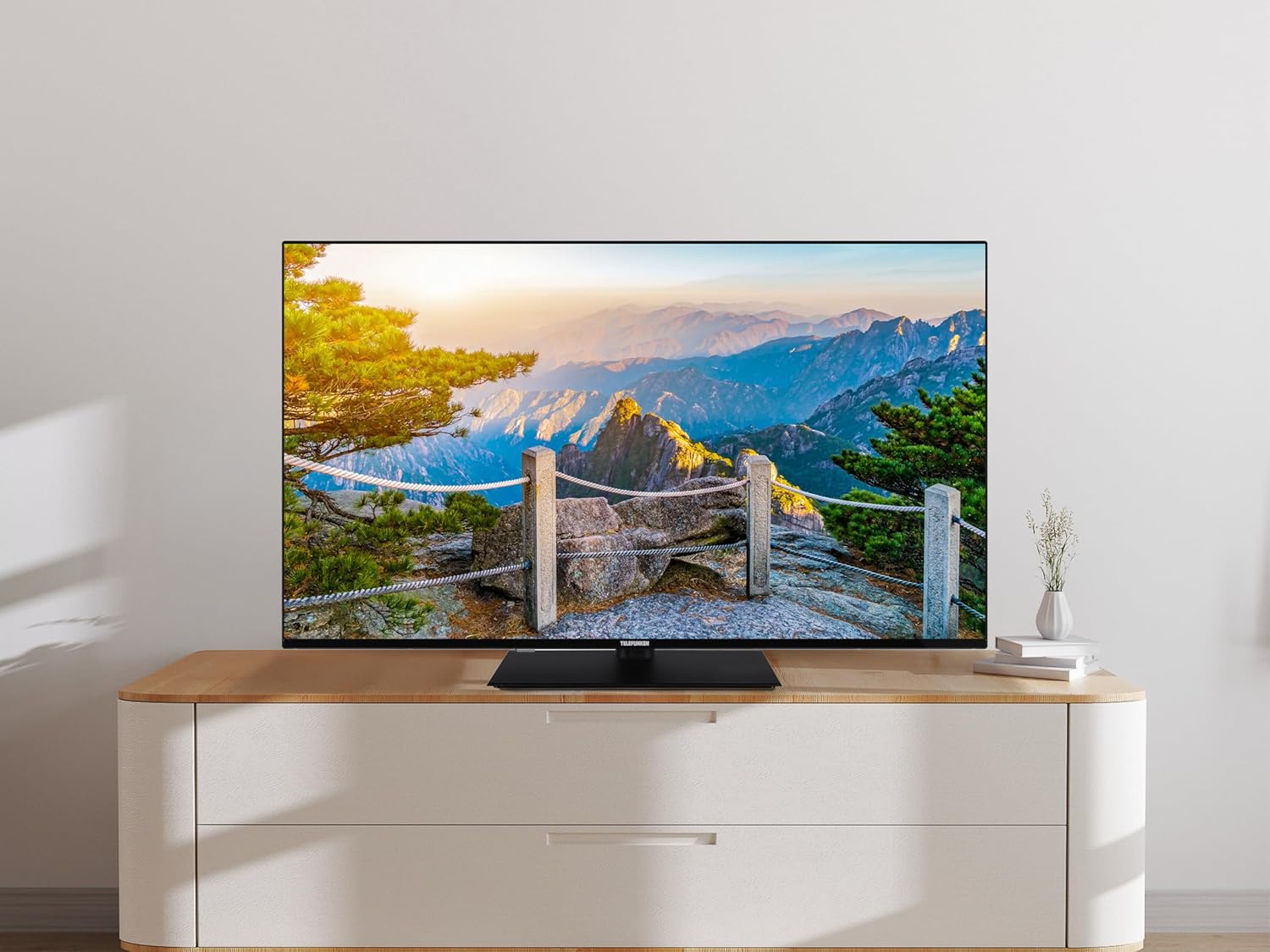
Image: The TELEFUNKEN 50-inch Smart TV positioned on a modern TV stand, illustrating a typical home setup.
3. Connecting External Devices
Your TV offers various connectivity options for external devices:
- HDMI Ports (x3): For connecting Blu-ray players, game consoles, soundbars, and other HDMI-enabled devices.
- USB Port (x1): For connecting USB storage devices to play media files.
- CI+ Slot: For Conditional Access Modules (CAM) required for certain encrypted digital TV services.
- Coaxial Audio Output: For connecting to external audio systems.
- Headphone Output: For private listening.
- Ethernet Port: For a wired internet connection.

Image: Close-up of the TV's rear panel, highlighting the HDMI, USB, CI+, and antenna input ports.
4. Initial Power On and Network Configuration
After connecting the power cable, press the power button on the remote control or TV. Follow the on-screen instructions for initial setup, including language selection, channel scanning, and network connection. For internet connectivity, you can choose between Wi-Fi or a wired Ethernet connection. Ensure your network details are correct for a successful connection.
Operating Instructions
Remote Control
The included remote control provides full functionality for navigating your TV. Familiarize yourself with the buttons for power, volume, channel selection, input source, and smart TV functions. The remote is designed for ease of use.
TiVo Operating System
Your TELEFUNKEN Smart TV features the TiVo operating system, offering a wide variety of applications and content. The TiVo OS is content-oriented and designed for ease of use, providing an optimal entertainment experience. Navigate through the intuitive interface to access streaming services, live TV, and other features.
Voice Assistant Integration
This TV is compatible with Alexa and Google Assistant. Utilize the integrated voice assistant feature for hands-free control, such as changing channels, adjusting volume, searching for content, or controlling smart home devices.
Picture and Sound Settings
Access the TV's settings menu to customize picture and sound. The Ultra HD resolution, Dolby Vision, and HDR10 technologies ensure defined images and realistic colors. Adjust brightness, contrast, color, and sharpness to your preference. For audio, the TV delivers clear sound, even at higher volumes. Explore sound modes to enhance your listening experience.
Maintenance
Cleaning the TV
To clean the screen, gently wipe it with a soft, lint-free cloth. For stubborn marks, slightly dampen the cloth with water or a specialized screen cleaner. Avoid using harsh chemicals or abrasive materials. For the TV casing, use a soft, dry cloth. Always unplug the TV before cleaning.
Troubleshooting
If you encounter issues with your TV, refer to the following common problems and solutions:
- No Power: Ensure the power cable is securely connected to both the TV and a working power outlet. Check if the power indicator light is on.
- No Picture/Sound: Verify that the correct input source is selected. Check all cable connections (HDMI, antenna, etc.). If using an external device, ensure it is powered on.
- Network Connection Issues: If the TV cannot connect to the internet, check your Wi-Fi password and router settings. For wired connections, ensure the Ethernet cable is properly connected. Sometimes, restarting your router and the TV can resolve connectivity problems.
- Remote Control Not Responding: Replace the batteries in the remote control. Ensure there are no obstructions between the remote and the TV's IR sensor.
- Poor Picture Quality: Check the antenna connection for digital TV. For external devices, ensure you are using high-quality cables. Adjust picture settings in the TV menu.
If problems persist, consult the full user manual included with your product or contact customer support.
Specifications
| Brand | TELEFUNKEN |
| Model | TE50750B46I2PZ |
| Screen Size | 50 inches |
| Screen Technology | LED |
| Resolution | 4K (3840 x 2160 pixels) |
| Refresh Rate | 60 Hz |
| Aspect Ratio | 16:9 |
| Special Features | Dolby Vision, HDR10, Integrated Voice Assistant (Alexa, Google Assistant compatible) |
| Connectivity Technology | Ethernet, HDMI (x3), USB (x1), Wi-Fi |
| Dimensions (W x H x D) | 112 cm x 70.1 cm x 23.5 cm (with stand) |
| Weight | 17 kg |
| Included Components | Power cable, User manual, Remote control |
| Manufacturer | Vestel |
| Country of Origin | Turkey |

Image: Technical diagram illustrating the width (1120 mm), height (701 mm), depth (87 mm for screen, 235 mm with stand), and stand width (451 mm) of the 50-inch TV.
Energy Efficiency
The TELEFUNKEN TE50750B46I2PZ Smart TV has an energy efficiency rating of F. For detailed information, refer to the energy label and the EPREL database.

Image: EU Energy Label for the TELEFUNKEN TE50750B46I2PZ, showing an energy class F rating and power consumption details.
You can find more information about the product's energy efficiency in the EPREL database by scanning the QR code on the energy label or by visiting the following link: EPREL Product Information
Warranty and Support
This product is covered by a warranty. For details regarding warranty terms and conditions, please refer to the specific warranty information provided with your purchase or contact TELEFUNKEN customer support. The product is designed for a minimum guaranteed availability of updates and firmware for 8 years and spare parts for 7 years from the date of market placement.
For assistance, please consult the full user manual included in the box or visit the official TELEFUNKEN support website.


