
DUSONLAP SU8
DUSONLAP SU8 Sleep Earbuds User Manual
Model: SU8 | Brand: DUSONLAP
Introduction
Welcome to the user manual for your DUSONLAP SU8 Sleep Earbuds. These ultra-lightweight, comfortable earbuds are designed to provide an immersive audio experience while effectively blocking external noise, making them ideal for sleep, focus, and relaxation. Please read this manual carefully to ensure proper use and maintenance of your device.


What's Included
Your DUSONLAP SU8 Sleep Earbuds package contains the following items:
- SU8 Sleep Earbuds x2
- SU8 Charging Case x1
- USB-C Charging Cable x1
- User Manual

Setup
Charging the Earbuds
Before first use, fully charge the earbuds and the charging case. The LED digital display on the charging case indicates the remaining power. The earbuds provide 5-7 hours of listening time, and the charging case extends this to a total of 40 hours. Charging time is approximately 1.5 hours via USB-C.

Pairing with Your Device
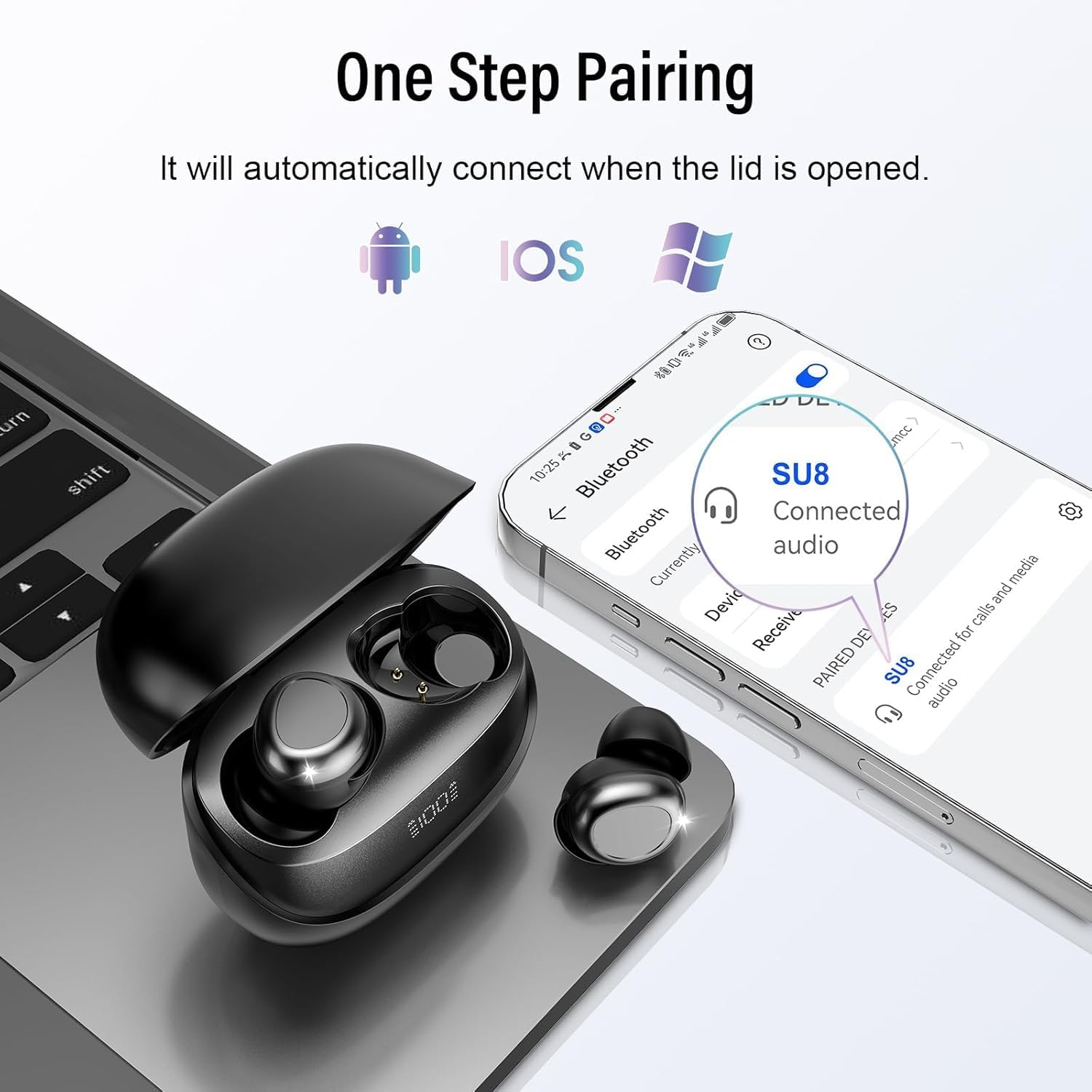
The DUSONLAP SU8 earbuds utilize advanced Bluetooth 5.4 technology for a fast, stable, and seamless connection. They support one-step pairing:
- Open the lid of the charging case.
- The earbuds will automatically enter pairing mode or connect to the last paired device.
- On your device (smartphone, tablet, laptop), go to Bluetooth settings and select "SU8" from the list of available devices.
- Once connected, you will hear a confirmation sound.
Wearing the Earbuds
The SU8 earbuds are designed with soft, skin-friendly silicone material and an ergonomic in-ear design for a comfortable and secure fit, even during side sleeping. They weigh only 3 grams per ear, providing a
Ask a question about this manual
Ask about setup, troubleshooting, compatibility, parts, safety, or missing instructions. Manuals+ will review the question and use this page’s manual context to help answer it.