
Introduction
Thank you for choosing CLAONER Solar Motion Sensor Outdoor Lights. This manual provides essential information for the safe and efficient installation, operation, and maintenance of your new outdoor lighting system. Please read these instructions carefully before use and retain them for future reference.
Safety Information
- Ensure the solar panel receives direct sunlight for optimal charging.
- Do not disassemble, repair, or modify the product. This may cause damage or injury.
- Keep the product away from fire or high temperatures.
- Avoid looking directly into the light when it is on, as it may cause eye strain.
- Install the light in a stable location to prevent it from falling.
What's in the Box
- 6 x Solar Motion Lights
- 12 x Screw Set
- 12 x Wall Plug
- 6 x Double Side Tape
- 1 x Instruction Manual
Product Overview
The CLAONER SL356AB Solar Motion Sensor Outdoor Light features a compact design with integrated solar charging and motion detection capabilities. Key components include:
- Solar Panel: Charges the internal battery during daylight.
- PIR Motion Sensor: Detects movement to activate lighting modes.
- Mode Switch: Button to cycle through different lighting modes.
- SMD LED Beads: High-power LEDs for bright illumination.
- High-strength ABS Shell: Durable and weather-resistant housing.
- Screw Holes: For secure mounting using screws.

Image: Detailed diagram illustrating the various parts of the solar motion light, including the solar panel, motion sensor, LED lights, and mounting points.

Image: The CLAONER Solar Motion Sensor Lights providing bright illumination on the exterior of a house, highlighting their effectiveness in an outdoor setting.
Setup and Installation
The CLAONER Solar Motion Sensor Outdoor Lights are designed for effortless installation with multiple mounting options. For optimal performance, ensure the solar panel is exposed to direct sunlight for 6-8 hours daily.
Installation Methods:
- Using Screws (Included): Secure the light to a wall or fence using the provided screws and wall plugs.
- Using Double-Sided Tape (Included): For smooth, flat surfaces, apply the included 3M adhesive tape to the back of the light and press firmly onto the desired location.
- Using Rope (Not Included): The light features holes that allow for mounting with a rope, offering flexibility for various outdoor structures.
Recommended Installation Height:
Install the lights at a height of 5-10 feet (1.5-3 meters) for optimal motion detection and illumination coverage.
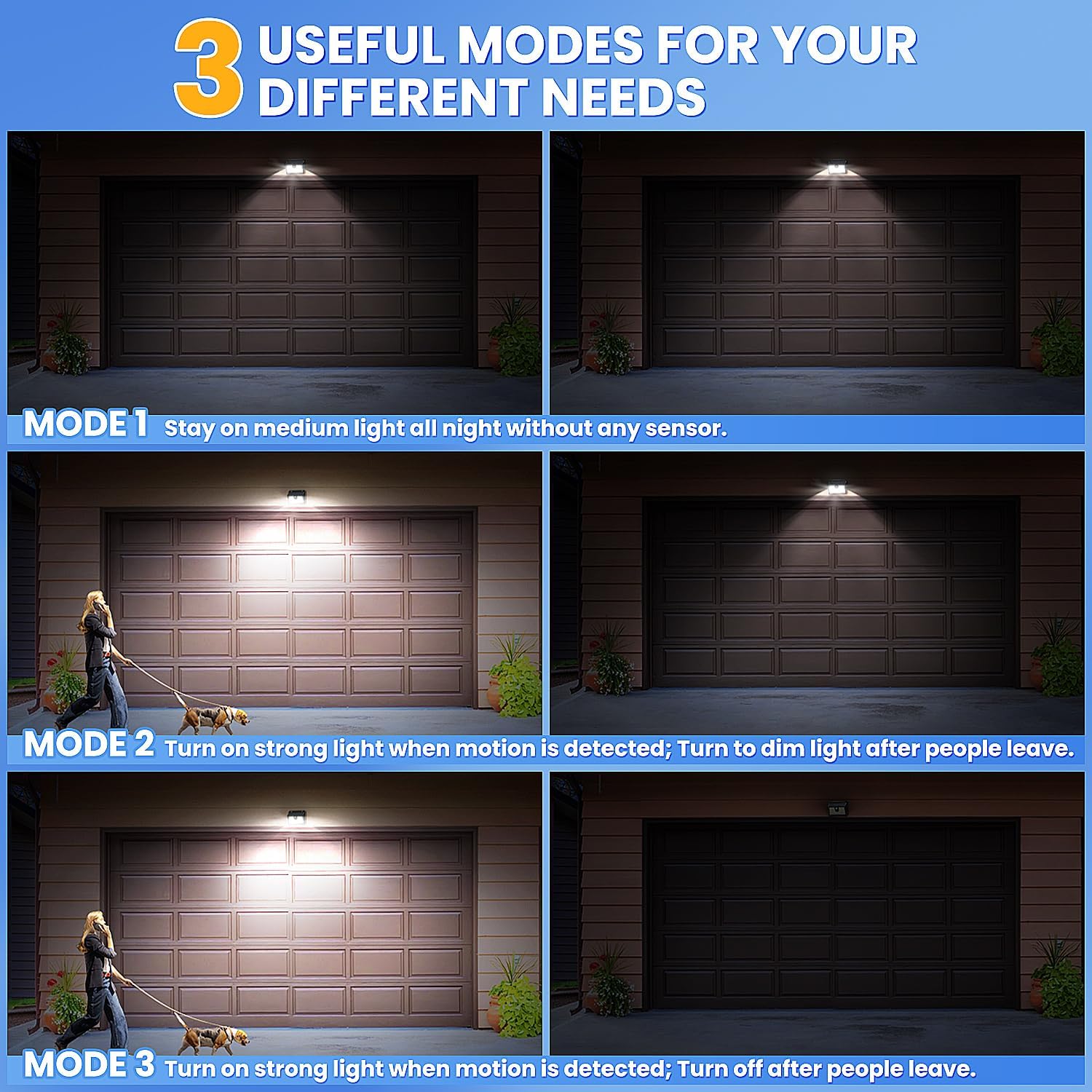
Image: Examples of CLAONER Solar Motion Sensor Outdoor Lights installed in various outdoor locations such as fences, garages, decks, and steps, showcasing their adaptability.

Image: A visual guide detailing three easy installation methods: securing with screws, attaching with double-sided adhesive tape, and hanging with rope.
Operating Instructions: Lighting Modes
The CLAONER Solar Motion Sensor Outdoor Lights offer 3 smart lighting modes to suit various needs. To cycle through the modes, press the mode switch button located on the front of the light.
- Mode 1 (Medium Light Constant On): The light stays on at 30% brightness throughout the night without motion detection. Press the button once to activate.
- Mode 2 (Dim Light Sensor Mode): The light stays on at low brightness and brightens to 100% when motion is detected. After 20 seconds of no motion, it returns to low brightness. Press the button twice to activate.
- Mode 3 (Strong Light Sensor Mode - Recommended): The light remains off until motion is detected, then turns on at 100% brightness. It turns off automatically 20 seconds after motion ceases. Press the button three times to activate.
- OFF: Press the button a fourth time to turn the light off.
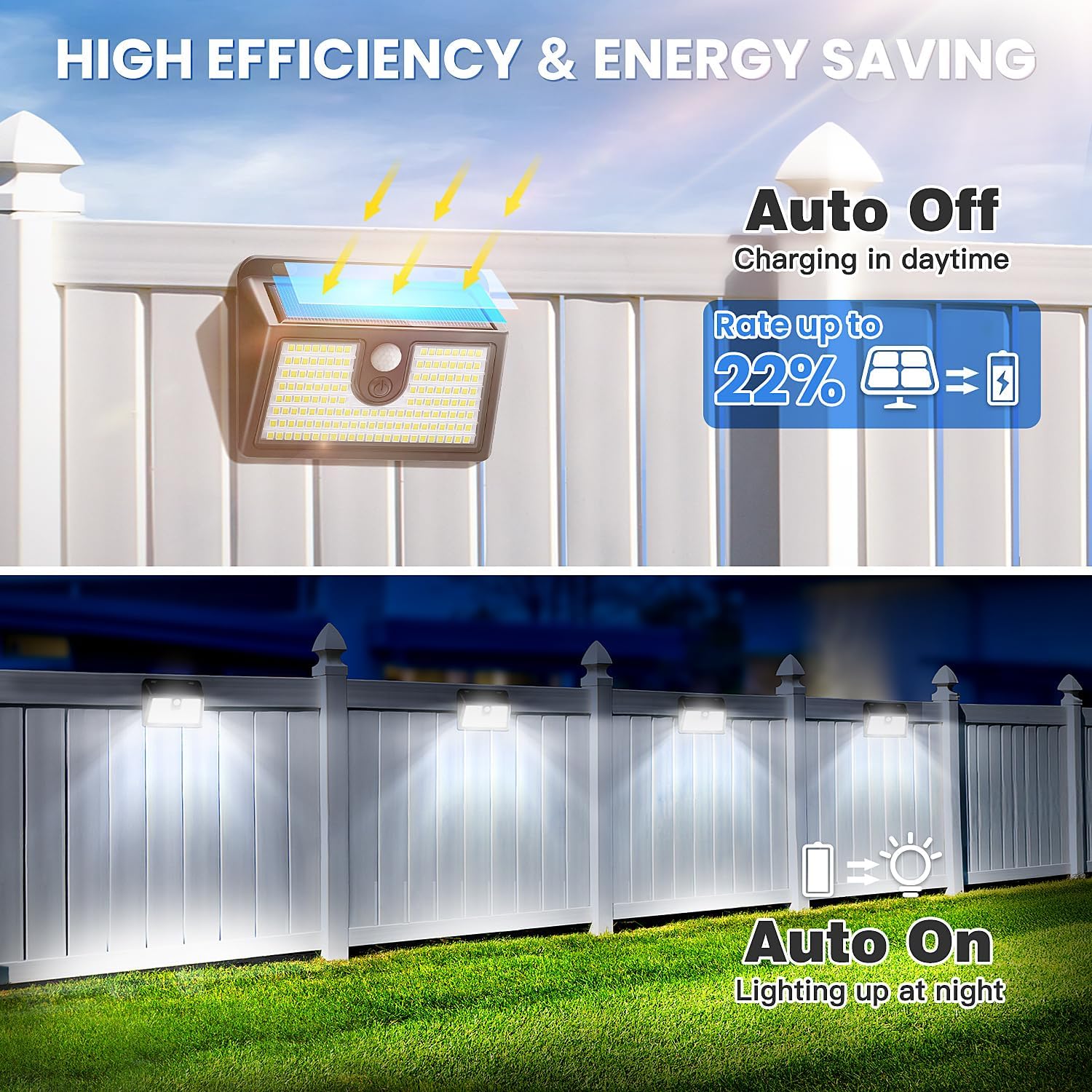
Image: Visual representation of the three distinct lighting modes: constant medium light, dim light with motion-activated brightening, and motion-activated strong light.
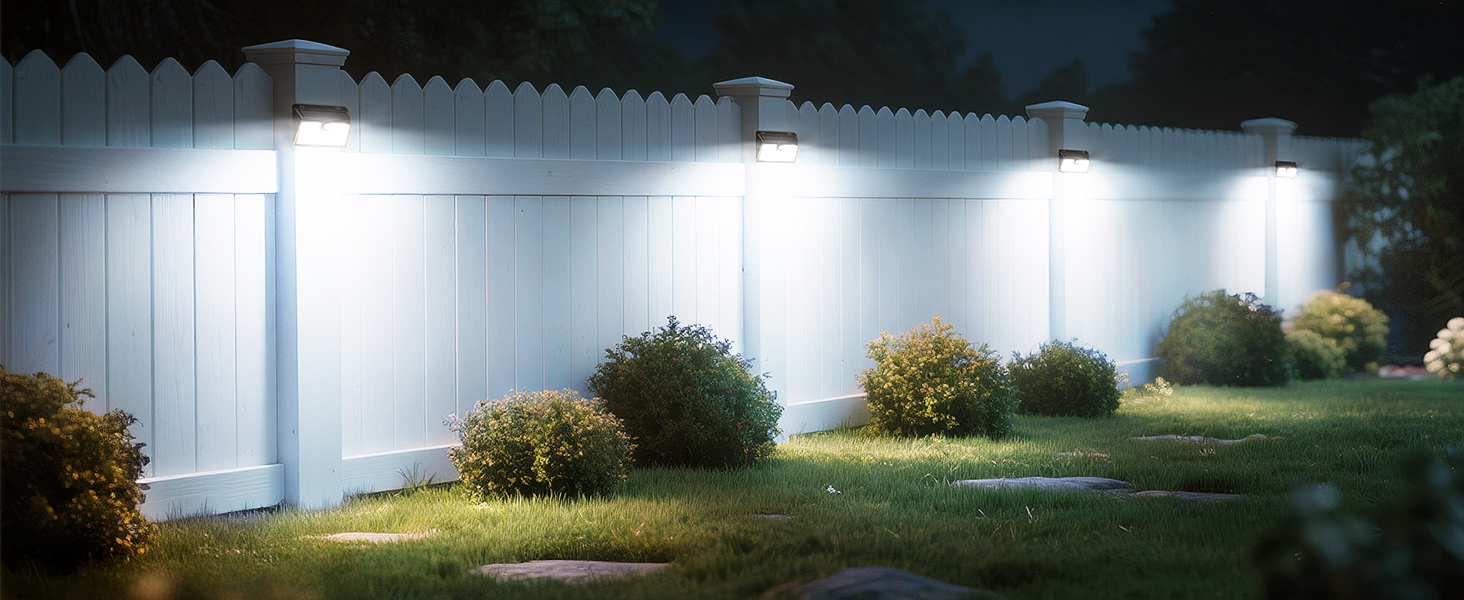
Image: An instructional graphic demonstrating the sequence of lighting modes (OFF, Mode 1, Mode 2, Mode 3) activated by successive presses of the mode switch button.
Maintenance
- Solar Panel Cleaning: Regularly wipe the solar panel with a soft, damp cloth to remove dust, dirt, or debris. A clean panel ensures maximum sunlight absorption and efficient charging.
- Weather Resistance: The lights are IP65 waterproof rated, designed to withstand rain, snow, and extreme temperatures. No special weather-proofing is required.
- Battery Longevity: The integrated battery is designed for long-term use. Avoid prolonged periods of storage without charging to maintain battery health.

Image: The solar light is shown enduring rain, snow, and high temperatures, illustrating its IP65 waterproof, frost-resistant, and heat-resistant capabilities.
Troubleshooting
- Light not turning on at night:
- Ensure the solar panel is receiving sufficient direct sunlight during the day (6-8 hours recommended).
- Check if the mode switch is set to "OFF". Press the button to cycle through modes.
- Verify that the installation location is not under strong artificial light sources at night, which might prevent the light from activating.
- Light not staying bright or runtime is short:
- Clean the solar panel surface to ensure maximum charging efficiency.
- Consider relocating the light to an area with more direct sunlight exposure.
- Battery performance may decrease in extremely cold temperatures; this is normal for solar products.
- Motion sensor not detecting movement:
- Ensure the light is installed within the recommended height range (5-10 feet).
- Verify that the motion sensor is not obstructed.
- Check the selected lighting mode; Mode 3 (Strong Light Sensor Mode) is recommended for optimal motion detection.
Specifications
| Brand | CLAONER |
| Model Name | SL356AB |
| Light Style | 149 LED Solar Light |
| Battery Specification | 3.7V 1200mAh |
| Solar Panel | 5.5V 0.65W |
| Material | High Strength Acrylonitrile Butadiene Styrene (ABS) |
| Waterproof Level | IP65 |
| Product Dimensions | 4.33"L x 3.35"W x 1.5"H |
| Light Color | Cool White (6500 Kelvin) |
| Brightness | 800 Lumen |
| Sensing Angle | 120° |
| Sensing Distance | 20-26 feet (6-8 meters) |
| Illumination Area | Up to 322 sq. ft. (30 m²) |

Image: A clear diagram illustrating the precise dimensions of the solar motion light, including its length, width, and height.
Warranty and Support
CLAONER stands behind the quality of its products. Your Solar Motion Sensor Outdoor Lights come with:
- 2-Year Warranty: Enjoy peace of mind with a comprehensive 2-year warranty covering manufacturing defects.
- 60-Day Return Policy: A no-questions-asked return policy within 60 days of purchase.
- 24/7 Online Service: Dedicated customer support available 24 hours a day, 7 days a week.
- 365 Worry-Free Warranty: Extended support for a full year to ensure your satisfaction.
For any inquiries, technical assistance, or warranty claims, please contact CLAONER customer service. We are committed to providing hassle-free outdoor lighting for years to come.

Image: An infographic highlighting CLAONER's commitment to customer satisfaction through 24/7 online service, a customer-first approach, and a 365-day worry-free warranty.