
1. Introduction
This manual provides detailed instructions for the safe and efficient use of your BNCF Bpad Mini Android 14 Tablet. Please read this manual thoroughly before operating the device and retain it for future reference.
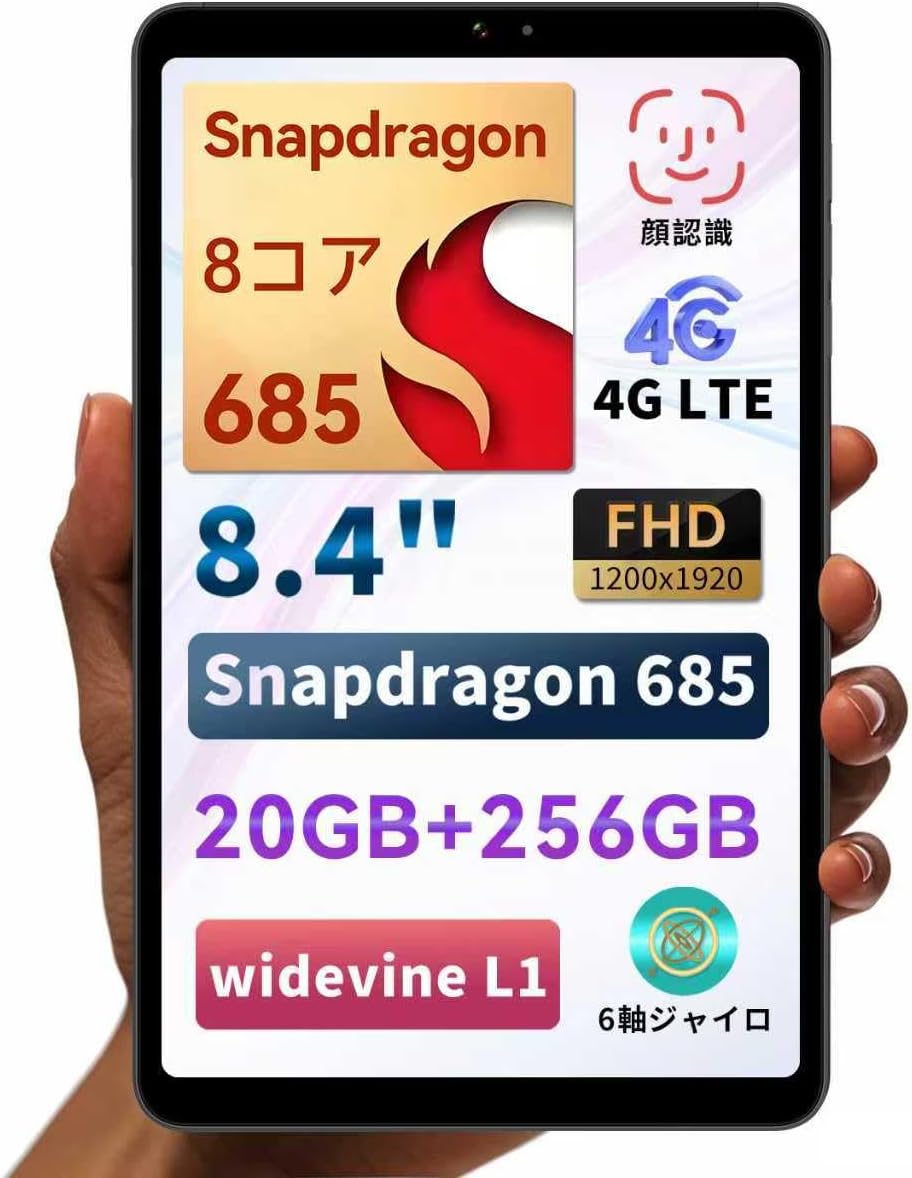
Figure 1: BNCF Bpad Mini Android 14 Tablet
2. Product Overview
2.1 Package Contents
Ensure all items are present in the package:
- BNCF Bpad Mini Tablet
- User Manual
- Charging Adapter (5V/2A)
- Type-C Cable (5V/2A)
- SIM Card Eject Pin

Figure 2: Package Contents
2.2 Device Components
Familiarize yourself with the physical layout of your Bpad Mini:
- Front Camera: For selfies and video calls.
- Rear Camera & Flashlight: For high-resolution photos and videos.
- Power Button: To turn the device on/off or wake/sleep the screen.
- Volume Buttons: To adjust audio volume.
- Speakers: Integrated for audio output.
- Type-C Port: For charging and data transfer.
- Microphone: For audio input.
- SIM/Micro SD Card Slot: For cellular connectivity and expandable storage.
- Light Sensor: Automatically adjusts screen brightness.
- Proximity Sensor: Turns off the screen during calls.
Figure 3: Device Components and Ports
3. Setup
3.1 Initial Charging
Before first use, fully charge your tablet using the provided charging adapter and Type-C cable. The tablet supports 18W PD fast charging, but a standard charger is included. A fast charger must be purchased separately if desired.

Figure 4: Charging the Bpad Mini
3.2 Powering On/Off
- To Power On: Press and hold the Power button until the screen lights up.
- To Power Off: Press and hold the Power button, then select 'Power off' from the options.
- To Restart: Press and hold the Power button, then select 'Restart' from the options.
3.3 SIM Card and Micro SD Card Installation
The Bpad Mini supports 4G LTE connectivity and expandable storage via a Micro SD card.
- Locate the SIM/Micro SD card slot on the side of the tablet.
- Insert the SIM eject pin into the small hole next to the tray to open it.
- Place your Nano-SIM card(s) and/or Micro SD card into the tray, ensuring correct orientation.
- Gently push the tray back into the slot until it clicks into place.

Figure 5: SIM/Micro SD Card Installation
Important Note for 4G Connectivity:
- After inserting the SIM card, APN settings may be required for certain carriers (e.g., Rakuten Mobile, IIJmio, BIGLOBE Mobile, OCN Mobile ONE, UQ mobile). Please search for "APN manual settings" on your carrier's official website for instructions.
- For carriers like docomo, au, SoftBank, and Y!mobile, APN settings may be automatically configured.
- If experiencing connection issues, restart the device in an area with good signal. Verify APN settings under Settings > Network > Mobile Network. If the APN field is blank, manual entry is required.
3.4 Initial Setup Wizard
Upon first power-on, follow the on-screen instructions to complete the initial setup, including language selection, Wi-Fi connection, Google account login, and security settings.
4. Operating Instructions
4.1 Android 14 Features
Your Bpad Mini runs on Android 14, offering enhanced multitasking, improved privacy and security features, efficient battery management, and a smoother user interface.
- Split Screen: Easily use two apps simultaneously.
- Smart Screen Cast: Project your tablet screen wirelessly to a larger display.
- Three-Finger Screenshot: Capture screenshots quickly with a simple gesture.
- Parental Controls: Manage device usage for children.

Figure 6: Android 14 Interface

Figure 7: Split Screen Multitasking

Figure 8: Wireless Screen Casting
4.2 Connectivity
- Wi-Fi: Supports 2.4G and 5G dual-band Wi-Fi for fast and stable internet browsing and online gaming.
- 4G LTE: Stay connected even without Wi-Fi. The tablet can also function as a phone.
- Bluetooth 5.0: Connect wirelessly to headphones, speakers, and other Bluetooth devices for enhanced entertainment.
- GPS: Provides accurate navigation services.

Figure 9: Connectivity Features

Figure 10: Dual-band Wi-Fi

Figure 11: Bluetooth 5.0 Connection

Figure 12: GPS Navigation
4.3 Camera Usage
The tablet features a 32MP rear camera and a 5MP front camera. Open the Camera app to capture photos and videos. The 32MP rear camera supports high-resolution video recording, including 4K.
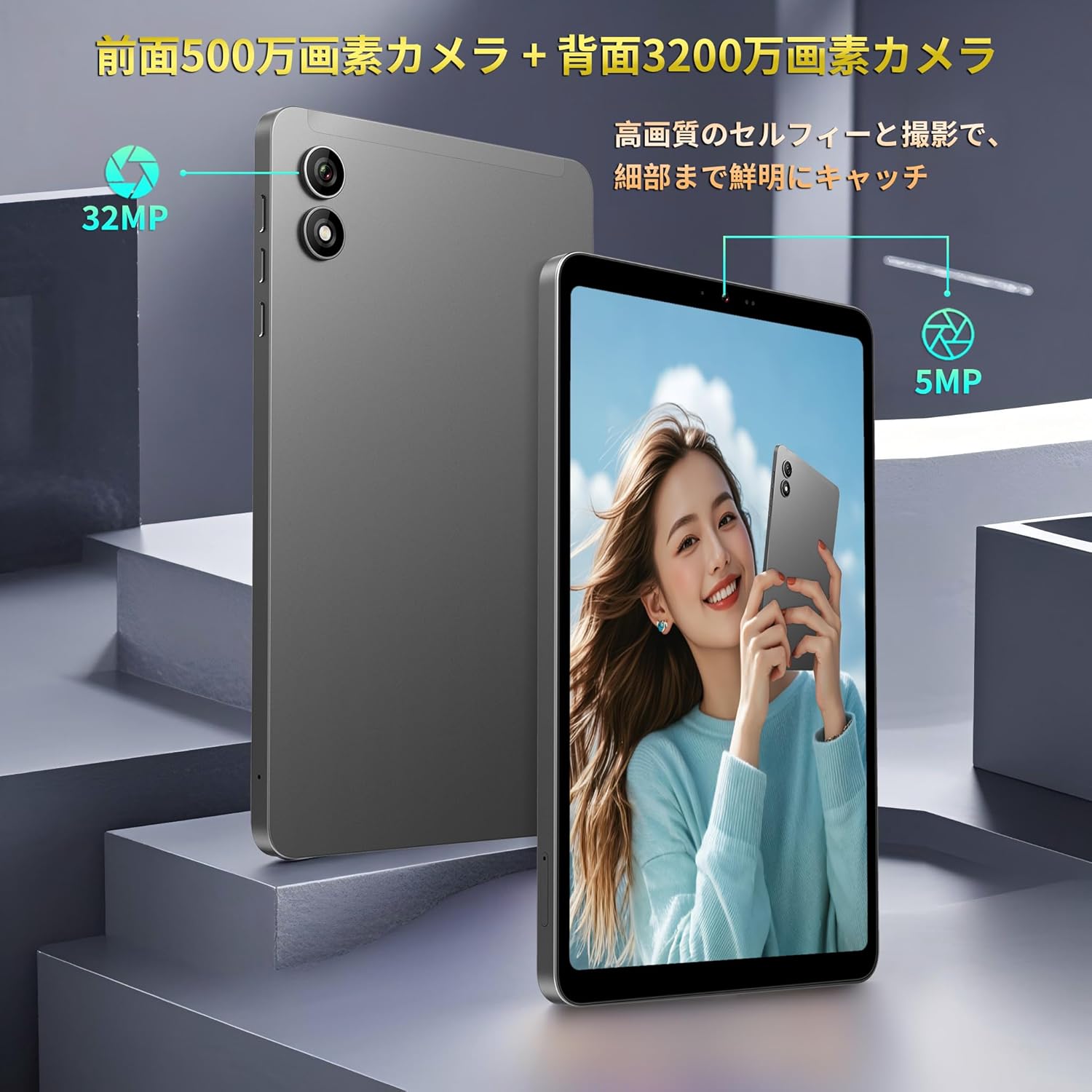
Figure 13: Front and Rear Cameras
4.4 Media Consumption
The 8.4-inch FHD IPS display (1920x1200) with in-cell full lamination technology provides clear and vibrant visuals. Widevine L1 support allows for high-definition streaming from services like Netflix, Amazon Prime Video, and Disney+.

Figure 14: FHD IPS Display with Widevine L1
4.5 Sensors and Performance
The Bpad Mini is equipped with a Gyro sensor for automatic screen orientation adjustment and enhanced gaming, a Light sensor for automatic brightness control, and a Proximity sensor for power saving during calls.
Powered by a Snapdragon 685 Octa-core processor (up to 2.8GHz) and Adreno 610 GPU, the tablet ensures smooth performance for various tasks, including gaming and video playback.
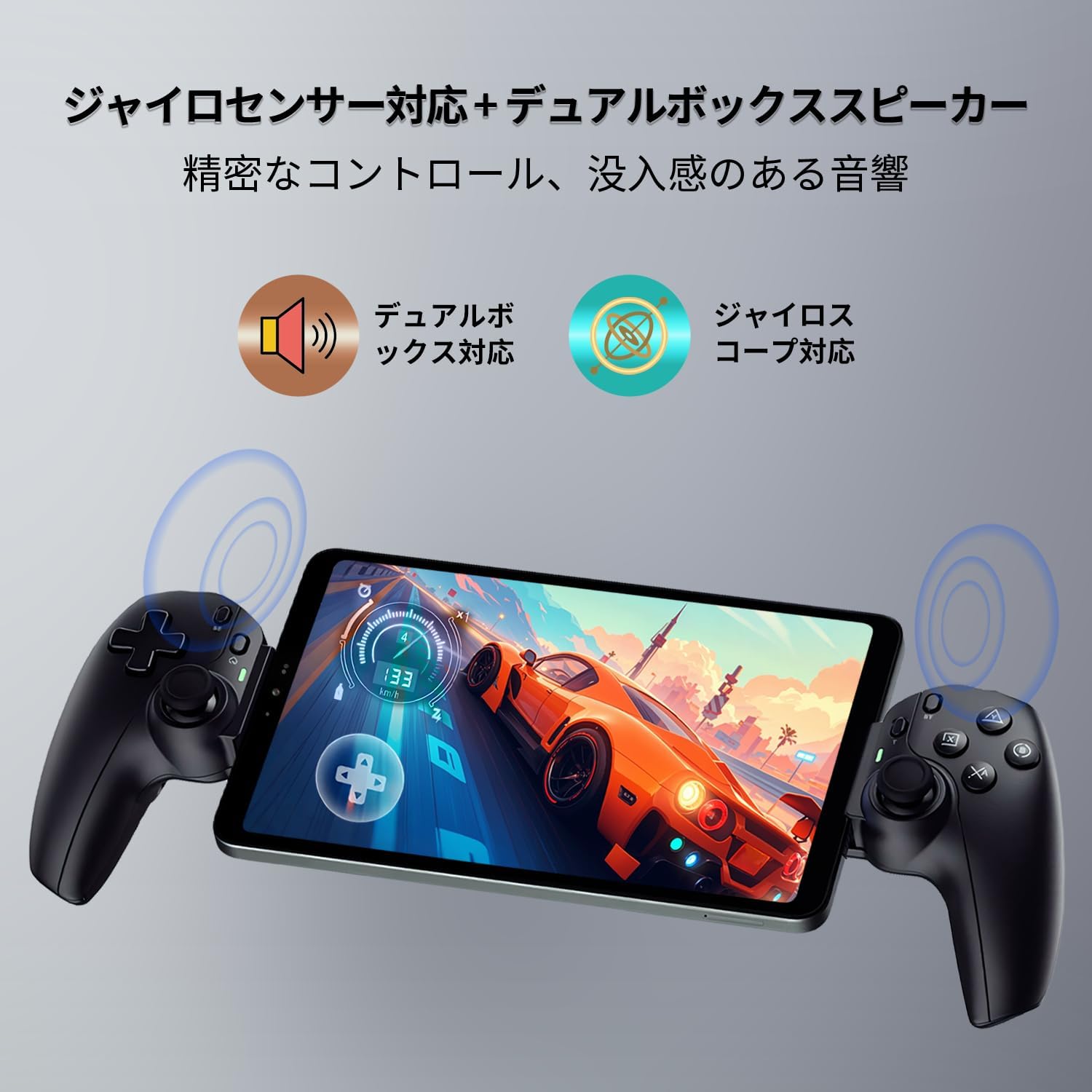
Figure 15: Gyro Sensor for Gaming

Figure 16: Snapdragon 685 Processor and Adreno 610 GPU
4.6 Face Recognition
Unlock your device quickly and securely using face recognition. Set up this feature in the security settings.

Figure 17: Face Recognition Security
5. Maintenance
5.1 Battery Care
- Avoid extreme temperatures, as they can degrade battery life.
- Do not let the battery completely drain frequently.
- Use only the provided or certified chargers and cables.
5.2 Cleaning the Device
Use a soft, lint-free cloth to clean the screen and body of the tablet. Avoid using harsh chemicals or abrasive materials.
5.3 Software Updates
Regularly check for and install system updates to ensure optimal performance, security, and access to new features. Go to Settings > System > System update.
5.4 Storage Management
The tablet comes with 256GB of UFS storage and supports up to 1TB Micro SD card expansion. Regularly manage your files and applications to free up space and maintain performance.
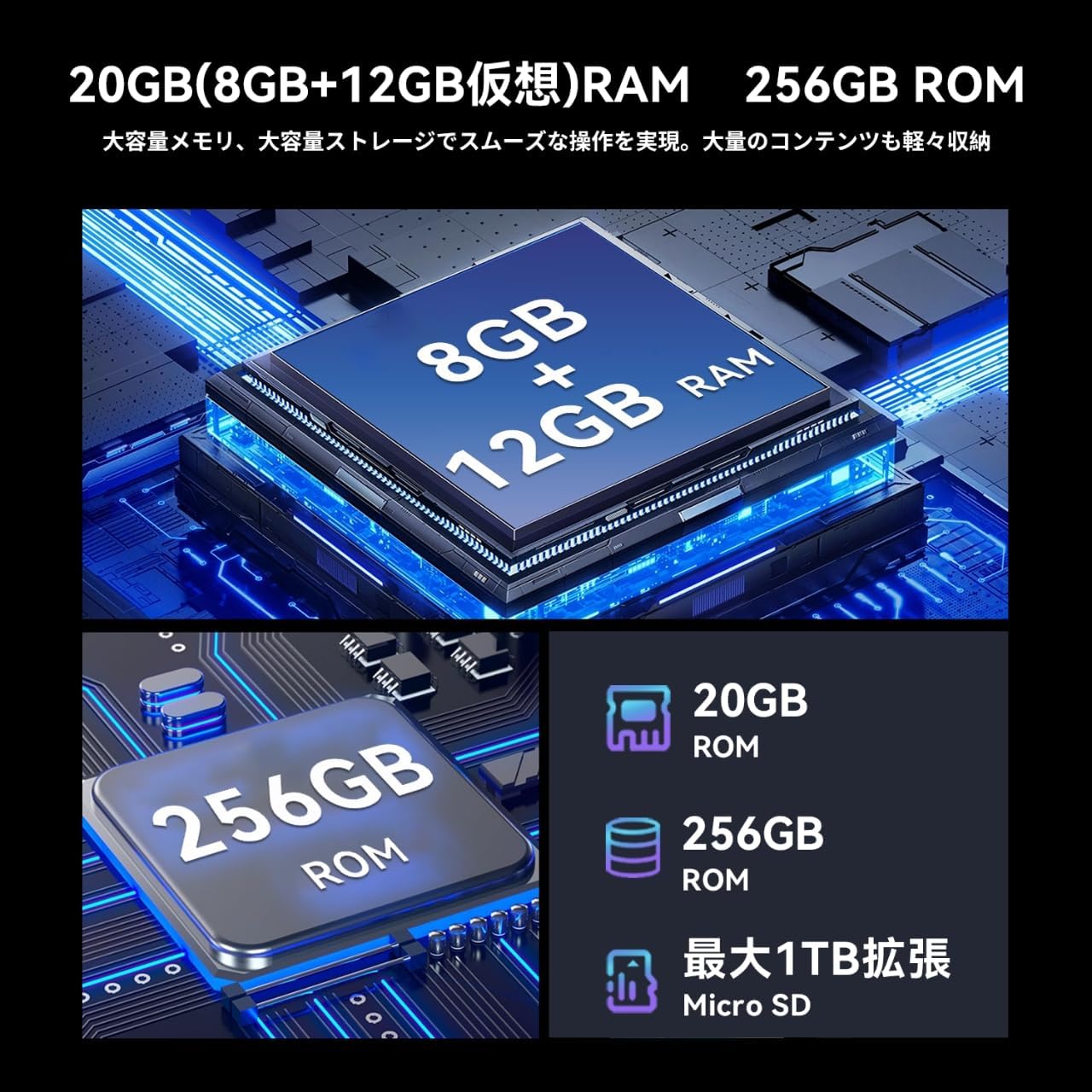
Figure 18: Memory and Storage
6. Troubleshooting
If you encounter issues with your Bpad Mini, refer to the following common solutions:
- Device not turning on: Ensure the battery is charged. Connect the tablet to the charger for at least 30 minutes before attempting to power on again.
- Touch screen unresponsive: A small number of devices from specific manufacturing batches may experience touch screen issues due to faulty FPC (flexible printed circuit) boards. If you experience this, please contact customer service for a free replacement. For general unresponsiveness, try restarting the device.
- Connectivity issues (Wi-Fi/4G):
- For Wi-Fi, ensure you are within range of a known network and the password is correct.
- For 4G, ensure the SIM card is correctly inserted and activated. Check APN settings as described in Section 3.3. Restart the device in an area with good signal strength.
- Apps crashing or freezing: Close background applications. Clear the cache of the problematic app (Settings > Apps > [App Name] > Storage > Clear cache). If the issue persists, uninstall and reinstall the app.
- Slow performance: Close unused apps, clear cache, and ensure sufficient storage space. Consider a factory reset as a last resort (Note: This will erase all data on the device. Back up important data first).
7. Specifications
| Feature | Specification |
|---|---|
| Brand | BNCF |
| Model Name | Bpad Mini |
| Operating System | Android 14 |
| CPU | Snapdragon 685 Octa-core (up to 2.8 GHz) |
| GPU | Adreno 610 |
| Display Size | 8.4 inches |
| Display Resolution | 1920x1200 FHD IPS |
| RAM | 20GB (8GB + 12GB Virtual) |
| Internal Storage | 256GB UFS |
| Expandable Storage | Up to 1TB via Micro SD card |
| Rear Camera | 32 MP |
| Front Camera | 5 MP |
| Battery Capacity | 6050 mAh |
| Charging | 18W PD Fast Charging (Type-C) |
| Connectivity | 4G LTE, 2.4G/5G Wi-Fi, Bluetooth 5.0, GPS |
| Dimensions | 200.8 x 124.2 x 7.6 mm |
| Weight | 310 g |
| Sensors | Gyro Sensor, Light Sensor, Proximity Sensor |
| Other Features | Widevine L1, Face Recognition, Dual Box Speakers |
8. Warranty and Support
8.1 Product Warranty
The BNCF Bpad Mini comes with a 12-month product warranty from the date of purchase. This warranty covers manufacturing defects and issues arising from normal use.
8.2 Customer Support
For any questions, technical assistance, or warranty claims, please contact BNCF customer service through Amazon:
- Log in to your Amazon account.
- Go to 'Order History'.
- Locate the relevant order for your Bpad Mini.
- Click on 'Contact Seller'.
Our customer service team typically responds within 6 hours.
