
MELOKEA F047B
MELOKEA Office Chair USCHAF047B-test-FBA User Manual
Model: F047B | Brand: MELOKEA
1. Introduction and Overview
Thank you for choosing the MELOKEA Office Chair USCHAF047B-test-FBA. This manual provides essential information for the proper assembly, operation, maintenance, and troubleshooting of your new office chair. Please read this manual thoroughly before assembly and retain it for future reference.
The MELOKEA Office Chair is designed for comfort and support during extended periods of sitting. It features a robust construction with a maximum weight recommendation of 200 kilograms, ergonomic adjustments, and a durable nylon frame.
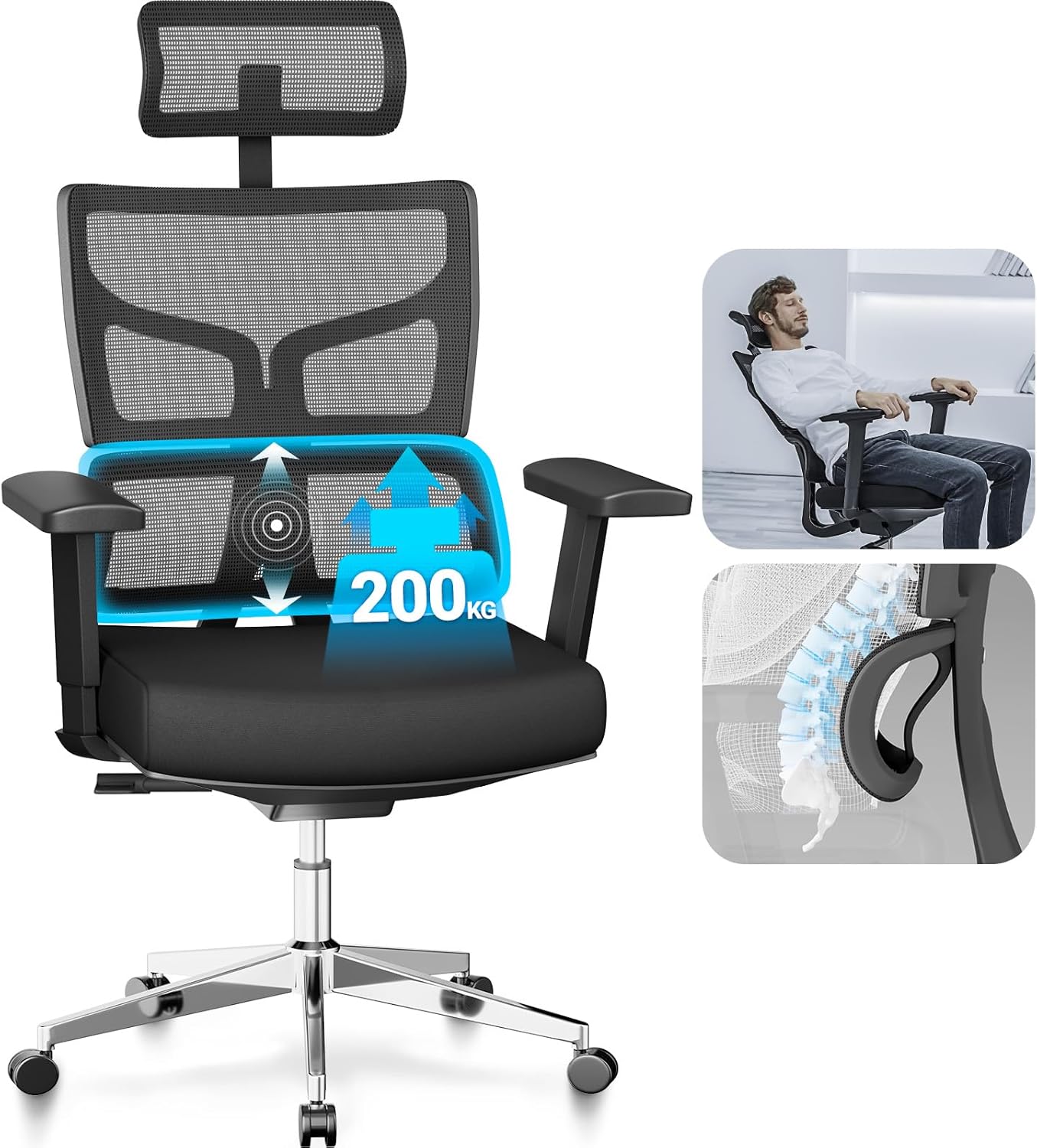
Figure 1.1: MELOKEA Office Chair highlighting adjustable lumbar support and recline capability. This image illustrates the chair's ergonomic design and its capacity to support up to 200kg.
2. Safety Information
Please observe the following safety precautions to prevent injury and damage to the product:
- Heavy Package: The chair package is heavy (approximately 18.15 kg). Exercise caution when lifting and moving the box. It is recommended to have two people lift the package.
- Unpacking: Do not use sharp objects like box cutters to open the package, as this may damage the contents.
- Assembly: Assemble the chair on a soft, clean surface to prevent scratches. Ensure all components are present and undamaged before beginning assembly.
- Stability: Do not stand on the chair. Do not use the chair as a step stool.
- Weight Limit: Do not exceed the maximum weight recommendation of 200 kilograms (440 lbs).
- Children and Pets: Keep children and pets away from the assembly area. Small parts can be a choking hazard.
- Maintenance: Regularly check all bolts and screws to ensure they are tight. Retighten if necessary.
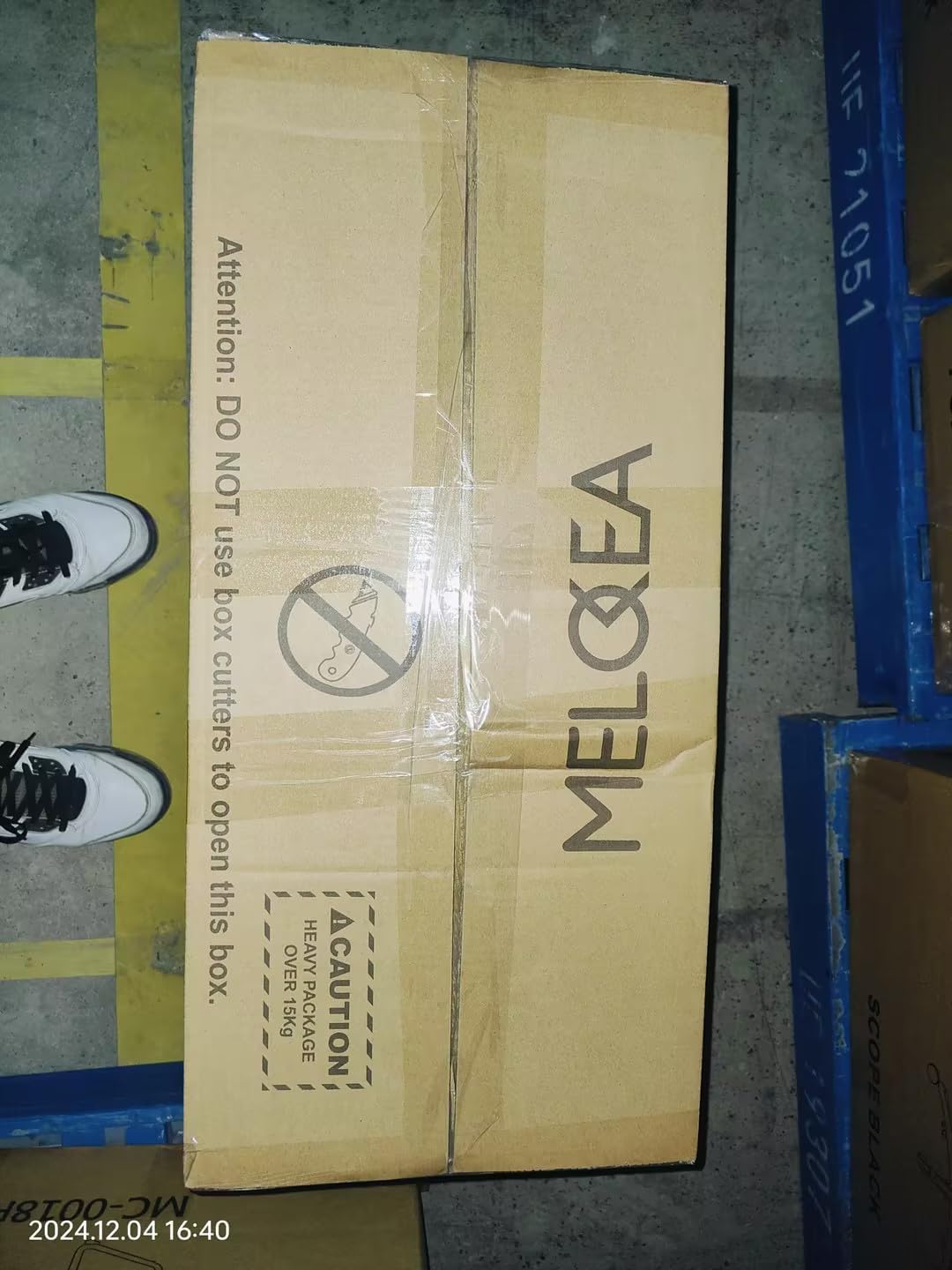
Figure 2.1: Warning label on the package indicating not to use box cutters to open the box, to prevent damage to contents.

Figure 2.2: The MELOKEA chair packaging, displaying a caution for heavy package (over 15kg), emphasizing the need for careful handling.
3. Package Contents
Before beginning assembly, verify that all parts are present and undamaged. If any parts are missing or damaged, do not proceed with assembly. Contact customer support immediately.
The package should contain the following components:
- Backrest
- Seat Cushion
- Armrests (2)
- Gas Lift Cylinder
- Star Base (5-star)
- Casters (5)
- Mechanism Plate
- Headrest
- Hardware (screws, washers, Allen wrench)
- Instruction Manual (this document)
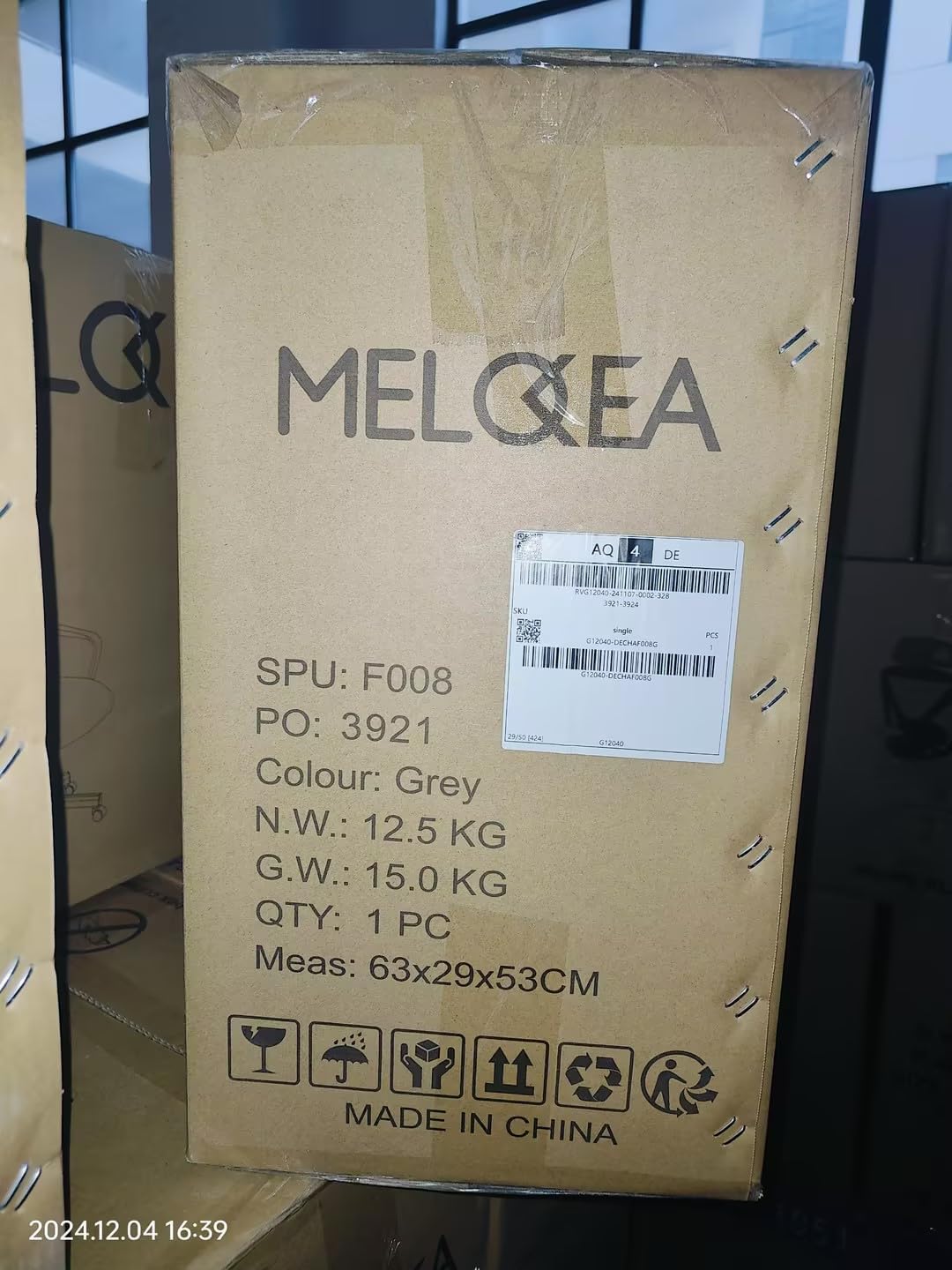
Figure 3.1: Shipping box for the MELOKEA Office Chair, showing product details and handling information. Note: The product color is Black, despite some box labels indicating Grey.
4. Setup and Assembly
Follow these steps carefully to assemble your MELOKEA Office Chair. It is recommended to have a second person assist with assembly.
- Prepare the Base: Insert the five casters into the holes at the end of each leg of the star base. Push firmly until they click into place.
- Install Gas Lift: Place the gas lift cylinder into the center hole of the assembled star base.
- Attach Mechanism Plate: Align the mechanism plate with the pre-drilled holes on the underside of the seat cushion. Ensure the front of the mechanism faces the front of the seat. Secure with screws using the provided Allen wrench.
- Connect Seat to Base: Carefully place the assembled seat cushion onto the gas lift cylinder, ensuring it is centered and stable.
- Attach Armrests: Secure the armrests to the sides of the seat cushion using the designated screws. Ensure they are oriented correctly (left and right).
- Attach Backrest: Align the backrest with the mounting points on the mechanism plate or armrests (depending on design). Secure with screws.
- Install Headrest: Slide the headrest into the designated slots at the top of the backrest. Adjust to your preferred height.
- Final Check: Once assembled, sit on the chair to engage the gas lift. Test all adjustments and ensure all screws are tight.
5. Operating Instructions
Your MELOKEA Office Chair offers several adjustments to customize your seating experience:
- Seat Height Adjustment: Locate the lever on the right side under the seat. To raise the seat, lift the lever while taking your weight off the chair. To lower the seat, lift the lever while seated.
- Recline/Tilt Adjustment: The lever on the left side under the seat controls the recline function. Pull the lever outwards to unlock the tilt mechanism, allowing the backrest to recline. Push the lever inwards to lock the backrest in an upright position.
- Tilt Tension Control: The round knob at the front center under the seat adjusts the tension of the tilt mechanism. Turn clockwise to increase tension (making it harder to recline) and counter-clockwise to decrease tension (making it easier to recline).
- Lumbar Support Adjustment: The lumbar support can be adjusted vertically by sliding it up or down on the backrest. Some models may also offer depth adjustment via a knob.
- Armrest Adjustment: The armrests can be adjusted for height by pressing the button on the side of each armrest and sliding them up or down.
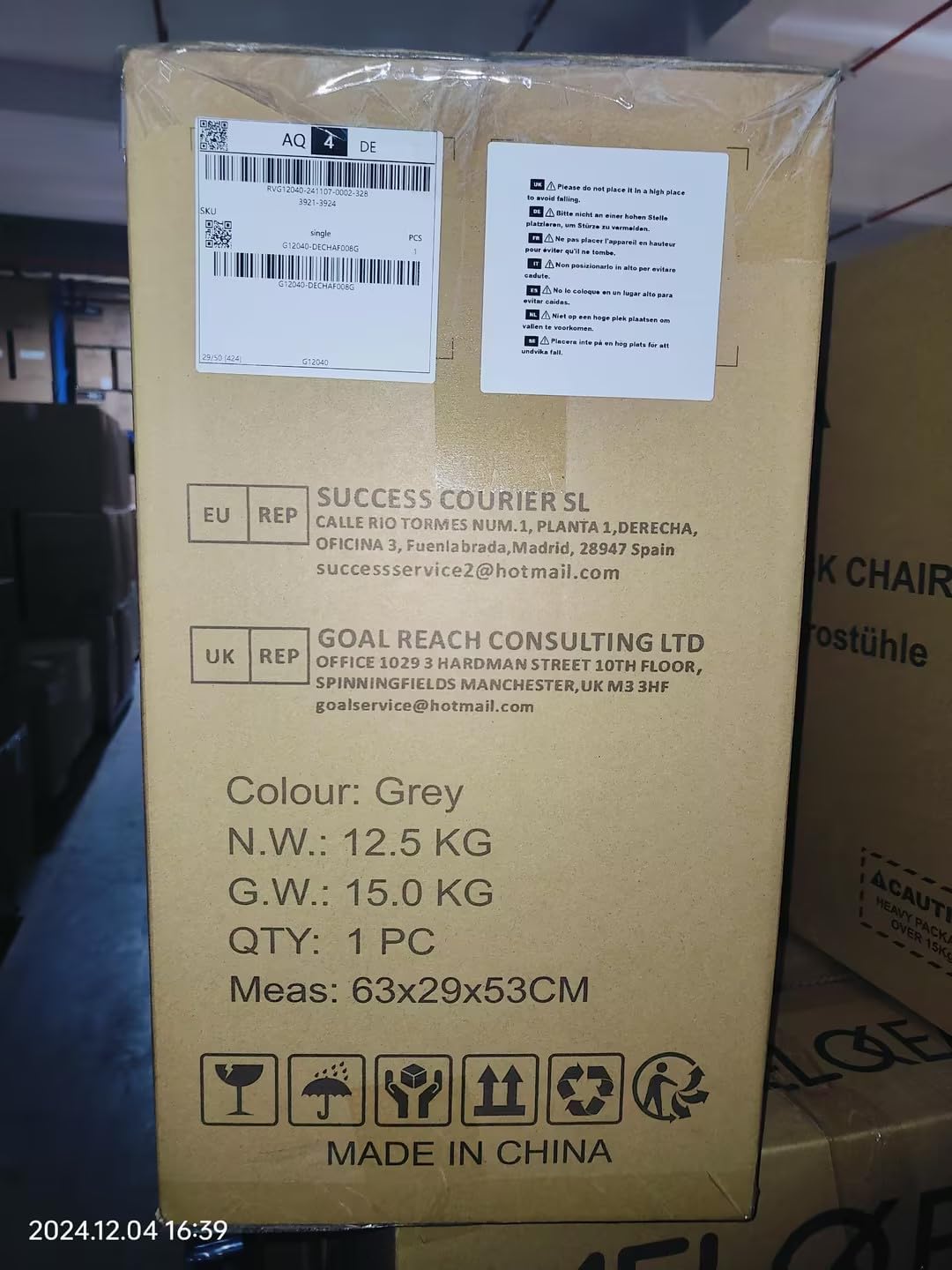
Figure 5.1: Illustration of a user reclining in the MELOKEA Office Chair, demonstrating the chair's recline functionality for comfort and relaxation.
6. Maintenance and Care
Proper care and maintenance will extend the life of your MELOKEA Office Chair:
- Cleaning:
- For fabric or mesh surfaces, use a soft brush or vacuum cleaner to remove dust and debris.
- For spills, blot immediately with a clean, dry cloth. For stubborn stains, use a mild soap solution and a damp cloth, then wipe dry. Avoid harsh chemicals.
- For plastic and metal parts, wipe with a damp cloth and mild detergent if necessary, then dry thoroughly.
- Regular Inspection: Periodically check all screws, bolts, and connections to ensure they are tight. Retighten any loose fasteners to maintain stability and safety.
- Caster Care: Clean casters regularly to remove hair, dust, and debris that can impede smooth rolling.
- Avoid Direct Sunlight: Prolonged exposure to direct sunlight can cause fading and degradation of materials.
7. Troubleshooting
If you encounter issues with your MELOKEA Office Chair, refer to the following common problems and solutions:
| Problem | Possible Cause | Solution |
|---|---|---|
| Chair does not adjust height. | Gas lift cylinder is faulty or lever is not engaged. | Ensure the height adjustment lever is fully engaged. If the problem persists, the gas lift may need replacement. Contact customer support. |
| Chair squeaks when moving. | Loose fasteners or friction between parts. | Tighten all screws and bolts. Apply a small amount of silicone lubricant to moving parts if necessary (avoiding casters). |
| Casters do not roll smoothly. | Debris (hair, dust) caught in casters. | Turn the chair over and carefully remove any debris from the caster wheels. |
| Backrest does not recline or lock. | Tilt lock lever is not engaged/disengaged properly or tilt tension is too high. | Ensure the tilt lock lever is in the correct position. Adjust the tilt tension knob counter-clockwise to loosen. |
If you are unable to resolve an issue using the troubleshooting guide, please contact MELOKEA customer support for assistance.
8. Specifications
| Feature | Detail |
|---|---|
| Brand | MELOKEA |
| Model Number | F047B |
| Colour | Black |
| Product Dimensions (D x W x H) | 76.2 x 76.2 x 101.6 cm (approx. 76 x 40 x 53 cm packaged) |
| Item Weight | 18.15 kg (approx. 18.2 kg) |
| Material | Nylon (Frame) |
| Maximum Weight Recommendation | 200 Kilograms (440 lbs) |
| Included Components | Cushion, Backrest, Armrests, Base, Casters, Gas Lift, Hardware |
9. Warranty and Support
MELOKEA stands behind the quality of its products. For specific warranty information regarding your MELOKEA Office Chair USCHAF047B-test-FBA, please refer to the warranty card included in your package or visit the official MELOKEA website.
If you have any questions, require technical assistance, or need to report missing/damaged parts, please contact MELOKEA customer support through the contact information provided on the product packaging or the official brand website. Please have your model number (F047B) and purchase date ready when contacting support.
Related documentsF047B


Ask a question about this manual
Ask about setup, troubleshooting, compatibility, parts, safety, or missing instructions. Manuals+ will review the question and use this page’s manual context to help answer it.