Introduction
The NOVOO Smart Wallet Tracker Card is a compact and efficient device designed to help you keep track of your valuable items. With its ultra-slim profile and integration with Apple's Find My network, it offers a reliable solution for locating your wallet, purse, luggage, or passport. This manual provides essential information on setting up, operating, and maintaining your tracker card.

This image displays the NOVOO Smart Wallet Tracker Card, emphasizing its ultra-slim 1.6mm design. Key features are listed: 6 years maximum usage, IP68 waterproof rating, 60-80dB loud sound, Apple MFi/TELEEC/MIC certified, up to 40m/131ft Bluetooth range, and a high-capacity battery with no replacement or charging needed.
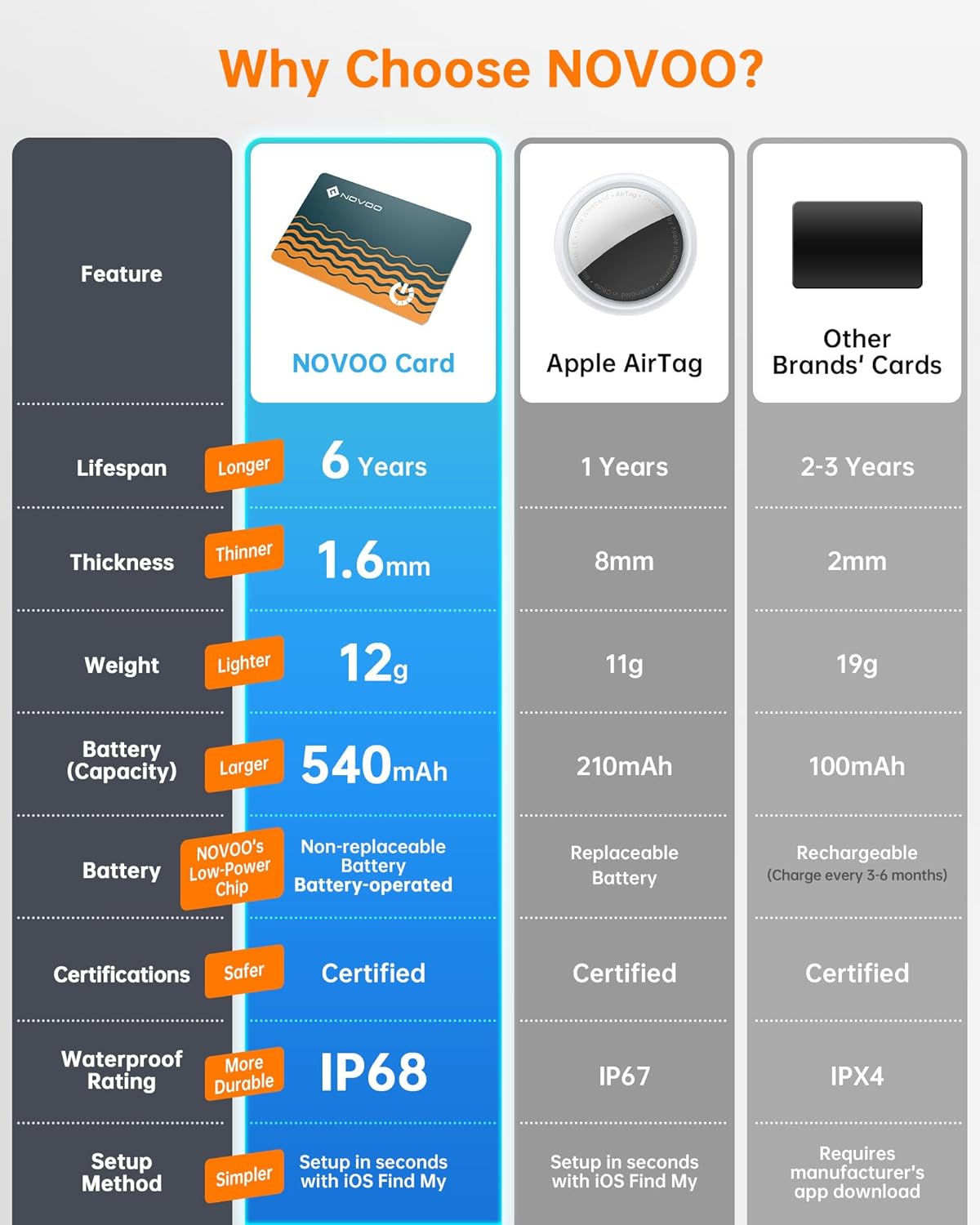
A comparison table illustrating the advantages of the NOVOO Card over Apple AirTag and other brands. It highlights the NOVOO Card's 6-year lifespan, 1.6mm thickness, 12g weight, 540mAh non-replaceable battery, Certified status, IP68 waterproof rating, and simple setup with iOS Find My.
Setup Instructions
The NOVOO Wallet Tracker is designed for quick and easy setup with Apple's Find My app. Please ensure your iOS device has Bluetooth enabled.
- Power On: Firmly press the power button on the tracker card until you hear a tune. This indicates pairing mode. If it doesn't turn on, push harder.
- Open Find My App: On your iOS device, open the Apple “Find My” app.
- Add Item: Navigate to the 'Items' tab and tap 'Add New Item', then select 'Other Supported Item'.
- Connect: Your device will search for the NOVOO Smart Tag. Once found, select it and tap 'Connect'.
- Customize: Follow the on-screen prompts to name your tracker and choose an emoji to represent it.
- Confirm: Agree to link the item to your Apple ID. Your NOVOO Smart Tag is now linked and ready to use.
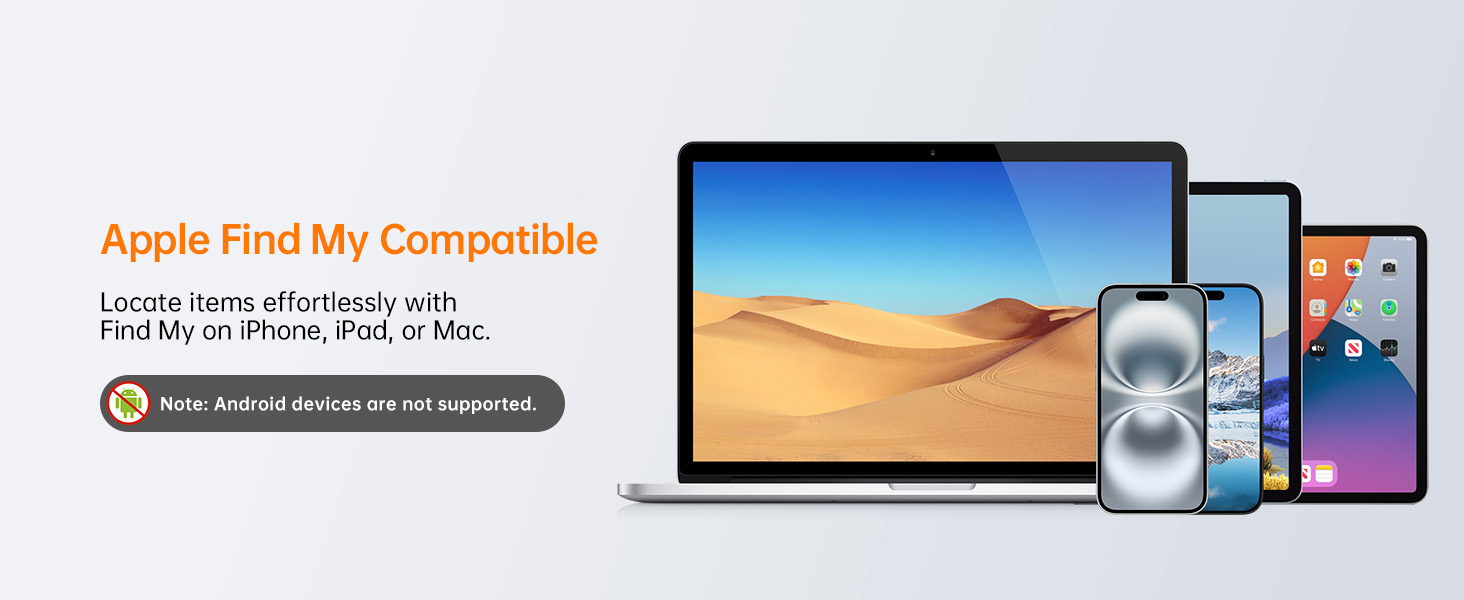
Note: This device is compatible with iOS devices only and is not compatible with Android.

A visual guide detailing the four steps to connect the NOVOO Smart Tag. Step 1: Press the power button until a tune plays. Step 2: Turn on the 'Find My' app and Bluetooth. Step 3: Navigate to 'Item' page and tap 'Other Supported Item'. Step 4: Connect 'NOVOO Smart Tag' and name it.
This video demonstrates the setup process of the NOVOO Smart Wallet Tracker Card with the Apple Find My app, showing how to pair the device and view its location.
A brief preview video illustrating the quick and easy pairing process of the NOVOO Smart Wallet Tracker Card with an iOS device via the Apple Find My app. It highlights the device's compatibility with iOS only.
Operating Instructions
Locating Your Item
The NOVOO Smart Card offers multiple ways to locate your items:
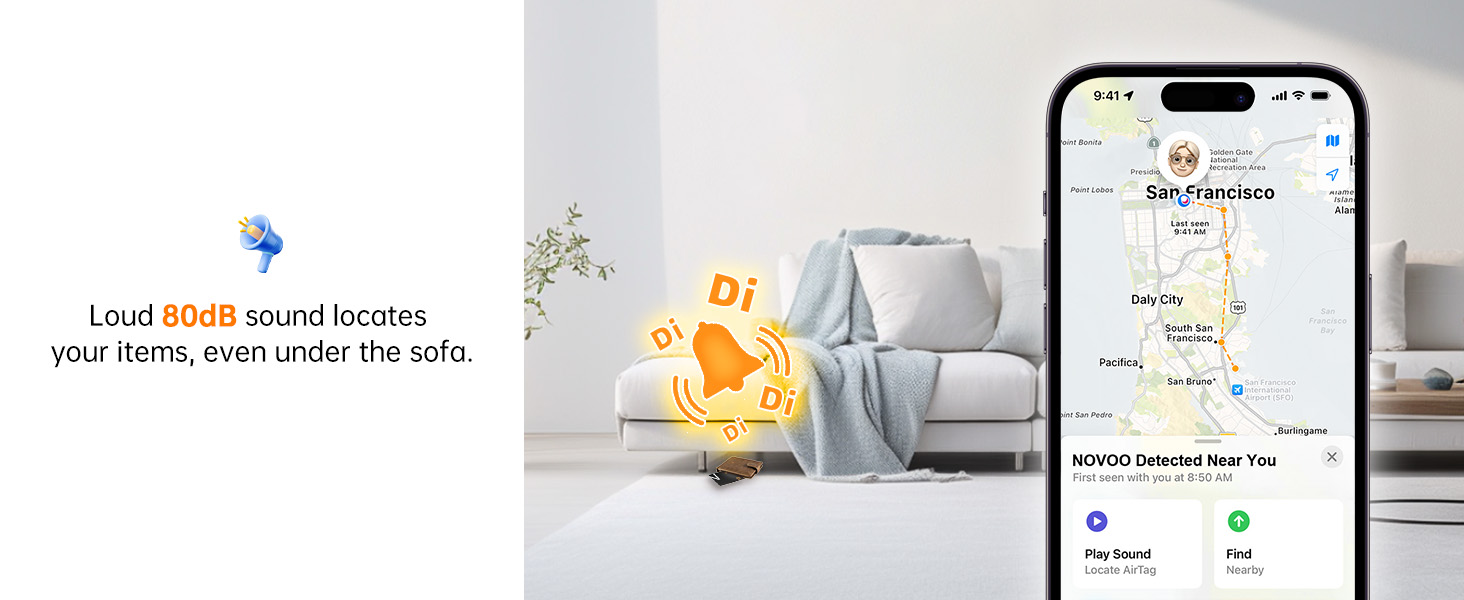
- Play Sound: If your device is within Bluetooth range (up to 131 feet or 40 meters), use the “Find My” app or ask Siri to ring it. The tracker emits an 80dB ringtone to help you pinpoint its location.
- View Last Known Location: If the tracker is out of Bluetooth range, you can still view its last known location on a map within the “Find My” app.
- Get Directions: The Find My app can provide directions to the tracker's last known location, guiding you back to your item.

This image demonstrates how to easily find lost items using the Find My app. A hand holds an iPhone displaying the app, which shows the location of the NOVOO tracker card under a sofa, accompanied by a ringing sound icon.

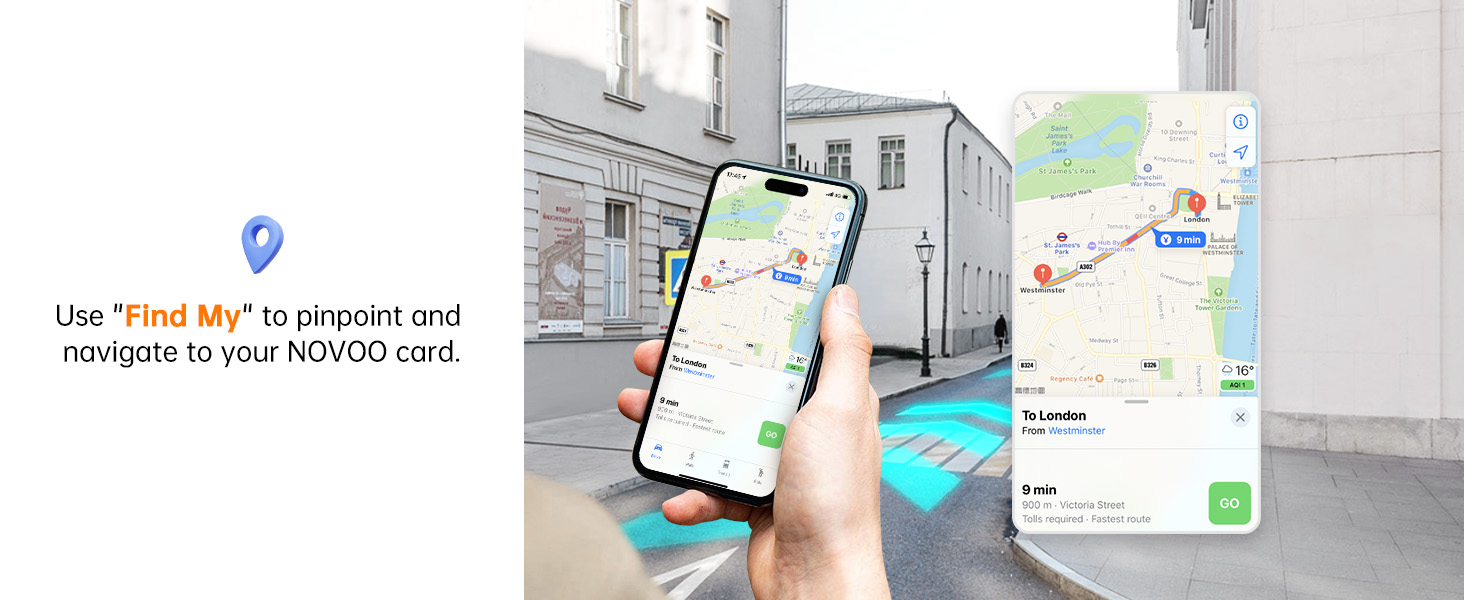
This image illustrates the precise location tracking feature. An iPhone displays a map with navigation, guiding the user to the exact location of their NOVOO tracker card. A note indicates that Bluetooth range depends on the environment and obstacles.
This image visually represents the loud 80dB sound feature of the NOVOO Smart Card, designed to help users locate items, even if they are hidden, such as under a sofa. The iPhone screen shows the tracker's location and the sound being played.
This image shows an iPhone providing navigation directions on a map, allowing users to pinpoint and navigate directly to their NOVOO card's location.
Smart Alerts & Lost Mode
- Left Behind Alerts: Your iPhone will notify you when the tracker moves out of Bluetooth range, helping you prevent items from being lost.
- Lost Mode: Activate Lost Mode in the Find My app. This leverages Apple’s vast network to help locate your lost items. When your tracker is detected by an Apple device, you’ll automatically receive notifications. You can also leave a message with your contact details for the finder.

This image shows a 'Time Sensitive' notification on an iPhone: 'Smart Tag left behind. This item is no longer detected near you. It was last seen near XXX St.' A wallet is visible on a bench, illustrating the alert feature when the tracker moves out of range.

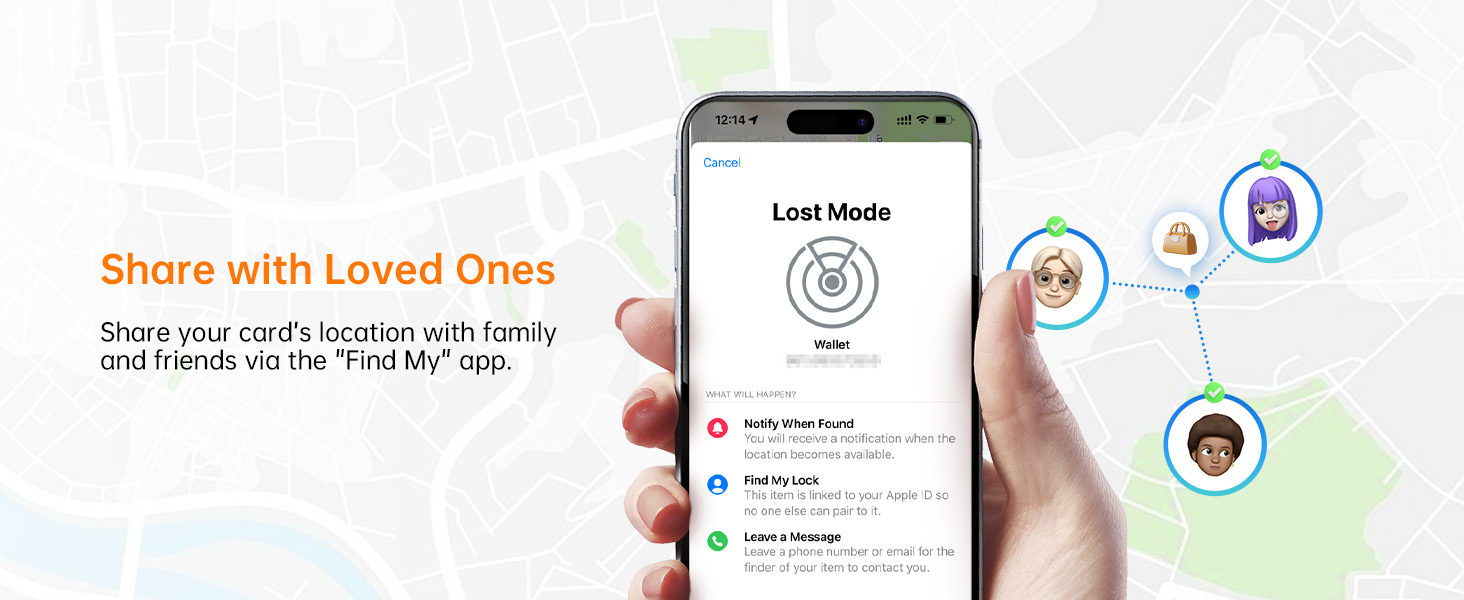
This image displays the 'Lost Mode' interface within the Find My app. It shows options to 'Notify When Found', 'Find My Lock', and 'Leave a Message' with contact details, enabling others to return a lost NOVOO Smart Tag.
This image illustrates the 'left behind' notification feature. An iPhone shows an alert that the NOVOO Smart Tag is no longer detected nearby, with a wallet on a table, indicating the item has been left behind or is out of range.
This image shows the 'Lost Mode' screen on an iPhone, where users can set contact details so that anyone who finds their NOVOO card can easily reach them.

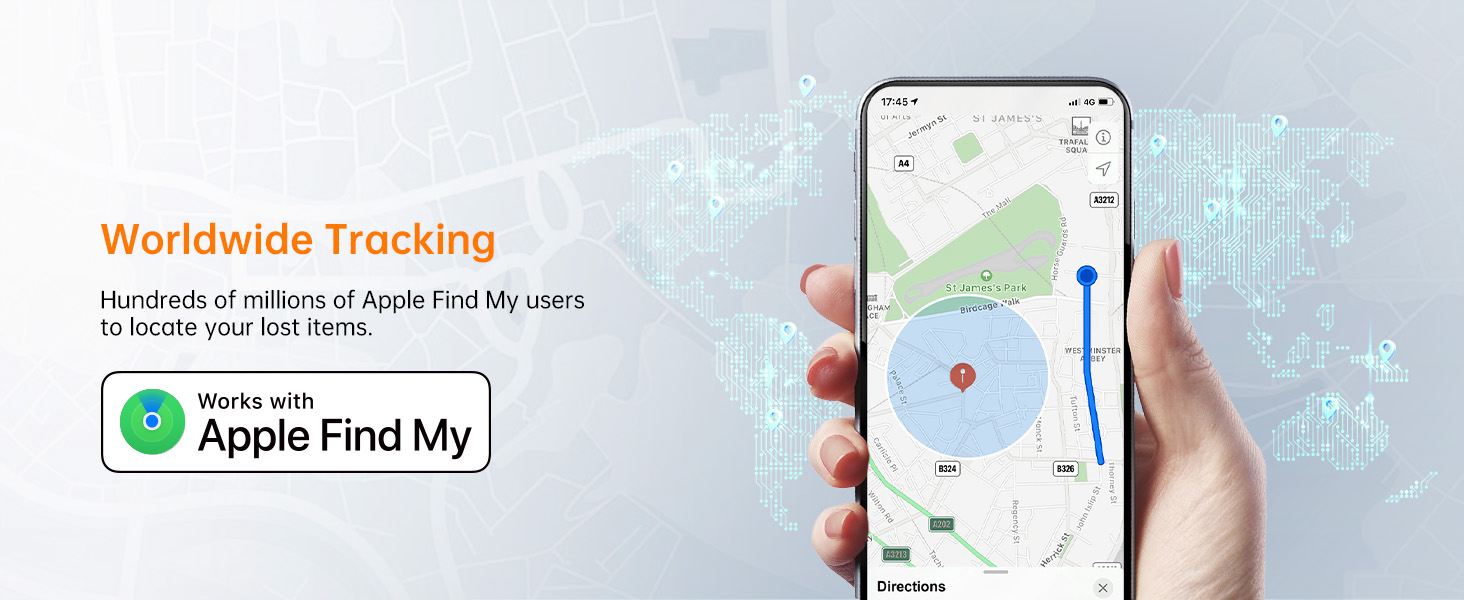
This image highlights the worldwide tracking capability of the NOVOO card, utilizing the Apple Find My network to help locate lost items across a broad geographical area.
Privacy and Security
The NOVOO Slim Smart Track Card prioritizes your privacy and security:
- AES-128 Encryption: Your data remains secure with robust encryption.
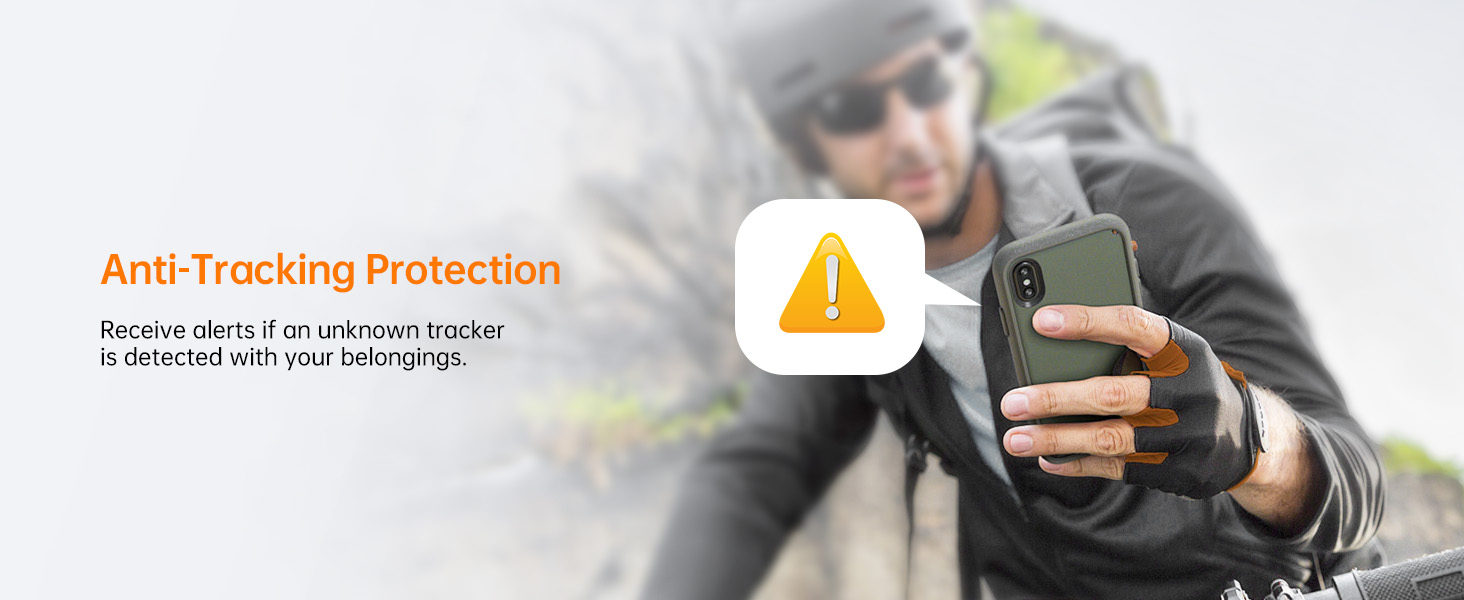
- Anti-Tracking Alerts: Receive notifications if an unknown tracker is detected following you, providing peace of mind in crowded places or while traveling.
- Unauthorized Card Alerts: You’ll receive an alert if an unauthorized card is detected, further protecting your privacy.

An iPhone displaying an anti-tracking alert, notifying the user if an unknown tracker is detected with their belongings, ensuring privacy.
This image depicts the privacy protection features of the NOVOO Tracker, emphasizing its use of anonymous, encrypted data through Apple Find My to keep user information secure.
Sharing Location
You can share your card's location with family and friends via the "Find My" app, allowing multiple trusted individuals to help keep track of your items.
This image shows the 'Share with Loved Ones' feature in the Find My app, allowing users to share their NOVOO card's location with family and friends.
Maintenance
Battery Life & Charging
The NOVOO Slim Smart Track Card features a remarkable 540mAh battery designed to last up to six years. This eliminates the need for frequent recharging or battery replacement, unlike many other Bluetooth trackers. You can monitor the remaining battery life directly from your smartphone, and you will receive notifications when it drops below 20%.
Note: The 6-year battery is not rechargeable and is designed for long-term use without user intervention for power.

This image emphasizes the NOVOO Smart Tracker's impressive 6-year battery life, stating that no charging or battery replacements are required. It notes that the device is powered by NOVOO's self-developed low-power smart chip and offers lasting performance, up to 10 years on standby.
This video illustrates the charging method for the wallet tracker card. It shows the card being placed on a charging pad, indicating its power replenishment process.
Troubleshooting
- Device Not Turning On: If the tracker does not power on after pressing the button, ensure you are pressing firmly.
- Pairing Issues: Ensure Bluetooth is enabled on your iOS device and the Find My app is open. The device should be within close proximity during the pairing process.
- Removing Device: To remove the card from your Apple ID, you must do so via the Find My app with Bluetooth enabled. This is required due to the card's unique pairing and security features.
Specifications
| Feature | Detail |
|---|---|
| Product Dimensions | 3.37 x 2.12 x 0.07 inches (8.56 x 5.38 x 0.18 cm) |
| Item Weight | 1.76 ounces (50 grams) |
| Item Model Number | FC2-1Pack |
| Battery | 1 Lithium Metal battery required (included), 540mAh, 6-year life (non-rechargeable) |
| Connectivity | Bluetooth |
| Compatibility | Apple Find My (iOS Only, Not Android Compatible) |
| Waterproof Rating | IP68 (up to 1.5 meters for 30 minutes) |
| Sound Level | 80dB |
| Material | Plastic, Metal |

This image visually compares the NOVOO Tracker Card's 1.6mm thickness to coins (2.15mm) and tag-type smart trackers (8mm), showcasing its status as the world's slimmest tracker card, perfect for wallets and easy to carry.

This image demonstrates the IP68 waterproof capability of the NOVOO Smart Card, showing it submerged in water. It highlights that the device can withstand being 1.5 meters underwater for 30 minutes.

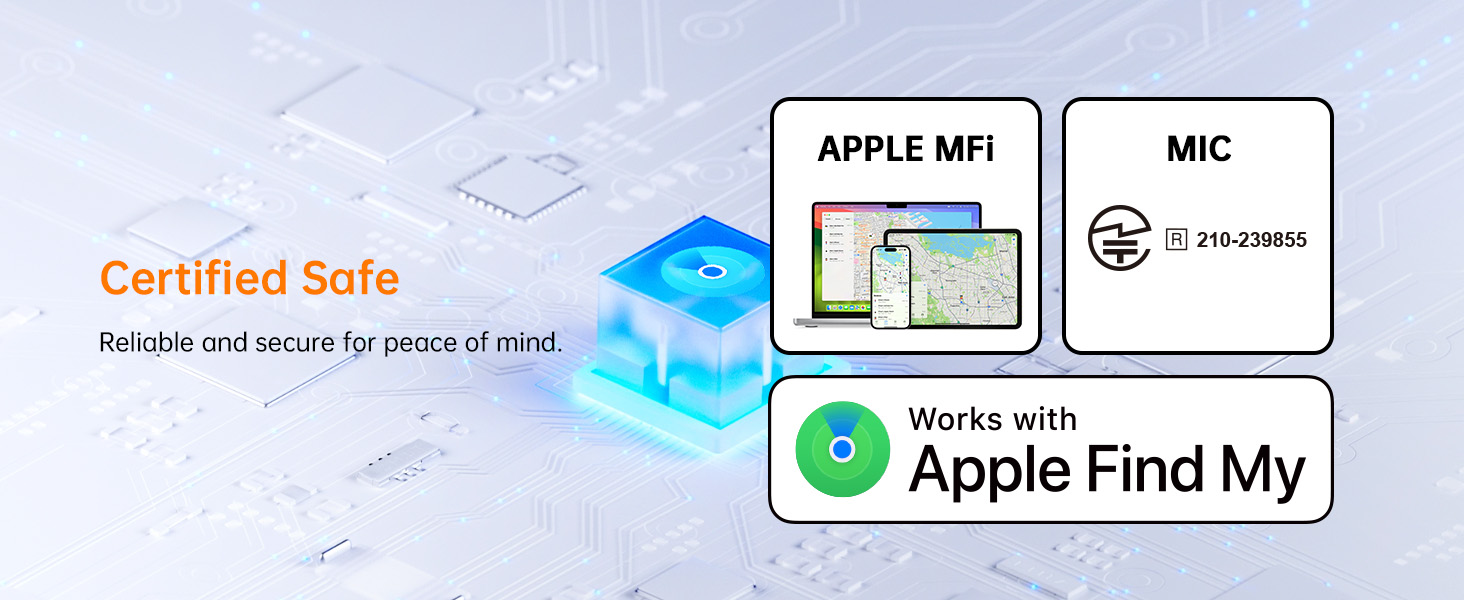
This image highlights the certified safe status of the NOVOO Smart Card, featuring Apple MFi and MIC certifications. It emphasizes the product's reliability and security for user peace of mind.
Compatibility
This image showcases the NOVOO Smart Card's compatibility with Apple Find My across multiple iOS devices, including iPhone, iPad, and Mac, for effortless item location. A clear note states that Android devices are not supported.
Warranty and Support
Information regarding product warranty and customer support is not available in this manual. Please refer to the product packaging or the manufacturer's official website for details on warranty coverage and how to contact customer service.


