
TRIUMPHKEY B0DSZY6T47
TRIUMPHKEY Corner Vanity Desk with LED Mirror and Stool User Manual
Model: B0DSZY6T47
1. Important Safety Instructions
Please read all instructions carefully before assembly and use. Keep this manual for future reference.
- Ensure all parts are present and undamaged before beginning assembly.
- Assemble the unit on a soft, clean surface to prevent scratches.
- Do not overtighten screws during assembly to avoid damaging the material.
- Keep small parts away from children to prevent choking hazards.
- Only use the provided power cord and ensure it is connected to a suitable power outlet.
- Do not expose the LED mirror or power outlets to water or excessive humidity.
- Regularly check all connections and fasteners to ensure stability.
2. Package Contents
Your TRIUMPHKEY Corner Vanity Desk is shipped in two separate packages. Please ensure you have received both packages before starting assembly. The packages contain all necessary components and hardware for assembly.
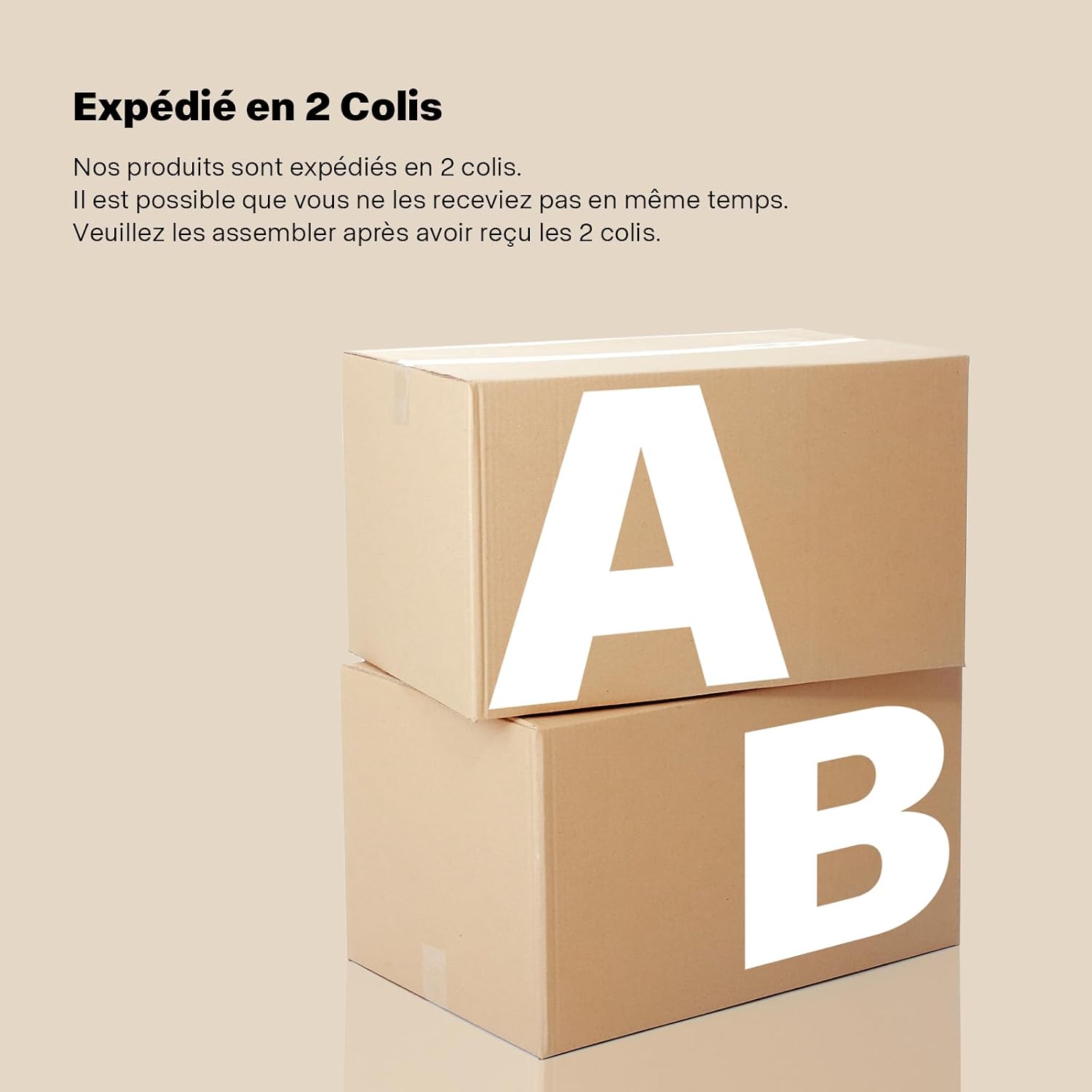
Image: Illustration showing two separate packages, indicating the product is shipped in multiple boxes.
Verify that all components listed in the assembly guide (not included in this manual) are present and undamaged.
3. Product Overview and Features
The TRIUMPHKEY Corner Vanity Desk is designed to optimize space utilization, particularly in corner areas. It features a comprehensive set of functionalities for daily grooming and storage.

Image: Front view of the TRIUMPHKEY Corner Vanity Desk, showcasing its L-shaped design, LED mirror, and accompanying stool.
L-shaped Design
The unique L-shaped configuration allows the vanity to fit efficiently into room corners, maximizing usable space.

Image: The vanity desk positioned in a corner, illustrating its space-saving L-shaped design.
Ample Storage Space
The desk includes five drawers of varying sizes, open shelves, and additional storage under the tabletop to keep cosmetics and personal items organized.

Image: An exploded view highlighting the open storage shelves, five large drawers, and under-table storage areas of the vanity desk.
4. Setup
Assembly of the TRIUMPHKEY Corner Vanity Desk requires following the detailed instructions provided in the separate assembly manual. Ensure you have all parts and tools ready before starting.
General Assembly Steps:
- Unpack all components and verify against the parts list.
- Assemble the main desk frame according to the diagrams.
- Install the drawers and their slides.
- Attach the LED mirror unit to the desk.
- Connect the power supply for the LED mirror and integrated outlets.
- Assemble the accompanying stool.
- Place the hairdryer holder as desired.
For detailed, step-by-step assembly instructions, refer to the dedicated assembly guide included with your product.
5. Operating Instructions
LED Mirror Operation
The mirror features an integrated LED light strip with touch control for adjusting lighting settings.

Image: The LED mirror displaying its touch control area and options for three color temperatures (Cool White, Warm White, Warm Yellow) and adjustable brightness.
- Power On/Off: Touch the designated sensor on the mirror surface to turn the LED light on or off.
- Color Temperature Adjustment: Briefly touch the sensor to cycle through three color temperatures: Cool White, Warm White, and Warm Yellow.
- Brightness Adjustment: Press and hold the sensor to continuously adjust the brightness level from 0% to 100%. Release when the desired brightness is reached.
Integrated Power Outlets and USB Ports
The tabletop includes a power strip with two standard European outlets and two USB ports for convenient charging of electronic devices.

Image: Close-up of the integrated power strip featuring two AC power outlets and two USB charging ports, alongside the aluminum hairdryer holder.
- Plug your electronic devices (e.g., mobile phones, curling irons) directly into the AC outlets or USB ports.
- Ensure the vanity desk's main power cord is connected to a wall outlet for these features to function.
Hairdryer Holder
An aluminum hairdryer holder is provided for convenient storage and access to your hairdryer during use.
- Place your hairdryer securely in the holder when not in use.
- The holder is designed for stability and space-saving.
6. Maintenance
Cleaning
- Wipe surfaces with a soft, damp cloth. Avoid abrasive cleaners or harsh chemicals that may damage the finish.
- For the mirror, use a glass cleaner and a lint-free cloth.
- Ensure all electrical components (LED mirror, power outlets) are dry before use.
Care
- Avoid placing hot items directly on the surface without protection.
- Do not overload drawers or shelves.
- Keep the vanity desk away from direct sunlight and excessive heat sources to prevent material degradation.
7. Troubleshooting
Refer to the table below for common issues and their solutions.
| Problem | Possible Cause | Solution |
|---|---|---|
| LED mirror does not light up. | Power cord not connected; power outlet not active; LED component failure. | Ensure the main power cord is securely plugged into a working wall outlet. Check the touch sensor. If the issue persists, contact customer support. |
| Power outlets/USB ports are not working. | Main power cord not connected; device not properly plugged in. | Verify the vanity desk's main power cord is plugged in. Ensure devices are fully inserted into the outlets/ports. |
| Drawers are stiff or do not slide smoothly. | Improper assembly; debris in slides; overtightened screws. | Check assembly instructions for correct drawer slide installation. Clean slides of any debris. Loosen screws slightly if overtightened. |
| Vanity desk feels unstable. | Loose fasteners; uneven floor. | Tighten all assembly screws. Ensure the desk is placed on a level surface. |
8. Specifications
Detailed product dimensions and material information.

Image: Diagram illustrating the overall dimensions of the vanity desk and stool, including individual component measurements.
| Feature | Detail |
|---|---|
| Model | B0DSZY6T47 |
| Color | Black |
| Overall Dimensions (L x W x H) | 120 x 80 x 136 cm (approx. 47.2 x 31.5 x 53.5 inches) |
| Material | Engineered Wood, Glass |
| Number of Drawers | 5 |
| Item Weight | 59.8 Kilograms (approx. 131.8 lbs) |
| Style | Modern |
| Power Configuration | 2 AC Outlets, 2 USB Ports |
| Mirror Lighting | LED with 3 color temperatures, adjustable brightness |
9. Warranty and Support
This product comes with a standard manufacturer's warranty. Please refer to the warranty card included in your package for specific terms and conditions, including coverage duration and claim procedures.
For technical support, missing parts, or any other inquiries, please contact TRIUMPHKEY customer service through the retailer's platform or the contact information provided in your product documentation.
Please have your model number (B0DSZY6T47) and purchase date ready when contacting support.
Ask a question about this manual
Ask about setup, troubleshooting, compatibility, parts, safety, or missing instructions. Manuals+ will review the question and use this page’s manual context to help answer it.