
Introduction
The OhO sunshine Smart Glasses seamlessly integrate advanced audio technology with stylish eyewear. Designed for convenience and performance, these smart glasses feature open-ear audio, Bluetooth 5.2 connectivity, voice control capabilities, and IP44 water resistance. They allow you to enjoy music, make and receive calls, and interact with voice assistants while remaining aware of your surroundings. Lightweight and comfortable, they are ideal for various activities, from daily commutes to outdoor sports.

Figure 1: OhO sunshine Smart Glasses, front view.
Setup
1. Charging the Glasses
Before first use, fully charge your OhO sunshine Smart Glasses. Use the provided USB-C charging cable.
- Connect the USB-C end of the cable to the charging port on the glasses.
- Connect the other end of the cable to a standard USB power adapter (not included) or a computer's USB port.
- The indicator light on the glasses will show charging status (e.g., red for charging, blue/green for fully charged).
- A full charge typically takes approximately 1-2 hours and provides up to 10 hours of playback time.

Figure 2: USB-C charging cable for the smart glasses.

Figure 3: Visual representation of battery charging.
2. Powering On/Off
- To Power On: Press and hold the power button (usually located on one of the temples) for a few seconds until you hear an audible prompt or see the indicator light flash.
- To Power Off: Press and hold the power button again for a few seconds until you hear an audible prompt or the indicator light turns off.
3. Bluetooth Pairing
To connect your smart glasses to a device (smartphone, tablet, etc.):
- Ensure the glasses are powered off.
- Press and hold the power button for approximately 5-7 seconds until the indicator light flashes rapidly (often blue and red), indicating pairing mode.
- On your device, go to Bluetooth settings and enable Bluetooth.
- Search for available devices. The glasses should appear as "OhO sunshine Smart Glasses" or a similar name.
- Select the glasses from the list to pair. Once connected, the indicator light will typically turn solid blue or flash slowly.

Figure 4: User wearing smart glasses, demonstrating open-ear audio design.
Operating Instructions
1. Audio Playback
Once connected, you can stream audio from your paired device.
- Play/Pause: Press the multi-function button once.
- Volume Up: Press the volume up button.
- Volume Down: Press the volume down button.
- Next Track: Press and hold the volume up button.
- Previous Track: Press and hold the volume down button.
Figure 5: User enjoying music through smart glasses, highlighting up to 10 hours of battery life.
2. Call Management
The integrated HD microphone allows for clear hands-free calls.
- Answer Call: Press the multi-function button once when a call comes in.
- End Call: Press the multi-function button once during a call.
- Reject Call: Press and hold the multi-function button for 2 seconds when a call comes in.
- Redial Last Number: Double-press the multi-function button.

Figure 6: User making a hands-free call with the smart glasses.
Figure 7: Icon representing the integrated HD microphone.
3. Voice Assistant
Activate your device's voice assistant (Siri, Cortana, Google Now) directly from your glasses.
- Activate Voice Assistant: Triple-press the multi-function button.
- You can then speak commands for navigation, weather updates, music selection, and more.

Figure 8: User interacting with a smart assistant via voice control.
4. Lens Features
- UV400 Polarized Lenses: The lenses provide 100% UV400 protection, reducing glare and enhancing clarity for outdoor use.
- Interchangeable Lenses: The smart glasses feature interchangeable lenses, allowing you to switch between non-prescription colored lenses and your own corrective lenses.
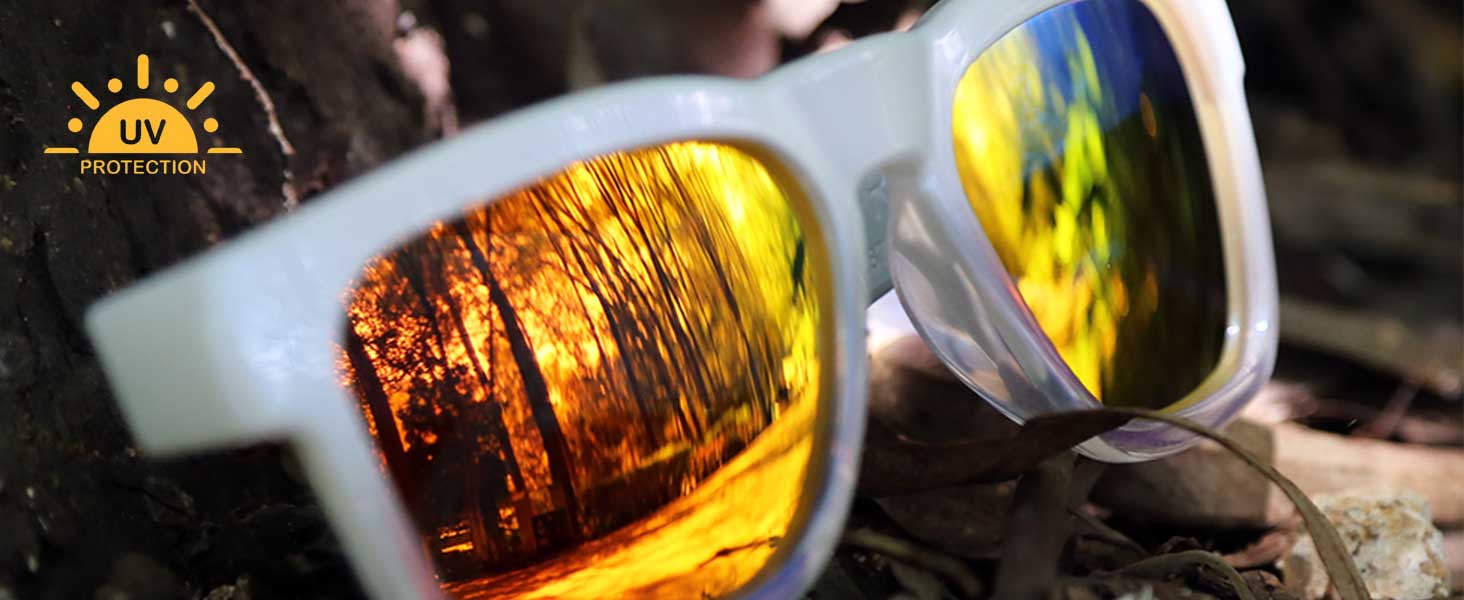
Figure 9: Smart glasses featuring polarized lens technology for enhanced vision.

Figure 10: Illustration of the interchangeable lens feature.
Maintenance
Cleaning Instructions
- Clean the glasses with a soft brush and water.
- Avoid using harsh chemicals or abrasive materials, as these can damage the lenses or frame.
- Gently wipe the lenses with a microfiber cloth to remove smudges and fingerprints.
Storage and Care
- Avoid exposing the glasses to high temperatures or direct sunlight for extended periods.
- Store the glasses in a protective case when not in use to prevent scratches and damage.
- The glasses are IP44 water-resistant, meaning they are protected against splashing water from any direction. They are not designed for submersion.
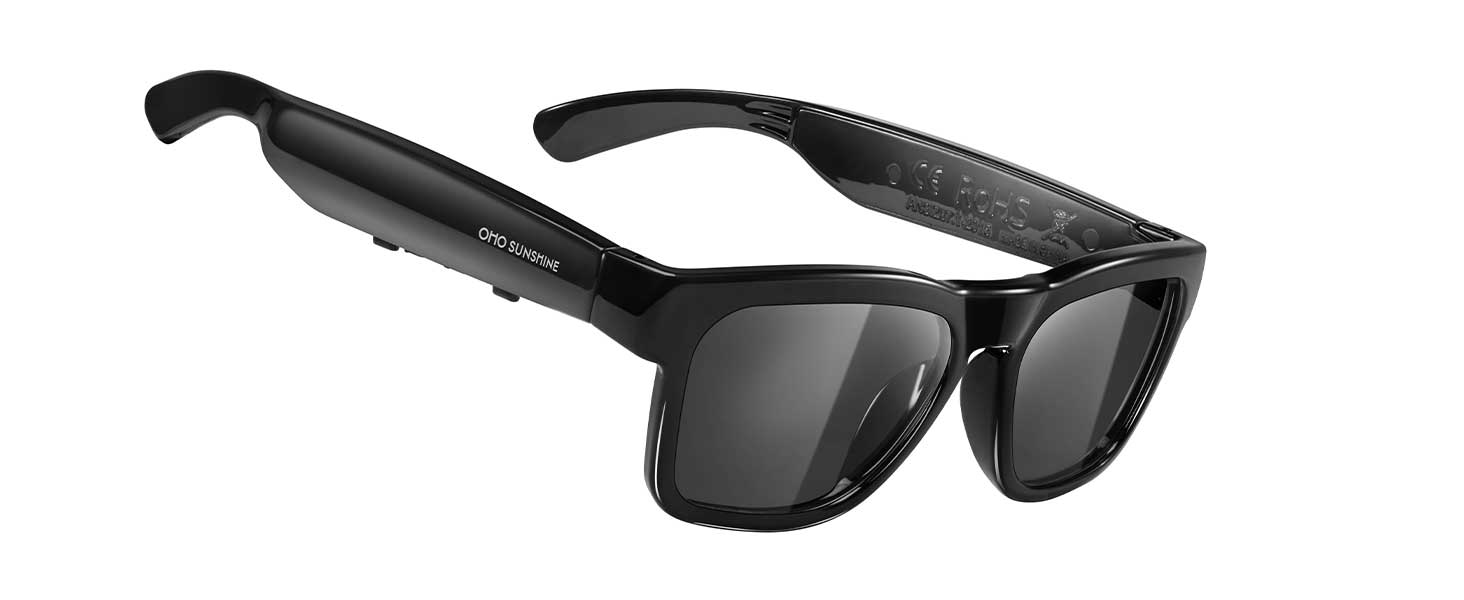
Figure 11: Smart glasses with water droplets, illustrating IP44 water resistance.
Troubleshooting
If you encounter issues with your OhO sunshine Smart Glasses, refer to the following common solutions:
- No Power: Ensure the glasses are fully charged. Connect them to the charger and check the indicator light.
- Cannot Pair:
- Ensure Bluetooth is enabled on your device and the glasses are in pairing mode (rapidly flashing indicator light).
- Move the glasses closer to your device.
- Turn off and on both the glasses and your device, then attempt pairing again.
- Clear previous Bluetooth connections on your device if you have too many paired devices.
- No Audio/Poor Audio Quality:
- Check the volume levels on both the glasses and your paired device.
- Ensure the glasses are properly connected via Bluetooth.
- Move closer to your device to avoid interference.
- Restart both devices.
- Voice Assistant Not Responding:
- Ensure the glasses are connected to your device.
- Verify that your device's voice assistant is enabled and configured correctly.
- Confirm you are using the correct gesture (triple-press multi-function button) to activate the voice assistant.
Specifications
| Brand | OhO sunshine |
| Model Number | A8F-B413 |
| Bluetooth Version | 5.2 |
| Battery Playback Time | Up to 10 hours |
| Weight | 31 Grams |
| Frame Material | TR90 Plastic |
| Lens Material | Plastic |
| UV Protection | 100% UV400 Polarized |
| Water Resistance | IP44 (Splash-proof) |
| Lens Width | 40.6 Millimeters |
| Included Components | Charging Cable |

Figure 12: Detailed dimensions of the smart glasses.
Warranty and Support
Warranty Information
Your OhO sunshine Smart Glasses are covered by a standard return policy. If you wish to return a product within 30 days of receipt because you have changed your mind, please refer to the retailer's help page for return procedures. For defective or damaged products, consult the retailer's help page on returns and refunds.
Customer Support
For further assistance, technical support, or inquiries regarding your OhO sunshine Smart Glasses, please contact OhO sunshine customer service through the official brand store or the retailer's support channels. You can visit the OhO sunshine Store on Amazon for more information.


