
First Alert SMCO600NV-AC
First Alert SC5 Hardwire Smart Smoke & Carbon Monoxide Alarm User Manual
Model: SMCO600NV-AC
Brand: First Alert
Introduction
The First Alert SC5 Hardwire Smart Smoke & Carbon Monoxide Alarm (Model SMCO600NV-AC) is a 2-in-1 device designed to enhance your home's fire and carbon monoxide (CO) safety. This smart alarm provides connected alerts and is compatible with existing systems, ensuring continuous protection whether you are home or away.

Image: Front view of the First Alert SC5 Hardwire Smart Smoke & Carbon Monoxide Alarm, a square white device with a central test/silence button and a small indicator light.
Safety Information
Always read and understand all instructions before installing and operating this alarm. Keep this manual for future reference. This device is designed to detect smoke and carbon monoxide. It is not designed to detect fire, heat, or other gases. Proper placement and regular testing are crucial for optimal performance. Do not paint the alarm or block its vents, as this can interfere with its operation. Ensure all household members are familiar with the alarm's sound and emergency escape plans.
Package Contents
- First Alert SC5 Hardwire Smart Smoke & Carbon Monoxide Alarm
- Mounting Bracket
- Quick Connect Plug
- 3V Lithium Battery Pack (pre-installed or included)
- User Manual and Installation Guide
Setup and Installation
The First Alert SC5 is a hardwired alarm designed for easy installation and replacement. It features a Quick Connect Plug that simplifies the wiring process, eliminating the need for complex rewiring, especially when replacing older First Alert units. This alarm is also compatible with Google's Nest Protect Alarm systems, allowing for seamless integration into existing smart home safety ecosystems.
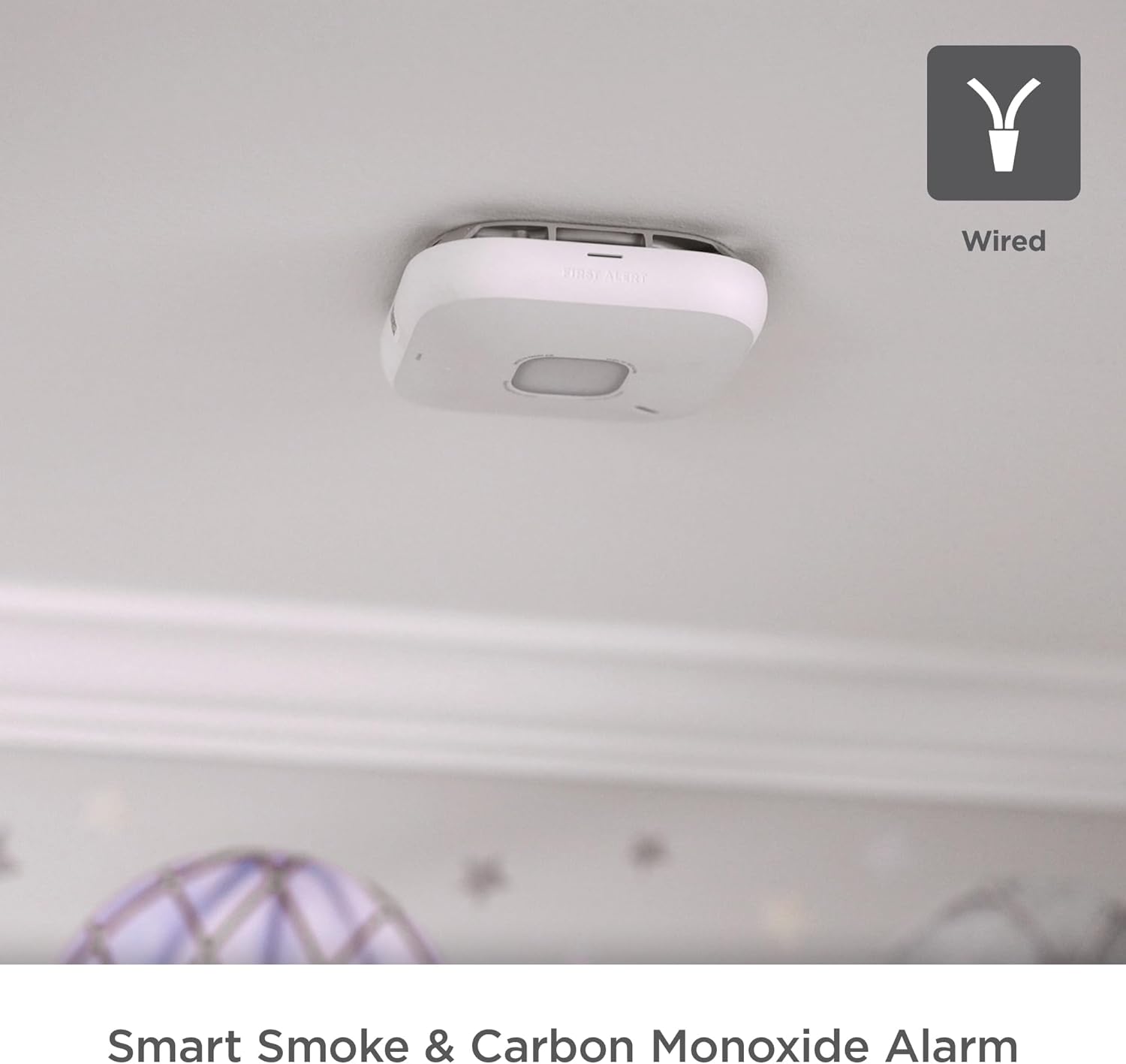
Image: The First Alert SC5 alarm mounted on a ceiling, with an icon indicating its wired connection capability.
For detailed installation steps, refer to the included installation guide. Ensure power is disconnected before beginning any wiring. The alarm requires a 120V AC power source and includes a 3V Lithium Battery Pack for backup during power outages.

Image: The First Alert SC5 alarm highlighting its compatibility with Nest Protect, ability to send phone alerts, and ease of installation.
Operating the Alarm
Smart Features and Connectivity
This smart alarm sends alerts directly to your phone via the First Alert app if smoke or carbon monoxide is detected. This feature ensures you are informed of potential dangers even when you are away from home.
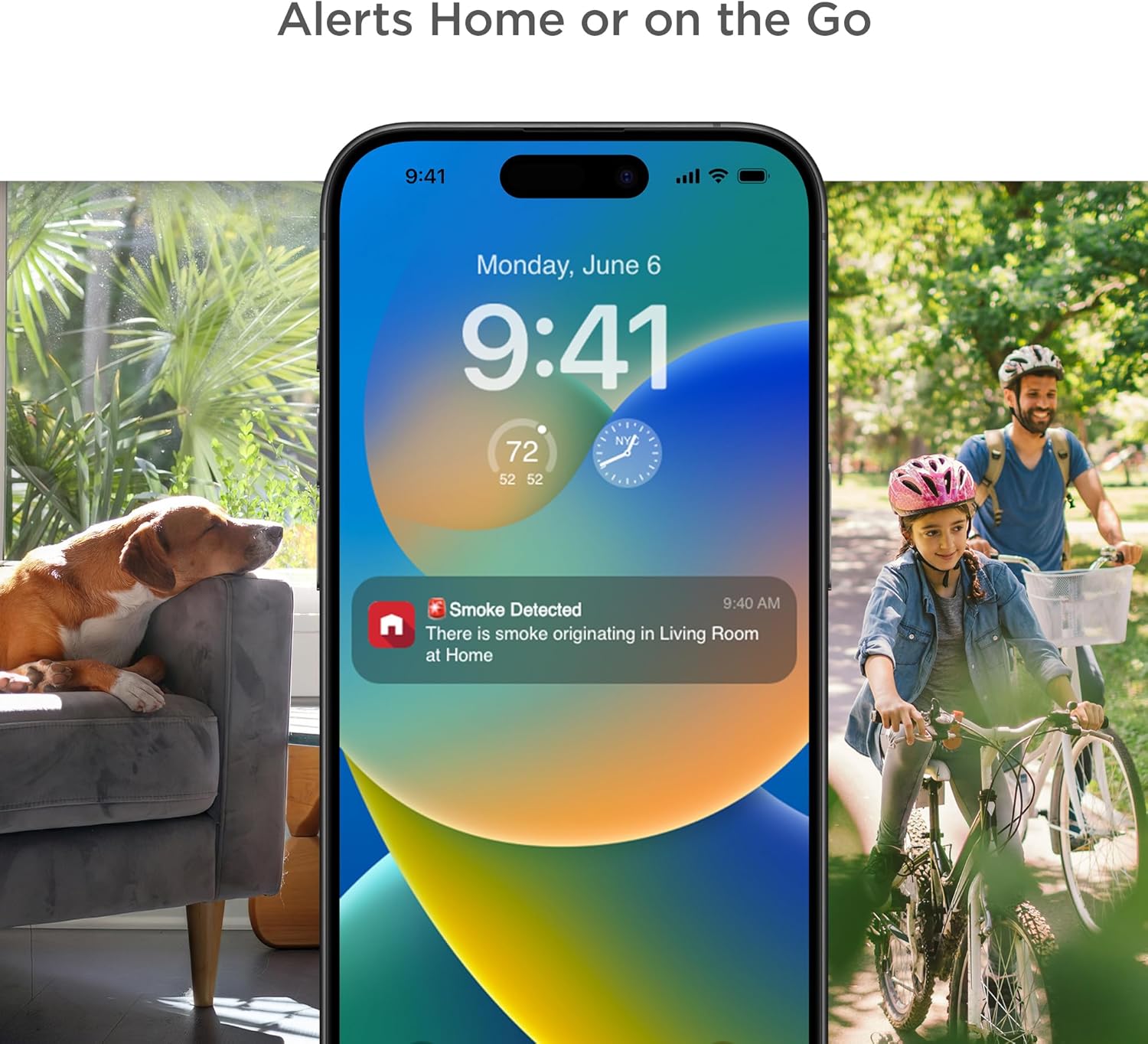
Image: A smartphone screen showing a "Smoke Detected" alert from the First Alert app, illustrating remote notification capabilities.
Interconnectivity
The SC5 alarm is designed to interconnect with other compatible alarms in your home. When one alarm detects smoke or CO, all interconnected alarms will sound, providing a comprehensive warning system throughout your property.

Image: A visual representation of the interconnectivity feature, showing the SC5 alarm linked to other alarms, including a Nest Protect unit.
Voice Alerts and Precision Detection
The alarm provides clear voice alerts with a "Heads-Up" warning, specifying the type and location of the danger in your home. It is equipped with Precision Detection Technology, which helps to reduce nuisance alarms while still providing an early warning for actual threats.

Image: A man cooking in a kitchen, with an overlay highlighting "Precision Detection Technology" for early warning and reduced false alarms.
Maintenance
- Regular Testing: Test your alarm weekly by pressing and holding the test/silence button until the alarm sounds. This verifies the alarm's electronic circuitry, horn, and battery.
- Cleaning: Clean your alarm at least once a month. Use a soft brush or vacuum cleaner with a soft brush attachment to remove dust and debris from the alarm's vents. Do not use water, cleaners, or solvents.
- Battery Backup: The alarm includes a 3V Lithium Battery Pack to provide continuous protection during power outages. Replace the battery as indicated by the alarm's low battery warning.
Troubleshooting
| Problem | Possible Cause | Solution |
|---|---|---|
| Alarm sounds without apparent reason (Nuisance Alarm) | Cooking fumes, steam, high humidity, dust, insects. | Ventilate the area. Clean the alarm. Relocate the alarm if nuisance alarms persist in a specific area. |
| Alarm does not sound during test | No power, dead battery, faulty unit. | Ensure AC power is connected. Replace battery. If issues persist, contact customer support. |
| Alarm chirps periodically | Low battery warning. | Replace the 3V Lithium Battery Pack immediately. |
| Cannot connect to First Alert app | Wi-Fi connectivity issues, incorrect setup steps. | Ensure strong Wi-Fi signal. Follow in-app setup instructions carefully. Restart alarm and router if necessary. |
For further assistance, consult the First Alert app or visit the official First Alert support website.
Specifications
| Feature | Detail |
|---|---|
| Brand | First Alert |
| Model Number | SMCO600NV-AC |
| Style | Hardwired |
| Power Source | Corded Electric with 3V Lithium Battery Pack (included) |
| Product Dimensions | 5.75"D x 1.6"W x 5.75"H |
| Item Weight | 1 Pound |
| Alarm Type | Audible, Voice Alerts |
| Compatibility | Google Nest Protect, First Alert App |
| UPC | 194160013717 |
| First Available Date | January 2, 2025 |
Warranty and Support
For warranty information and customer support, please refer to the documentation included with your product or visit the official First Alert website. You can also contact First Alert customer service for assistance with installation, operation, or troubleshooting.
Online Resources: www.firstalert.com
Related documentsSMCO600NV-AC


Ask a question about this manual
Ask about setup, troubleshooting, compatibility, parts, safety, or missing instructions. Manuals+ will review the question and use this page’s manual context to help answer it.