
IAMJOY V21
IAMJOY Language Translation Earbuds V21 User Manual
Model: V21
1. Introduction
The IAMJOY Language Translation Earbuds V21 are designed to facilitate real-time, two-way communication across language barriers. These earbuds integrate advanced AI technology to provide translation services, music playback, and phone call capabilities. With support for 163 languages and 85 accents, the V21 earbuds are suitable for travel, business, and learning environments.
This manual provides detailed instructions on setting up, operating, and maintaining your IAMJOY V21 Language Translation Earbuds.

Image: IAMJOY AI Translator Earbuds highlighting their triple functionality: translation, music, and phone calls.
2. Package Contents
Upon opening your IAMJOY Language Translation Earbuds V21 package, you should find the following items:
- 1 × Pair of Language Translator Earbuds
- 1 × Charging Case
- 1 × USB Charging Cable (not explicitly listed but standard)
- 1 × User Manual (this document)
3. Product Overview
The IAMJOY V21 earbuds feature an ergonomic design for comfortable wear and are equipped with advanced components for high-precision translation. The accompanying charging case provides extended battery life and convenient storage.

Image: The IAMJOY V21 Language Translation Earbuds shown with their charging case.
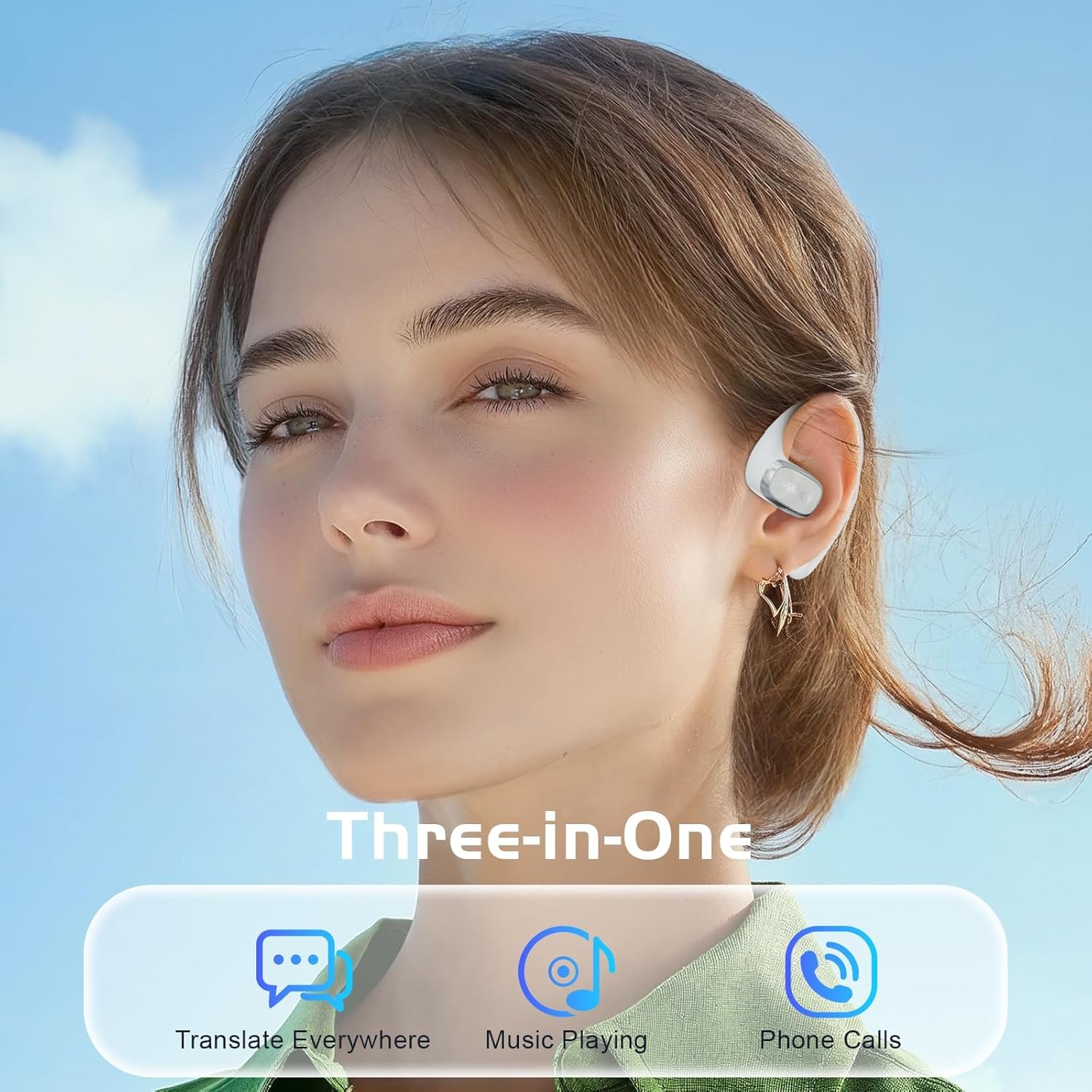
Image: A user wearing the IAMJOY earbuds, illustrating their three primary functions: translation, music playback, and phone calls.
4. Setup and Pairing
4.1 Charging the Earbuds
Before initial use, ensure your earbuds and charging case are fully charged.
- Place the earbuds into the charging case.
- Connect the charging case to a power source using the provided USB cable.
- A full charge typically takes approximately 1.5 hours.
4.2 App Download and Installation
The IAMJOY V21 earbuds require a dedicated mobile application for translation functionalities. The app is compatible with both iOS and Android devices.
- Scan the QR code provided in the packaging or search for the "IAMJOY Translator" app in your device's app store (Apple App Store for iOS, Google Play Store for Android).
- Download and install the application.
- Follow the on-screen instructions to complete the app setup.

Image: Instructions to download the IAMJOY app, compatible with iOS and Android devices.
4.3 Bluetooth Pairing
Pair your earbuds with your smartphone via Bluetooth to enable all features.
- Ensure the earbuds are charged and removed from the charging case.
- Open the IAMJOY Translator app on your smartphone.
- Enable Bluetooth on your smartphone.
- In your phone's Bluetooth settings, search for available devices and select "V21" to pair.
- Confirm pairing if prompted. The earbuds will indicate a successful connection.

Image: A smartphone displaying the Bluetooth pairing process for the 'V21' earbuds and the IAMJOY app's translation interface.
5. Operating Modes
The IAMJOY V21 earbuds offer seven distinct translation modes to suit various communication scenarios. These modes are accessed and managed through the IAMJOY Translator app.

Image: The IAMJOY app interface displaying the seven available translation modes for various scenarios.

Image: A banner illustrating the multiple translation modes available in the IAMJOY app, including AI Chat, Free Talk, Voice Notes, Translation Machine, and Speaker Mode.
5.1 Free Talk Mode
Ideal for one-on-one conversations where each participant wears an earbud.
- Each person wears one earbud.
- One person speaks, and the other person hears the translation in their earbud within 0.5-3 seconds.

Image: Two individuals in a professional setting, each utilizing an earbud for real-time translation in Free Talk Mode.
5.2 Translation Machine Mode
Suitable for situations where you want your phone to handle the audio input and output.
- The phone automatically picks up spoken sentences.
- The app translates them into the desired language.

Image: A user interacting with the Translation Machine Mode on a smartphone, showing a conversational interface.
5.3 Headphones+Phone Mode
For short conversations or when one person prefers to use the phone's speaker.
- One person wears both earbuds.
- The other person speaks into the smartphone.
- Useful for asking for directions or quick interactions.

Image: Two individuals outdoors, one with earbuds and the other with a phone, illustrating the Headphones+Phone Mode for communication.
5.4 Voice Note Mode
Converts spoken audio into text notes.
- Records meetings or classroom lectures.
- Converts voice recordings into text notes.
- Supports 11 languages: Chinese, English, Japanese, French, Spanish, German, Arabic, Korean, Russian, Italian, Portuguese.
- Maximum duration for text notes is approximately 30 minutes.

Image: An IAMJOY earbud icon next to a microphone symbol, with a background image of a business meeting, representing the Voice Notes Mode.
5.5 Photo Translation
Translates text from images.
- Take a photo or select an image from your gallery.
- The app translates the text content within the picture.

Image: A smartphone screen demonstrating the Photo Translation feature, translating text from a document image.
5.6 Audio and Video Translation Mode
Enables translation during audio or video calls.
- Invite contacts to a call through any compatible app (e.g., WeChat, Skype, WhatsApp, email).
- The app provides real-time translation during the audio or video call.

Image: The IAMJOY app interface for Audio and Video Translation mode, offering options to initiate video or voice calls.
5.7 AI Chat Mode
Engage in AI-powered conversations for learning or practice.
- Interact with an AI for language practice or information.
- Enhances language learning and efficiency through intelligent functionality.

Image: A visual representation of a person interacting with an AI, illustrating the AI Chat Mode feature.
6. Additional Features
6.1 Music Playback and Phone Calls
Beyond translation, the IAMJOY V21 earbuds function as standard Bluetooth earbuds, providing high-quality audio for music and clear sound for phone calls.
6.2 Language Support
The earbuds support 163 languages, comprising 78 distinct languages and 85 accents, ensuring broad global coverage. Offline translation is available for 13 languages.

Image: The IAMJOY earbuds with a visual representation of supporting 163 languages, including 78 distinct languages and 85 accents.

Image: A detailed list showcasing the 78 languages and 85 accents supported by the IAMJOY translation earbuds.
7. Battery Life and Charging
The IAMJOY V21 earbuds are designed for extended use with efficient power management.
- Earbud Usage: Up to 5-7 hours of continuous use on a single charge.
- Charging Case: Extends total battery life to up to 24 hours.
- Charging Time: Approximately 1.5 hours for a full charge.
- Bluetooth Version: Bluetooth 5.4 for stable connection.

Image: A circular graphic detailing the battery performance of the IAMJOY earbuds, including call time, music time, charging duration, and total battery life with the charging case.
8. Comfort and Design
The V21 earbuds are engineered for comfort during prolonged wear.
- Ergonomic Design: Soft and lightweight, conforming to ear contours.
- Ear Hook: Gentle and soft ear hook design ensures stability without burden.
- OWS Design: Open-Wearable Stereo (OWS) design allows you to hear ambient sounds, enhancing security and awareness of your surroundings.

Image: A diagram illustrating the comfortable fit of the IAMJOY earbud in an ear, highlighting its lightweight nature and gentle ear hook design.

Image: An IAMJOY earbud with sound wave graphics, emphasizing its OWS (Open-Wearable Stereo) design for increased security and awareness of ambient sounds.
9. Specifications
| Feature | Detail |
|---|---|
| Model Number | V21 |
| Package Dimensions | 4.53 x 3.82 x 2.24 inches |
| Item Weight | 7.4 ounces |
| Batteries | 1 Lithium Polymer batteries required (included) |
| Manufacturer | IAMJOY |
| Bluetooth Version | 5.4 |
| Translation Languages | 163 (78 Languages, 85 Accents) |
| Translation Accuracy | Up to 90%+ |
| Translation Response Time | 0.5 seconds |
10. Maintenance
To ensure the longevity and optimal performance of your IAMJOY V21 earbuds, follow these maintenance guidelines:
- Cleaning: Regularly wipe the earbuds and charging case with a soft, dry, lint-free cloth. Avoid using abrasive materials or harsh chemicals.
- Storage: Store the earbuds in their charging case when not in use to protect them from dust and damage. Keep them in a cool, dry place away from extreme temperatures.
- Charging: Use only the provided charging cable or a certified equivalent. Avoid overcharging or completely draining the battery frequently.
- Water Exposure: The earbuds are not waterproof. Avoid exposure to water, moisture, or excessive sweat.
11. Troubleshooting
If you encounter issues with your IAMJOY V21 earbuds, refer to the following common solutions:
- Earbuds not pairing: Ensure earbuds are charged, Bluetooth is enabled on your device, and the earbuds are in pairing mode. Try restarting both the earbuds (by placing them back in the case and taking them out) and your smartphone.
- No sound from earbuds: Check the volume levels on both your earbuds and your connected device. Ensure the earbuds are properly paired and selected as the audio output.
- Translation inaccuracy or delay: Ensure you have a stable internet connection (Wi-Fi or mobile data) as most translation modes require online access. Speak clearly and at a moderate pace. Update the IAMJOY Translator app to the latest version.
- App not functioning correctly: Close and reopen the app. If the issue persists, try uninstalling and reinstalling the app. Ensure your phone's operating system is up to date.
- Charging issues: Verify that the charging cable is securely connected to both the case and the power source. Try a different USB port or power adapter. Clean the charging contacts on both the earbuds and the case.
If these steps do not resolve your issue, please contact IAMJOY customer support for further assistance.
12. Warranty and Support
IAMJOY products are covered by a manufacturer's warranty. For specific warranty terms and conditions, please refer to the warranty card included in your product packaging or visit the official IAMJOY website.
For technical support, troubleshooting assistance, or warranty claims, please contact IAMJOY customer service through the contact information provided on the official website or within the IAMJOY Translator application.
Ask a question about this manual
Ask about setup, troubleshooting, compatibility, parts, safety, or missing instructions. Manuals+ will review the question and use this page’s manual context to help answer it.