
Product Overview
The Xtreme LED Bluetooth Speaker is a portable audio device designed to deliver clear sound and dynamic LED light shows. It features multiple connectivity options and a rechargeable battery for extended use.

Image: The Xtreme LED Bluetooth Speaker shown alongside its retail packaging, highlighting its design and branding.
Key Features:
- Immersive Audio: Delivers rich, full-range sound with clear highs and deep bass.
- Dynamic LED Light Show: Multiple light modes that sync with music, creating a visual atmosphere.
- Extended Bluetooth Range: Connects wirelessly up to 33 feet (10 meters) from your device.
- Versatile Connectivity: Supports Bluetooth, Aux-in, USB, and Micro-SD card playback.
- Portable Design: Lightweight with a convenient carrying loop and rechargeable USB-C battery.
What's in the Box
- Xtreme LED Bluetooth Speaker
- USB-C Charging Cable
- Instruction Manual
Controls and Ports

Image: A detailed view of the speaker's front panel, illustrating the control buttons and highlighting features like multi-color LEDs, loud audio, quality sound, and the portable carrying loop.
- Power Button: Press and hold to turn the speaker ON/OFF.
- Volume Up / Next Track: Short press for volume up, long press for next track.
- Volume Down / Previous Track: Short press for volume down, long press for previous track.
- Play/Pause / Bluetooth Pairing: Short press to play/pause, long press to enter Bluetooth pairing mode.
- Light Mode Button: Press to cycle through different LED light show modes.
- Mode Button (M): Press to switch between Bluetooth, Aux, USB, and Micro-SD card modes.
- Charging Port (USB-C): For connecting the charging cable.
- Aux-in Port: For wired audio connection.
- USB Port: For playing audio from a USB drive.
- Micro-SD Card Slot: For playing audio from a Micro-SD card.
Setup
1. Charging the Speaker
Before first use, fully charge the speaker. Connect the provided USB-C charging cable to the speaker's charging port and the other end to a USB power adapter (not included) or a computer's USB port. The LED indicator will show charging status and turn off when fully charged.
2. Powering On/Off
Press and hold the Power Button for approximately 3 seconds to turn the speaker ON or OFF. A sound prompt will indicate the power status.
Operating Instructions
Bluetooth Mode
- Turn on the speaker. It will automatically enter Bluetooth pairing mode, indicated by a flashing LED light.
- On your device (smartphone, tablet, etc.), enable Bluetooth and search for available devices.
- Select "Xtreme Speaker" from the list of devices.
- Once paired, the LED indicator will stop flashing, and a confirmation sound will play.
- You can now play audio from your device through the speaker.
- To disconnect or pair with a new device, long press the Play/Pause / Bluetooth Pairing Button.
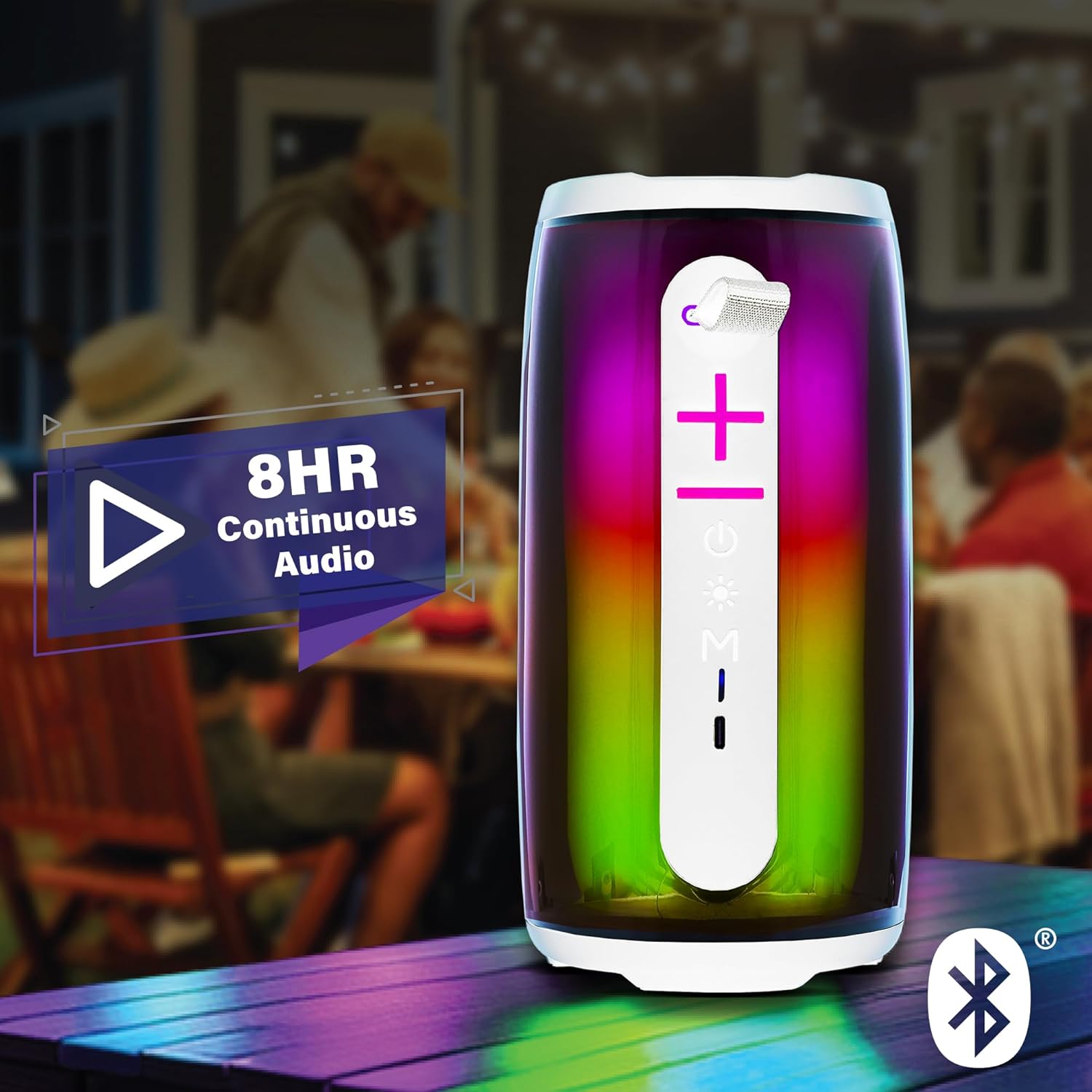
Image: The Xtreme LED Bluetooth Speaker providing music at an outdoor social event, demonstrating its portability and highlighting its 8-hour continuous audio playback capability.
Aux-in Mode
- Connect one end of a 3.5mm audio cable (not included) to the speaker's Aux-in port.
- Connect the other end to the audio output of your device.
- Press the Mode Button (M) to switch to Aux-in mode.
- Audio will now play through the wired connection.
USB and Micro-SD Card Playback
- Insert a USB drive into the USB port or a Micro-SD card into the Micro-SD card slot.
- Press the Mode Button (M) to switch to USB or Micro-SD card mode. The speaker will automatically detect and play audio files.
Controlling Audio Playback
- Play/Pause: Short press the Play/Pause Button.
- Volume Up: Short press the Volume Up (+) Button.
- Volume Down: Short press the Volume Down (-) Button.
- Next Track: Long press the Volume Up (+) Button.
- Previous Track: Long press the Volume Down (-) Button.
LED Light Show Modes
Press the Light Mode Button to cycle through various LED light show patterns. The lights will pulse and change color, syncing with the music.
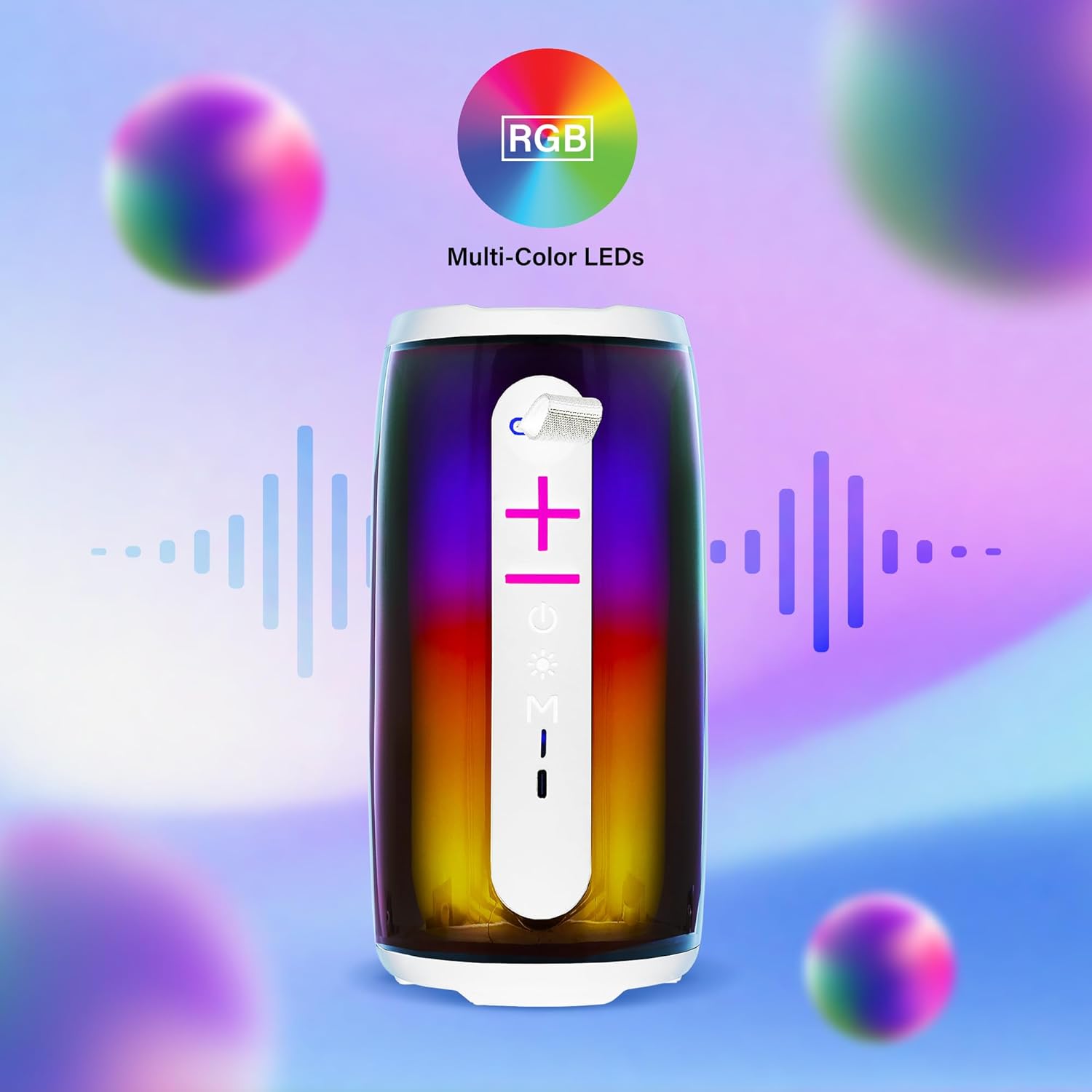
Image: The Xtreme LED Bluetooth Speaker showcasing its vibrant RGB multi-color LED lights, with visual representations of sound waves indicating its audio synchronization feature.
Maintenance
- Cleaning: Use a soft, dry cloth to clean the speaker's exterior. Do not use abrasive cleaners or solvents.
- Storage: Store the speaker in a cool, dry place away from direct sunlight and extreme temperatures.
- Battery Care: To prolong battery life, charge the speaker regularly, even if not in frequent use. Avoid fully depleting the battery for extended periods.
- Water Exposure: This speaker is not waterproof. Avoid exposing it to water or excessive moisture.
Troubleshooting
| Problem | Solution |
|---|---|
| Speaker does not turn on. | Ensure the speaker is charged. Connect it to a power source using the USB-C cable. |
| Cannot pair via Bluetooth. |
|
| No sound. |
|
| LED lights are not working. | Press the Light Mode Button to cycle through the light show modes. Ensure the speaker is powered on. |
Specifications
- Model: XBS9-1078
- Brand: XTREME DIGITAL LIFESTYLE ACCESSORIES
- Connectivity: Bluetooth, Aux-in, USB, Micro-SD
- Bluetooth Range: Up to 33 feet (10 meters)
- Speaker Output Power: 10 Watts (based on product image)
- Battery: Rechargeable USB-C
- Battery Life: Up to 8 hours (continuous audio, varies with usage)
- Dimensions: 7" (Height) x 3" (Width) x 3" (Depth)
- Weight: Approximately 0.9 lbs (14.4 ounces)
- Color: White
Warranty and Support
For warranty information or technical support, please refer to the contact details provided on the product packaging or visit the official XTREME DIGITAL LIFESTYLE ACCESSORIES website. Keep your purchase receipt as proof of purchase for warranty claims.
Manufacturer: XTREME DIGITAL LIFESTYLE ACCESSORIES
UPC: 805106238797