
1. Product Overview
The Swokely 2.4G Wireless Video Doorbell Camera system provides enhanced security and communication for your home or office. Featuring a 4.3-inch IPS monitor, two-way audio, and infrared night viewing, this system ensures clear visibility and seamless interaction with visitors. It operates on a 2.4G private protocol for stable wireless transmission up to 150 meters, eliminating the need for Wi-Fi connectivity. The system supports automatic image storage and video recording to an SD card (up to 128GB).

Image: The Swokely 2.4G Wireless Video Doorbell Camera and its accompanying 4.3-inch IPS monitor display.
2. Package Contents
Please verify that all items are present in your package:
- Indoor Display Monitor
- Wireless Doorbell Unit
- Indoor Display Base Plate
- Wireless Doorbell Base Plate
- Indoor Display Back Sticker
- Wireless Doorbell Back Sticker
- Charging Cable
- User Manual
- Screw Pack (for installation)
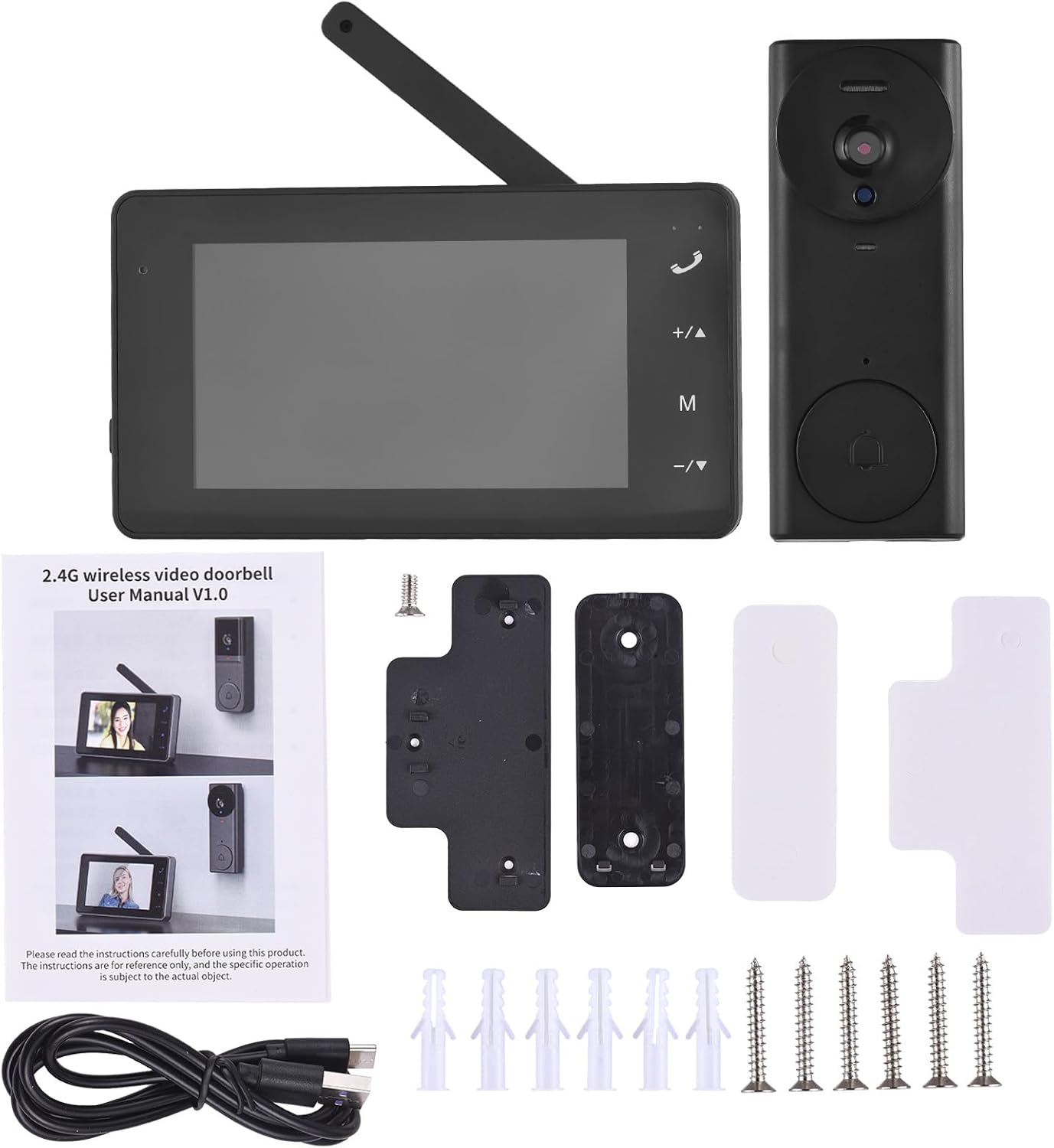
Image: All components included in the Swokely 2.4G Wireless Video Doorbell Camera package, laid out on a surface.
3. Setup
3.1 Initial Charging
Before first use, fully charge both the indoor monitor and the outdoor doorbell unit. The indoor monitor must remain connected to a power supply during operation.
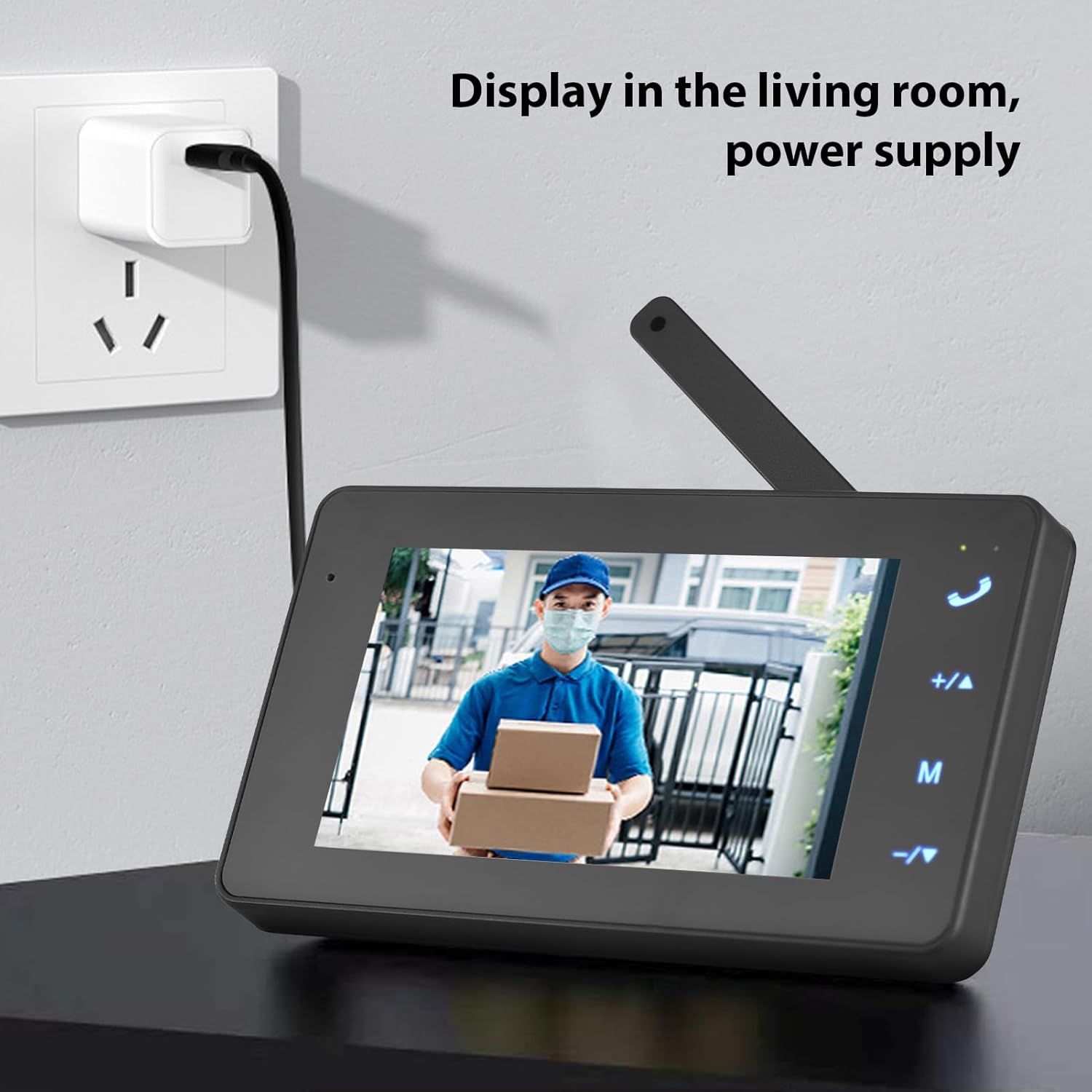
Image: The indoor monitor is shown plugged into a wall outlet for continuous power supply.
3.2 Pairing the Doorbell and Monitor
For initial setup, the doorbell and monitor need to be paired. Ensure both devices are powered on.
- On the indoor monitor, long-press the 'M' button to enter pairing mode. A countdown will appear on the screen.
- While the monitor is in pairing mode, long-press the call button on the outdoor doorbell unit.
- The monitor will indicate successful pairing once the connection is established.
Video: A demonstration of how to pair the Swokely 2.4G Wireless Video Doorbell Camera with its monitor display.
Video: Step-by-step guide on pairing the doorbell and the display screen for the video intercom system.
3.3 Installation
The wireless design allows for easy installation. Mount the outdoor doorbell unit at your desired location using the provided screws and base plate. The indoor monitor can be placed on a flat surface or mounted on a wall.

Image: The wireless video doorbell unit is shown installed on a wall next to a door, ready for use.
Video: An instructional video demonstrating the installation process for a video intercom system.
4. Operating Instructions
4.1 Two-Way Intercom
When a visitor presses the doorbell, the indoor monitor will ring and display the live video feed. To communicate, press and hold the talk button on the monitor. Release the button to listen.
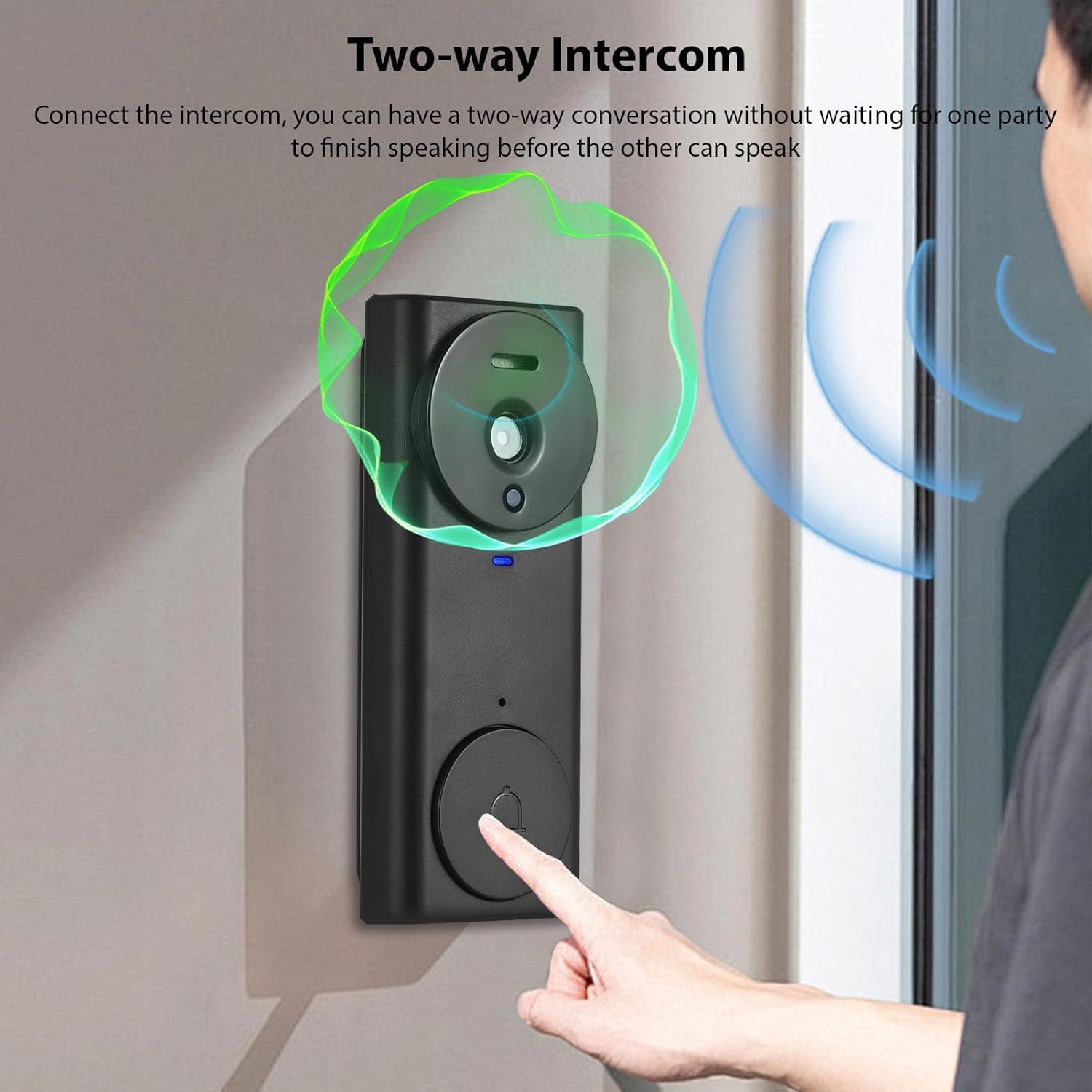
Image: A person is shown interacting with the doorbell unit, while the indoor monitor displays the visitor and indicates two-way audio communication.
Video: A demonstration of the product's features and operational aspects, including two-way communication.
4.2 Video Recording and Photo Capture
The system automatically stores images and records videos to an SD card (not included, supports up to 128GB) when the doorbell is pressed. You can review these recordings and images via the monitor's menu.
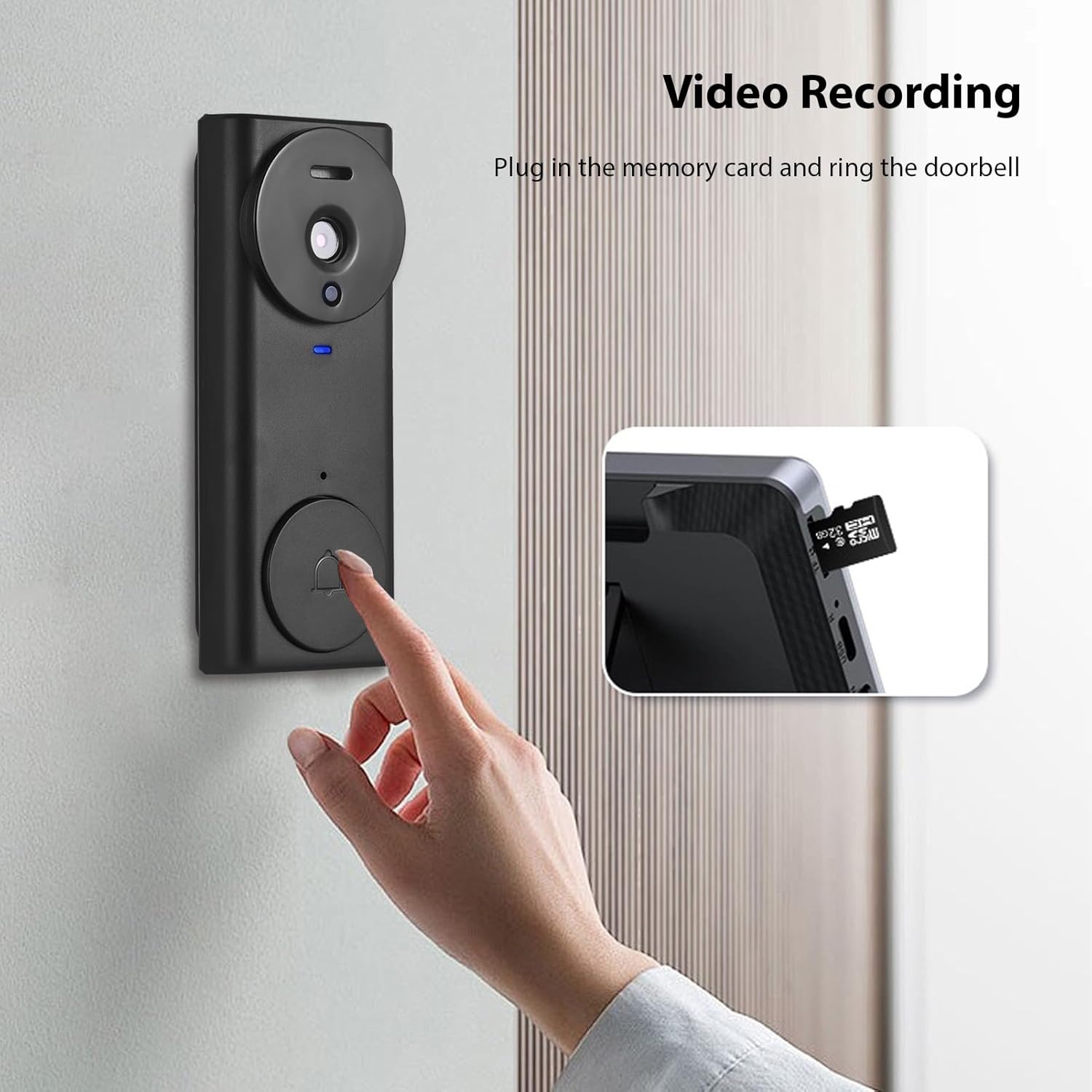
Image: The video doorbell unit is shown with an insert illustrating the SD card slot for video recording.
4.3 Menu Navigation and Settings
Use the buttons on the indoor monitor to navigate through settings such as language, brightness, ring volume, and time. The 'M' button typically accesses the main menu.
Video: A detailed overview of the doorbell with camera and 4.3-inch IPS screen, including menu navigation.
5. Maintenance
- Cleaning: Use a soft, dry cloth to clean the monitor screen and doorbell unit. Avoid abrasive cleaners or solvents.
- Battery Care: Ensure the indoor monitor remains connected to power. Periodically check the outdoor doorbell's battery status and recharge as needed.
- SD Card: Regularly back up important recordings from the SD card and format it periodically to maintain optimal performance.
6. Troubleshooting
| Issue | Possible Cause | Solution |
|---|---|---|
| No image on monitor | Doorbell or monitor not powered on; devices not paired. | Ensure both units are charged/powered. Re-pair devices if necessary (refer to Section 3.2). |
| Poor audio quality | Interference; low battery. | Move monitor closer to doorbell. Ensure units are fully charged. |
| Doorbell not ringing | Low battery; out of range; pairing lost. | Charge doorbell. Check distance. Re-pair devices. |
| Cannot record video | No SD card; SD card full or corrupted. | Insert a compatible SD card. Format or replace the SD card. |
7. Specifications
- Model Number: SOP9789917467661QY
- Monitor Screen: 4.3-inch IPS Display
- Connectivity: 2.4G Private Protocol (Wireless, No Wi-Fi required)
- Transmission Range: Up to 150 meters (approx. 492 feet)
- Viewing Angle: 170 degrees
- Night Vision: Infrared Night Viewing
- Audio: HiFi Microphone, Two-Way Intercom
- Storage: Supports SD card up to 128GB (for images and videos)
- Power: 1 Lithium Polymer battery required (included)
- Item Weight: 13 ounces
- Package Dimensions: 6.38 x 4.61 x 2.68 inches
8. Warranty & Support
For any product issues or technical assistance, please contact us directly. We are committed to providing support for our products.
- WhatsApp: +8613517470657
- Email: fanyuu0915@yunangshop.com
Please retain your proof of purchase for warranty claims.