
Introduction
This manual provides detailed instructions for the safe and efficient installation, operation, and maintenance of your NKPU 48-Inch Flush Mount Ceiling Fan. Designed for both indoor and outdoor use, this modern ceiling fan features a reversible DC motor, dimmable LED lighting with adjustable color temperatures, and convenient remote and app control. Please read this manual thoroughly before beginning installation or operation to ensure proper function and safety.
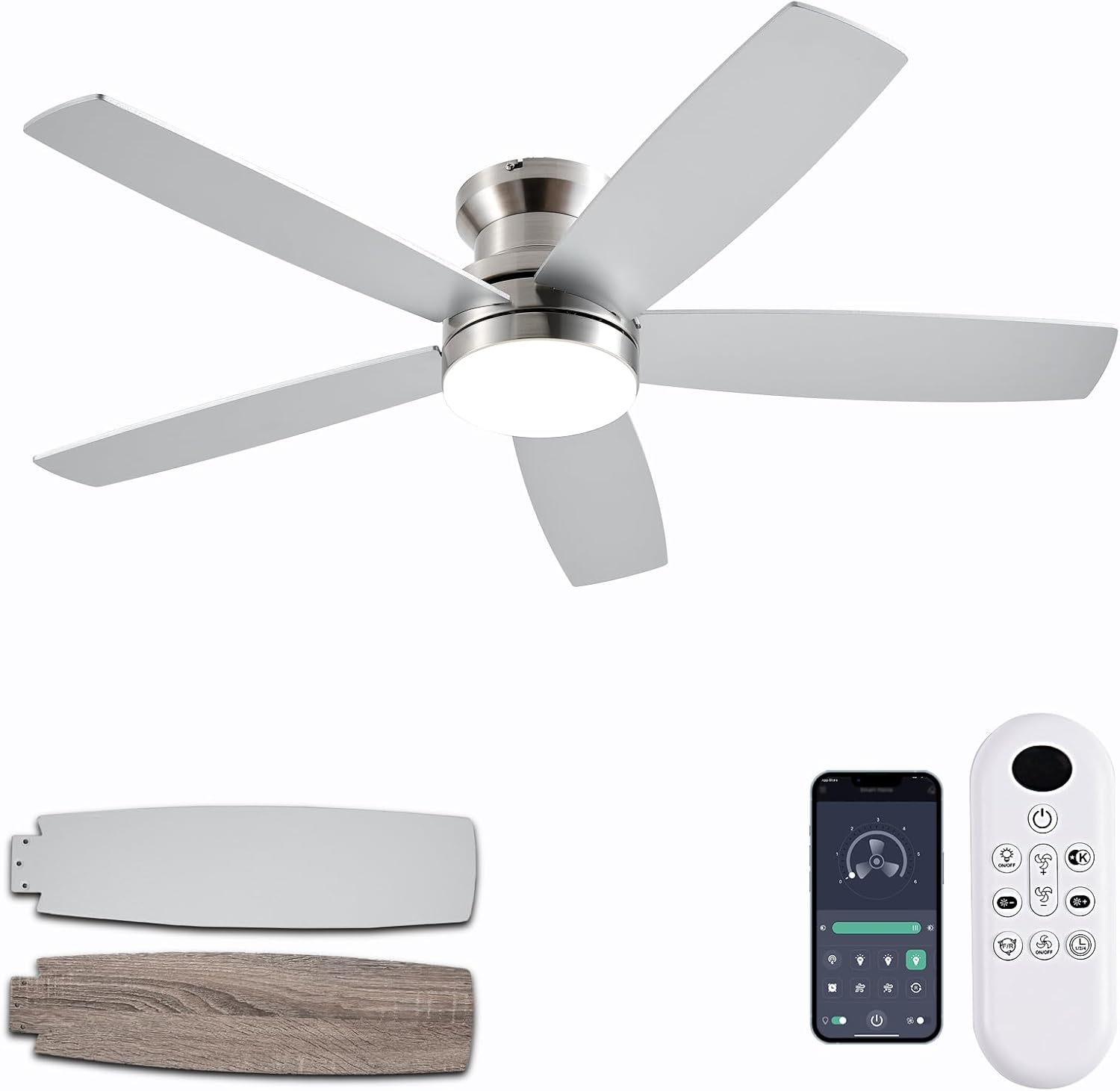
Figure 1: NKPU 48-Inch Flush Mount Ceiling Fan with remote and app interface.
Key Features
- Dual-Sided Fan Blades: Features reversible blades with a sleek nickel finish on one side and a wood grain design on the other, allowing for versatile aesthetic integration with various interior decors.
- Silent & Reversible DC Motor: Equipped with an energy-efficient DC motor that operates silently, providing powerful air circulation. The reversible function allows for both downdraft (cooling in summer) and updraft (warming in winter) modes. This motor is rated A-level energy efficiency, reducing power loss by up to 80% compared to traditional fans.
- 3CCT Dimmable LED Lighting: Integrated LED light offers dimming capabilities from 10% to 100% brightness. Users can select from three color temperatures: 3000K (warm white), 4000K (natural white), and 6000K (cool white) to suit different moods and needs.
- Remote & APP Control: Control the fan and light functions conveniently via the included remote control or the "Fan Lamp Pro" mobile application. Adjust light brightness, color temperature, 6-speed settings, and set 1/2/4-hour timers independently for optimal comfort.
- Low Profile Design: The flush mount design ensures a low profile, making it suitable for rooms with lower ceilings while maintaining effective air circulation.
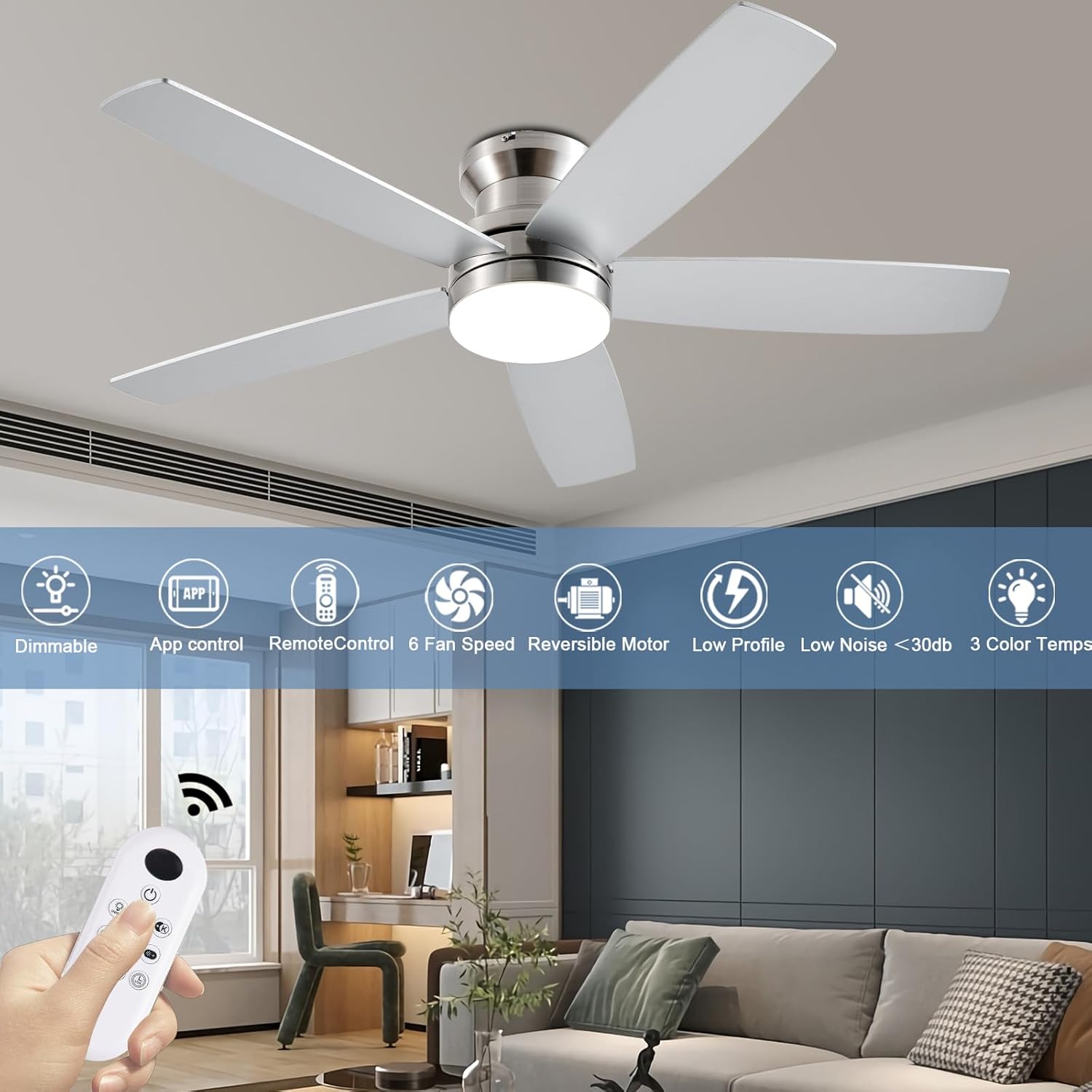
Figure 2: Overview of the fan's key features.
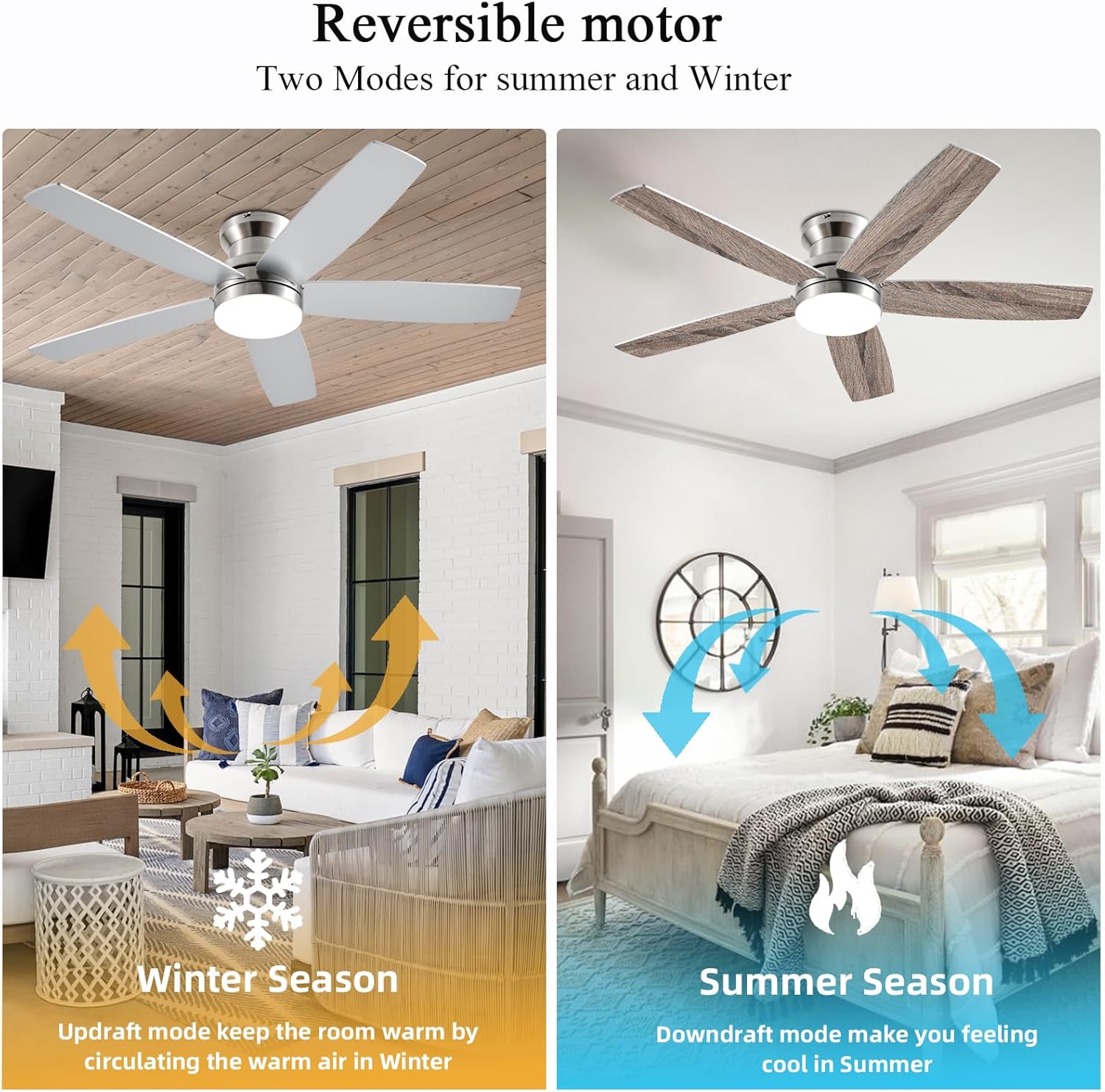
Figure 3: Reversible motor for year-round comfort.
Components Overview
Your NKPU 48-Inch Flush Mount Ceiling Fan package includes the following main components:
- 1 x Ceiling Fan with Lights Kit (Motor Housing, Fan Blades, LED Light Kit)
- 1 x User Manual
- 1 x Remote Control
- Mounting Hardware (screws, wire nuts, etc.)
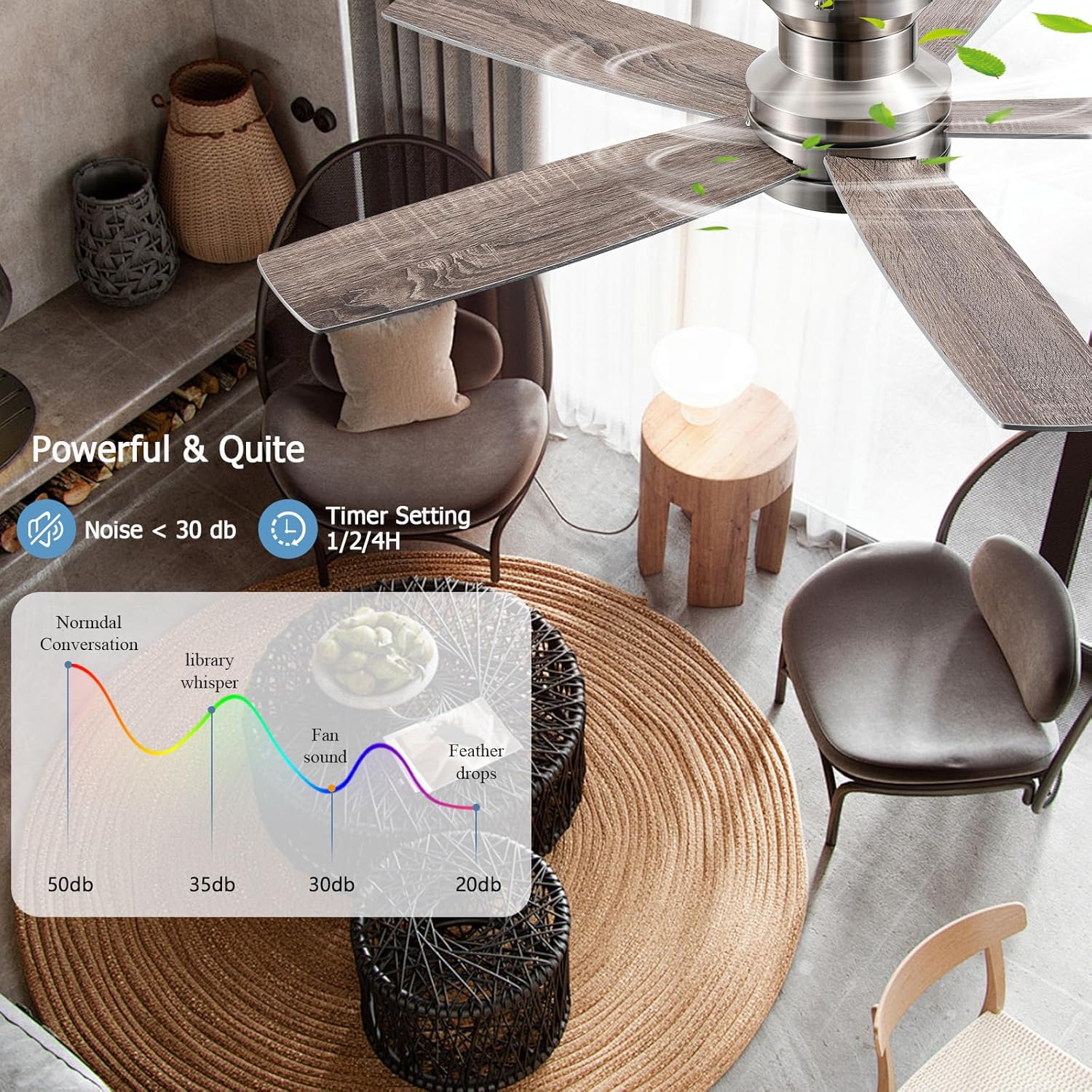
Figure 4: Unboxed components of the ceiling fan.
Installation Guide
Safety First: Before beginning installation, ensure the power supply to the ceiling fan location is turned off at the circuit breaker. If you are unsure about electrical wiring, consult a qualified electrician.
- Prepare the Mounting Bracket: Secure the mounting bracket to the ceiling junction box. Ensure it is firmly attached and can support the fan's weight.
- Assemble the Fan Motor: Attach the fan motor assembly to the mounting bracket. Carefully connect the electrical wires (live, neutral, ground) from the ceiling to the corresponding wires on the fan. Use wire nuts to secure connections.
- Attach Fan Blades: Securely attach each of the five dual-sided fan blades to the motor housing using the provided screws. Ensure they are tightened evenly to prevent wobbling.
- Install the LED Light Kit: Connect the LED light kit wires to the fan's electrical connections. Carefully tuck all wires into the housing.
- Secure the Light Cover: Attach the light cover to the fan body. Ensure it is securely fastened.
- Final Checks: Double-check all connections and ensure no wires are pinched. Restore power at the circuit breaker.
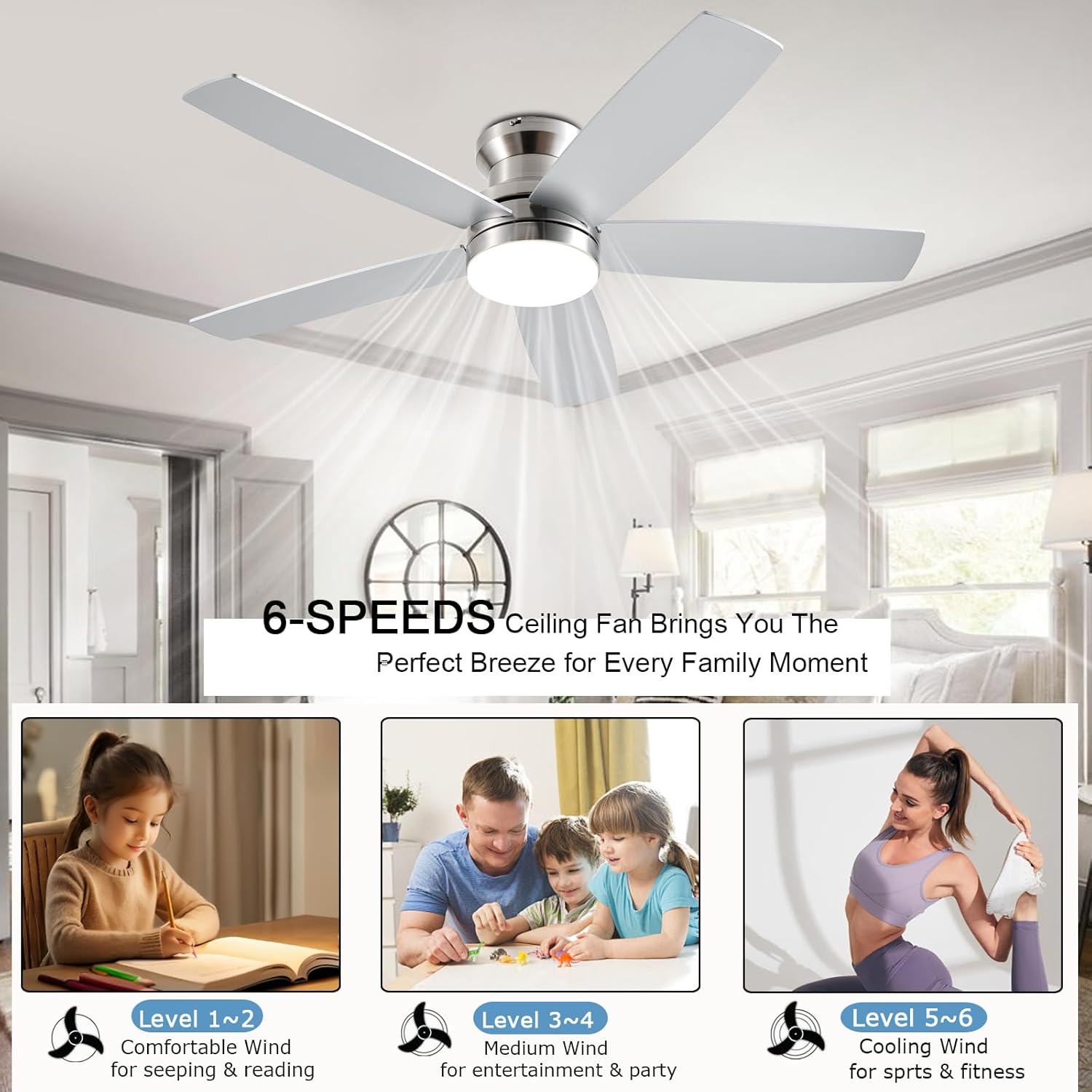
Figure 5: Attaching the fan blades.
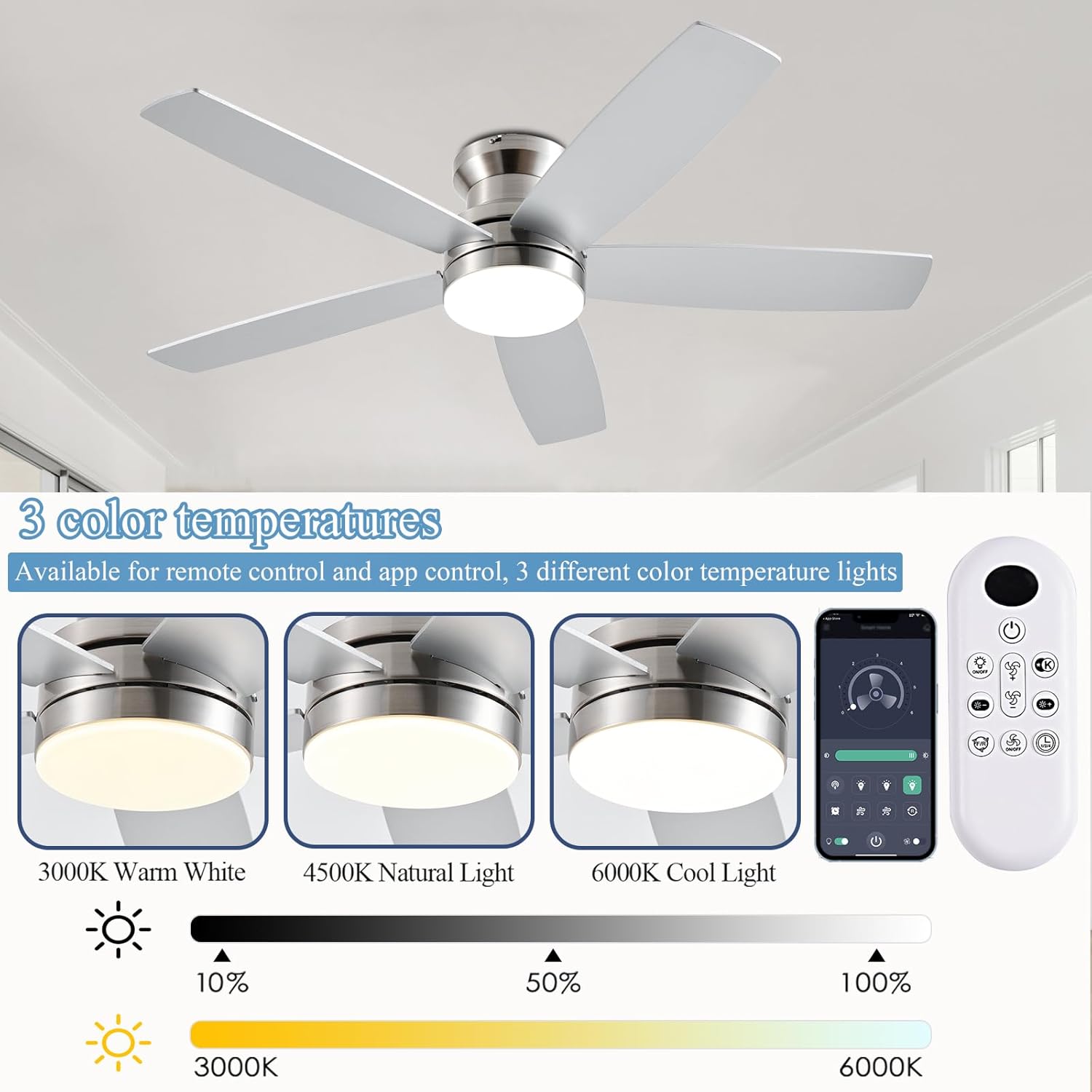
Figure 6: Securing the LED light cover.
For visual guidance, refer to the detailed installation instructions provided in the included user manual.

Figure 7: Mounting options (Flush Mount recommended).
Operating Instructions
Your NKPU ceiling fan can be controlled using the included remote control or the "Fan Lamp Pro" mobile application.
Remote Control Operation
The remote control allows for full control over the fan and light functions. Ensure batteries are installed correctly.

Figure 8: Remote Control Functions.
- Power On/Off: Press the power button to turn the fan and light on or off.
- Fan Speed Adjustment: Cycle through 6 fan speeds using the fan speed buttons.
- Light Brightness: Adjust the LED light brightness from 10% to 100%.
- Color Temperature: Switch between 3000K (warm white), 4000K (natural white), and 6000K (cool white) light temperatures.
- Timer Settings: Set the fan to turn off automatically after 1, 2, or 4 hours.
- Reversible Motor: Use the forward/reverse button to change the blade direction for summer (downdraft) or winter (updraft) modes.

Figure 9: Fan Speed Settings.
App Control (Fan Lamp Pro)
For enhanced control, download the "Fan Lamp Pro" app on your smartphone. Scan the QR code below or visit http://www.jasonghost.com/fanlamppro/ to download the app.

Figure 10: Fan Lamp Pro App Setup and Interface.
- Scan the QR code or visit the provided URL to download the "Fan Lamp Pro" app.
- Open the app and click "Add Device".
- Select "Light Fan" from the device list.
- Click "Pair" and follow the on-screen instructions to connect your fan. (Typically, power on the fan and click the pair button 1-2 times within 3 seconds).
The app provides a comprehensive interface to control all fan and light settings, including brightness, color temperature, fan speed, and timers.
Maintenance
Regular maintenance ensures the longevity and optimal performance of your ceiling fan.
- Cleaning: Dust the fan blades and motor housing regularly with a soft, damp cloth. Do not use abrasive cleaners or solvents, as they may damage the finish.
- Blade Balance: If the fan wobbles, check that all blade screws are tight. Use the included dynamic blade kit if necessary to balance the blades.
- Electrical Connections: Periodically check electrical connections for tightness, especially after initial installation.
Troubleshooting
If you encounter issues with your fan, refer to the following common troubleshooting steps:
- Fan Not Operating: Ensure the power supply is on at the circuit breaker and wall switch. Check remote control batteries. Verify all electrical connections are secure.
- Light Not Working: Check light kit wiring. Ensure the light function is enabled on the remote/app.
- Excessive Wobbling: Confirm all blade screws are tight. Check that the mounting bracket is securely installed. Ensure blades are balanced using the provided kit.
- Remote/App Not Responding: Replace remote batteries. Ensure the fan is properly paired with the app. Try resetting the fan by turning off power at the breaker for a few minutes, then restoring it.
For more complex issues, please contact customer support.
Specifications
| Feature | Specification |
|---|---|
| Brand | NKPU |
| Model Name | BR-SY69 |
| Item Model Number | SY69-Nickel |
| Color | Nickel |
| Electric Fan Design | Ceiling Fan |
| Power Source | DC |
| Style | Modern |
| Product Dimensions | 48"D x 48"W x 12.9"H |
| Room Type | Bedroom, Kids Room, Living Room, Nursery, Playroom |
| Special Features | Adjustable Height, Adjustable Tilt, App Operable, LED Light, Remote Controlled |
| Recommended Uses | Air Circulation, Cooling, Lighting |
| Noise Level | 30 dB |
| Wattage | 60 watts |
| Finish Type | Matte |
| Number of Blades | 5 |
| Speed | 6 RPM (6 levels) |
| Voltage | 110 Volts |
| Switch Type | Push Button |
| Item Weight | 10.27 Pounds |
| Indoor/Outdoor Usage | Indoor, Outdoor |
| Control Method | App, Remote |
| Light Type | LED |
| Efficiency | High Efficiency |
| Manufacture Year | 2025 |
| Size | 48 inch |
| Batteries Required? | Yes |
Warranty and Support
The NKPU 48-Inch Flush Mount Ceiling Fan comes with a 24-month worry-free warranty. NKPU also provides 24-hour after-sales support to assist with any issues encountered during installation or use.
For additional peace of mind, protection plans are available for purchase:
- 3-Year Protection Plan
- 4-Year Protection Plan
- Complete Protect (monthly plan covering eligible purchases)
If you require assistance, please refer to the contact information provided in your product packaging or on the official NKPU website.