
1. Introduction
Thank you for choosing the ecozy Sunrise Alarm Clock and White Noise Sound Machine. This device is designed to enhance your sleep and wake-up experience through natural light simulation, soothing sounds, and smart features. Please read this manual carefully to ensure proper use and optimal performance.

Image 1.1: Front view of the ecozy Sunrise Alarm Clock, displaying the digital time and the illuminated light dome.
2. Product Overview
2.1 Key Features
- Sunrise Simulation: Gradually brightens to simulate natural sunrise, aiding in a gentle wake-up.
- Sunset Simulation: Dims light and plays soothing sounds to help you relax and fall asleep.
- 26 Soothing Sounds: A variety of white noise and nature sounds for sleep and relaxation.
- 17 Night Light Options: Customizable light colors and brightness for ambiance or reading.
- Bluetooth Speaker: Connect your device to play music or podcasts.
- Backlit Buttons: Easy operation in low-light conditions.
- Snooze Function: Provides an additional 9 minutes of sleep.

Image 2.1: The ecozy device functioning as a multi-purpose sleep and wake solution.
2.2 Package Contents
Please check the package for the following items:
- ecozy Sunrise Alarm Clock Unit
- Power Adapter (USB-C cable and wall adapter)
- User Manual (This document)
3. Setup
3.1 Initial Power-On
- Connect the provided USB-C cable to the port on the back of the ecozy device.
- Plug the power adapter into a standard electrical outlet.
- The display will illuminate, and the device will enter standby mode or prompt for initial time setting.
3.2 Setting the Time
Upon first power-on or after a power interruption, you may need to set the current time.
- Press the Time Set button (usually indicated by a clock icon).
- Use the +/- buttons or rotary dial (if present) to adjust the hour. Press Time Set again to confirm.
- Adjust the minutes using the +/- buttons or rotary dial. Press Time Set to confirm.
- Select 12-hour or 24-hour format if prompted.
4. Operating Instructions
4.1 Setting an Alarm
The device supports multiple alarms. Follow these steps to set an alarm:
- Press the Alarm button (often a bell icon).
- Use the +/- buttons or rotary dial to set the desired wake-up hour. Press Alarm to confirm.
- Adjust the minutes and confirm with Alarm.
- Select your preferred alarm sound from the 26 available options. Adjust the volume level (LO-L16).
- Choose the sunrise simulation duration (e.g., 5-60 minutes before the alarm time).
- Confirm all settings. The alarm icon will appear on the display.
To snooze, press the large Snooze button on top of the device when the alarm sounds. This will pause the alarm for 9 minutes.
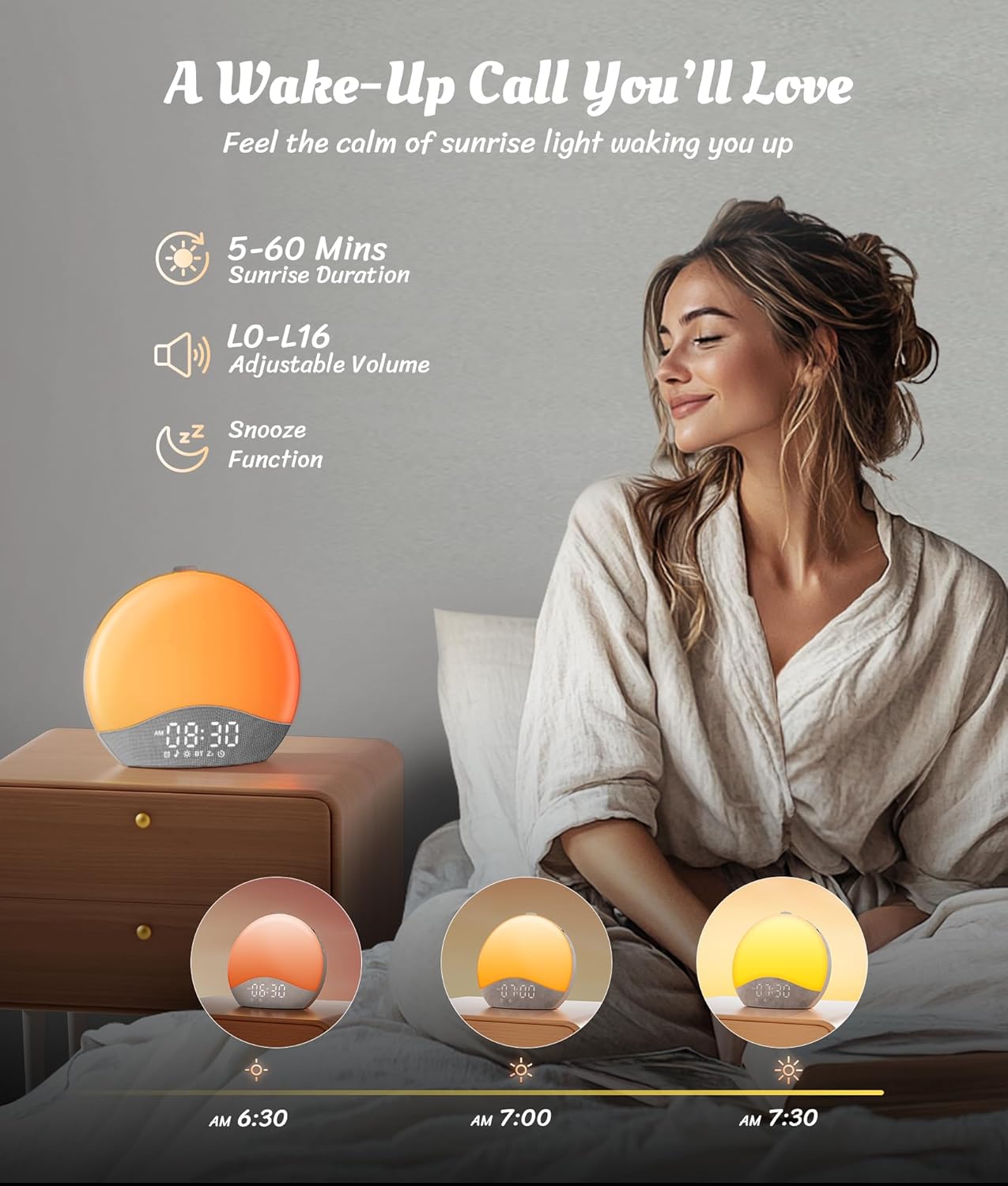
Image 4.1: Visual representation of the sunrise simulation feature, illustrating the gradual increase in light intensity.
4.2 Light Functions
The ecozy alarm clock offers various light modes:
- Night Light: Press the Light button to cycle through 17 different colors and brightness levels.
- RGB Light: Activate dynamic RGB light effects for mood lighting.
- Sunset Simulation: To initiate a sunset simulation, press the Sunset button. The light will gradually dim over a set period (e.g., 30-480 minutes) while playing a chosen sleep sound.
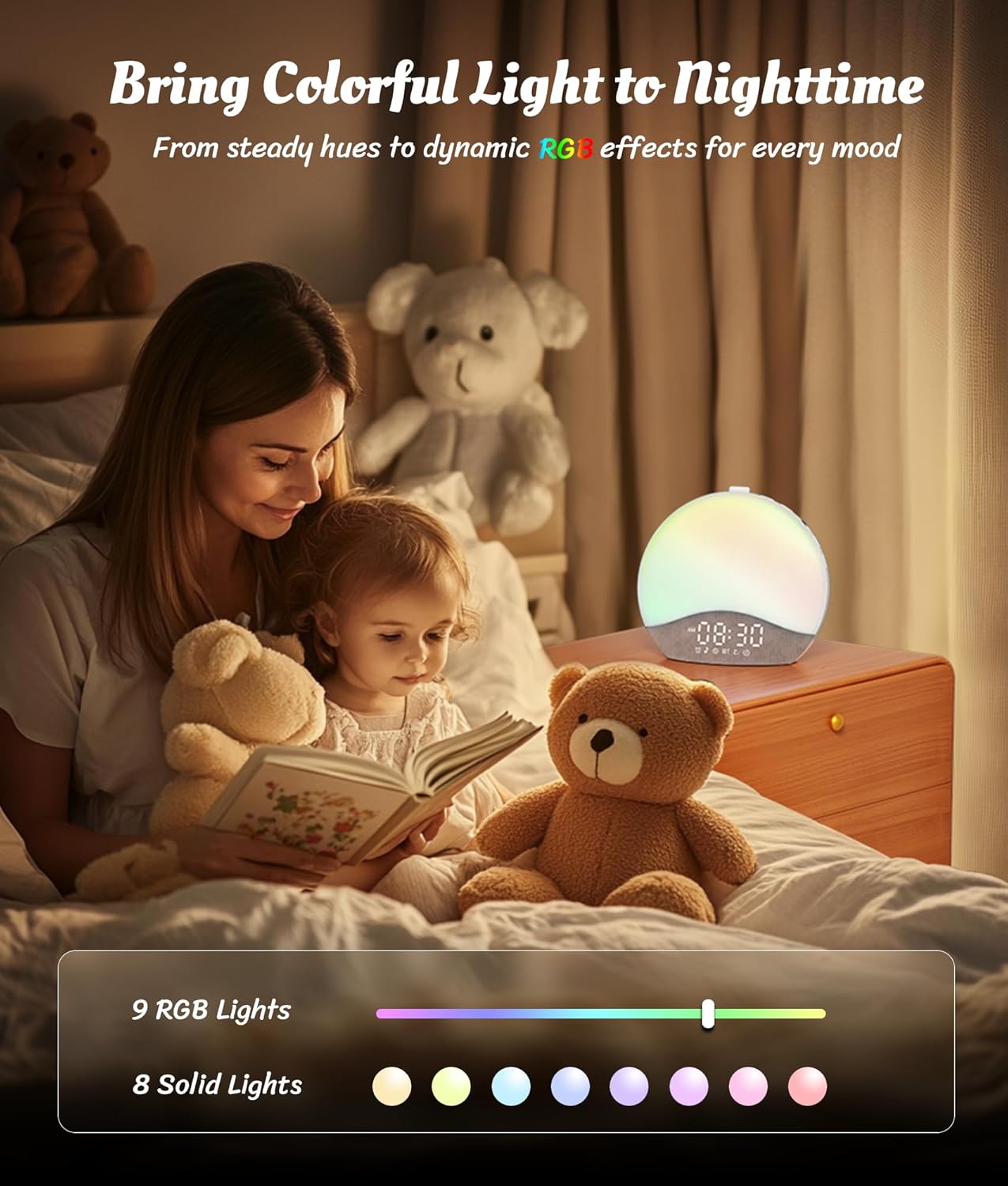
Image 4.2: The device providing colorful ambient lighting for a bedroom setting.
4.3 Sound Functions
Access a variety of sounds for relaxation and sleep:
- White Noise & Nature Sounds: Press the Sound button to cycle through 26 pre-set sounds. Use the +/- buttons to adjust volume.
- Sleep Timer: Set a timer for sounds to play for a specific duration (e.g., 30-480 minutes) before automatically turning off.
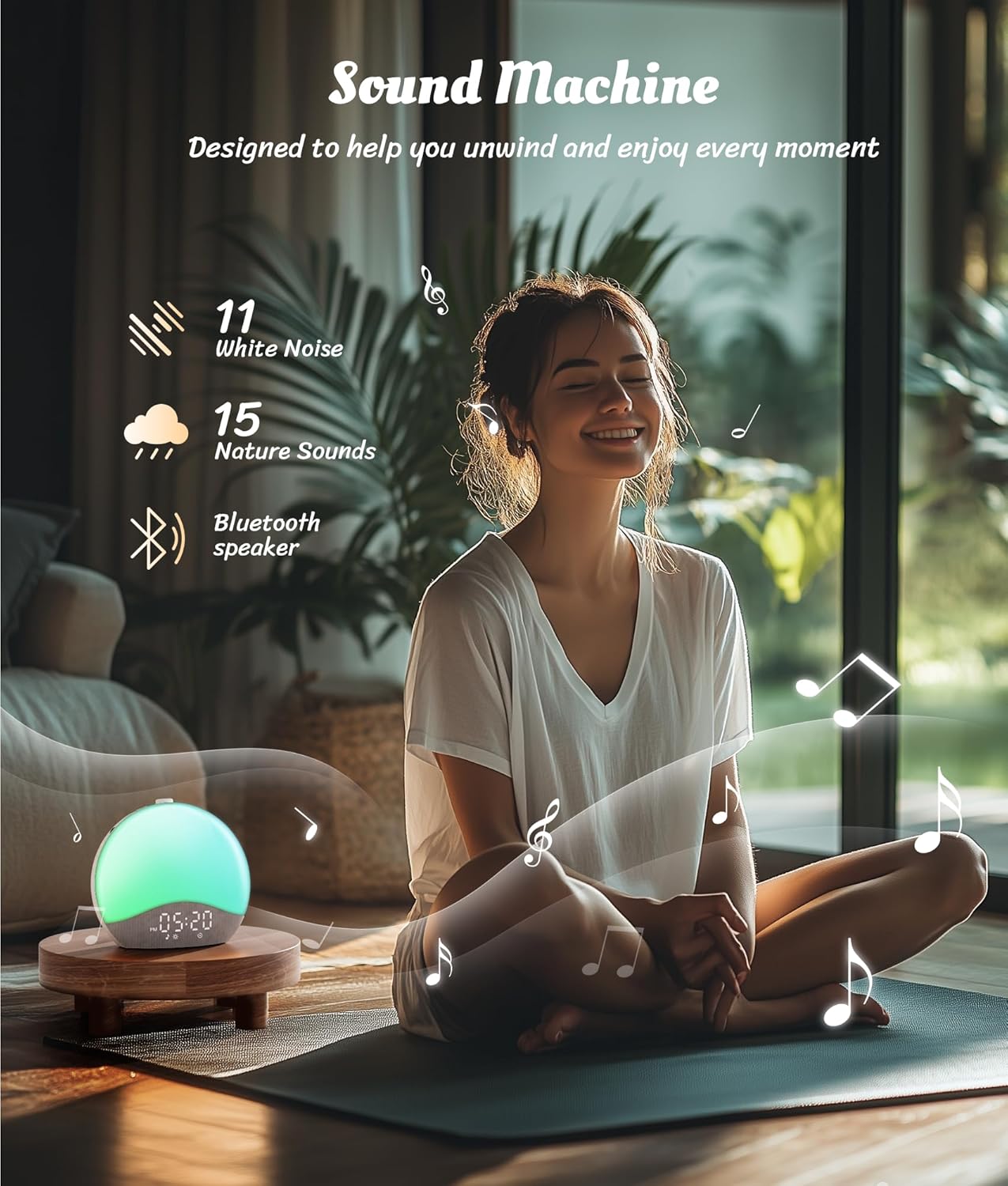
Image 4.3: The ecozy device used as a sound machine for relaxation.
4.4 Bluetooth Speaker
Connect your smartphone, tablet, or laptop to the ecozy device via Bluetooth:
- Press the Bluetooth button on the device. The Bluetooth icon on the display will flash, indicating pairing mode.
- On your mobile device, go to Bluetooth settings and select "ecozy AC-SCE60A" from the list of available devices.
- Once connected, the Bluetooth icon on the alarm clock will stop flashing. You can now play audio through the device's speakers.
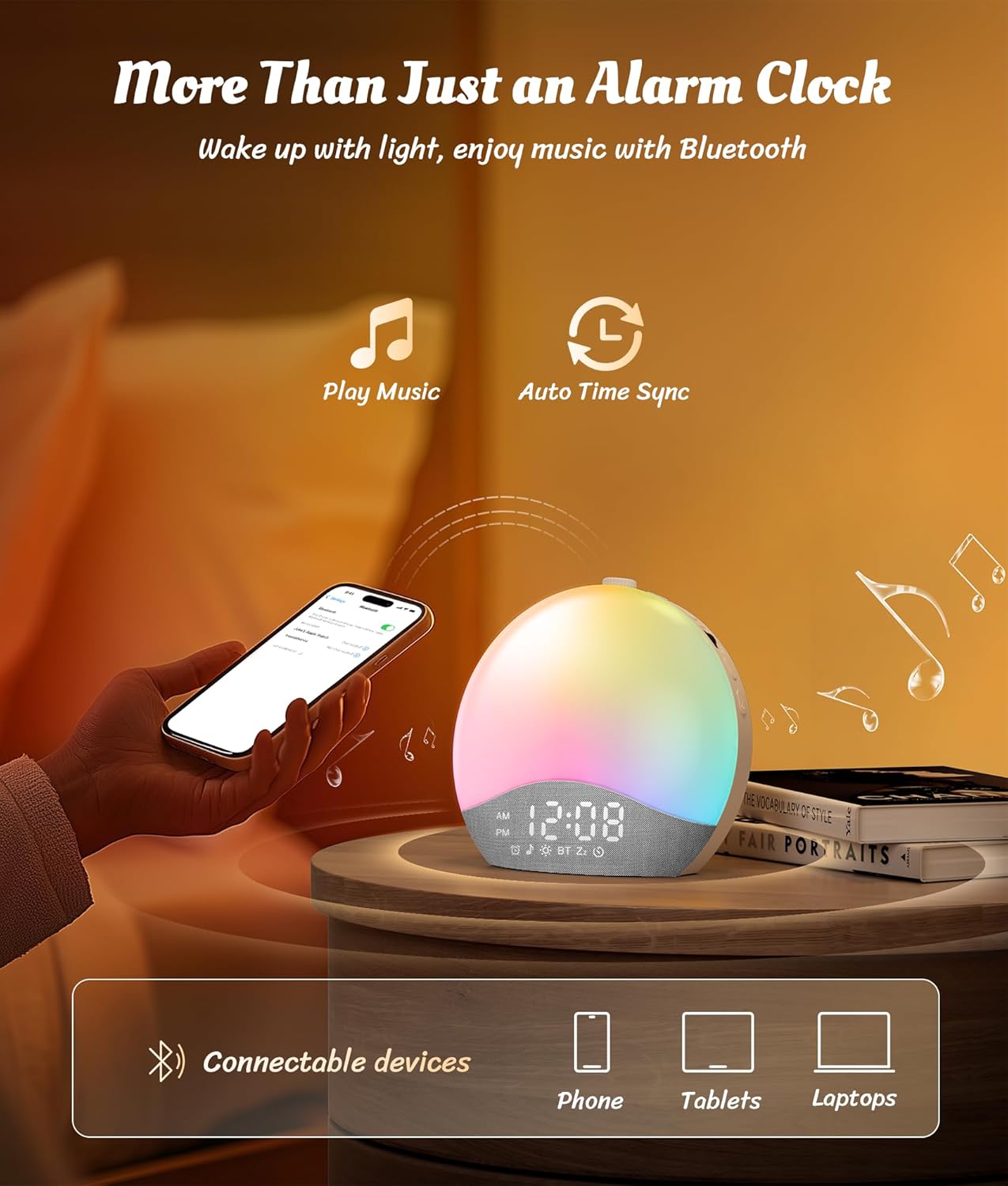
Image 4.4: The ecozy device functioning as a Bluetooth speaker, connected to a smartphone.
5. Maintenance
- Cleaning: Unplug the device before cleaning. Use a soft, dry cloth to wipe the surface. Do not use abrasive cleaners or solvents.
- Storage: Store the device in a cool, dry place when not in use for extended periods.
- Avoid Water: Keep the device away from water and high humidity.
6. Troubleshooting
| Problem | Possible Cause | Solution |
|---|---|---|
| Device does not power on. | Not properly connected to power. | Ensure the power adapter is securely plugged into both the device and the wall outlet. |
| Alarm does not sound. | Alarm not set or volume too low. | Verify alarm settings and ensure volume is audible. Check if the alarm is enabled. |
| Bluetooth connection fails. | Device not in pairing mode or too far. | Ensure the ecozy device is in Bluetooth pairing mode. Move your mobile device closer. Restart Bluetooth on both devices. |
| Light functions are not working. | Incorrect mode selected or brightness set to minimum. | Cycle through light modes and adjust brightness. |
7. Specifications
- Brand: ecozy
- Model Number: AC-SCE60A
- Display Type: Digital
- Power Source: Corded Electric
- Product Dimensions: 6.3"W x 3.1"H
- Item Weight: 1.32 pounds (0.6 Kilograms)
- Material: Acrylonitrile Butadiene Styrene (ABS), Polycarbonate (PC)
- Special Features: Sunrise Simulation, Sunset Simulation, White Noise Machine, Bluetooth Speaker, Night Light, Snooze Function
- UPC: 850061905666
8. Warranty and Support
ecozy products are designed for reliability and performance. For any questions, technical assistance, or warranty claims, please contact ecozy Customer Support.
Please refer to the official ecozy website or your purchase documentation for specific warranty terms and contact information.
Online Support: Visit the ecozy Store on Amazon for product information and support resources.


