
Introduction
Thank you for choosing the LIGE TX2 Smartwatch. This device combines advanced technology with a robust design, featuring a 1.75-inch AMOLED display, comprehensive health monitoring, and multiple sports modes. This manual provides essential information for setting up, operating, and maintaining your smartwatch to ensure optimal performance and longevity.

The LIGE TX2 Smartwatch, showcasing its large AMOLED display and silver metal strap.
Video: A hands-on experience demonstrating the LIGE TX2 Smartwatch features and user interface.
What's in the Box
Please check the package contents to ensure all items are present:
- 1 x LIGE TX2 Smartwatch (Silver)
- 1 x Silver Metal Wristband
- 1 x Silver Silicone Wristband
- 1 x Charging Cable
- 1 x User Manual
Setup
1. Charging the Smartwatch
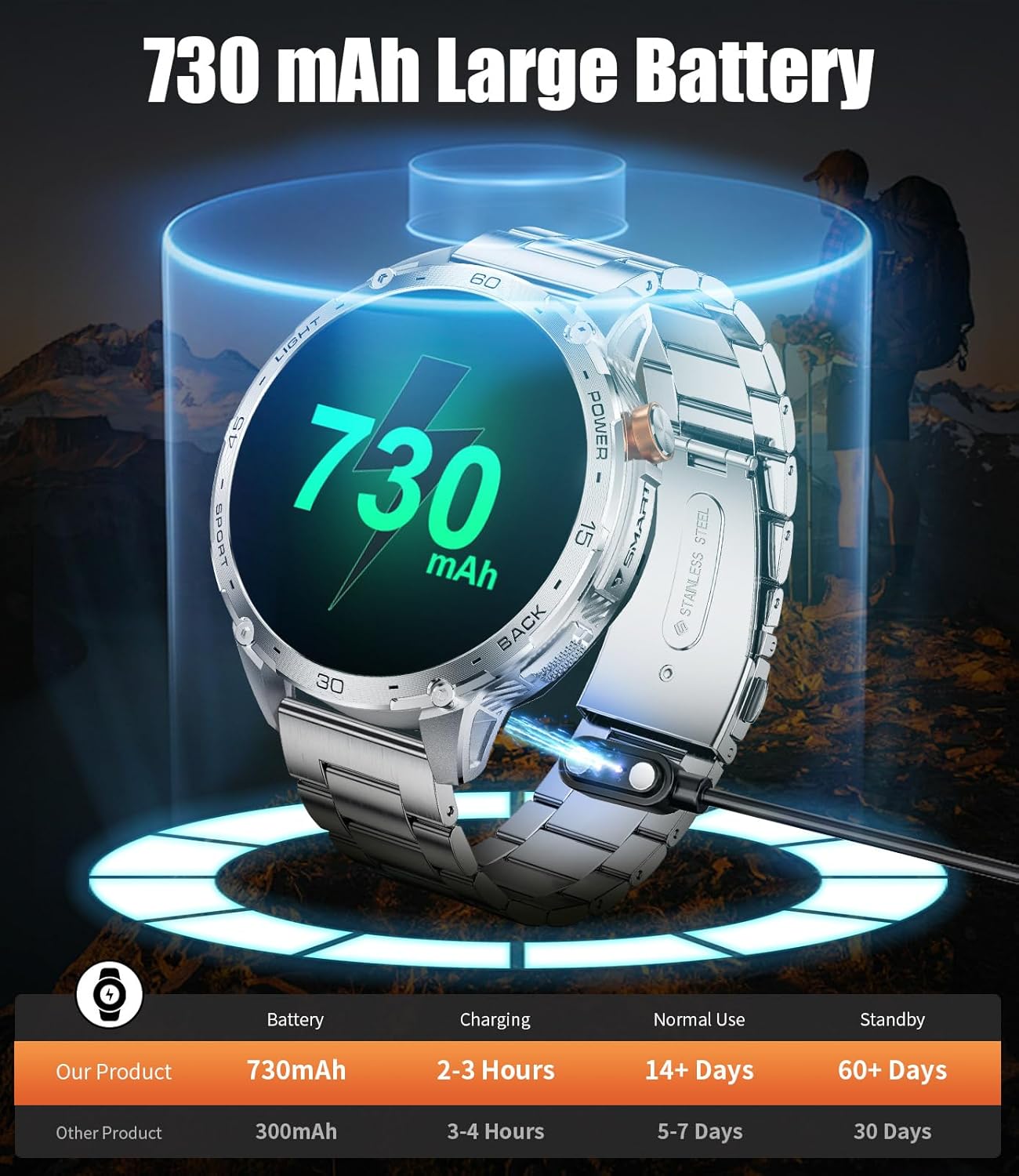
Before first use, fully charge your smartwatch. Connect the magnetic charging cable to the charging contacts on the back of the watch and plug the USB end into a power adapter (not included) or a computer's USB port. A full charge typically takes about 3 hours.
The smartwatch connected to its charging cable, displaying the 730mAh battery capacity.
2. App Installation
To unlock all features and synchronize data, download the FitCloudPro app on your smartphone. Scan the QR code in the manual or search for "FitCloudPro" in your device's app store (available for Android and iOS).
3. Pairing with Your Smartphone
- Ensure your smartwatch is charged and powered on.
- Enable Bluetooth on your smartphone.
- Open the FitCloudPro app and follow the on-screen instructions to add a new device.
- Select the LIGE TX2 from the list of available devices.
- Confirm the pairing request on both your phone and smartwatch.
Video: Detailed instructions on how to connect your LIGE TX2 smartwatch to your mobile phone via the app.
Operating Instructions
Basic Navigation
- Touchscreen: Swipe left/right, up/down to navigate menus and access different functions. Tap to select.
- Side Buttons: Use the physical buttons on the side for power on/off, returning to the home screen, or quick access to specific features.

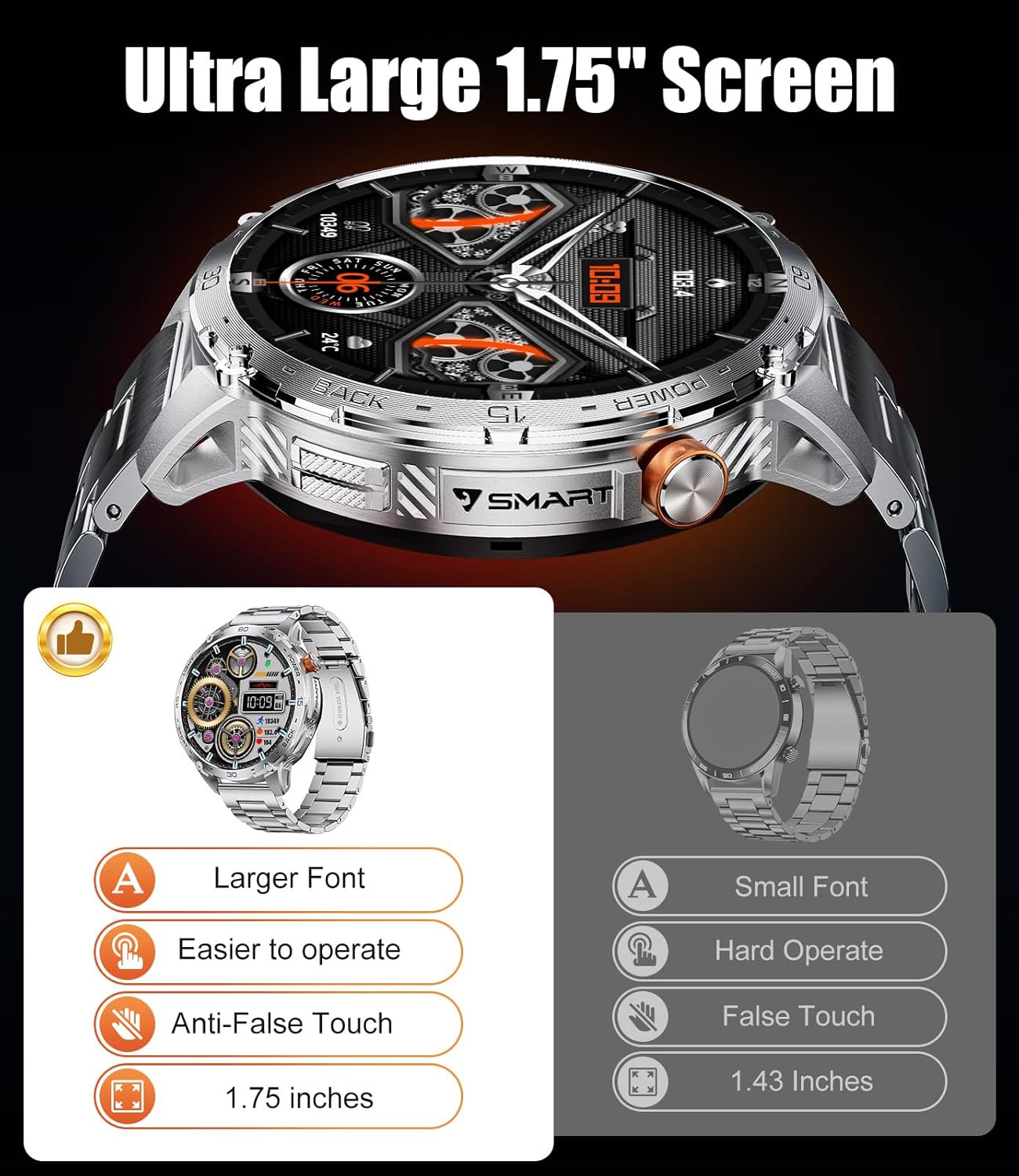
The 1.75-inch AMOLED screen offers a clear and easy-to-operate interface with larger fonts.
Bluetooth Calls & Notifications
Once paired, you can manage calls directly from your wrist. The watch supports answering, rejecting, and making calls. It also displays notifications from various apps (e.g., WhatsApp, Instagram, Facebook) from your connected smartphone.
The smartwatch interface showing Bluetooth calling, voice assistant, and various app notifications.
LED Flashlight
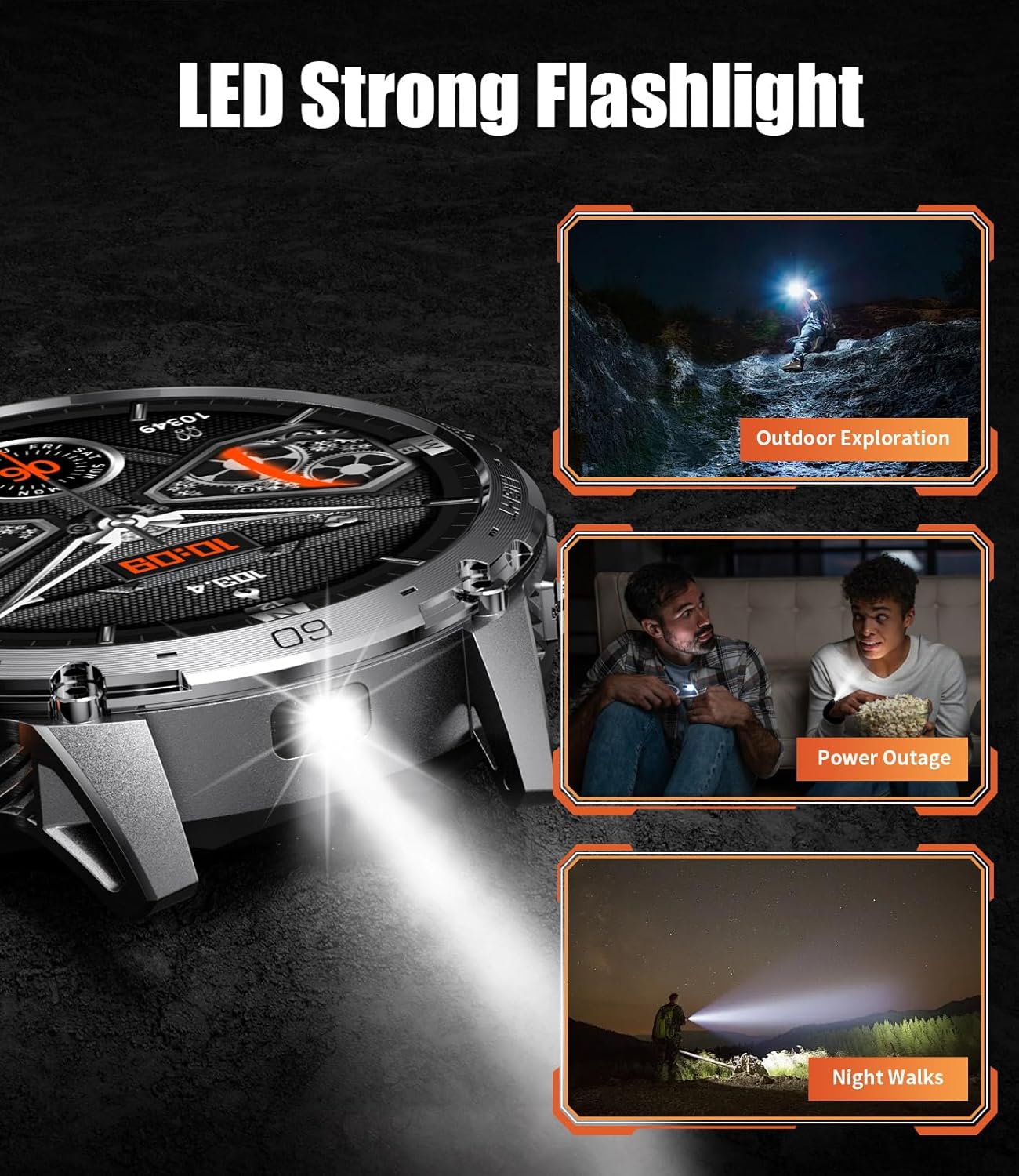
The smartwatch features a built-in LED flashlight with constant and flashing modes. Access this function through the watch menu for illumination in low-light conditions or emergencies.
The smartwatch's LED flashlight in action, useful for various situations.
Watch Faces
Customize your smartwatch with over 200 available watch faces via the FitCloudPro app. You can also create custom watch faces using your own photos.

A selection of the 200+ watch faces available for customization.
Sports Modes
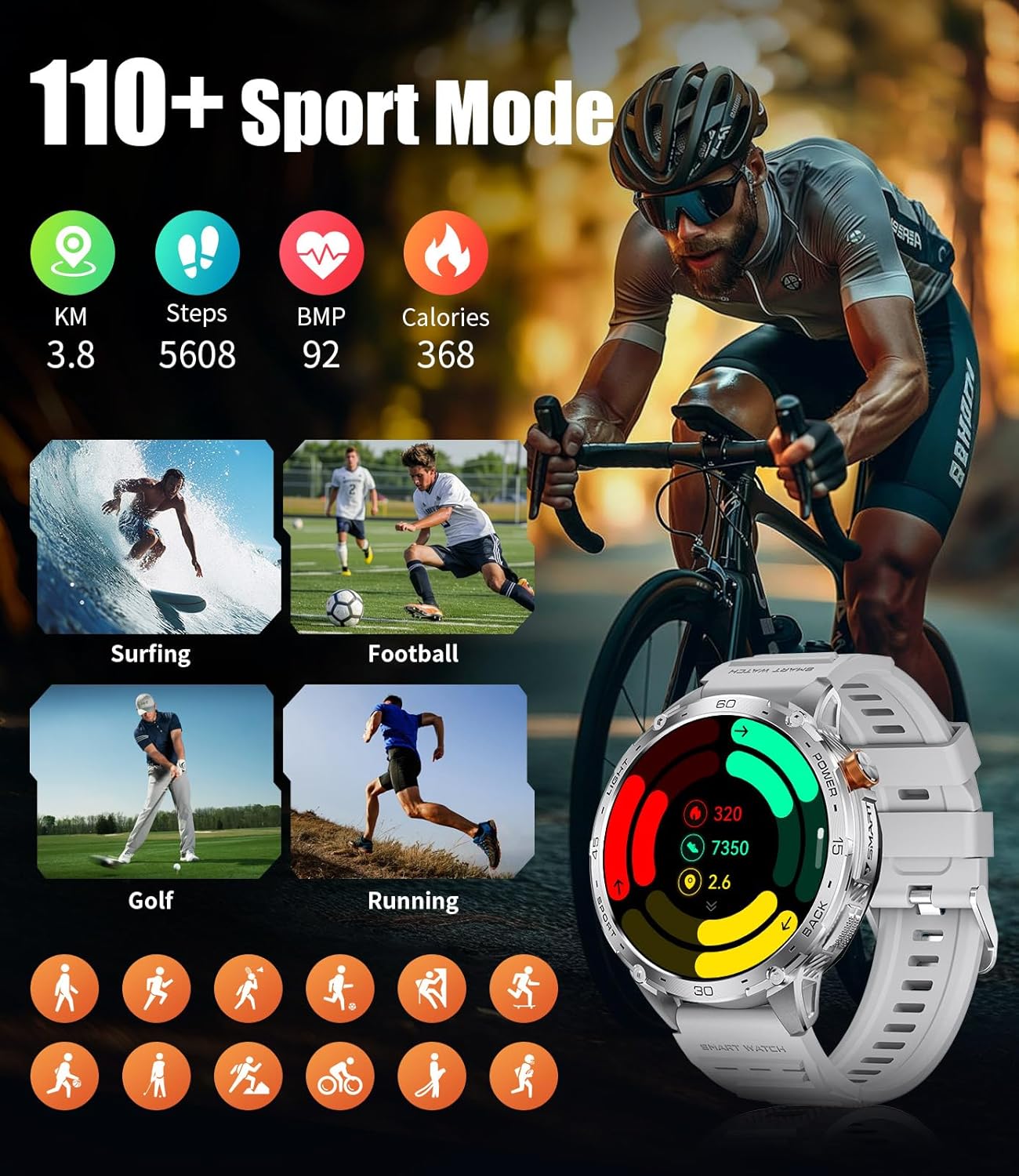
The smartwatch supports over 100 sports modes, including running, cycling, and swimming. It accurately records exercise data such as steps, calories burned, and exercise duration to help you track your fitness progress.
The smartwatch tracking various sports activities, showing distance, steps, heart rate, and calories.
Health Monitoring
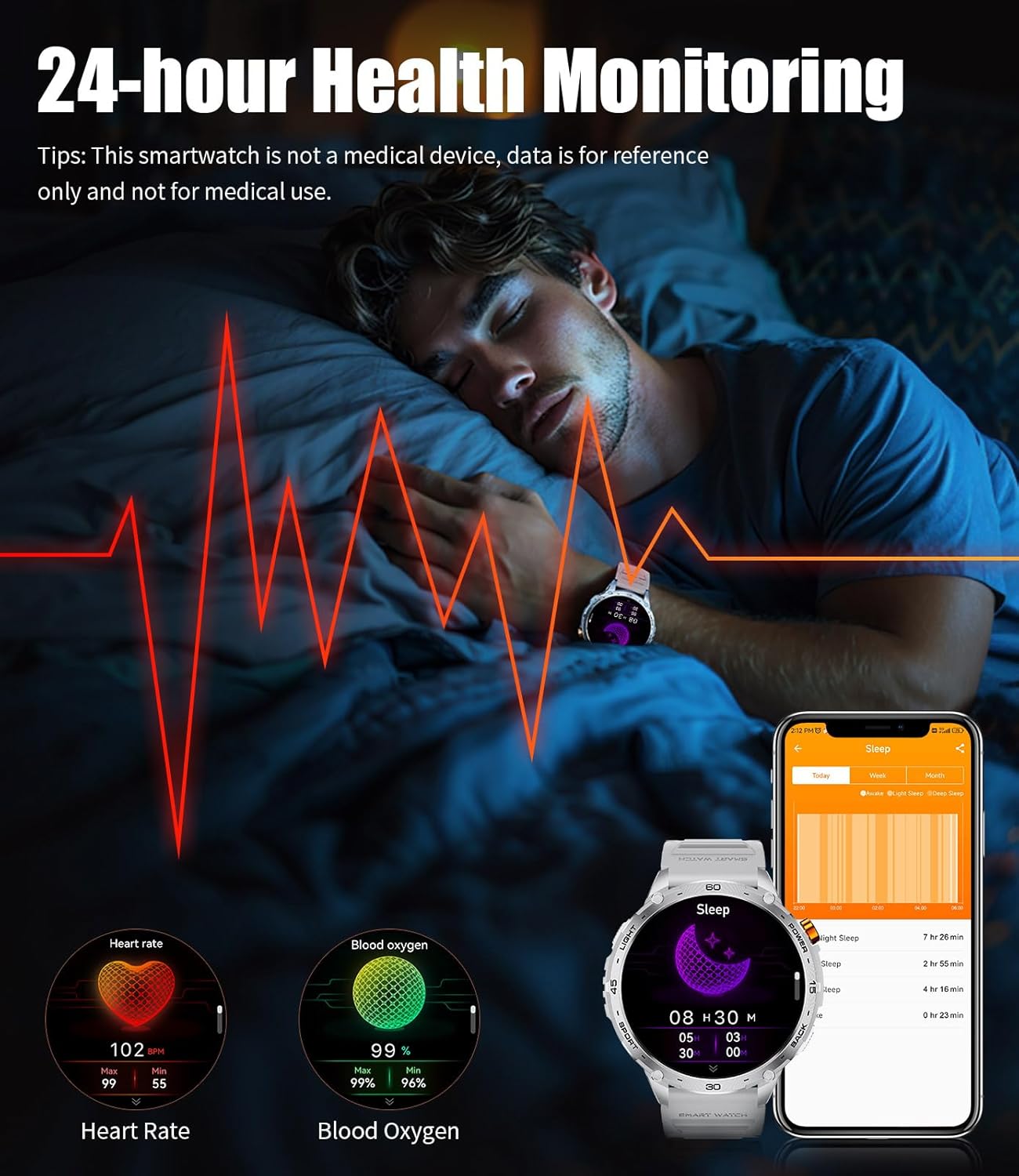
The LIGE TX2 Smartwatch provides 24-hour health monitoring, including real-time heart rate detection, blood oxygen levels, and sleep quality tracking. Data can be synchronized with the FitCloudPro app for long-term health trend analysis. (Note: Health data is for reference only and not intended for medical use.)
The smartwatch displaying real-time heart rate and blood oxygen levels, along with sleep tracking data.
Other Features
- Alarm Clock: Set alarms directly on the watch or via the app.
- Always On Display: Keep the time visible without needing to activate the screen.
- Music Player Control: Control music playback on your connected smartphone.
- Weather Forecast: View current weather conditions and forecasts.
- Camera Control: Use the watch as a remote shutter for your phone's camera.
- Find My Phone: Locate your misplaced phone by triggering an alert from your watch.
Maintenance
Water Resistance (IP68)
The LIGE TX2 Smartwatch is IP68 waterproof, meaning it is resistant to dust and can withstand immersion in water up to 1.5 meters for 30 minutes. It is suitable for swimming. However, avoid immersing the watch in seawater or hot water, as this can compromise the seals and cause damage.

The smartwatch's military-grade durability, highlighting its IP68 waterproof rating.
Cleaning
To clean your smartwatch, wipe it with a soft, damp cloth. Avoid using harsh chemicals or abrasive materials, which can damage the finish. Ensure the charging contacts are clean and dry before charging.
Troubleshooting
- Watch not turning on: Ensure the watch is fully charged. Connect it to the charger for at least 30 minutes.
- Cannot pair with phone: Make sure Bluetooth is enabled on your phone and the watch. Restart both devices and try pairing again through the FitCloudPro app. Ensure the app has necessary permissions.
- Inaccurate health data: Ensure the watch is worn snugly on your wrist, not too tight or too loose. Clean the sensor on the back of the watch. Remember, data is for reference only.
- Notifications not appearing: Check app permissions on your phone for FitCloudPro. Ensure notifications are enabled within the FitCloudPro app settings and your phone's system settings.
- Short battery life: Adjust screen brightness, reduce vibration intensity, and disable unnecessary features like Always On Display if not needed.
Specifications
| Feature | Specification |
|---|---|
| Model Number | TX2-F |
| Display | 1.75-inch AMOLED, 466 x 466 Resolution |
| Battery Capacity | 730 mAh Lithium Polymer |
| Battery Life (Typical Use) | 7-12 days |
| Battery Standby Time | Up to 35 days |
| Charging Time | Approx. 3 hours |
| Water Resistance | IP68 (1.5 meters for 30 minutes) |
| Connectivity | Bluetooth |
| Operating System Compatibility | Android & iOS |
| Special Features | LED Flashlight, Bluetooth Calls, 100+ Sports Modes, 200+ Watch Faces, Heart Rate Monitor, Blood Oxygen Monitor, Sleep Monitor, Voice Assistant |
| Case Material | Metal |
| Band Material | Stainless Steel / Silicone |
Warranty and Support
The LIGE TX2 Smartwatch comes with a 2-year manufacturer's limited warranty. For warranty claims or technical support, please contact LIGE customer service through the retailer where you purchased the product or visit the official LIGE website for contact information.
For additional support and frequently asked questions, refer to the FitCloudPro app or the LIGE brand store online.


