
Introduction
Thank you for choosing the Reebok Element Backpack. This versatile and lightweight backpack is designed for everyday use, whether for school, gym, or travel. Its durable construction and thoughtful design make it a reliable companion for carrying your essentials. This manual provides important information on how to set up, use, maintain, and troubleshoot your backpack to ensure optimal performance and longevity.
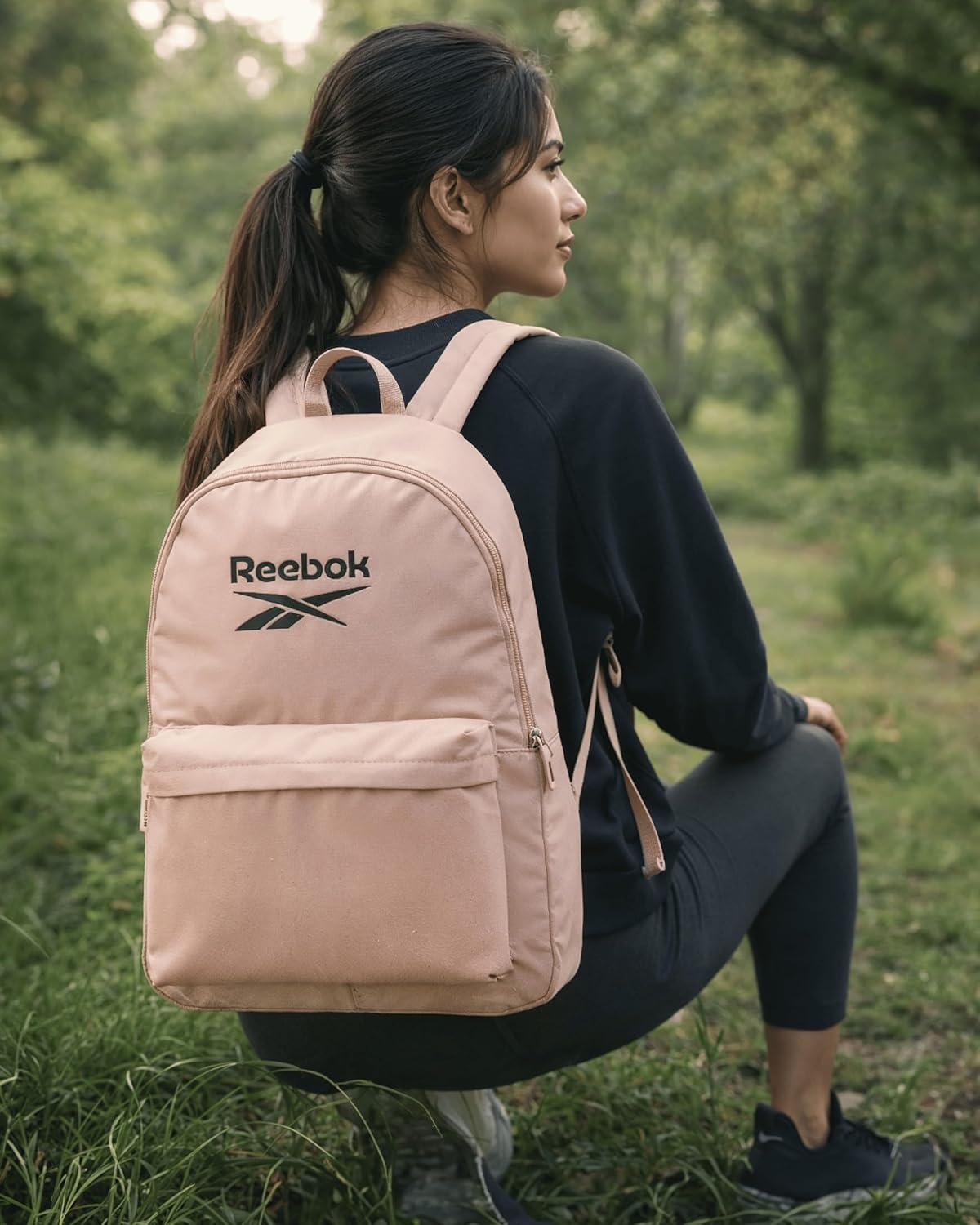
Image: A person wearing the Reebok Element Backpack, showcasing its design and fit.
Features
- Compact and Lightweight Design: Ideal for daily commutes, school, gym, or as a personal item for travel.
- Durable Structure: Constructed with reinforced stitching and water-resistant fabric for long-lasting performance.
- Adjustable Padded Straps: Ensures comfortable wear throughout the day, reducing strain on shoulders.
- Breathable Back Panel: Enhances comfort by allowing air circulation.
- Secure Zipper Closures: Main compartment and front pocket feature reliable zippers to keep belongings safe.
- Convenient Side Pocket: Perfect for holding a water bottle or other quick-access items.
- Top Handle: Provides an easy grab-and-go option.
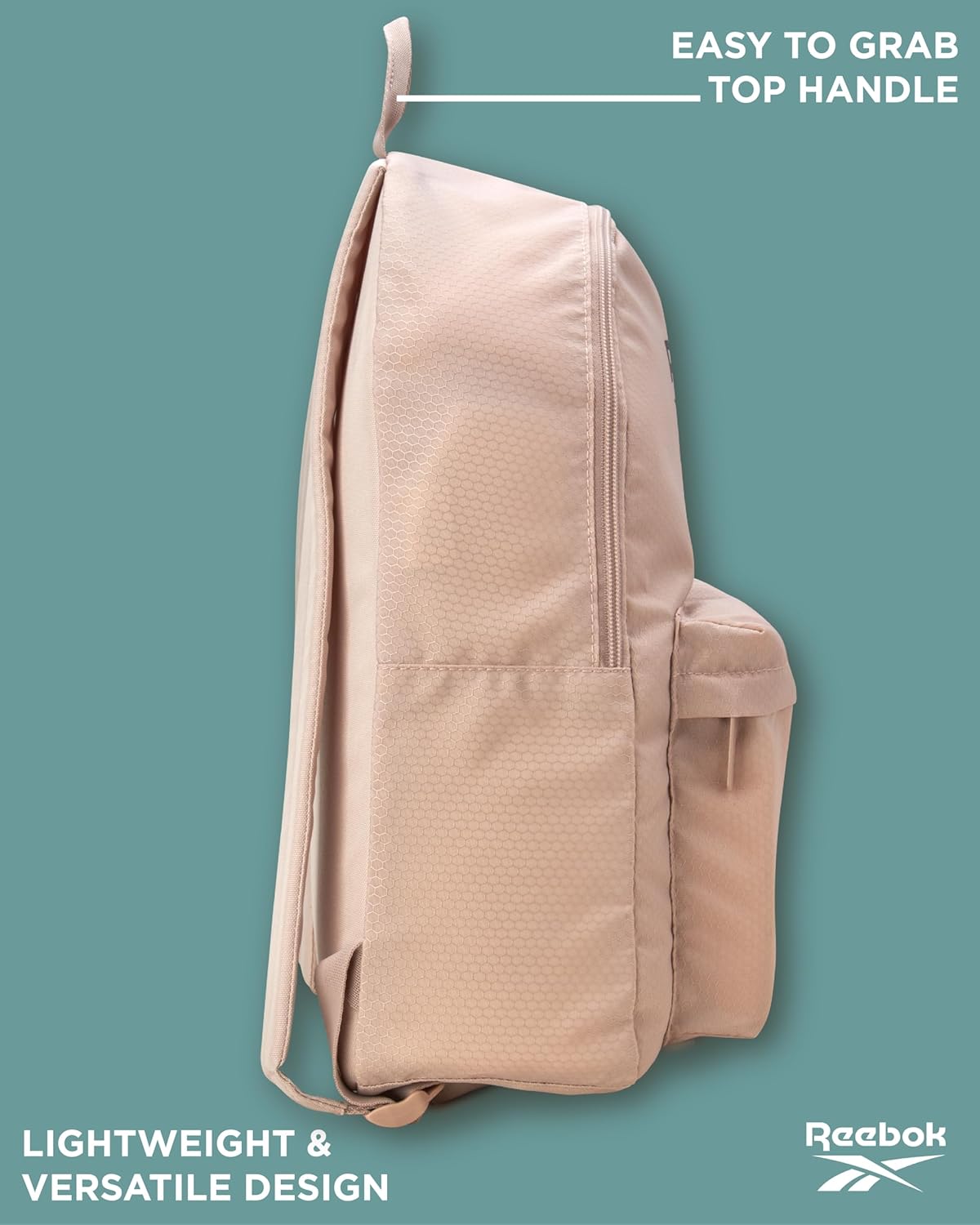
Image: Side profile of the backpack, showing the top handle and overall lightweight design.
Setup
The Reebok Element Backpack requires minimal setup before its first use. Follow these steps to prepare your backpack:
- Unpack: Remove the backpack from its packaging.
- Inspect: Check for any visible damage or manufacturing defects. If any issues are found, refer to the Warranty and Support section.
- Adjust Shoulder Straps: Place the backpack on your back. Use the adjustable buckles on the shoulder straps to achieve a comfortable fit. The backpack should sit snugly against your back, with the weight distributed evenly across your shoulders.
- Familiarize with Compartments: Open and close all zippers to ensure smooth operation. Identify the main compartment, front pocket, and side pocket for optimal organization.
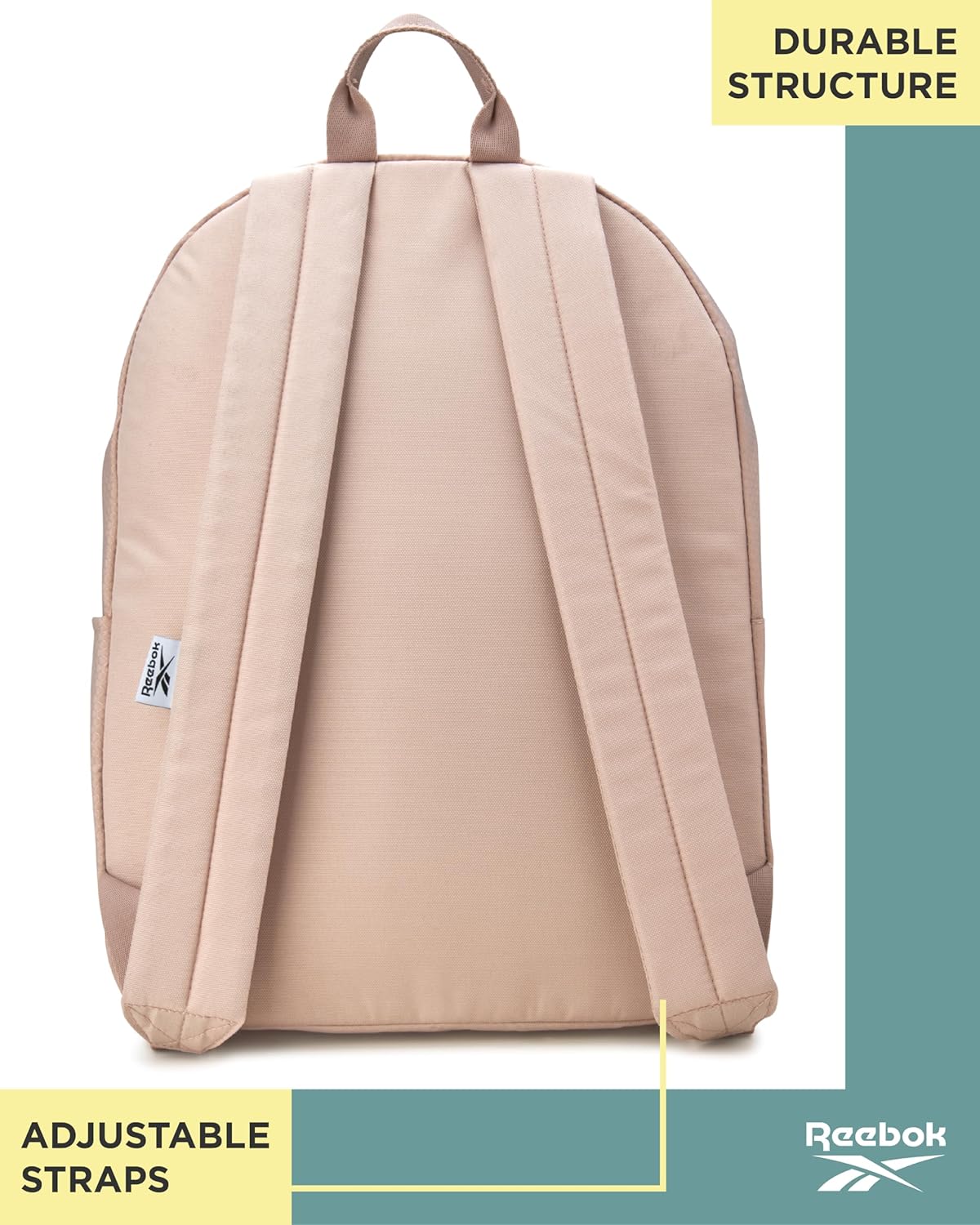
Image: Rear view of the backpack, illustrating the adjustable straps and back panel.
Operating
Using your Reebok Element Backpack effectively involves proper packing and carrying techniques:
- Packing the Main Compartment: Place larger items such as books, notebooks, or clothing in the main compartment. Distribute weight evenly to maintain balance and comfort.
- Utilizing the Front Pocket: Use the front zippered pocket for smaller items that require quick access, such as pens, keys, or a phone.
- Using the Side Pocket: The elasticized side pocket is ideal for a water bottle, umbrella, or other items you need to grab easily while on the move.
- Carrying the Backpack: Always use both shoulder straps to distribute weight evenly and prevent strain. Adjust the straps as needed for comfort, especially when the backpack's load changes. For short distances, the top handle can be used for carrying.

Image: The main compartment and side pocket of the backpack, demonstrating storage capacity.
Maintenance
Proper care will extend the life of your Reebok Element Backpack:
- Cleaning: Spot clean with a damp cloth and mild soap. Do not machine wash, bleach, or tumble dry, as this can damage the fabric and structure.
- Drying: Air dry the backpack completely before storing to prevent mildew.
- Storage: Store in a cool, dry place away from direct sunlight when not in use.
- Zipper Care: Keep zippers clean and free of debris. If a zipper becomes stiff, a small amount of zipper lubricant or graphite from a pencil can help.
Troubleshooting
Here are solutions to common issues you might encounter:
- Stiff Zippers: Apply a small amount of zipper lubricant or rub a graphite pencil along the zipper teeth.
- Shoulder Discomfort: Ensure both straps are used and adjusted to distribute weight evenly. Avoid overloading the backpack.
- Minor Stains: Refer to the cleaning instructions in the Maintenance section for spot cleaning.
- Loose Stitching: For minor loose threads, carefully trim them. For significant stitching issues, contact customer support.
Specifications
| Attribute | Detail |
|---|---|
| Model Number | RBK ELEMENT BKPACK |
| Product Dimensions (H x W x D) | 17 x 13 x 5 inches |
| Item Weight | 11.3 ounces |
| Capacity Total | 18.1 Liters |
| Material | Durable, water-resistant fabric |
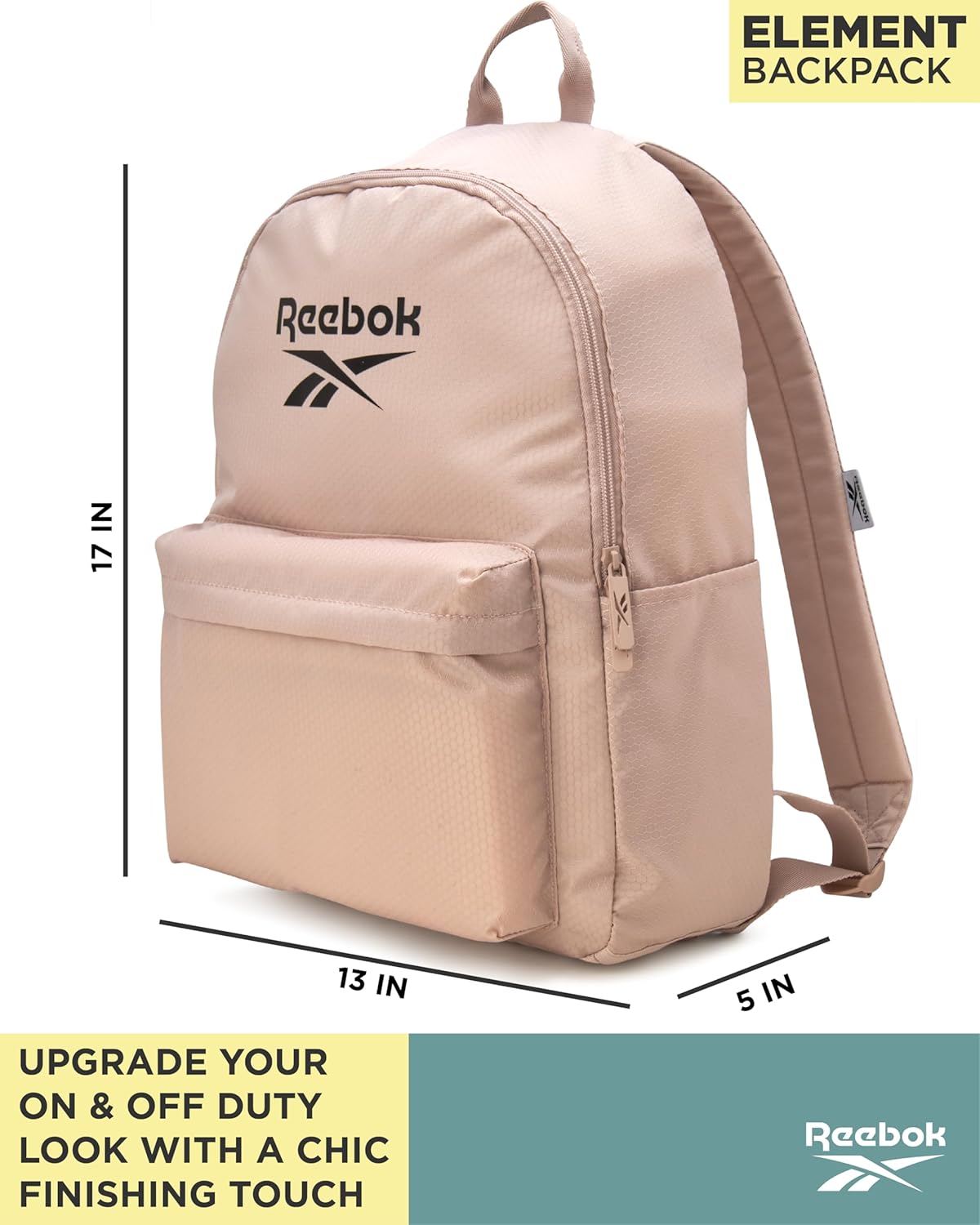
Image: The backpack with its key dimensions clearly marked.
Warranty Information
Reebok products are manufactured to high-quality standards. This backpack is covered by a limited warranty against manufacturing defects. Please retain your proof of purchase for any warranty claims. For specific warranty terms and conditions, please refer to the official Reebok website or contact customer support.
Support
If you have any questions, require assistance, or need to report an issue with your Reebok Element Backpack, please contact Reebok customer support through the following channels:
- Online: Visit the official Reebok website for FAQs and support contact forms.
- Phone: Refer to the Reebok website for regional customer service phone numbers.
When contacting support, please have your product model number (RBK ELEMENT BKPACK) and proof of purchase readily available.