
OUKITEL V2
OUKITEL V2 Smart Watch User Manual
Model: V2
1. Introduction and Overview
The OUKITEL V2 Smart Watch is a versatile and advanced wearable device designed to enhance your daily life through health monitoring, communication, and fitness tracking. Featuring an ultra-slim design and a vibrant 1.91-inch TFT touch screen, it offers a seamless user experience. This manual provides essential information for setting up, operating, and maintaining your OUKITEL V2 Smart Watch.
Key Features:
- 1.96 Inch HD TFT Colour Screen: Large display with manual brightness adjustment and over 200 customizable dial options.
- Bluetooth Calls & Voice Assistant: Built-in microphone and HD speaker for direct calls from your wrist, plus voice assistant integration.
- Comprehensive Health Monitoring: 24/7 tracking of SpO2, heart rate, and detailed sleep analysis (light, deep, awakening phases).
- 140+ Sports Modes: Extensive tracking for indoor and outdoor activities, recording steps, time, distance, and calories.
- IP68 Waterproof Rating: Resistant to rain and splashes, suitable for various activities.
- Long-lasting Battery Life: Up to 7 days of active use and 30 days standby on a single charge.
- Multifunctional Utility: Includes weather updates, alarm, remote photo shutter, stopwatch, timer, phone location, calculator, calendar, music control, and sedentary reminders.

Image: The OUKITEL V2 Smart Watch displaying its main interface and a secondary screen with app icons.
2. Setup
2.1 Package Contents
Upon unboxing, ensure all items are present:
- 1 x OUKITEL V2 Smart Watch
- 1 x Illustrated User Manual
- 1 x Magnetic Charger
2.2 Charging the Smart Watch
Before first use, fully charge your OUKITEL V2 Smart Watch. Connect the magnetic charger to the charging points on the back of the watch. The charger will snap into place automatically. Connect the USB end of the charger to a standard USB power adapter (not included) or a computer USB port. The watch display will indicate charging status.

Image: The OUKITEL V2 Smart Watch connected to its magnetic charging cable, illustrating the charging process and long battery life.
2.3 Pairing with Your Smartphone
The OUKITEL V2 Smart Watch is compatible with both Android and iOS devices. To pair:
- Download the official OUKITEL companion app from your smartphone's app store (Google Play Store for Android, Apple App Store for iOS).
- Ensure Bluetooth is enabled on your smartphone.
- Open the OUKITEL app and follow the on-screen instructions to search for and connect to your V2 Smart Watch.
- Confirm the pairing request on both your watch and smartphone.
3. Operating the Smart Watch
3.1 Touch Screen and Dial Personalization
The 1.96-inch HD TFT color screen is fully touch-sensitive. Swipe left, right, up, and down to navigate through menus and functions. You can adjust the screen brightness manually for optimal viewing in various lighting conditions. Personalize your watch face by choosing from over 200 online dials or by uploading your own photos, including family pictures or pet images, through the companion app.

Image: The OUKITEL V2 Smart Watch highlighting its 1.91-inch touch screen and showcasing various customizable watch faces.
3.2 Bluetooth Calls and Notifications
With its built-in microphone and HD speaker, the OUKITEL V2 allows you to answer, reject, or make calls directly from your wrist when connected to your smartphone via Bluetooth. The watch also syncs SMS messages and notifications from various applications such as Messenger, Facebook, Instagram, Twitter, and WhatsApp, alerting you with vibrations so you don't miss important updates.
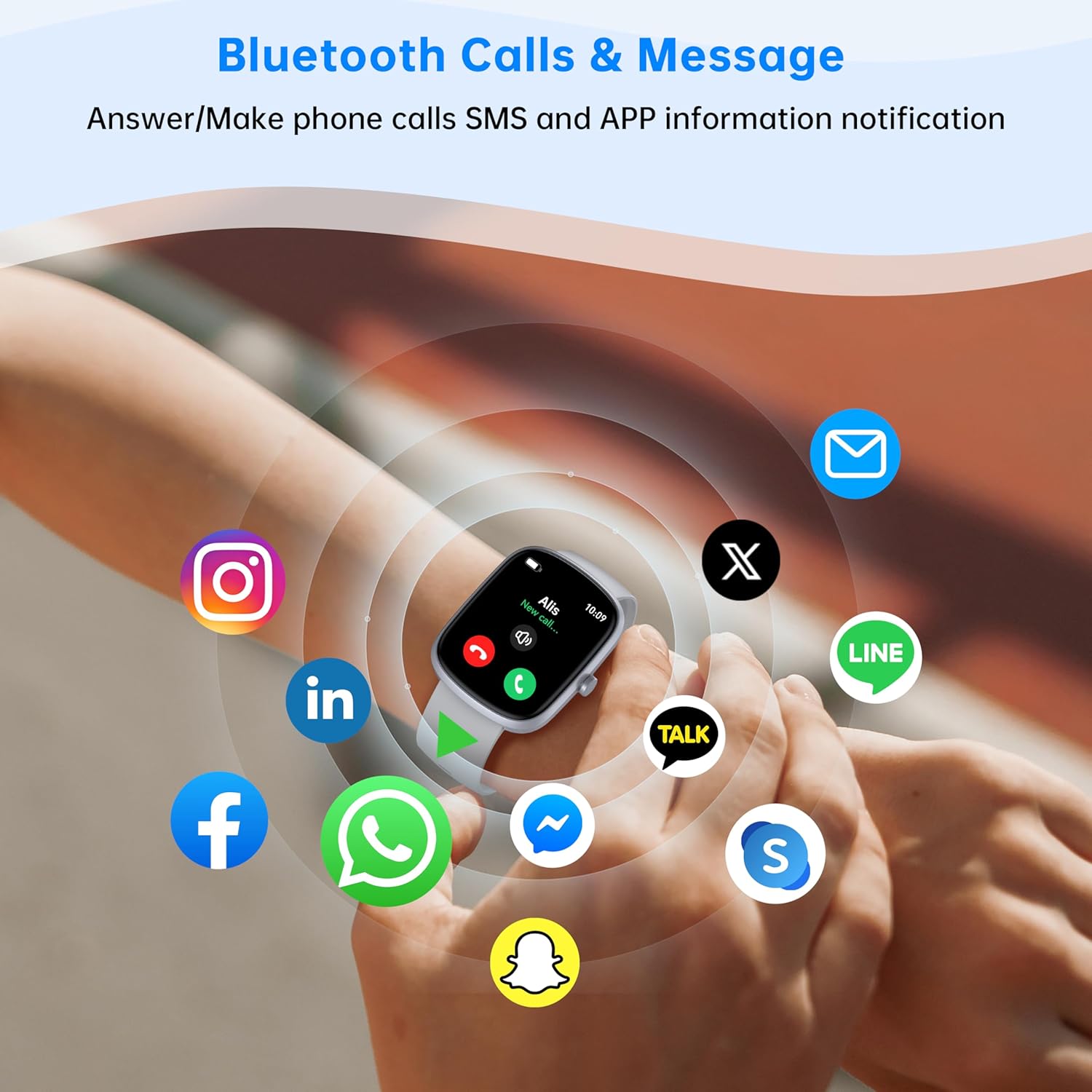
Image: The OUKITEL V2 Smart Watch on a wrist, surrounded by icons representing various social media and messaging applications, indicating its notification capabilities.
3.3 Health Tracking
The OUKITEL V2 Smart Watch provides continuous health monitoring:
- Heart Rate Monitoring: Advanced sensors continuously analyze your heart rate, providing real-time data throughout the day.
- SpO2 (Blood Oxygen) Monitoring: Track your blood oxygen levels to gain insights into your respiratory health.
- Sleep Monitoring: The watch analyzes your sleep phases (light, deep, and awakening) to help you understand and improve your sleep quality.
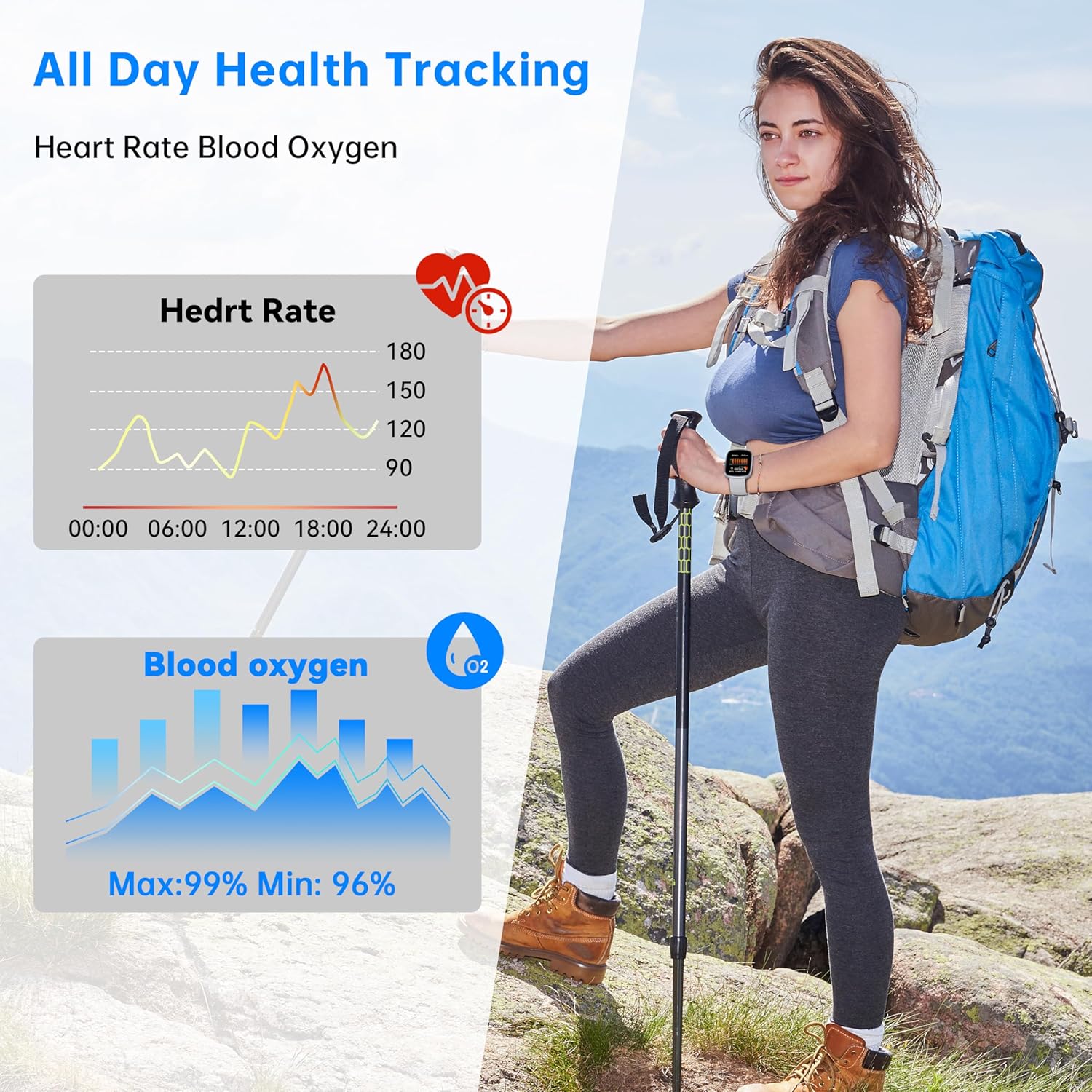
Image: A person hiking with the OUKITEL V2 Smart Watch, with overlaid graphs showing heart rate and blood oxygen tracking data.
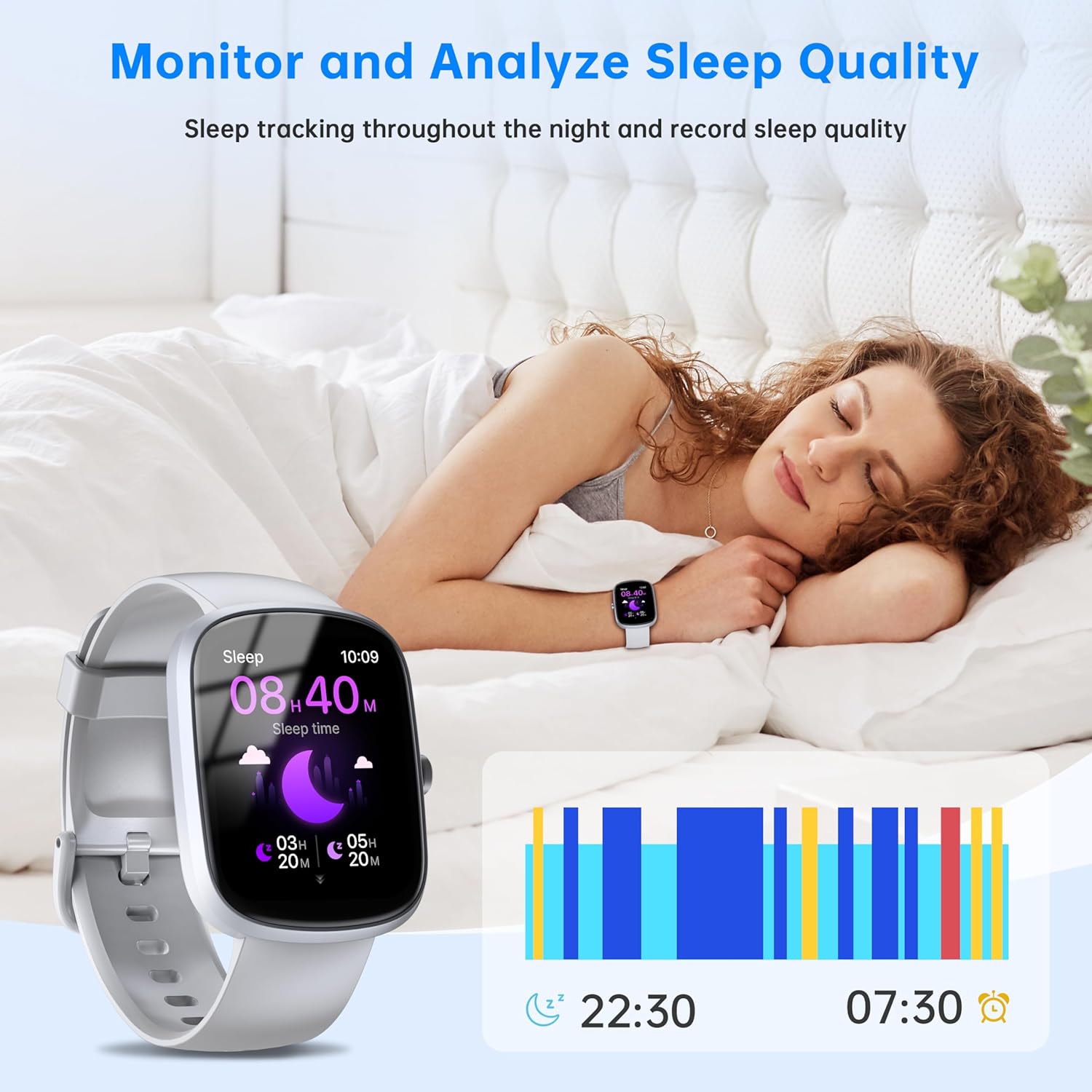
Image: A person sleeping with the OUKITEL V2 Smart Watch, showing the watch display with sleep duration and a graph illustrating sleep patterns.
3.4 Sports Modes and Activity Tracking
With over 140 sports modes, the OUKITEL V2 Smart Watch is an ideal companion for athletes and fitness enthusiasts. It accurately tracks your performance for various indoor and outdoor activities, including skipping rope, walking, running, cycling, and badminton. Data such as steps, time, distance, and calories burned are recorded to help you achieve your fitness goals.

Image: A person engaging in water sports with the OUKITEL V2 Smart Watch, displaying calorie and distance tracking, along with icons for various sports modes.
3.5 Multifunctional Features
Beyond health and fitness, the OUKITEL V2 offers a range of practical functions:
- Voice Assistant: Use the integrated voice assistant for quick queries or to control music playback.
- Weather Updates: Get real-time weather information directly on your wrist.
- Alarm Clock: Set alarms for reminders or wake-up calls.
- Remote Photo Shutter: Control your smartphone camera remotely.
- Stopwatch & Timer: Essential tools for timing activities.
- Find Phone: Locate your misplaced smartphone.
- Calculator & Calendar: Convenient tools for daily tasks.
- Music Control: Manage music playback on your connected device.
- Sedentary Reminder: Get alerts to move after periods of inactivity.

Image: The OUKITEL V2 Smart Watch displaying a grid of icons representing its various smart functions, including voice assistant, alarm, camera control, and more.
4. Maintenance
To ensure the longevity and optimal performance of your OUKITEL V2 Smart Watch, follow these maintenance guidelines:
- Cleaning: Regularly wipe the watch screen and strap with a soft, dry, lint-free cloth. For stubborn smudges, slightly dampen the cloth with water. Avoid using harsh chemicals or abrasive materials.
- Water Exposure: While the watch is IP68 waterproof (resistant to rain and splashes), avoid prolonged submersion in water, hot water, or exposure to steam. Dry the watch thoroughly if it gets wet.
- Storage: When not in use for extended periods, store the watch in a cool, dry place away from direct sunlight and extreme temperatures.
- Charging Contacts: Keep the magnetic charging contacts on the back of the watch clean and free of debris to ensure efficient charging.
5. Troubleshooting
If you encounter any issues with your OUKITEL V2 Smart Watch, try the following troubleshooting steps:
- Watch Not Turning On: Ensure the watch is fully charged. Connect it to the magnetic charger and allow it to charge for at least 30 minutes before attempting to power it on.
- Cannot Pair with Smartphone:
- Ensure Bluetooth is enabled on your smartphone and the watch.
- Make sure the watch is within the Bluetooth range of your phone (typically 10 meters).
- Restart both your watch and smartphone.
- Clear the Bluetooth cache on your phone (if applicable) and try pairing again.
- Notifications Not Appearing:
- Check the notification settings within the OUKITEL companion app to ensure app notifications are enabled.
- Verify that your smartphone's notification settings allow the OUKITEL app to display alerts.
- Ensure the watch is properly connected via Bluetooth.
- Inaccurate Health Data:
- Ensure the watch is worn snugly on your wrist, but not too tight.
- Clean the sensors on the back of the watch.
- Avoid excessive movement during measurements.
- Short Battery Life:
- Reduce screen brightness.
- Limit the number of active background apps or continuous monitoring features if not needed.
- Ensure the watch is fully charged each time.
If the issue persists after trying these steps, please refer to the support section for further assistance.
6. Specifications
| Feature | Detail |
|---|---|
| Model Number | V2 |
| ASIN | B0DRPFVJNB |
| Manufacturer | OUKITEL |
| Display | 1.96 inch HD TFT Colour Touch Screen |
| Connectivity | Bluetooth |
| Compatibility | Android, iOS |
| Waterproof Rating | IP68 |
| Battery Life (Active Use) | Up to 7 days |
| Battery Life (Standby) | Up to 30 days |
| Package Dimensions | 21.2 x 16 x 5.2 cm |
| Weight | 170 g |
7. Warranty and Support
OUKITEL products are manufactured to high quality standards. For information regarding warranty coverage, please refer to the warranty card included in your product packaging or visit the official OUKITEL website. For technical support, troubleshooting assistance beyond this manual, or inquiries about your device, please contact OUKITEL customer service through their official channels. Keep your purchase receipt as proof of purchase for any warranty claims.