
1. Introduction
Thank you for choosing the EWEADN GX710S Backlit Wired Computer Keyboard. This manual provides essential information for setting up, operating, and maintaining your new keyboard. Designed for comfort and efficiency, the GX710S features a simple white backlight, quiet water drop pudding keycaps, and a durable metal panel, ensuring a smooth and enjoyable typing experience.
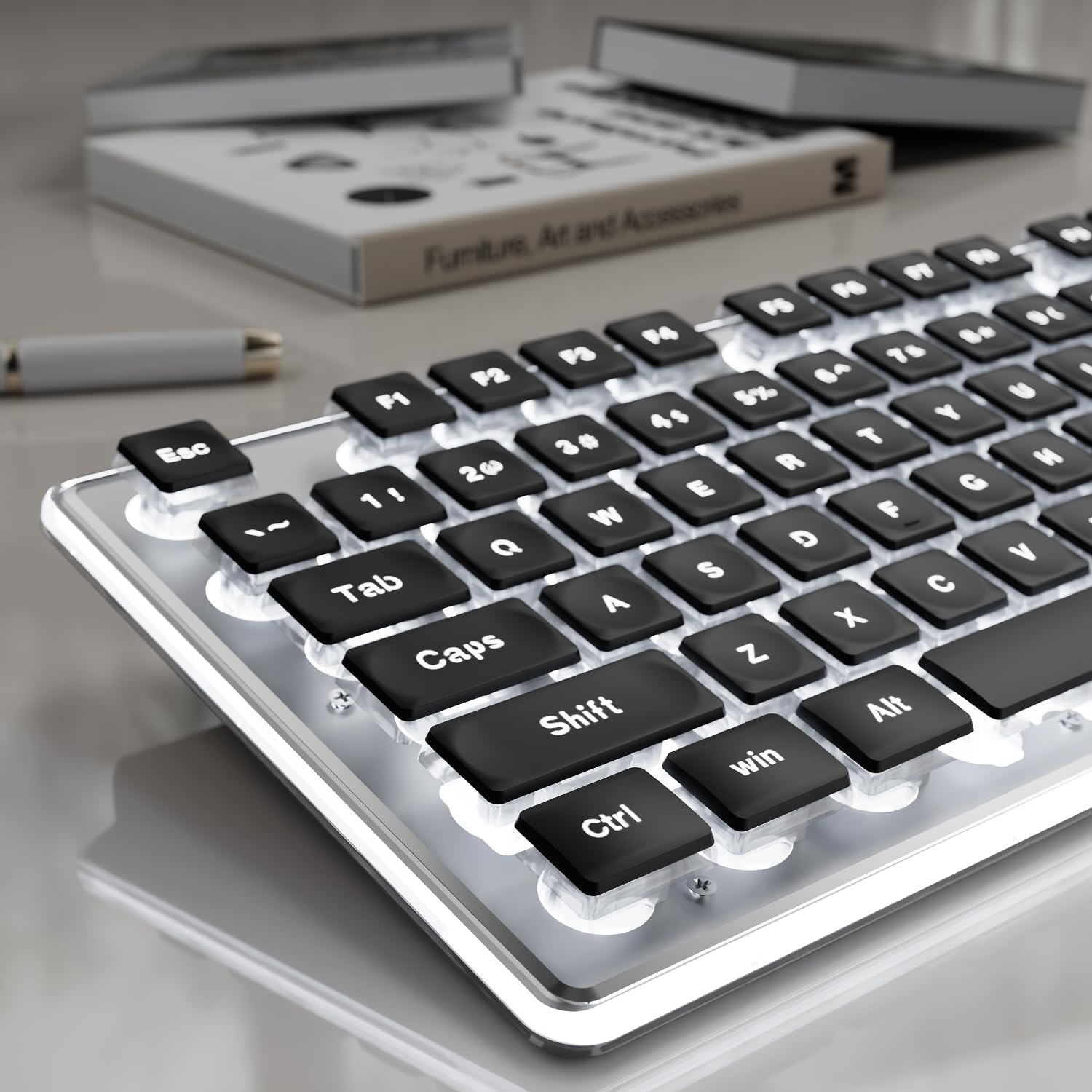
Figure 1: EWEADN GX710S Backlit Wired Computer Keyboard.
2. Setup
The EWEADN GX710S keyboard is designed for plug-and-play functionality, requiring no additional software installation.
- Locate the USB-A connector on the keyboard's cable.
- Plug the USB-A connector into an available USB port on your computer (PC, desktop, laptop, or notebook).
- The keyboard will automatically be recognized by your operating system (Windows, Linux, Chrome, Mac) and will be ready for use.
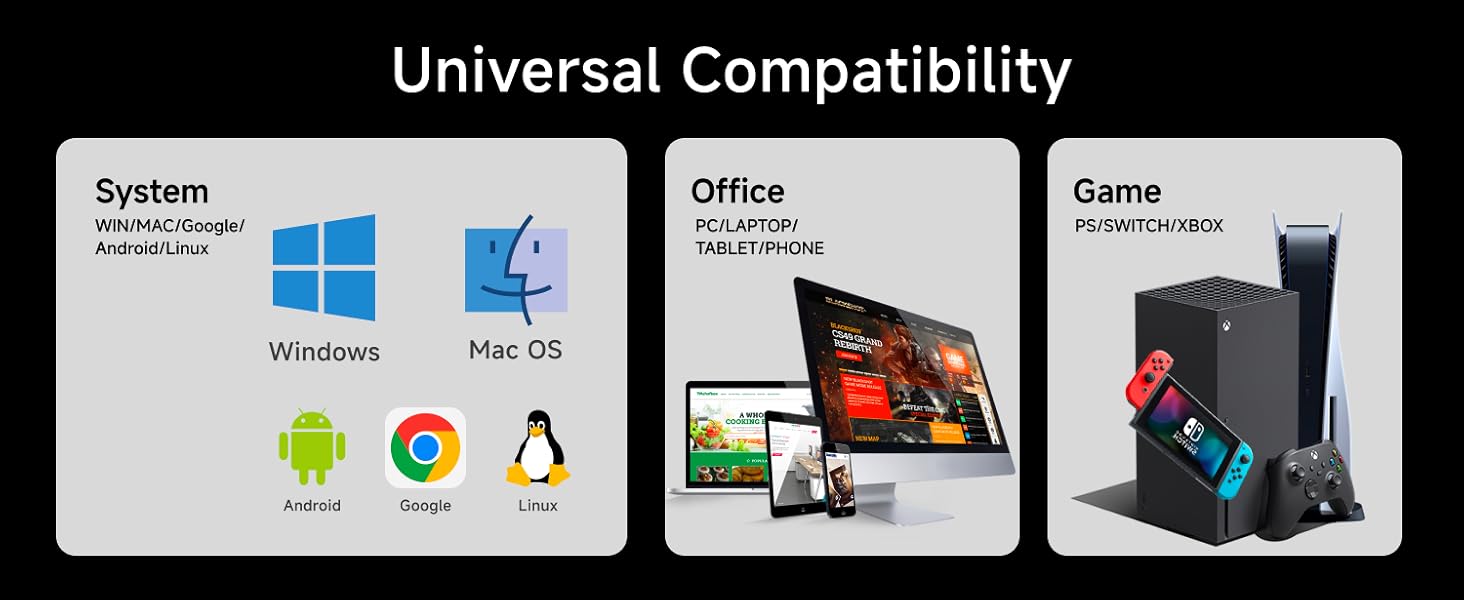
Figure 2: Keyboard connected to a computer via USB.
3. Operating Instructions
3.1 Backlight Control
The GX710S features a simple white backlight with adjustable brightness and on/off functionality.
- Adjust Brightness: Press FN + PU to increase brightness. Press FN + PD to decrease brightness. There are 5 levels of brightness.
- Turn On/Off Backlight: Press FN + Menu key to toggle the backlight on or off.

Figure 3: Backlight adjustment keys (FN+PU/PD) and on/off (FN+Menu key).
3.2 Key Functions
- 26-Key Anti-Ghosting: This feature allows up to 26 keys to be pressed simultaneously without conflict, ensuring accurate and responsive input, especially beneficial for gaming and fast typing.
- Multimedia Keys: The keyboard includes various function keys (F1-F12) that can be combined with the FN key to access multimedia controls and other shortcuts. Refer to your operating system's documentation for specific FN key combinations.
4. Features
4.1 Water Drop Pudding Keycaps & Quiet Operation
The GX710S features upgraded suspended water drop pudding keycaps. This design enhances light transmittance, making the white backlight more prominent. The concave and convex surface of the keycaps is designed for comfortable fingertip placement, reducing typing fatigue. The membrane structure contributes to a quiet typing experience, reducing noise by approximately 95% (37db-48db).
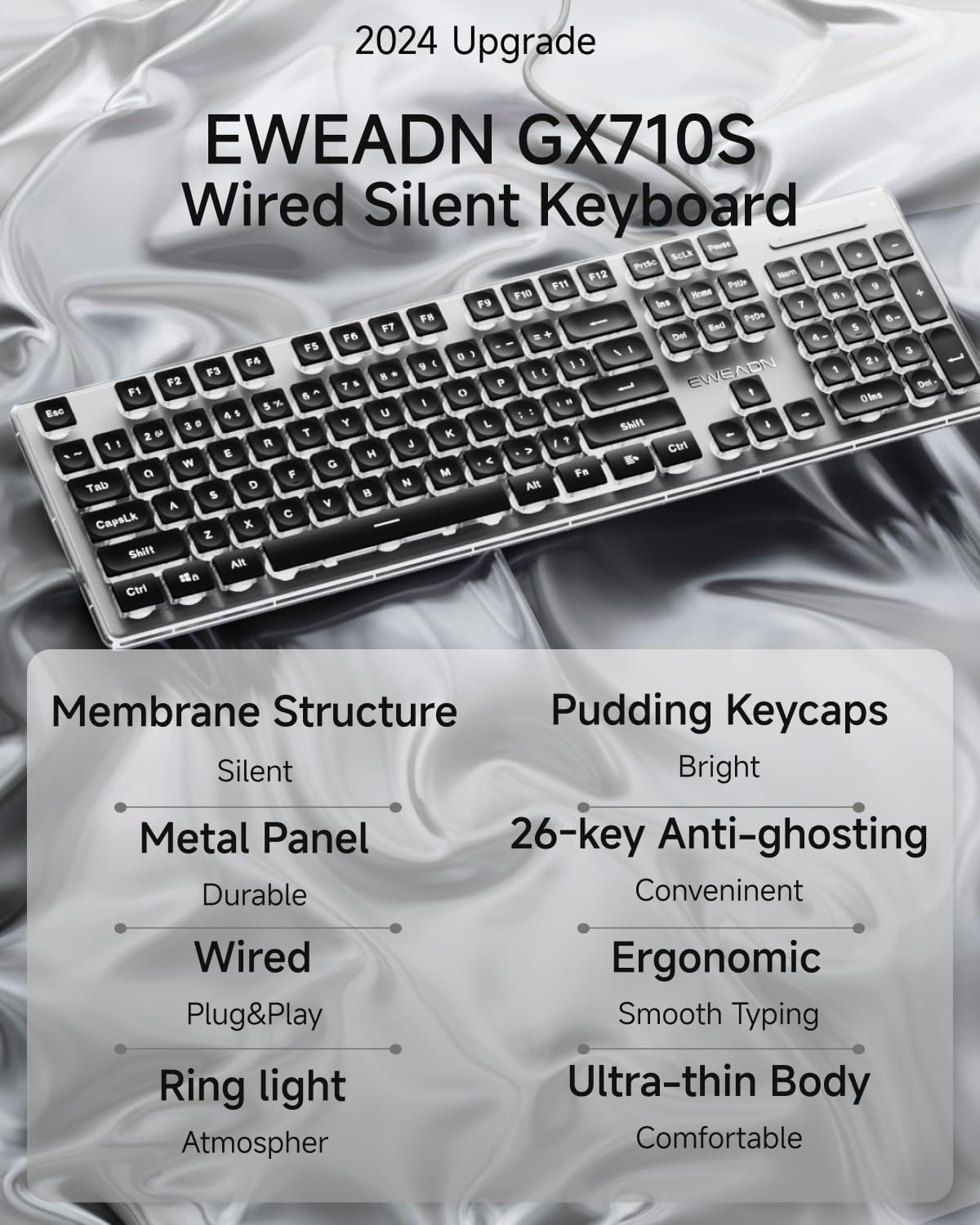
Figure 4: Water drop pudding keycaps with white backlight.
4.2 Ergonomic Design
The keyboard incorporates an ergonomic design to promote comfortable typing and reduce hand fatigue during extended use. It features concave and convex keys that conform to your fingertips. The bottom of the keyboard is equipped with two foldable footrests and four anti-slip stickers, allowing for a 7° tilt angle when adjusted, optimizing typing posture.

Figure 5: Ergonomic design with adjustable footrests.
4.3 Durable Metal Panel
The GX710S is constructed with a thickened metal panel featuring a frosted matte finish. This design provides enhanced durability and anti-scratch protection, contributing to the keyboard's longevity.
4.4 Universal Compatibility
This wired keyboard is compatible with a wide range of operating systems and devices, including Windows, Linux, Chrome, and Mac. It can be used with PCs, desktops, laptops, and notebooks.

Figure 6: Compatibility with multiple systems and devices.
5. Maintenance
To ensure the longevity and optimal performance of your EWEADN GX710S keyboard, follow these maintenance guidelines:
- Regular Cleaning: Use a soft, lint-free cloth to wipe down the keycaps and keyboard surface. For deeper cleaning, a can of compressed air can be used to remove dust and debris from between the keys.
- Avoid Liquids: Do not expose the keyboard to liquids. In case of spills, immediately unplug the keyboard and allow it to dry completely before reconnecting.
- Handle with Care: Avoid dropping the keyboard or subjecting it to excessive force, as this may damage internal components or the metal panel.
6. Troubleshooting
If you encounter any issues with your EWEADN GX710S keyboard, please refer to the following common troubleshooting steps:
- Keyboard Not Responding:
- Ensure the USB cable is securely plugged into both the keyboard and the computer's USB port.
- Try plugging the keyboard into a different USB port on your computer.
- Restart your computer.
- Backlight Not Working:
- Press FN + Menu key to ensure the backlight is not turned off.
- Adjust the brightness using FN + PU or FN + PD.
- Keys Not Registering Correctly:
- Ensure the keyboard is clean and free of debris that might obstruct key presses.
- Test the keyboard on another computer to determine if the issue is with the keyboard or the computer's settings.
If these steps do not resolve the issue, please contact customer support for further assistance.
7. Specifications
| Feature | Detail |
|---|---|
| Model Number | GX710S |
| Product Dimensions | 17.32 x 5.11 x 0.78 inches |
| Item Weight | 1.08 pounds |
| Material | Metal, Plastic |
| Connectivity Technology | USB-A |
| Keyboard Description | Quiet Wired Membrane Keyboard |
| Special Features | Backlit, Ergonomic, Foldable, Lightweight, Quiet |
| Backlight Type | Simple White Backlight (5 brightness levels) |
| Anti-Ghosting | 26-Key Anti-Ghosting |
| Compatibility | Windows, Linux, Chrome, Mac |
8. Official Product Video
Video 1: A short preview demonstrating the EWEADN GX710S keyboard's backlight functionality.
9. Warranty and Support
EWEADN provides 48-month brand support for the GX710S keyboard. For any questions, technical assistance, or warranty claims, please contact our customer support team. Our expert team is available to assist you.
Contact information can typically be found on the product packaging or the official EWEADN website.