
1. Introduction
The NEDIS SmartLife Outdoor Pan-Tilt Spotlight Camera (WIFICO22CWT) is designed to enhance your home security with advanced features and seamless integration. This manual provides essential information for the proper installation, operation, and maintenance of your camera.
Key features include a 3MP (1296p) sensor for clear images, remote pan and tilt control, automatic tracking, color and infrared night vision, two-way audio, motion and sound detection with instant notifications, and an IP65 weatherproof rating for outdoor reliability.
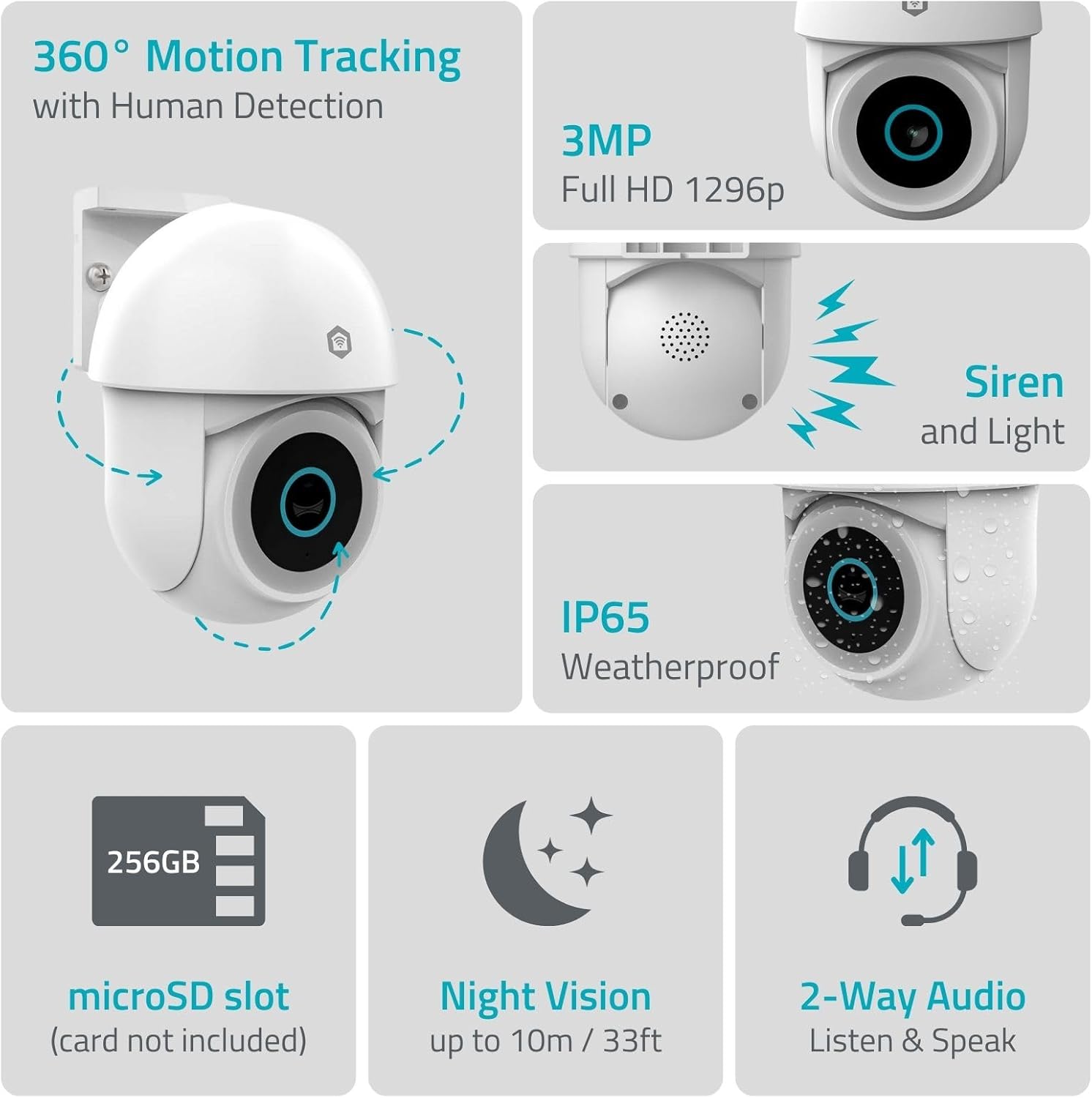
Image 1.1: Overview of NEDIS SmartLife Outdoor Camera features, including 360-degree motion tracking, 3MP resolution, siren and light, IP65 weatherproofing, microSD slot, night vision, and two-way audio.
2. Package Contents
Please check the package for the following items:
- NEDIS SmartLife Outdoor Pan-Tilt Spotlight Camera (WIFICO22CWT)
- Power Adapter (5V DC)
- Mounting Bracket and Screws
- Quick Start Guide (this manual)
3. Setup
3.1. App Installation
- Download the Nedis SmartLife app from the App Store (iOS) or Google Play Store (Android).
- Register for a new account or log in if you already have one.
3.2. Powering On and Initial Connection
- Connect the camera to the power adapter and plug it into an electrical outlet.
- Wait for the camera's indicator light to flash, indicating it is ready for pairing.
- Open the Nedis SmartLife app, tap '+' to add a new device, and follow the on-screen instructions to connect the camera to your 2.4 GHz Wi-Fi network.
3.3. MicroSD Card Installation (Optional)
For local storage of recordings, install a microSD card (up to 256GB, not included).
- Locate the microSD card slot on the camera (refer to the camera diagram in the quick start guide).
- Carefully insert the microSD card into the slot until it clicks into place.
- Format the microSD card via the camera settings in the Nedis SmartLife app.
3.4. Mounting the Camera
The camera comes with a wall/ceiling mount. Choose a suitable location with a clear view and within Wi-Fi range.

Image 3.1: Camera dimensions for mounting reference.
- Mark the drilling positions using the mounting bracket as a template.
- Drill holes and insert wall plugs if necessary.
- Secure the mounting bracket to the wall or ceiling with screws.
- Attach the camera to the mounting bracket and adjust its initial angle.
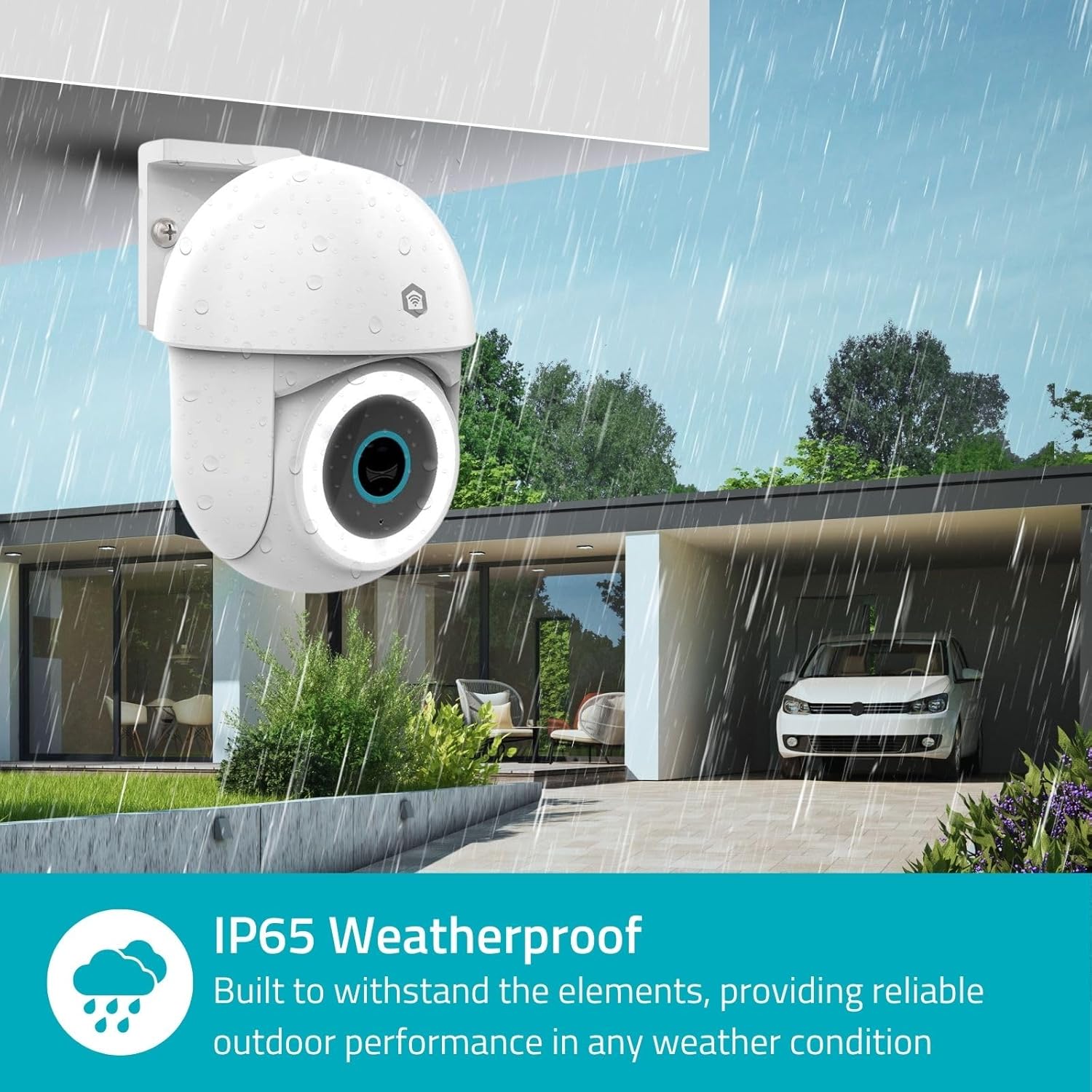
Image 3.2: The IP65 weatherproof design ensures reliable outdoor performance in various weather conditions.
4. Operating Instructions
4.1. Live View and Pan/Tilt Control
Access the live feed from your camera through the Nedis SmartLife app. Use the on-screen controls to remotely pan (horizontal) and tilt (vertical) the camera to monitor a wide area.
4.2. Motion Detection and Tracking
The camera features advanced motion detection, including human detection, to minimize false alarms. You can customize detection zones within the app.
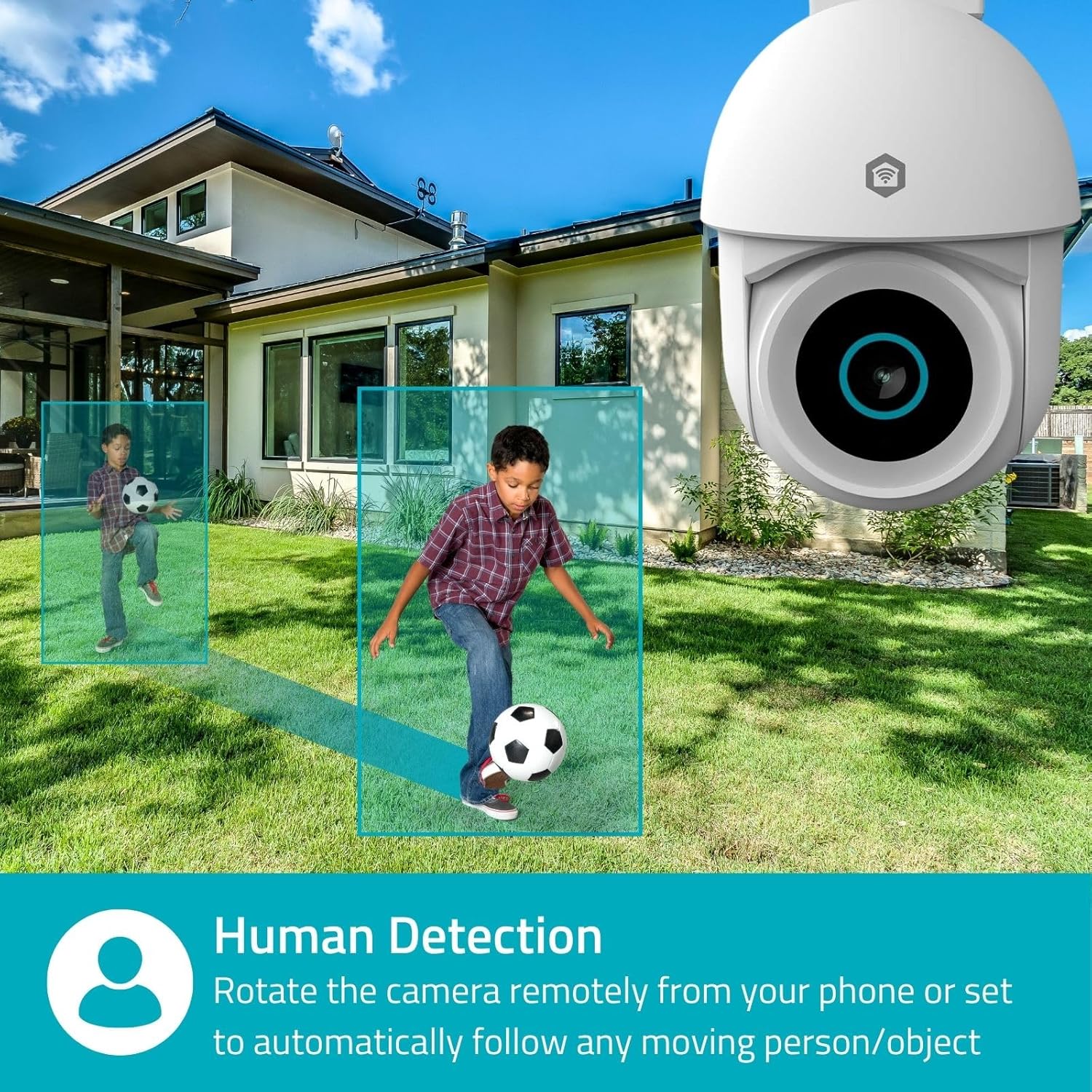
Image 4.1: Human Detection allows the camera to automatically follow moving persons or objects.
Enable Auto-Tracking in the app settings to have the camera automatically follow detected movement.
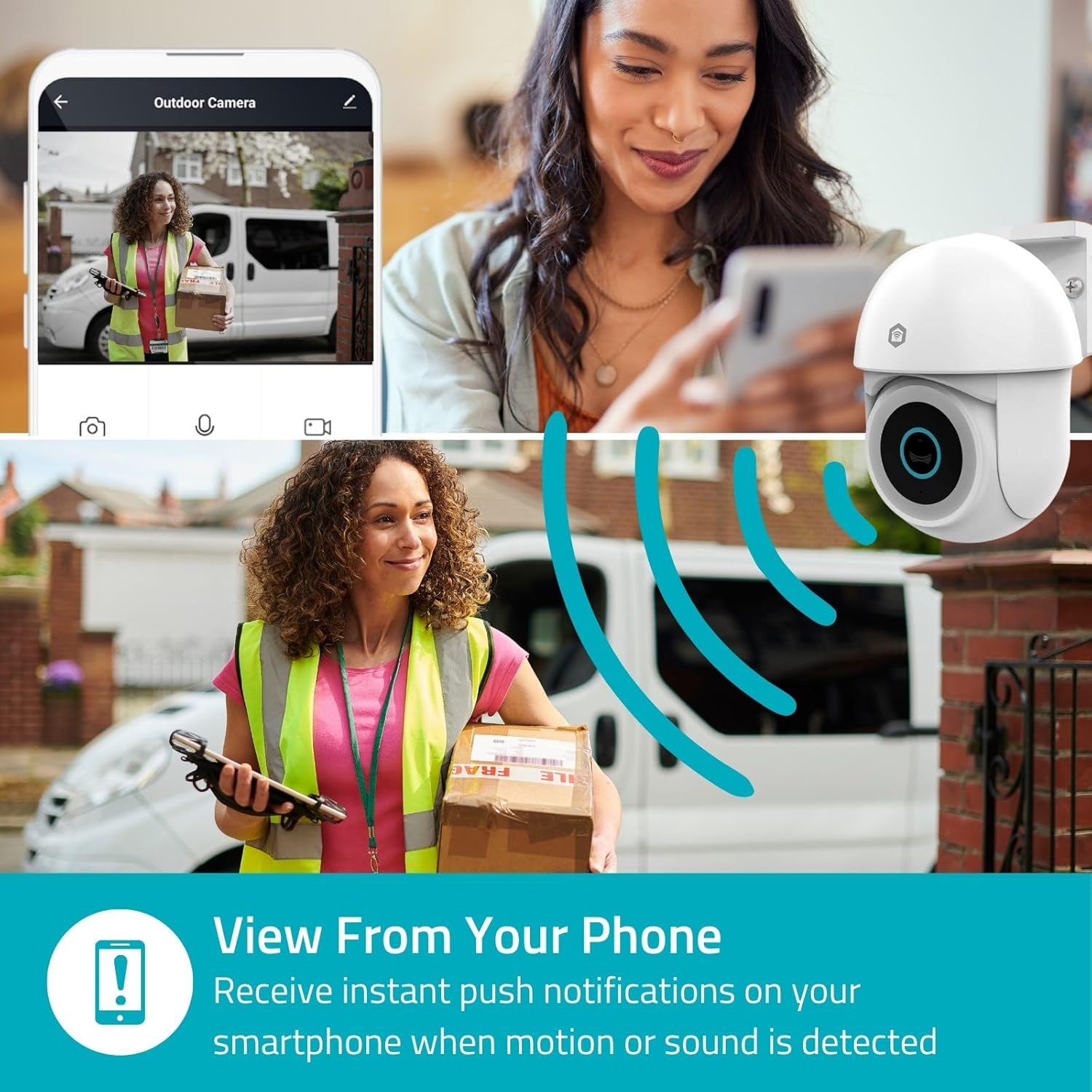
Image 4.2: Receive instant push notifications on your smartphone when motion or sound is detected.
4.3. Two-Way Audio
Utilize the built-in microphone and speaker for two-way communication. You can listen to the environment and speak through the camera via the app.
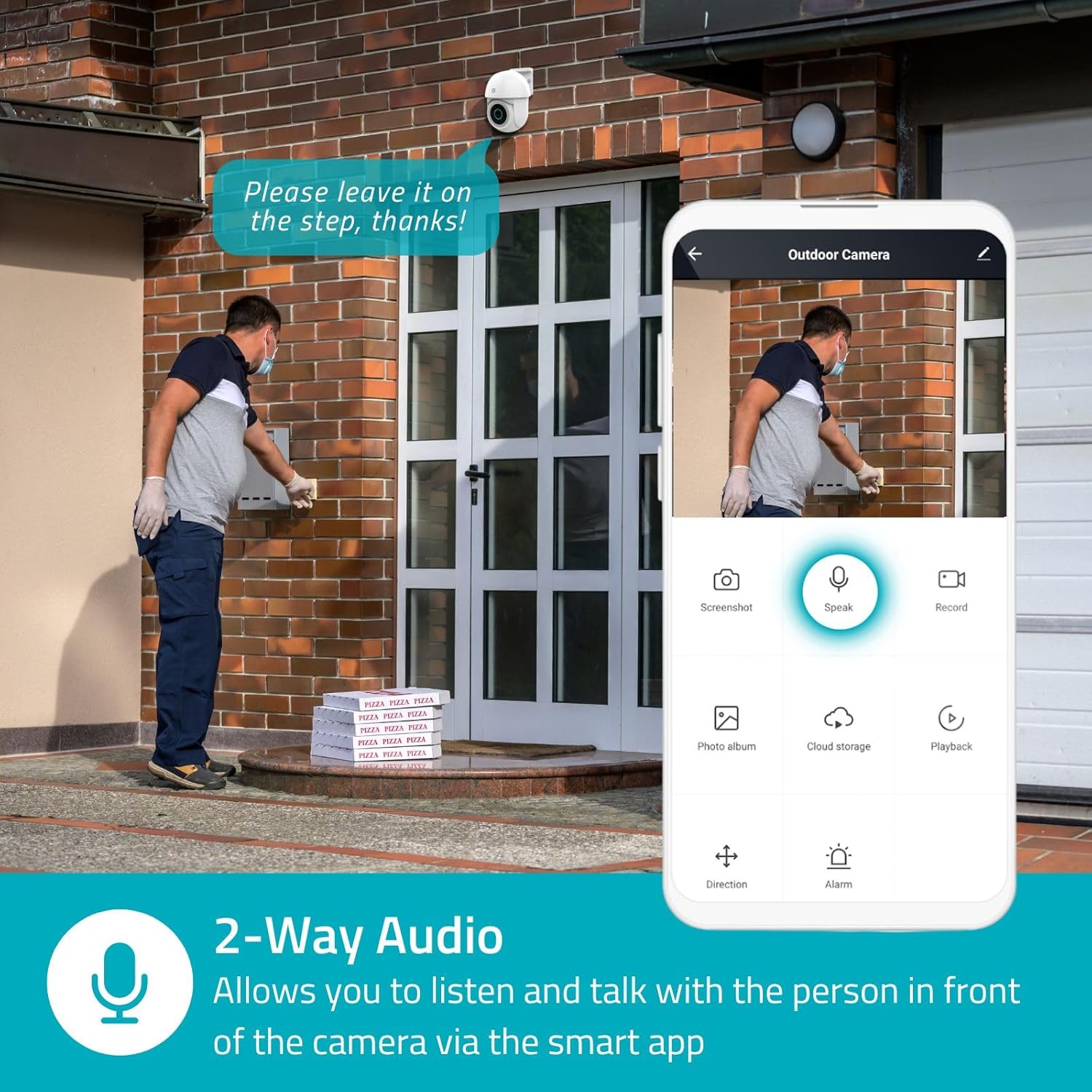
Image 4.3: Two-Way Audio allows you to listen and talk with individuals in front of the camera.
4.4. Night Vision
The camera supports two night vision modes:
- Color Night Vision: Achieved using dimmable white LEDs, providing full-color images in low light.
- Infrared Night Vision: Standard black and white night vision using infrared LEDs, effective up to 10 meters (33 feet).

Image 4.4: Comparison of Day Mode and Night Mode, illustrating the camera's 3MP resolution and 10m night vision capability.
4.5. Spotlight and Siren
When motion is detected, you can configure the camera to activate its white LEDs (spotlight) and/or a siren. This can deter intruders or provide illumination.

Image 4.5: The camera's light and siren can be activated upon motion detection to deter unwanted visitors.
4.6. Recording and Playback
Recordings can be stored on a microSD card (up to 256GB) or via optional cloud storage. Access and playback recorded footage through the Nedis SmartLife app.
4.7. Privacy Mode
Activate Privacy Mode in the app to temporarily disable recording and live view when you are home, ensuring your privacy.
4.8. Smart Home Integration
The camera is compatible with Google Home and Amazon Alexa, allowing for voice control and integration into your smart home ecosystem.
5. Maintenance
- Cleaning: Gently wipe the camera lens and body with a soft, damp cloth. Do not use harsh chemicals or abrasive cleaners.
- Firmware Updates: Regularly check the Nedis SmartLife app for available firmware updates to ensure optimal performance and security.
- Power Supply: Ensure the power adapter and cable are free from damage.
6. Troubleshooting
6.1. Camera Not Connecting to Wi-Fi
- Ensure your Wi-Fi network is 2.4 GHz. The camera does not support 5 GHz Wi-Fi.
- Check that the Wi-Fi password is entered correctly.
- Place the camera closer to your Wi-Fi router during setup.
- Restart your router and the camera.
6.2. Poor Video Quality
- Check your Wi-Fi signal strength. A weak signal can affect video quality.
- Ensure the camera lens is clean and free from obstructions.
- Adjust the video resolution settings in the app if your network bandwidth is limited.
6.3. Motion Detection Not Working
- Verify that motion detection is enabled in the app settings.
- Check the sensitivity settings and detection zones.
- Ensure there are no physical obstructions blocking the camera's view.
6.4. No Audio or Two-Way Audio Issues
- Check the microphone and speaker volume settings in the app.
- Ensure your smartphone's microphone is not muted when speaking through the app.
- Verify network connectivity for real-time audio transmission.
7. Specifications
| Feature | Specification |
|---|---|
| Model Number | WIFICO22CWT |
| Resolution | 3 MP (1296p) |
| Connectivity | Wi-Fi (2.4 GHz) |
| Pan/Tilt Function | Yes |
| Weatherproof Rating | IP65 |
| Night Vision | Color (white LEDs) & IR (up to 10m) |
| Two-Way Audio | Yes |
| Storage Options | MicroSD (up to 256GB, not included), Cloud Storage (optional) |
| Power Input | 5V DC |
| Dimensions (L x W x H) | 10 x 8.3 x 11 cm |
| Weight | 292 grams |
| Special Features | Human Detection, Auto-Tracking, Spotlight, Siren, Privacy Mode, Onvif support |
| Compatibility | Google Home, Amazon Alexa |
8. Warranty and Support
This product comes with a standard manufacturer's warranty. For detailed warranty information, please refer to the warranty card included in your package or visit the official NEDIS website.
For technical support, troubleshooting assistance, or further inquiries, please contact NEDIS customer service through their official website or the contact information provided in the product packaging.
Online Resources:
- Visit the NEDIS website for product updates and support.
- Check the Nedis SmartLife app for FAQs and in-app support options.


