
INIU P55L
INIU 45W Power Bank User Manual
Model: P55L
Introduction
The INIU 45W Power Bank is a compact and powerful portable charger designed to provide fast and reliable power for your mobile devices. Featuring a built-in USB-C cable and multiple output ports, it offers versatile charging solutions for a wide range of electronics, from smartphones to tablets. Its slim and lightweight design makes it an ideal companion for travel and daily use.

Figure 1: INIU 45W Power Bank - Front View

Figure 2: Advanced Technology for Compact Design
This power bank incorporates advanced TinyCell and HyperStack technologies, contributing to its compact size and efficient power delivery. It is 25% smaller and 15% lighter than similar capacity power banks, making it highly portable.
What's in the Box
- INIU Power Bank with Built-in Cable x 1
- USB-C Cable x 1
- User Manual x 1
Setup
Initial Charging of the Power Bank
Before first use, fully charge your INIU Power Bank. You can use the built-in USB-C cable or an external USB-C cable to connect the power bank to a compatible wall charger (not included). The digital display will show the charging progress.
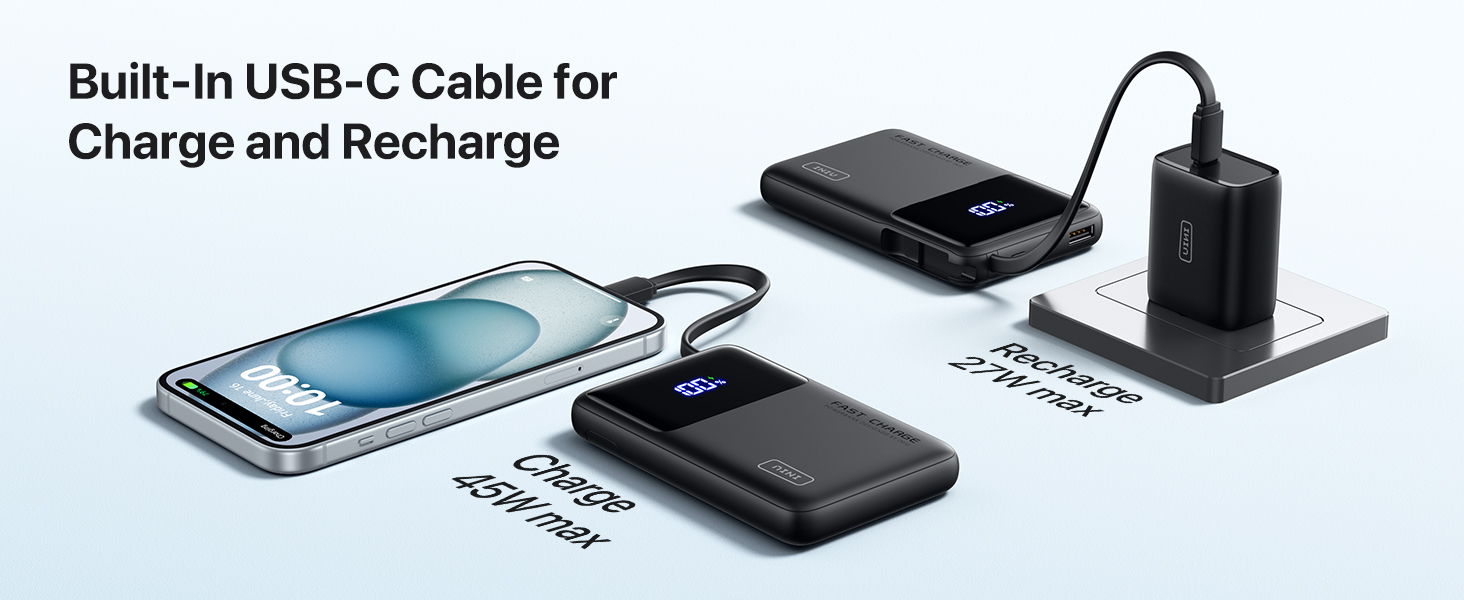
Figure 3: Recharging the Power Bank
The built-in USB-C cable can be used for both charging your devices and recharging the power bank itself. It supports up to 27W max input for fast recharging.
Cable Storage
The built-in USB-C cable is designed to be neatly stored within the power bank's casing when not in use. Gently pull the cable from its slot for use and push it back in until it clicks securely for storage.
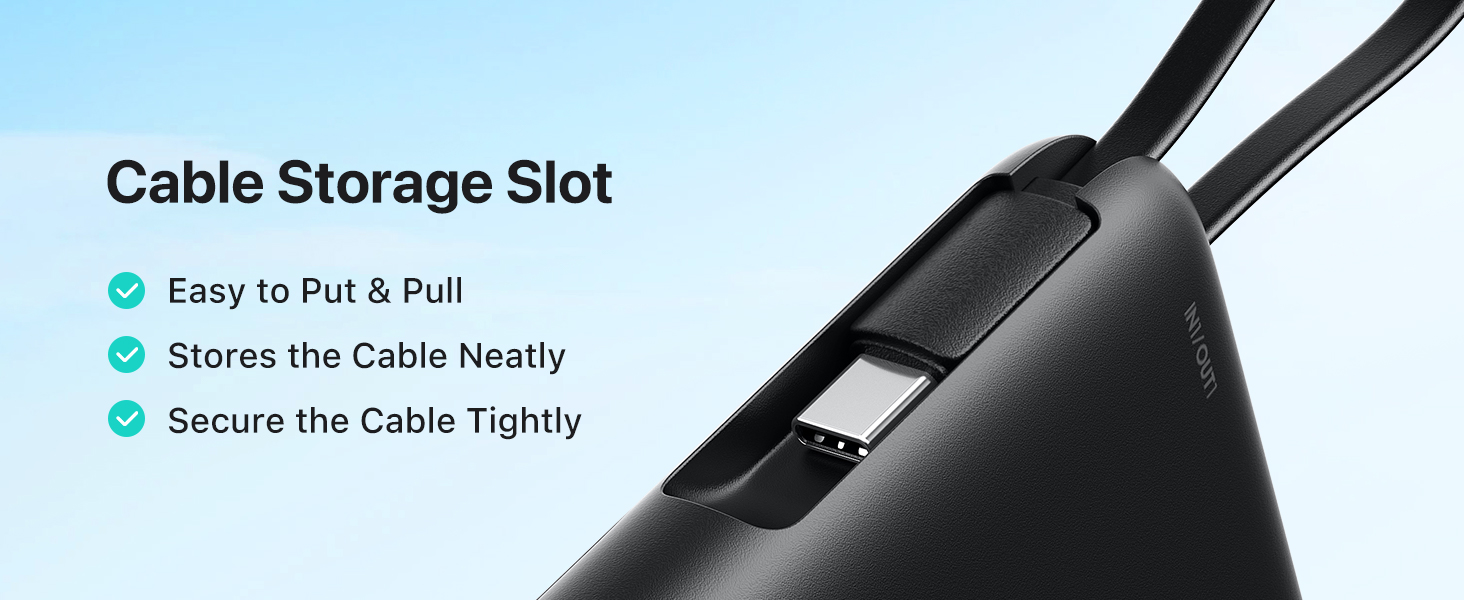
Figure 4: Built-in Cable Storage Slot
Operating Instructions
Charging Your Devices
- Connect your device to the power bank using the built-in USB-C cable or one of the available output ports (USB-C or USB-A).
- The power bank will automatically begin charging your device. The digital display will show the remaining battery percentage.
- To stop charging, simply disconnect your device.

Figure 5: Connecting a Device for Charging
The built-in USB-C cable allows for convenient charging without needing extra wires. It also doubles as a lanyard for easy carrying.
Fast Charging Capabilities
This power bank supports up to 45W output, compatible with PD, QC, and other fast-charging protocols. It can rapidly charge modern smartphones and tablets.
- Charges iPhone 16 to 63% in approximately 25 minutes.
- Charges Samsung S24 Ultra to 73% in approximately 25 minutes.

Figure 6: 45W Full-Speed Charging Performance
Multi-Device Charging
The power bank features multiple output ports (1x built-in USB-C, 1x USB-C, 1x USB-A) allowing you to charge up to three devices simultaneously.

Figure 7: Charging Multiple Devices
Pass-Through Charging
The INIU Power Bank supports pass-through charging, meaning you can recharge the power bank while it simultaneously charges your connected devices. This is convenient for managing power from a single wall outlet.

Figure 8: Pass-Through Charging in Use
Digital Display
The integrated digital display provides real-time, precise accuracy of the remaining power percentage, eliminating guesswork about battery levels.
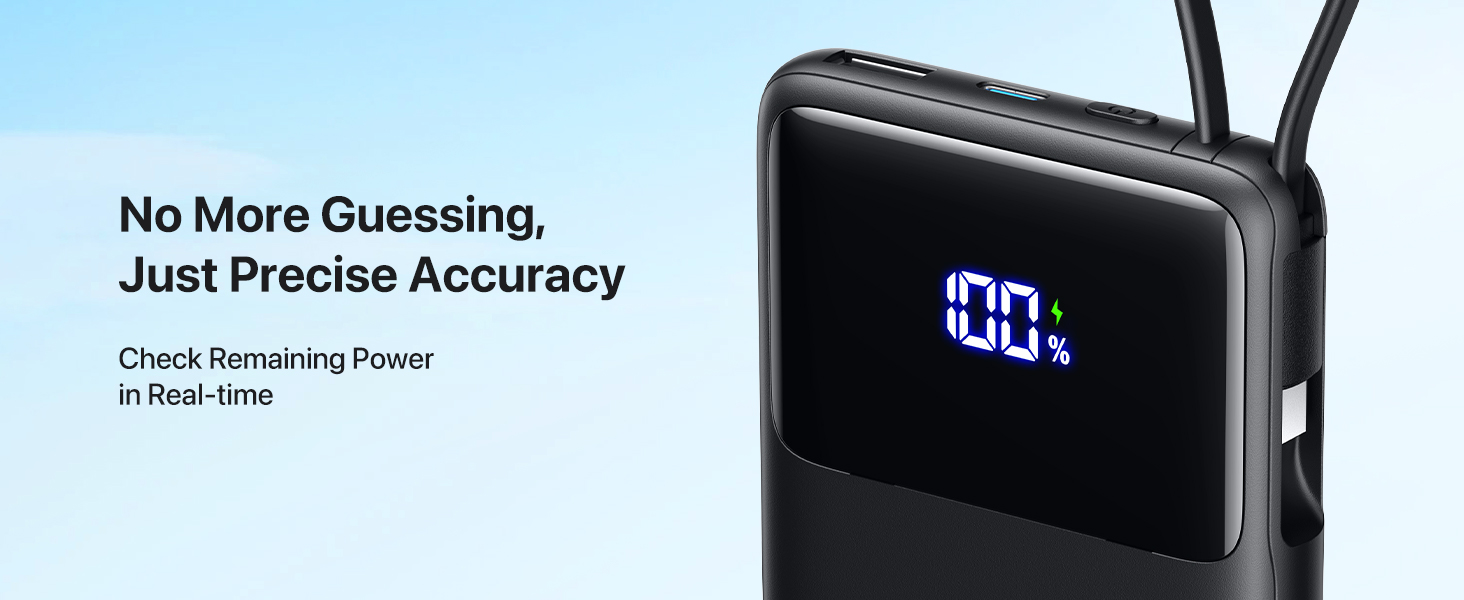
Figure 9: Precise Digital Power Display
Trickle-Charging Mode
For small devices like AirPods or smartwatches, the power bank automatically adapts to a trickle-charging mode. This optimizes power delivery to prevent overcharging and protect the battery health of smaller electronics.
Maintenance
- Keep the power bank away from extreme temperatures, direct sunlight, and liquids.
- Clean the surface with a soft, dry cloth. Do not use abrasive cleaners or solvents.
- Store in a cool, dry place when not in use.
- To maintain battery health, fully charge the power bank at least once every three months if not used regularly.

Figure 10: Built-in Cable Durability
The built-in cable is designed for durability, having undergone over 10,000 bend tests and capable of withstanding up to 6kg of anti-pulling force when combined with the power bank.
Troubleshooting
Power Bank Not Charging
- Ensure the charging cable is securely connected to both the power bank and the wall adapter.
- Verify that the wall adapter is functioning correctly and plugged into a live power outlet.
- Try using a different USB-C cable or wall adapter.
Device Not Charging from Power Bank
- Check if the power bank has sufficient charge. The digital display should show a percentage above 0%.
- Ensure the cable connecting your device to the power bank is fully inserted and not damaged.
- Try using a different charging cable or a different output port on the power bank.
- Some devices may require a specific charging protocol. Ensure your device is compatible with the power bank's output.
Slow Charging
- Ensure both the power bank and your device support fast charging protocols (PD, QC).
- Use a high-quality, fast-charging compatible cable.
- Charging multiple devices simultaneously may reduce the charging speed for individual devices.
Specifications
| Feature | Detail |
|---|---|
| Model Number | P55L |
| Battery Capacity | 10000 Milliamp Hours |
| Product Dimensions | 4.4 x 2.7 x 0.7 inches |
| Item Weight | 7.8 ounces |
| Connector Type | Output: USB-C*1 + USB-A*1 (plus built-in USB-C cable) |
| Special Features | Built-in Cable, Fast Charging, Flashlight, Lightweight, Pocket Size, Digital Display, Trickle-Charging Mode, Real-Time Temperature Monitoring |
| Manufacturer | Shenzhen Topstar Industry Co.,Ltd. |
| Date First Available | August 14, 2024 |

Figure 11: Charging Capacity Overview
Safety Features
The INIU Power Bank is equipped with an 18-Layer SmartProtect System and Real-Time Temperature Monitoring (Temp°Guard 3.0), which dynamically optimizes power allocation for enhanced safety. The system monitors temperature 3,200,000 times per day.

Figure 12: Real-Time Temperature Monitoring
Warranty and Support
INIU provides an industry-leading 3-Year INIU Care warranty for this product. If you encounter any quality issues within 3 years of purchase, INIU will send you a new replacement.
For support, please refer to the contact information provided in the packaging or visit the official INIU website.
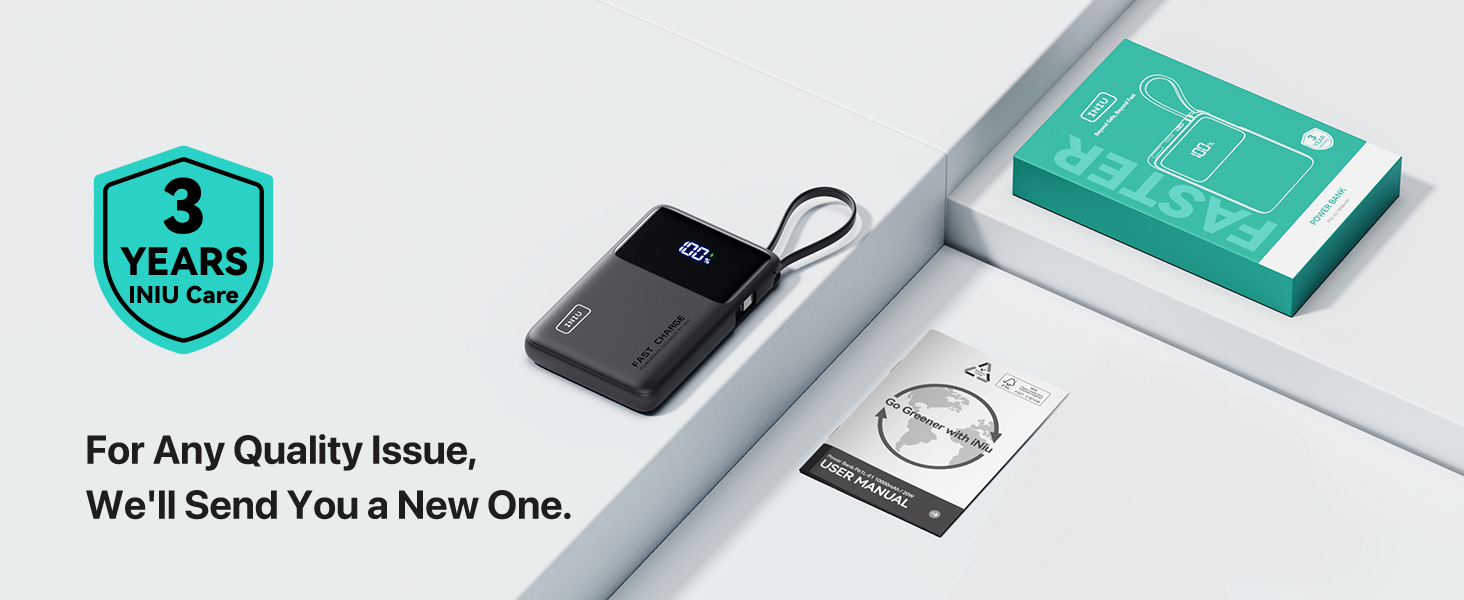
Figure 13: INIU 3-Year Care Warranty
Related documentsP55L


Ask a question about this manual
Ask about setup, troubleshooting, compatibility, parts, safety, or missing instructions. Manuals+ will review the question and use this page’s manual context to help answer it.