
Introduction
This manual provides comprehensive instructions for the safe and efficient operation, maintenance, and troubleshooting of your PUSUN PT-9001 Pro Tennis Ball Machine. Please read this manual thoroughly before initial use and retain it for future reference.
The PUSUN PT-9001 is an advanced tennis ball launcher designed for professional and recreational use, featuring app and remote control, a large ball capacity, and various serving functions to enhance tennis skills.
Important Safety Information
WARNING: Failure to follow these safety instructions may result in injury or damage to the machine.
- Always ensure the machine is stable on a flat surface before operation.
- Keep hands, hair, and loose clothing away from the ball exit port and internal mechanisms during operation.
- Do not allow children to operate the machine unsupervised.
- Use only standard tennis balls. Do not use wet, damaged, or non-standard balls, as this may cause jamming or damage.
- Disconnect power before performing any maintenance or cleaning.
- Do not expose the machine to extreme weather conditions (heavy rain, direct sunlight for prolonged periods).
- Ensure proper ventilation during charging.
What's in the Box
Upon unpacking, verify that all components are present:
- PUSUN PT-9001 Tennis Ball Machine
- Remote Control
- Charger
- User Manual (this document)
If any items are missing or damaged, please contact customer support immediately.
Setup
1. Unpacking and Placement
Carefully remove the tennis ball machine from its packaging. Place the machine on a stable, level surface on the tennis court. Ensure there is sufficient space around the machine for safe operation and ball collection.

Image: The PUSUN PT-9001 Tennis Ball Machine, showing its compact and movable design with wheels and a handle for easy transport.
2. Charging the Battery
Before first use, fully charge the machine's built-in lithium battery. Connect the charger to the machine's charging port and then to a standard power outlet. The charging indicator will show the charging status. A full charge typically takes 7-10 hours and provides 7-10 hours of operation.
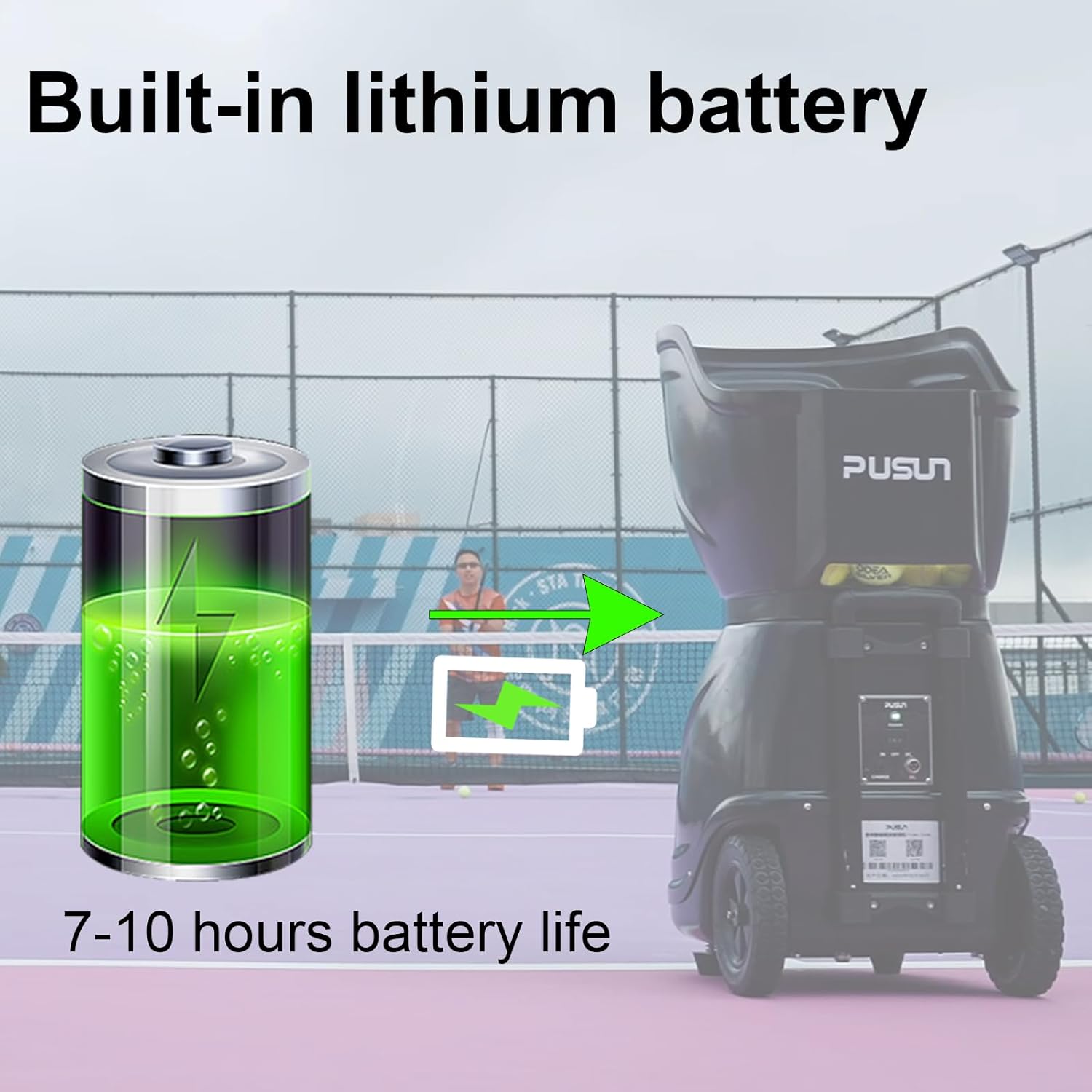
Image: Visual representation of the built-in lithium battery charging, indicating a 7-10 hour battery life for the PUSUN PT-9001 Tennis Ball Machine.
3. Loading Tennis Balls
Open the hopper lid and load up to 150+ standard tennis balls into the hopper. Ensure balls are dry and clean to prevent jamming.
Operating Instructions
1. Power On/Off
Locate the power switch on the machine and turn it to the "ON" position. To power off, switch it to "OFF".
2. Control Methods
The PT-9001 offers two primary control methods: Remote Control and Smart App Control.
Remote Control Operation
The included remote control allows for quick adjustments to frequency, speed, rotation, and angle. Refer to the remote control diagram for button functions.

Image: Depicts the remote control and the smart app interface, highlighting the dual control methods for the PUSUN PT-9001 Tennis Ball Machine.
Smart App Control (Bluetooth)
- Download the official PUSUN app from your device's app store.
- Enable Bluetooth on your smartphone.
- Open the PUSUN app and follow the on-screen instructions to connect to your PT-9001 machine. The app will display "Connected" once successful.
- The app interface allows for detailed programming of various serving functions.

Image: A detailed view of the Smart App Interface, showing options for Bluetooth connection, battery level, adjustable landing spots, various training modes, and controls for frequency, speed, and spin.
3. Serving Functions and Programming
The PT-9001 offers multiple serving modes:
- Fixed Point Ball: Delivers balls to a single, consistent spot.
- Swing Ball: Oscillates horizontally to cover a wider area.
- Vertical Swing Ball: Oscillates vertically for varying ball heights.
- Deep and Shallow Ball: Adjusts ball depth.
- Two Line Ball: Alternates between two specific points on the court.
- Cross Ball: Delivers balls across the court.
- Random Ball: Delivers balls to various unpredictable locations.
- High Drop Ball: Simulates lobs.
- Topspin/Backspin Ball: Applies different spins.
- Variable Speed Ball: Changes ball speed during a drill.
AI Programming / 35 Landing Points: Use the Smart App to program specific landing points for customized drills. Select up to 35 different points on the court for targeted training.

Image: The Smart App interface demonstrating the ability to freely select and program various combination ball routines across 35 landing points on a tennis court diagram.
4. Adjusting Settings
Adjust the following parameters via remote or app:
- Frequency: 1.8 to 8 seconds per ball.
- Speed: 20 to 140 km/h (approximately 12 to 87 MPH).
- Spin: Adjust for topspin or backspin.
- Angle: Adjust horizontal and vertical oscillation.
Start with lower settings and gradually increase as you become familiar with the machine's capabilities.
5. Video Demonstration
Video: An official PUSUN video demonstrating the portability and movement of the PUSUN Tennis Ball Machine during use on a tennis court.
Maintenance
Regular maintenance ensures the longevity and optimal performance of your PT-9001 machine.
1. Cleaning
- After each use, especially if using outdoors, wipe down the exterior of the machine with a damp cloth.
- Periodically clean the ball hopper and the ball exit area to remove dirt, dust, and tennis ball fibers. Accumulation of fibers can affect performance.
- Service Area Cleaning: The machine has an internal "Service Area" where tennis ball fibers and dust can accumulate over time. Refer to the diagram below. Disconnect power and carefully access this area for cleaning as needed.

Image: An internal diagram of the PUSUN PT-9001 Tennis Ball Machine, highlighting the Motherboard Area, Isolation Layer, and the Service Area where tennis ball fibers and dust may accumulate.
2. Battery Care
- Fully charge the battery before storing the machine for extended periods.
- Avoid completely draining the battery frequently, as this can reduce its lifespan.
- Store the machine in a cool, dry place.
3. Ball Quality
Always use clean, dry, and undamaged tennis balls. Worn or dirty balls can cause inconsistent feeding and may damage the internal mechanisms.
Troubleshooting
| Problem | Possible Cause | Solution |
|---|---|---|
| Machine does not power on. | Battery is low or depleted. Power switch is off. | Charge the battery. Ensure the power switch is in the "ON" position. |
| Balls are not feeding or jamming. | Hopper is empty. Balls are wet, dirty, or damaged. Internal mechanism is obstructed by debris. | Refill hopper. Use clean, dry, standard tennis balls. Disconnect power and clear any obstructions from the ball exit and internal feeding mechanism. |
| Remote control or App not connecting. | Machine is off. Bluetooth is off on device. Remote battery is low. App not paired correctly. | Ensure machine is on. Enable Bluetooth. Replace remote batteries. Re-pair the app with the machine. |
| Inconsistent ball delivery (speed/frequency). | Low battery. Worn or inconsistent balls. Internal components require cleaning. | Charge battery. Use new, consistent tennis balls. Clean the internal service area. |
If the problem persists after attempting these solutions, please contact PUSUN customer support.
Specifications
| Feature | Detail |
|---|---|
| Model | PT-9001 |
| Brand | PUSUN |
| Ball Capacity | 150+ balls |
| Serving Frequency | 1.8 - 8 seconds/ball |
| Serving Speed | 20 - 140 km/h (approx. 12 - 87 MPH) |
| Control Methods | Remote Control, Smart App (Bluetooth) |
| Battery Type | Built-in detachable lithium battery |
| Battery Life | 7-10 hours |
| Material | Acrylonitrile Butadiene Styrene (ABS), Metal |
| Serving Functions | Fixed point, Swing, Vertical Swing, Deep/Shallow, Two Line, Cross, Random, High Drop, Topspin, Backspin, Variable Speed |
| Programming | 35 Landing Points Self-programming via App |
Warranty and Support
Warranty Information:
- 1.5 Year Warranty for Business Users
- 3 Year Warranty for Individual Users
This warranty covers defects in materials and workmanship under normal use. It does not cover damage caused by misuse, accidents, unauthorized modifications, or failure to follow the instructions in this manual.
Customer Support:
If you have any questions, require technical assistance, or need to claim warranty service, please contact PUSUN customer support. Contact details can typically be found on the product packaging or the official PUSUN website.
Please have your model number (PT-9001) and purchase date available when contacting support.