
LocoLee 10343
LocoLee LED Light Kit for LEGO Mini Orchid 10343 Botanical Collection
Instruction Manual
1. Introduction
This manual provides detailed instructions for the installation, operation, and maintenance of your LocoLee LED Light Kit, designed specifically for the LEGO Mini Orchid 10343 Botanical Collection. Please read this manual thoroughly before beginning installation to ensure proper setup and optimal performance.
Important Note: This product includes only the LED light kit. The LEGO Mini Orchid 10343 model set is not included and must be purchased separately.
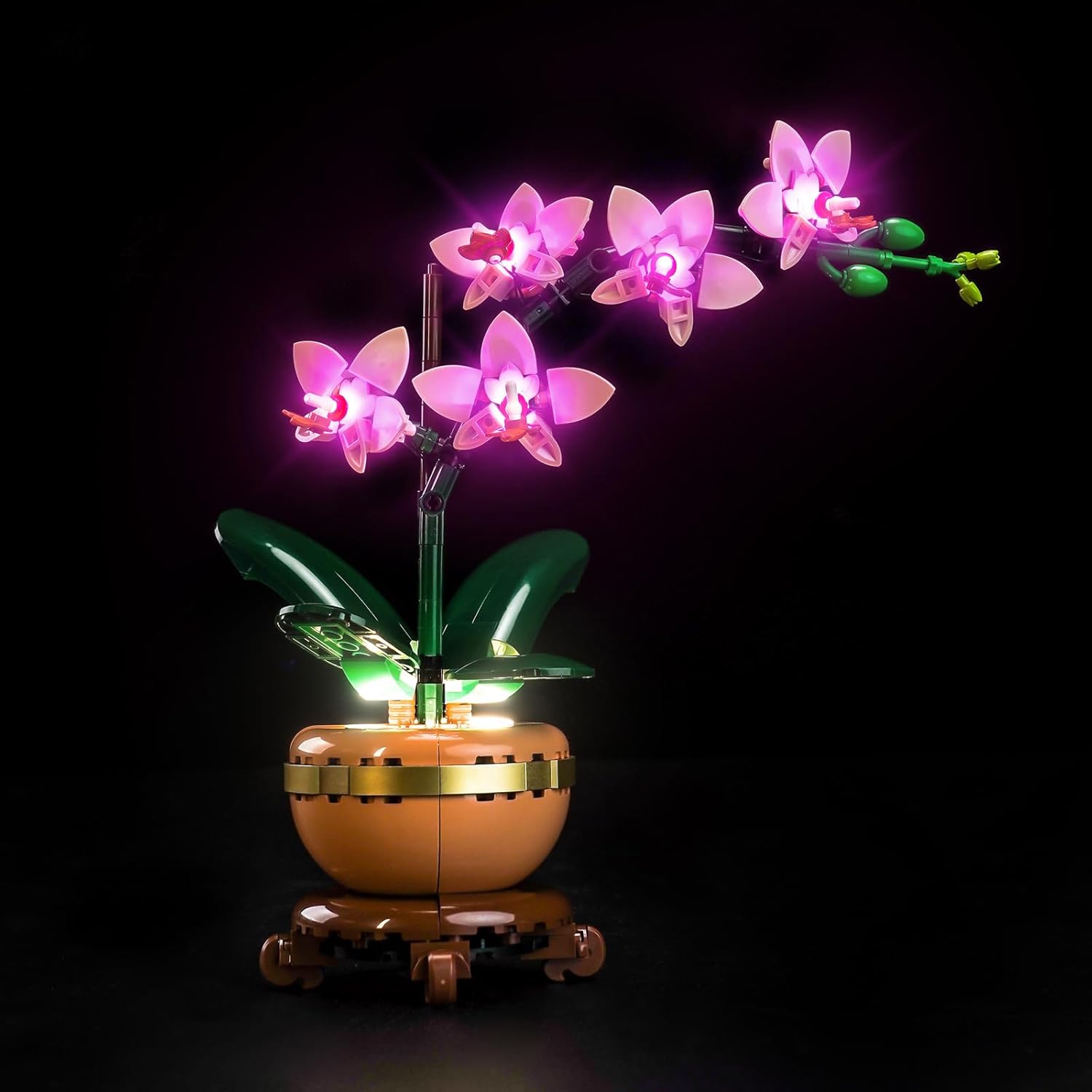
Image 1.1: The LocoLee LED Light Kit illuminating the LEGO Mini Orchid 10343 model.
2. Package Contents
Verify that all components listed below are present in your package. If any parts are missing or damaged, please contact customer support.
- LED Light Kit components (various small LED lights, connecting wires)
- Instruction Manual (digital access via QR code/website)
- Battery Box (requires 3 AAA batteries, not included)
- USB Power Cable
- Expansion Board
- Light Strip - Warm White-COB
- Tweezers (optional tool for installation)
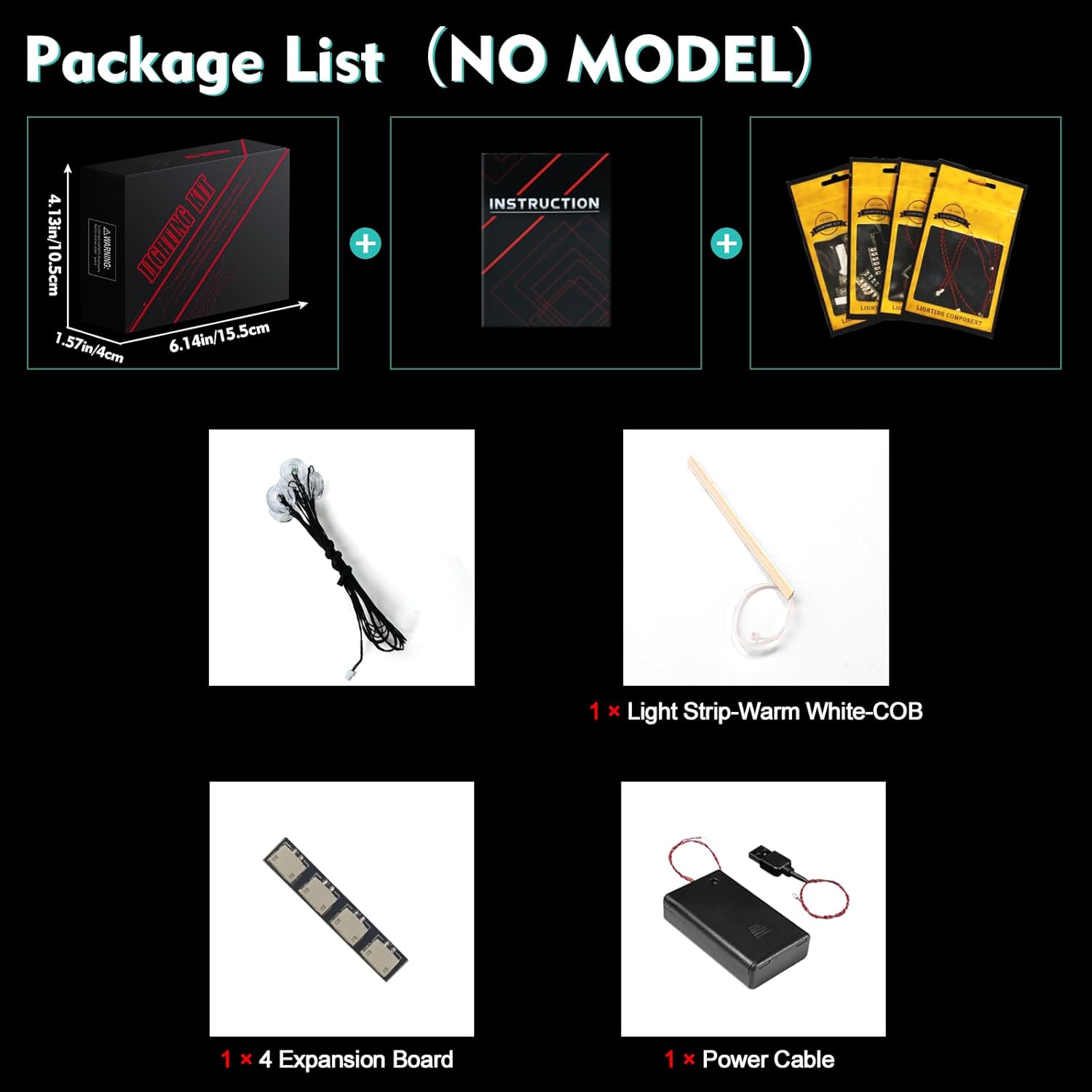
Image 2.1: Overview of the LocoLee LED Light Kit package contents.
Note: The LEGO Mini Orchid model is shown for illustrative purposes only and is not included in this light kit package.
3. Safety Information
- Keep small parts away from children to prevent accidental ingestion.
- Handle wires carefully; they are delicate. Avoid pulling them forcefully during installation.
- Ensure power source voltage is less than 5V when using USB.
- Do not expose the light kit to excessive moisture or extreme temperatures.
- Always test each light component before final assembly.
4. Setup and Installation
The installation process involves integrating the LED components into your pre-assembled LEGO Mini Orchid 10343 model. Online video and PDF instructions are available for detailed guidance.
4.1 Accessing Instructions
- Locate the card included in your package with a QR code or website link.
- Scan the QR code or visit the provided website.
- Enter the model number (10343) or the code found on the bottom of the packing box to access the specific instructions for your kit.
- Select either the PDF or video guide for step-by-step installation.

Image 4.1: Guide to accessing digital installation instructions.
4.2 General Installation Tips
- Install the light kit only after your LEGO model is fully assembled.
- Carefully disassemble only the necessary bricks as indicated in the instructions to place the light fixtures.
- Route wires discreetly by wrapping them around existing LEGO elements or threading them through gaps to minimize visibility.
- Ensure proper connection of all light components to the expansion board.
- Test the lights periodically during installation to confirm functionality.
Video 4.2: Official installation overview for the LocoLee LED Light Kit for LEGO Mini Orchid 10343. This video demonstrates the illuminated model and highlights key lighting points.
5. Operating Instructions
5.1 Powering the Light Kit
The LocoLee LED Light Kit offers two power options:
- USB Power: Connect the provided USB power cable to the expansion board and then to any standard USB power source (e.g., USB wall adapter, power bank, computer USB port). Ensure the voltage is less than 5V. USB power typically provides brighter illumination.
- Battery Box Power: Insert 3 AAA batteries (not included) into the battery box. Connect the battery box to the expansion board.
Once connected to a power source, the lights will illuminate. There is no separate on/off switch on the light kit itself; power is controlled by connecting or disconnecting the power source.
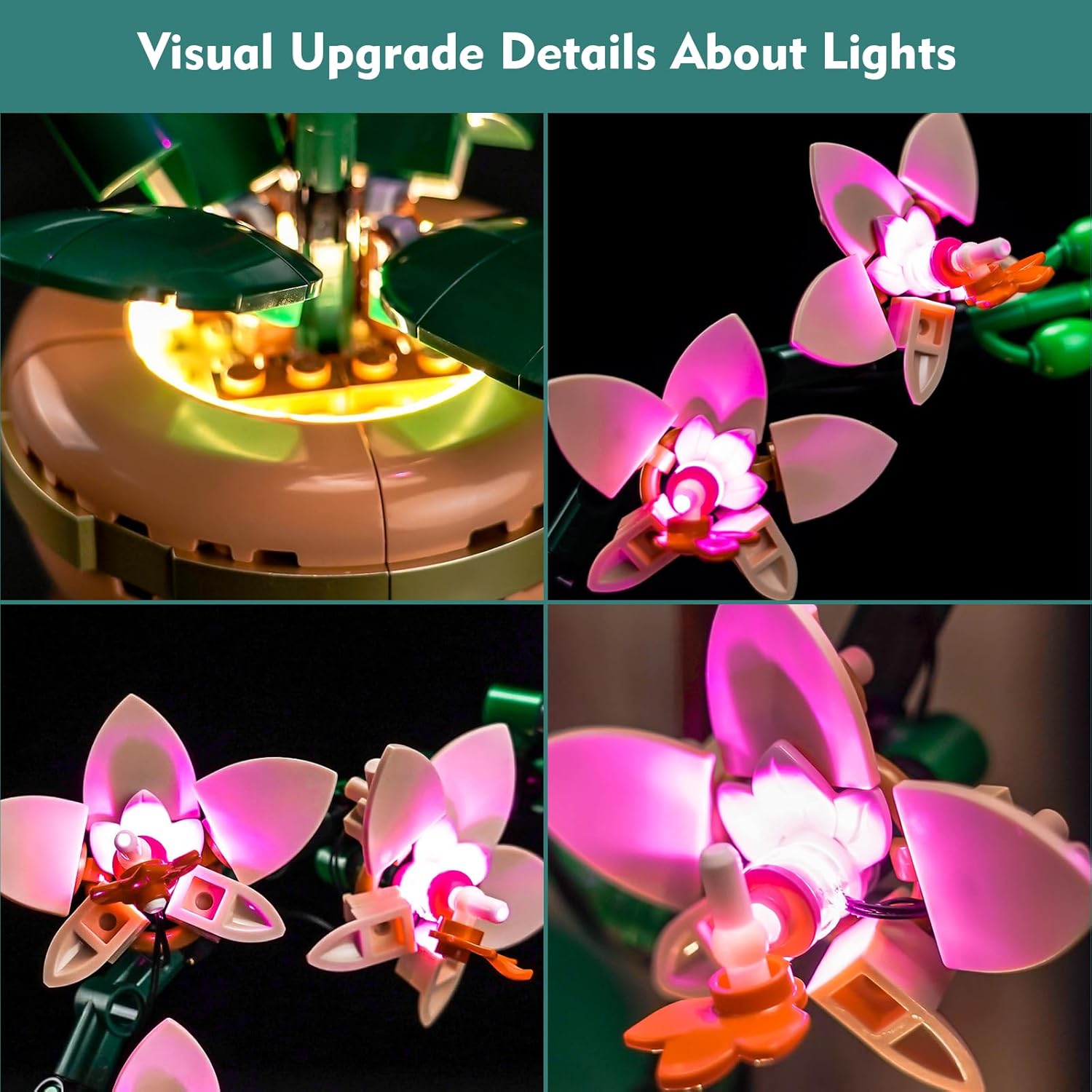
Image 5.1: Comparison of the LEGO Mini Orchid 10343 model without lights versus with the LocoLee LED Light Kit activated.
6. Maintenance
- Cleaning: Use a soft, dry cloth to gently wipe dust from the LED components and wires. Avoid using liquid cleaners directly on the lights or wiring.
- Wire Management: Periodically check that all wires are securely routed and not pinched or stressed.
- Battery Replacement: If using the battery box, replace AAA batteries when the lights dim or cease to function. Ensure correct polarity when inserting new batteries.
- Storage: If storing the model for an extended period, disconnect the power source (remove batteries or unplug USB cable) to prevent battery drain or potential damage.
7. Troubleshooting
| Problem | Possible Cause | Solution |
|---|---|---|
| Lights do not turn on. |
|
|
| Some lights are dim or flickering. |
|
|
| Lights are not as bright as expected. |
|
|
If you encounter issues not covered here, please refer to the online instructions or contact LocoLee customer support for assistance.
8. Specifications
- Brand: LocoLee
- Model Compatibility: LEGO Mini Orchid 10343
- Light Source Type: Light Emitting Diode (LED)
- Power Source: USB (less than 5V) or 3x AAA Batteries (not included)
- Material: Plastic (ABS), Copper Lines
- Number of Light Sources: 25
- Special Features: Glow in the Dark
- Product Dimensions: 6.06 x 1.26 x 3.98 inches (Light Kit components are designed to integrate seamlessly)
- Item Weight: 3.2 ounces (approximate, for the light kit components)
- Recommended Age: 16 years and up
9. Warranty and Support
LocoLee is committed to providing high-quality products. If you have any questions or concerns regarding your LED light kit, or if you experience any issues, please contact LocoLee customer support. Information on how to reach support can typically be found on the product packaging or the official LocoLee website.
The lighting set is made of high-quality copper lines and ABS plastic, designed for durability and seamless integration with LEGO blocks. If you have questions about the product, please let us know anytime.
Ask a question about this manual
Ask about setup, troubleshooting, compatibility, parts, safety, or missing instructions. Manuals+ will review the question and use this page’s manual context to help answer it.