
Introduction
Welcome to your new Surtime 116CM Ceiling Fan. This manual provides essential information for the safe installation, operation, and maintenance of your ceiling fan. Please read it thoroughly before use and retain it for future reference. Proper installation and use will ensure optimal performance and longevity of your product.
Safety Information
To prevent personal injury or property damage, always follow these basic safety precautions:
- Ensure the main power supply to the installation area is disconnected at the circuit breaker before beginning any installation, maintenance, or cleaning.
- Installation must be performed by a qualified electrician in accordance with all local electrical codes.
- Mount the fan securely to a ceiling joist or a suitable support structure capable of safely supporting the fan's weight (approximately 5.13 kg).
- Do not insert any objects into the fan blades while they are in motion.
- Keep children and pets away from the fan during operation.
- Use only the specified voltage (220 Volts) for this appliance.
- Ensure all connections are secure and properly insulated.
Package Contents
Please verify that all components are present and undamaged before proceeding with installation. If any parts are missing or damaged, contact customer support.
- Ceiling Fan Unit (with 5 blades)
- Remote Control
- Mounting Bracket and Hardware
- Safety Rope
- User Manual

Image: Overview of the Surtime 116CM Ceiling Fan and its main components.
Specifications
| Feature | Specification |
|---|---|
| Brand | Surtime |
| Model Number | 8217Wt-RGB-46 |
| Color | White |
| Dimensions (Diameter x Height) | 116 cm x 26 cm |
| Weight | 5.13 Kilograms |
| Power | 28 Watts (Fan), 14W*2 (Light) |
| Voltage | 220 Volts |
| Material | Acrylonitrile Butadiene Styrene (ABS), Metal, Acrylic |
| Features | Dimmable, Adjustable Color Temperature, RGB Light Ring, Reversible Motor, 6 Fan Speeds, 2-Hour Timer |
| Control | Remote Control, Mobile App Control |
| Noise Level | <35 dB |
| Light Source Lifespan | 50,000 hours |

Image: Detailed product parameters including dimensions, blade quantity, light power, and control methods.
Installation Instructions
Follow these steps carefully for proper installation. It is recommended to have two people for installation. If you are unsure about any step, consult a qualified electrician.
Step 1: Prepare for Installation
- Ensure the power supply to the installation area is turned off at the circuit breaker.
- Unpack all components and verify against the package contents list.
Step 2: Mounting the Bracket
- Secure the mounting bracket to a ceiling joist or a suitable electrical junction box capable of supporting the fan's weight. Use appropriate screws and anchors provided.
Step 3: Wiring
- Connect the fan's electrical wires to the household wiring according to local electrical codes. Ensure all connections are secure and properly insulated.
- The included safety rope can be used to temporarily support the fan during wiring, allowing for easier single-person installation.
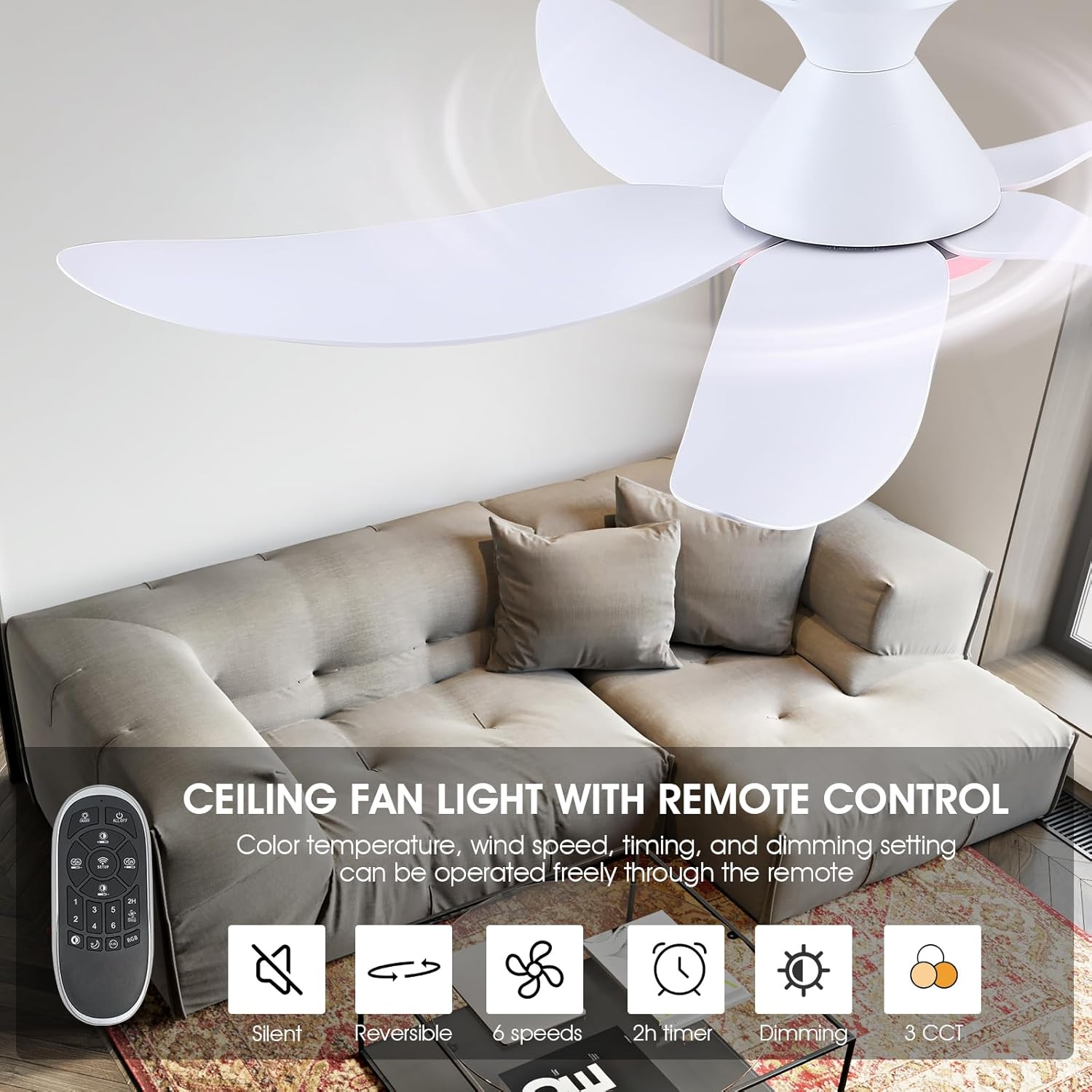
Image: Detailed view of the fan's internal wiring and LED module before final assembly.
Step 4: Attaching the Fan Body
- Carefully lift the fan body and attach it to the mounting bracket. Ensure it is securely fastened with the provided screws.
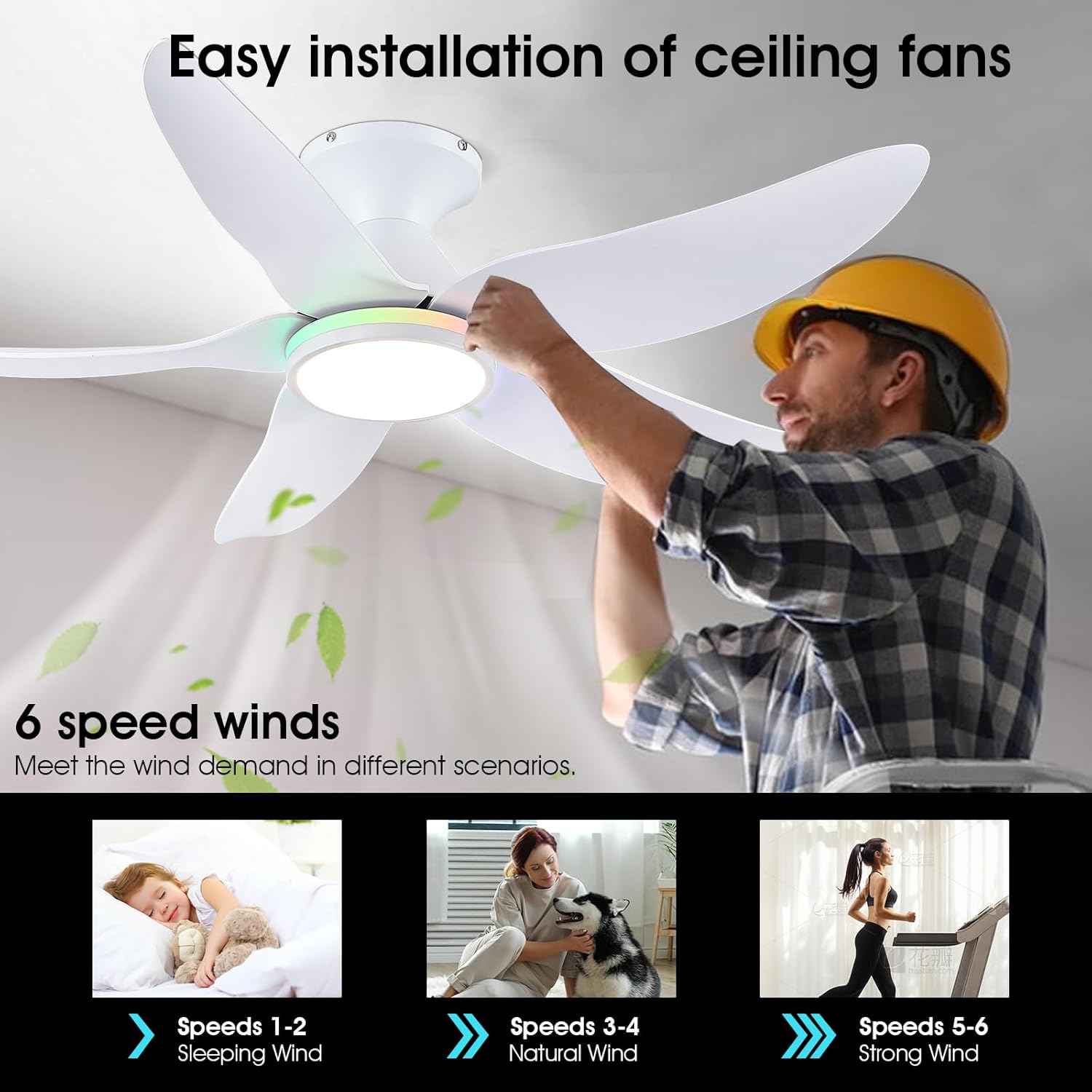
Image: A person demonstrating the installation process of the ceiling fan onto the ceiling mount.
Step 5: Blade Installation
- Attach the five fan blades to the motor housing using the provided screws. Ensure they are firmly secured and balanced.
Step 6: Final Checks
- Double-check all connections and ensure no wires are pinched.
- Restore power at the circuit breaker.
Operating Instructions
Remote Control Operation
The fan is controlled via the included remote. Insert 2 AAA batteries (not included) into the remote control before use.

Image: The remote control for the Surtime ceiling fan, showing various function buttons.
- ON/OFF Light: Turns the main light on or off.
- ALL OFF: Turns off both the fan and the light.
- Fan Speed (1-6): Adjusts fan speed from 1 (lowest) to 6 (highest).
- Timer (2H): Sets a 2-hour timer for the fan to automatically turn off.
- 3 CCT: Cycles through 3 color temperatures for the main light (Warm White 3000K, Natural White 4500K, Cool White 6500K).
- Night Light: Activates a low-brightness night light mode.
- F/R (Forward/Reverse): Changes the fan's rotation direction for seasonal use.
- RGB Change: Cycles through various RGB color modes for the side ring light.
- Brightness +/-: Adjusts the brightness level of the main light.
- Color Temperature +/-: Fine-tunes the color temperature of the main light.

Image: Various side-illuminated RGB lighting modes and white light options.
Mobile App Control
The fan can also be controlled via a dedicated mobile application.
- Scan the QR code below or visit https://www.jasonghost.com/fanlamppro/ to download the "Fan Lamp Pro" app.
- Install the app on your smartphone and register an account if prompted.
- Turn on the fan's main power supply. Within 5 seconds of powering on, open the app and repeatedly tap the "Pair" button. The fan light will blink or emit a sound to confirm successful pairing.
- Once paired, you can control all fan and light functions directly from the app interface.

Image: Screenshot of the mobile application interface for controlling the fan and light functions, including a QR code for download.
Seasonal Operation (Forward/Reverse Mode)
The fan features a reversible DC motor, allowing for optimal air circulation throughout the year.
- Summer Mode (Forward): Blades rotate counter-clockwise, pushing air downwards to create a cooling breeze. This mode is ideal for warmer months.
- Winter Mode (Reverse): Blades rotate clockwise, drawing air upwards to circulate warm air trapped near the ceiling, distributing it evenly throughout the room. This helps to reduce heating costs in colder months.

Image: Illustration of the fan's reversible motor function, demonstrating airflow for summer cooling and winter heat distribution.
Maintenance
Regular maintenance ensures the longevity and efficient operation of your ceiling fan.
Cleaning
- Always turn off the power supply to the fan at the circuit breaker before cleaning.
- Use a soft, damp cloth to wipe down the fan blades, motor housing, and light cover.
- Avoid using abrasive cleaners, solvents, or harsh chemicals, as these can damage the finish or electrical components.
- Do not immerse the fan or any electrical parts in water.
General Care
- Periodically check all screws and connections to ensure they remain secure. Tighten any loose fasteners.
- The integrated LED light module is designed for a long lifespan (50,000 hours) and typically does not require replacement.
Troubleshooting
If you encounter any issues with your Surtime ceiling fan, refer to the following common problems and solutions:
- Fan does not turn on:
- Check if the main power supply is connected and the circuit breaker is on.
- Ensure the remote control batteries are correctly inserted and charged.
- Verify that the fan is properly paired with the remote or mobile app.
- Light does not turn on:
- Confirm the main power supply is active.
- Ensure the light function is activated on the remote or app.
- Remote control not responding:
- Replace the batteries in the remote control.
- Re-pair the remote with the fan (refer to the pairing instructions in the Mobile App Control section, as the process is often similar for remotes).
- Fan makes excessive noise:
- Ensure all fan blades are securely attached and balanced.
- Check if the mounting bracket is firmly secured to the ceiling.
- Verify that no wires or other objects are interfering with the fan's rotation.
- RGB LED ring turns on by itself:
- This may indicate a firmware issue or external interference. Try re-pairing the remote/app. If the issue persists, contact customer support.
- Remote control batteries drain quickly:
- Ensure you are using high-quality batteries. If the issue persists, it may indicate a remote control fault.
- Fan settings reset after power cut:
- This is a characteristic for some models. The fan will return to its default off state after a power interruption.
Warranty and Support
Your Surtime ceiling fan comes with a standard manufacturer's warranty. Please retain your proof of purchase for any warranty claims.
For technical support, warranty inquiries, or replacement parts, please contact Surtime customer service through the retailer where you purchased the product or visit the official Surtime website for contact information.
Recycling Information
Please dispose of the product and its components responsibly at the end of their lifespan. Do not dispose of electrical appliances with general household waste.
For information on recycling light bulbs and electrical appliances, consult local regulations or visit relevant recycling information websites:
- How to recycle your light bulbs: Learn more
- How to clean your light bulbs: Learn more


