
1. Introduction
This manual provides essential information for the safe and effective operation of your ACMER P2 20W Laser Engraver and Cutter. Please read these instructions thoroughly before assembly, operation, or maintenance. The ACMER P2 is a high-precision laser machine designed for engraving and cutting various materials, featuring a 20W laser output for enhanced performance.

Image 1.1: The ACMER P2 20W Laser Engraver and Cutter, showcasing its main components and examples of engraved and cut materials.
2. Safety Information
The ACMER P2 is a Class IV laser product. Direct exposure to the laser beam can cause severe eye and skin damage. Always adhere to the following safety guidelines:
- Eye Protection: Always wear appropriate laser safety goggles that block the laser's wavelength during operation.
- Work Area: Operate the machine in a well-ventilated area to dissipate fumes and smoke generated during engraving/cutting. Ensure the area is free from flammable materials.
- Supervision: Never leave the machine unattended during operation.
- Emergency Stop: Familiarize yourself with the emergency stop button and its location. Activate it immediately in case of any malfunction or hazard.
- Material Safety: Only engrave or cut materials approved for laser processing. Avoid materials that produce toxic fumes or are highly reflective.
- Child Safety Lock: Utilize the child safety lock feature to prevent unauthorized use.
- Tilt and Flame Detection: The machine is equipped with a 15° tilt sensor and a flame sensor that automatically stop operation and alarm in case of movement or fire.
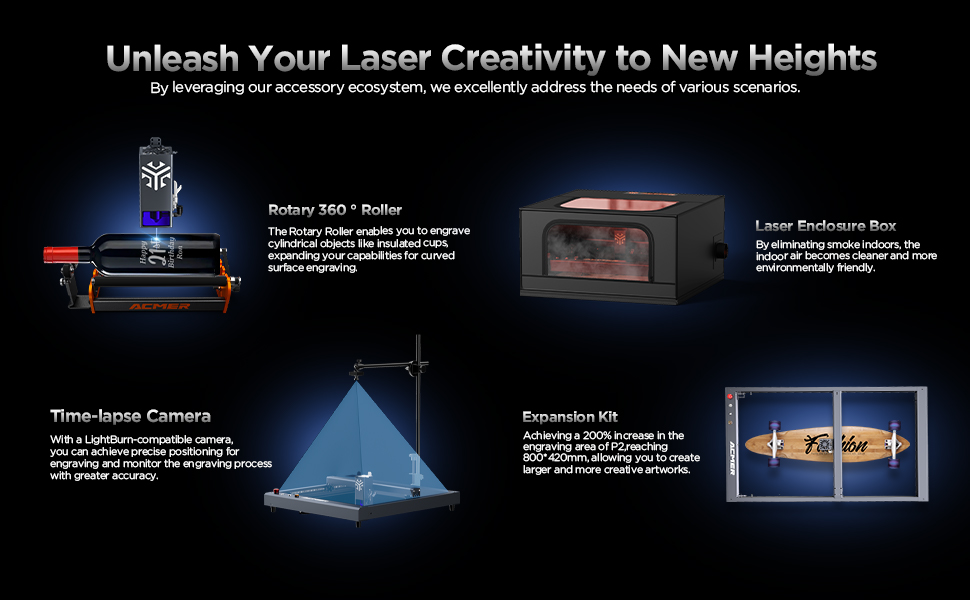
Image 2.1: Overview of the ACMER P2's safety features, including flame detector, gyroscope tilt detector, observable shield, child safety lock, emergency stop switch, and alarm lights and buzzers.
The ACMER P2 has been tested according to IEC 60825-1 standards and holds Class 4 laser certification.

Image 2.2: Examples of certifications for the ACMER P2, including CE and Machinery Directive Attestation of Conformity.
3. Setup
The ACMER P2 is designed for straightforward assembly. All necessary tools and detailed instructions are included with the product.
3.1 Assembly
- Unpack all components and verify against the packing list.
- Follow the step-by-step assembly guide provided in the box to construct the frame and attach the laser module.
- Ensure all connections are secure and cables are properly routed to prevent interference with moving parts.
3.2 Software Installation and Connectivity
The ACMER P2 is compatible with various professional engraving software and mobile applications.
- Supported Software: LaserGRBL, LightBurn, and the ACMER mobile app.
- Operating Systems: Supports Windows, macOS, iOS, and Android.
- Data Transfer: Connect the machine via Wi-Fi, USB cable, or use a TF card for offline operation.
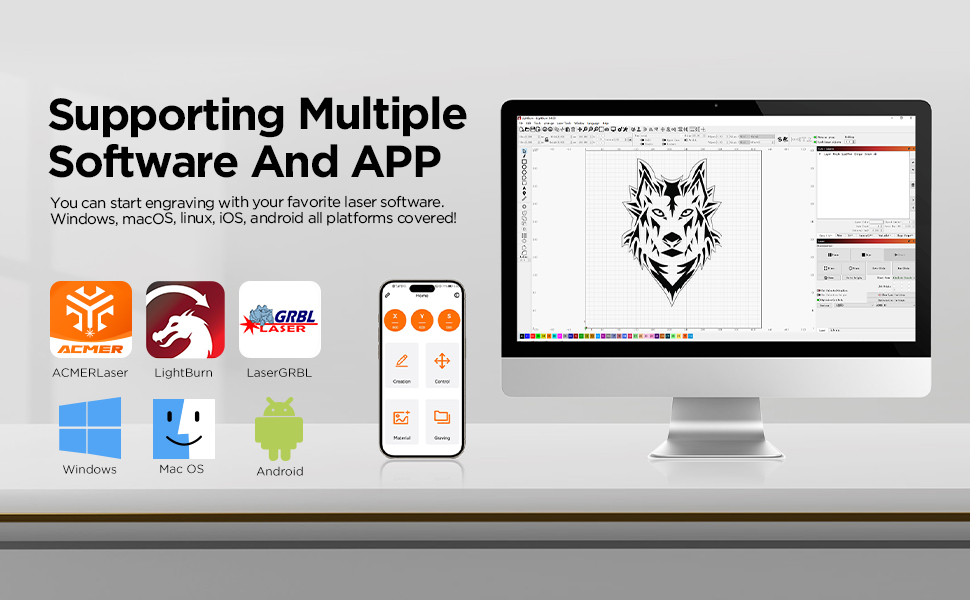
Image 3.1: The ACMER P2 supports multiple software platforms including LaserGRBL, LightBurn, and the ACMER APP, compatible with Windows, macOS, iOS, and Android.
4. Operating Instructions
Follow these steps for safe and effective operation of your laser engraver.
4.1 Power On and Initial Checks
- Ensure all safety precautions are in place, including wearing laser safety goggles.
- Connect the power supply and turn on the machine.
- Open the safety lock before operation.
4.2 Material Preparation and Placement
The ACMER P2 can engrave and cut a wide range of materials within its 420x400mm working area.
- Supported Materials: Wood, bamboo, paper, acrylic, leather, PCB board, anodized aluminum, and various metals.
- Place the material flat on the working surface, ensuring it is stable and within the engraving area.
- Adjust the laser focus according to the material thickness and type.
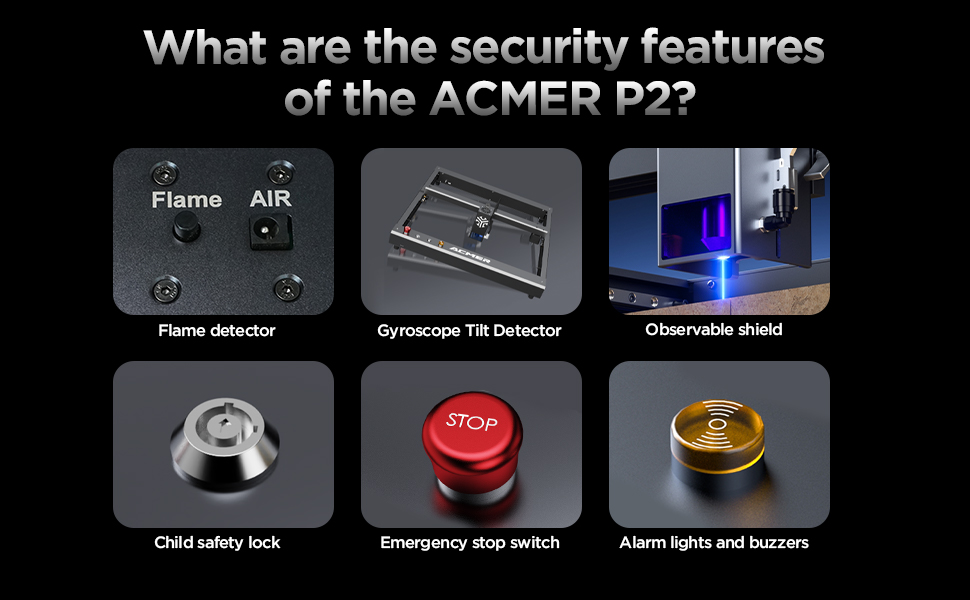
Image 4.1: The ACMER P2 20W laser engraver demonstrating its cutting capabilities on materials such as 25mm plywood, 20mm acrylic, and 8mm MDF.
4.3 Engraving and Cutting Process
- Load your design into the chosen software (LaserGRBL, LightBurn, or ACMER APP).
- Set the appropriate parameters for laser power, speed, and passes based on the material and desired outcome.
- Initiate the engraving or cutting process. Monitor the machine closely.
- The 20W laser module features an ultra-fine compressed spot size of 0.08mm x 0.06mm for high precision.
- The maximum engraving speed is up to 30,000mm/min.

Image 4.2: Illustration of the ACMER P2's 20W powerful diode laser module, highlighting its advanced laser synthesis compression technology and ultra-fine 0.08x0.1mm compressed spot size for detailed engraving.

Image 4.3: A comparison illustrating the ACMER P2 20W's engraving speed, reaching up to 30,000mm/min, significantly faster than traditional frame machines.
5. Maintenance
Regular maintenance ensures optimal performance and extends the lifespan of your ACMER P2.
- Laser Lens Cleaning: Periodically clean the laser lens with a soft, lint-free cloth and lens cleaning solution to maintain beam quality.
- Guide Rails: Inspect the industrial guide rails for dust or debris. Clean them as needed to ensure smooth and precise movement.
- General Cleaning: Keep the machine free from dust and material residue. Use a soft brush or compressed air for hard-to-reach areas.
- Firmware Updates: Check the official ACMER website or app for any available firmware updates to ensure your machine has the latest features and improvements.
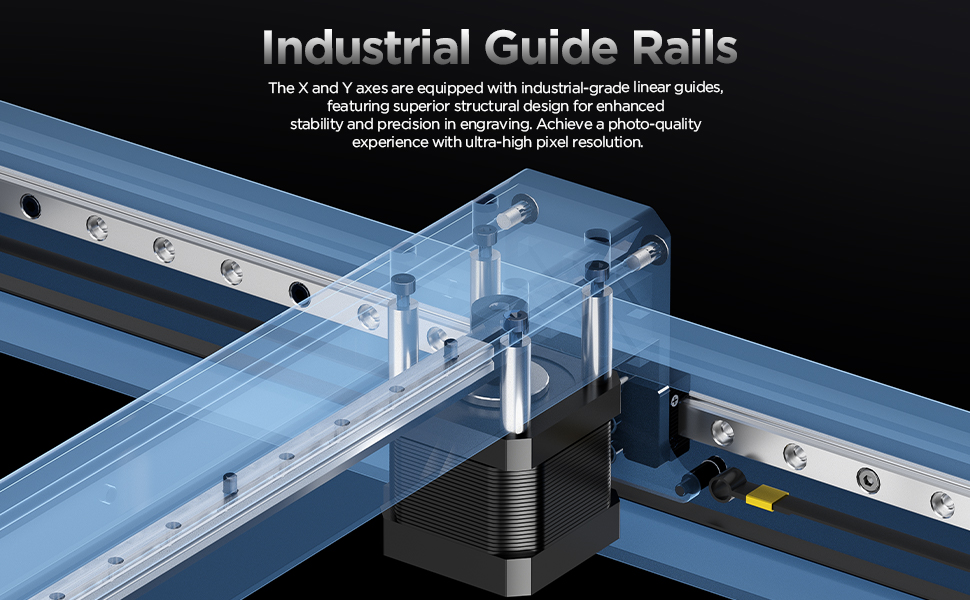
Image 5.1: Detailed view of the ACMER P2's industrial-grade linear guides on the X and Y axes, designed for enhanced stability and precision in engraving.
6. Troubleshooting
This section addresses common issues you might encounter. For more complex problems, please contact customer support.
| Problem | Possible Cause | Solution |
|---|---|---|
| Laser not firing | Safety lock engaged, power issue, software settings incorrect. | Ensure safety lock is open. Check power connections. Verify laser power settings in software. |
| Poor engraving/cutting quality | Incorrect focus, wrong power/speed settings, dirty lens, material issues. | Adjust laser focus. Optimize power and speed settings for the material. Clean the laser lens. Ensure material is suitable. |
| Machine not connecting to computer/app | USB cable faulty, Wi-Fi issues, driver problems, software not recognizing device. | Try a different USB cable or port. Reconnect Wi-Fi. Reinstall drivers. Restart software and machine. |
| Machine stops unexpectedly | Tilt sensor activated, flame sensor activated, emergency stop pressed. | Check for machine movement or fire. Reset the machine after addressing the cause. |
7. Specifications
| Feature | Specification |
|---|---|
| Model | ACMER P2 |
| Laser Output Power | 20W (20,000mW) |
| Laser Class | Class IV |
| Engraving Area | 420 x 400 mm |
| Spot Size | 0.08mm x 0.06mm |
| Max Engraving Speed | 30,000 mm/min |
| Motion Accuracy | 0.01mm |
| Repeatable Positioning Accuracy | 0.001mm |
| Product Dimensions | 26.38 x 28.35 x 7.48 inches |
| Item Weight | 27.7 pounds |
| Connectivity | Wi-Fi, USB, TF Card (Offline) |
| Supported Software | LaserGRBL, LightBurn, ACMER APP |
| Supported OS | Windows, macOS, iOS, Android |
8. Warranty and Support
ACMER is committed to providing reliable products and excellent customer service.
- Warranty Period: The ACMER P2 comes with a 12-month warranty from the date of purchase.
- Customer Support: Our support team is available 24/7 to assist you with any questions or issues.
- Contact Information: For support, please refer to the contact details provided in your product packaging or visit the official ACMER website.

Image 8.1: ACMER offers 24/7 online support for customer assistance.


