
1. Introduction
Thank you for choosing the amFilm Auto-Alignment OneTouch Screen Protector for your Nintendo Switch 2. This tempered glass screen protector is designed to provide superior protection against scratches, impacts, and fingerprints, while maintaining the original touch sensitivity and clarity of your device's screen. The innovative auto-alignment installation kit ensures a quick, precise, and bubble-free application.

Image: amFilm OneTouch Screen Protector components and packaging.
Compatibility
This screen protector is specifically designed for the Nintendo Switch 2 (2025 Model). It is not compatible with the original Nintendo Switch, Nintendo Switch Lite, or Nintendo Switch OLED models.

2. What's Included
Each amFilm Auto-Alignment OneTouch Screen Protector package contains:
- 2x Tempered Glass Screen Protectors
- 2x Auto-Alignment Installation Trays
- 2x Wet Wipes
- 2x Microfiber Cloths
- 2x Dust Removal Stickers (large)
- Additional Dust Removal Stickers (small)
- Installation Guide
3. Setup and Installation
Follow these steps carefully for a perfect, bubble-free installation. Ensure you are in a dust-free environment, if possible.
3.1. Prepare Your Device
- Turn off your Nintendo Switch 2.
- Use the provided wet wipe to thoroughly clean the screen surface. Ensure all smudges, oils, and fingerprints are removed.
- Immediately follow with the microfiber cloth to dry and polish the screen. Ensure no lint or streaks remain.
- Use the large dust removal sticker (or smaller ones for specific spots) to gently dab the screen and remove any remaining dust particles. Be meticulous, as even tiny dust specks can cause bubbles.
Video: Official installation guide for OneTouch Nintendo Switch 2 screen protector. (Duration: 0:58)
3.2. Apply the Screen Protector
- Take one of the tempered glass screen protectors, which comes pre-installed in the auto-alignment tray.
- Position the tray over your Nintendo Switch 2. The tray is designed to perfectly align with the device, ensuring accurate placement.
- Once aligned, firmly press down on the center of the screen protector (often indicated by a circular cutout on the tray) for approximately 2 seconds. This initiates the adhesion process.
- Gently slide your finger or a soft cloth from the center outwards to ensure the adhesive spreads evenly across the screen. The screen protector will self-adhere.
- Carefully remove the auto-alignment tray by lifting it straight up.
- If any small bubbles remain, gently push them towards the nearest edge using the microfiber cloth. Most small bubbles will disappear within 24-48 hours.

Image: Illustration of the premium installation tray for easy application.
Video: Demonstration of 30-second bubble-free installation. (Duration: 0:32)
Video: OneTouch 10-second installation challenge. (Duration: 0:18)
4. Operating Your Device with the Screen Protector
The amFilm screen protector is designed to seamlessly integrate with your Nintendo Switch 2, ensuring optimal performance.
- Ultra-Clear Visibility: Enjoy 99.99% crystal clear transparency, preserving the original visual experience of your Switch 2 screen.
- High Touch Sensitivity: The ultra-thin 0.3mm glass ensures that your touch screen remains highly responsive, providing a smooth and accurate gaming experience without any delay or lag.
- Anti-Fingerprint Coating: The hydrophobic and oleophobic coating resists fingerprints and smudges from sweat and oil, keeping your screen cleaner for longer.
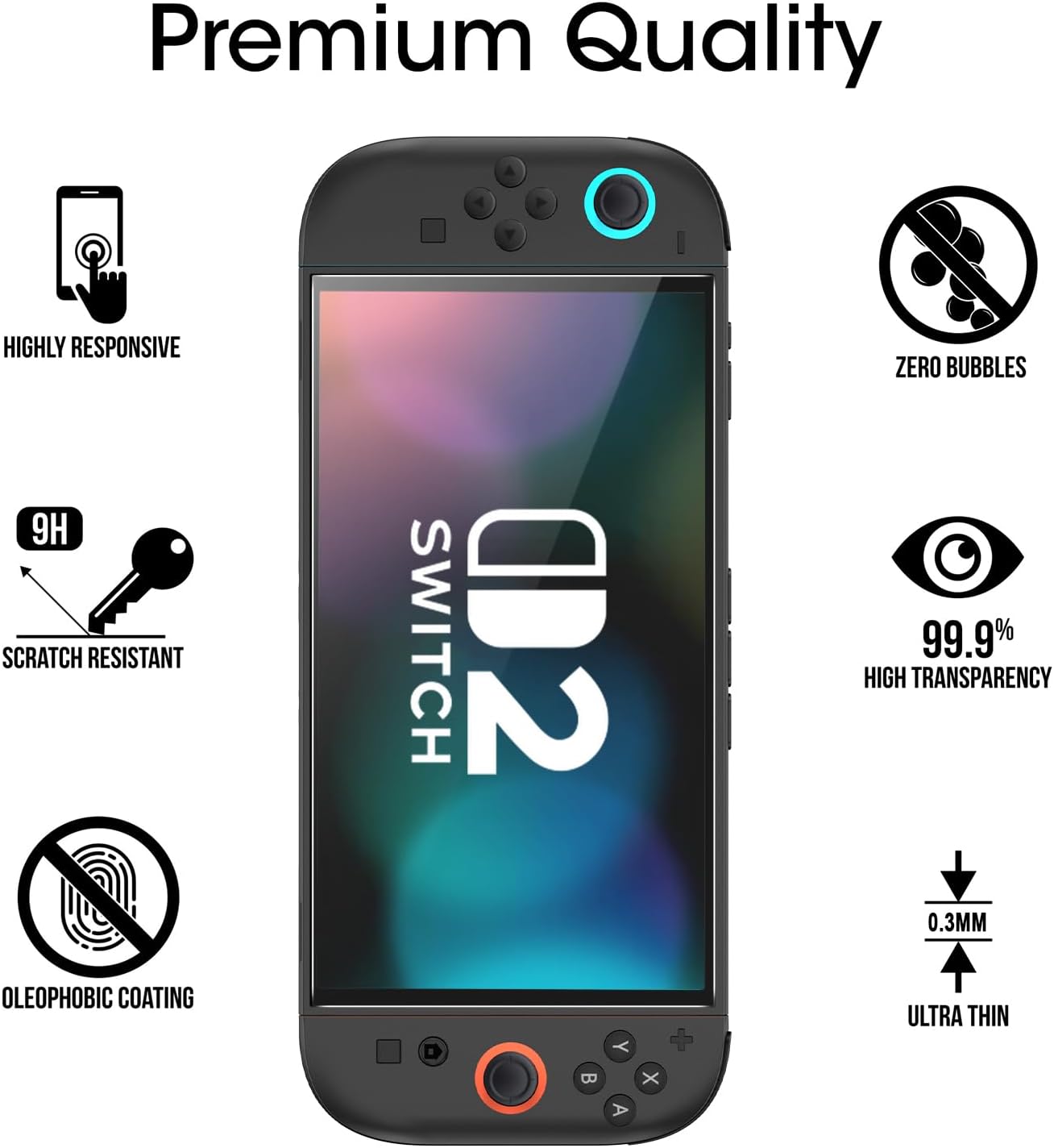
Image: Icons illustrating features like high responsiveness, zero bubbles, scratch resistance, high transparency, and oleophobic coating.
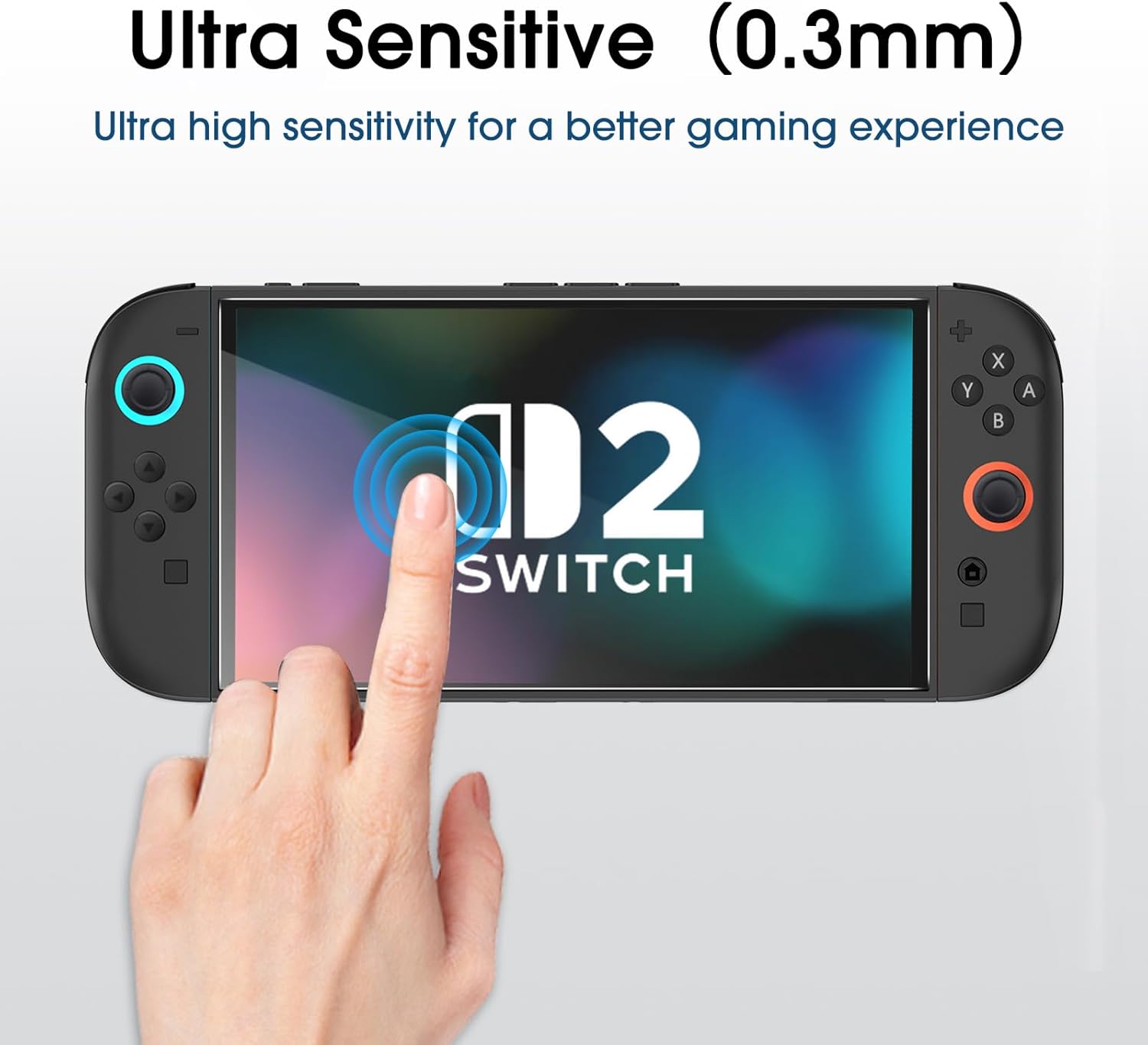
Image: Hand interacting with the screen protector, highlighting its ultra-sensitivity.
5. Maintenance and Care
To ensure the longevity and performance of your screen protector:
- Regularly clean the screen protector with a soft, lint-free cloth (like the provided microfiber cloth) to remove dust and smudges.
- For stubborn marks, lightly dampen the microfiber cloth with water or a screen-safe cleaning solution. Avoid harsh chemicals or abrasive materials.
- The 9H hardness tempered glass provides excellent scratch resistance. However, avoid placing your device with sharp objects to prevent potential damage.
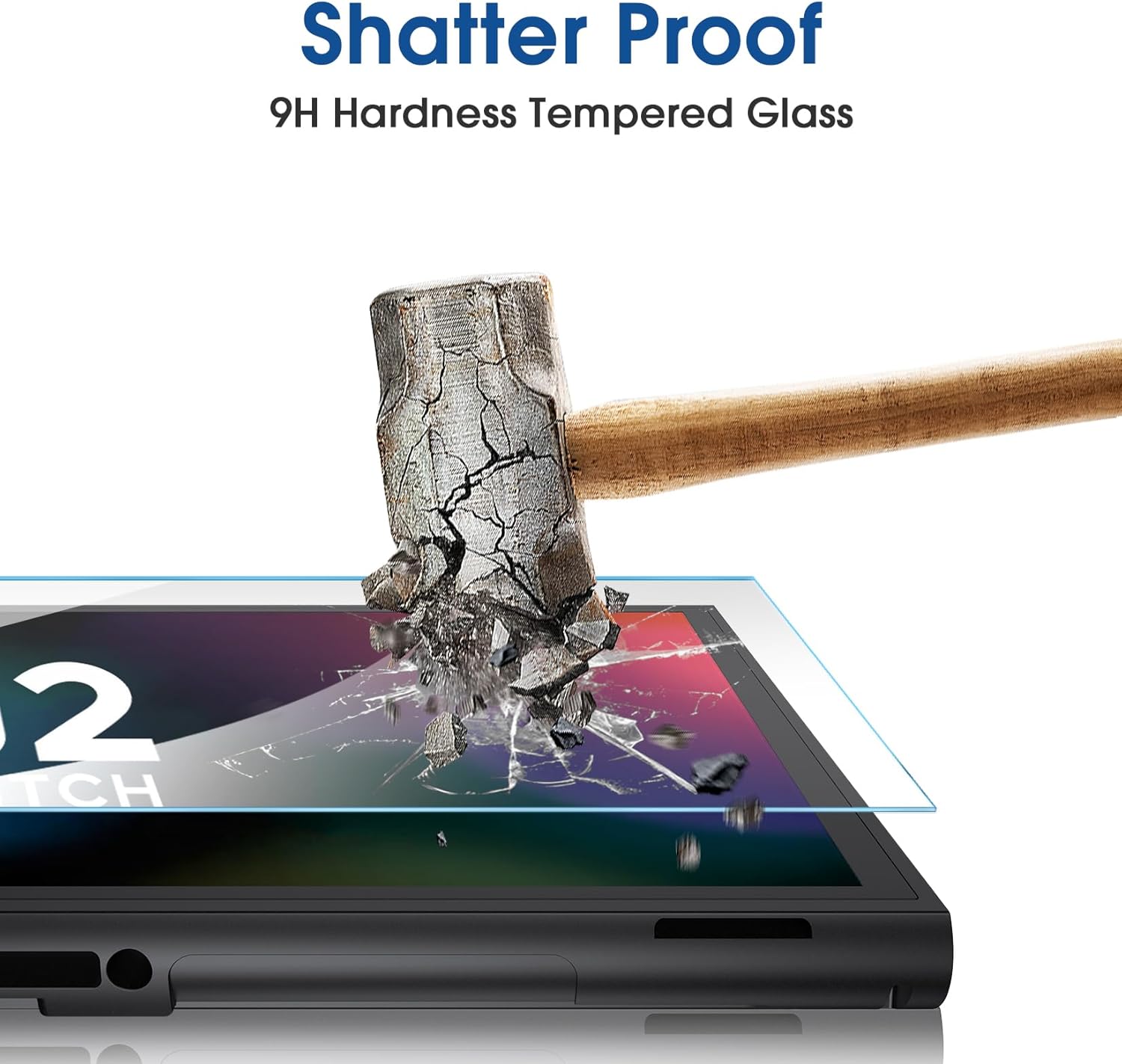
Image: Visual representation of the screen protector's shatter-proof quality.
6. Troubleshooting
Common Issues and Solutions:
- Bubbles after installation:
- Small bubbles: These often disappear naturally within 24-48 hours as the adhesive fully settles.
- Large bubbles: Gently lift the nearest corner of the screen protector until the bubble is exposed. Use a dust removal sticker to remove any trapped dust, then slowly reapply the protector, guiding the bubble out with a microfiber cloth.
- Dust trapped under the protector:
- Carefully lift the nearest corner of the screen protector using a dust removal sticker or a piece of tape.
- Use another dust removal sticker to gently lift the dust particle from the screen or the adhesive side of the protector.
- Slowly lower the screen protector back down, ensuring no new dust settles.
- Misalignment:
- If the protector is significantly misaligned immediately after application, you may be able to gently lift it and reapply. However, this increases the risk of dust or damage. Use the second protector if necessary.
7. Specifications
| Feature | Detail |
|---|---|
| Brand | amFilm |
| Compatible Devices | Nintendo Switch 2 |
| Material | Tempered Glass |
| Item Hardness | 9H |
| Special Feature | Scratch Resistant |
| Finish Type | Glossy |
| Screen Size | 7.9 Inches |
| Product Dimensions | 8.46 x 4.53 x 0.5 inches |
| Item Weight | 5.3 ounces |
| Manufacturer | TechMatte |
8. Warranty and Support
amFilm products are known for their quality and reliability. While specific warranty details may vary, amFilm typically offers customer support for product-related inquiries and issues. Please refer to the packaging or the official amFilm website for the most up-to-date warranty information and contact details for customer service.
For assistance, you may visit the amFilm Store on Amazon or contact TechMatte, the manufacturer, directly.