
1. Introduction
Thank you for purchasing the arungo M4 MP3 Player. This device is designed to provide a versatile and high-quality audio experience, combining a large storage capacity with features such as Bluetooth 5.2 connectivity, FM radio, voice recording, and e-book functionality. Please read this manual carefully to understand how to operate your new MP3 player and make the most of its features.

Image: arungo M4 MP3 Player, showing the device, a 128GB memory card, and earphones.
2. Product Overview
2.1 Key Features
- Large Storage Capacity: Built-in 8GB memory with an included 128GB memory card.
- Bluetooth 5.2 Technology: Faster transmission speed and stable performance for connecting with Bluetooth headsets or speakers. Note: Does not support connection with car or phone Bluetooth.
- HiFi Lossless Sound Quality: Professional intelligent digital noise reduction technology for superior audio. Supports MP3, WMA, WAV, and other formats.
- Multifunctional: Includes FM radio, voice recording, picture browsing, video playing, file browser, and E-book (TXT format) functions.
- User-Friendly Interface: Touch buttons for easy navigation, 2.4-inch large screen, time screensaver, and one-button lock screen.
- Built-in Speaker: Allows for audio playback without earphones.

Image: Overview of the MP3 player's concise and compact design, highlighting features like Music, Picture, Video, E-book, FM Radio, HD Recording, Bluetooth 5.2, and Built-in Speaker.

Image: Visual representation of the MP3 player's large memory (8GB built-in + 128GB TF card), 2.4-inch screen, and 30-hour battery life with earphones.
2.2 Package Contents
The following items are included in your package:
- 1 x arungo M4 Bluetooth MP3 Player (8GB built-in)
- 1 x 128GB Micro SD Card (pre-inserted into the player)
- 1 x Earphone
- 1 x Charging Cable (USB)
- 1 x User Manual (this document)
3. Setup
3.1 Charging the Device
Before first use, fully charge your MP3 player. Connect the included USB charging cable to the player's charging port and the other end to a USB power adapter (not included) or a computer's USB port. The battery indicator on the screen will show charging status. A full charge typically takes a few hours.
3.2 Memory Card Installation
Your arungo M4 MP3 Player comes with a 128GB Micro SD card pre-inserted. If you need to remove or replace it, gently push the card into its slot until it clicks, then release to eject. Insert a new card with the gold contacts facing down until it clicks into place.
3.3 Transferring Files
To transfer music, videos, pictures, or e-books to your MP3 player:
- Connect the MP3 player to your computer using the provided USB cable.
- The player will appear as a removable disk drive on your computer.
- Open the drive and drag-and-drop your desired files into the appropriate folders (e.g., 'Music', 'Videos', 'Pictures', 'E-book').
- Once transfer is complete, safely eject the removable disk from your computer before disconnecting the cable.
4. Operating Instructions
4.1 Basic Navigation
The arungo M4 features sensitive touch keys for navigation. The central circular area with directional arrows and a central 'OK' button is used for menu selection and control. The 'back' or 'return' button is typically located near the bottom left, and the 'menu' button near the bottom right.

Image: Close-up of the MP3 player's touch keys, emphasizing their high sensitivity for user-friendly navigation.
4.2 Music Playback
From the main menu, select 'Music'. You can browse by artist, album, genre, or all songs. Select a song to begin playback. Use the navigation keys to control playback (play/pause, next/previous track, volume). The player supports various audio formats including MP3, WMA, and WAV.
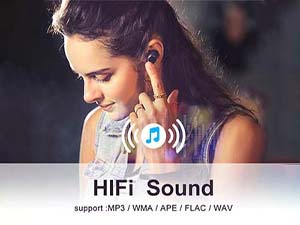
Image: Illustration of the HiFi Sound capability, supporting MP3, WMA, APE, FLAC, and WAV formats.
The player also supports advanced playback modes such as AB Repeat, adjustable speed playback (up to 8x), and a customizable equalizer for enhanced sound experience.

Image: Visuals demonstrating advanced audio features: AB Repeat, adjustable speed playback, equalizer settings, and various playback modes.
4.3 Bluetooth Connection
To connect to Bluetooth headphones or speakers:
- Ensure your Bluetooth device is in pairing mode.
- On the MP3 player, go to the 'Bluetooth' menu.
- Select 'Search for device' or 'Pair new device'.
- Choose your device from the list and confirm pairing.
Important Note: This device is designed to pair with Bluetooth headsets and speakers only. It cannot connect to car Bluetooth systems or mobile phones.

Image: Depicts the MP3 player's stable Bluetooth 5.2 connection, showing users enjoying music with wireless headphones and a Bluetooth speaker.
4.4 FM Radio
To use the FM radio function:
- Plug in the included wired earphones. The earphone cable acts as the antenna.
- Navigate to the 'FM Radio' option from the main menu.
- You can choose between manual tuning or auto-tuning to find available stations.

Image: The MP3 player screen showing the FM Radio interface with a frequency display (87.50MHz) and signal strength.
4.5 Voice Recorder
The built-in voice recorder allows you to capture audio. Select 'Recorder' from the main menu to start, pause, or stop recordings. Recordings are saved to the device's memory.
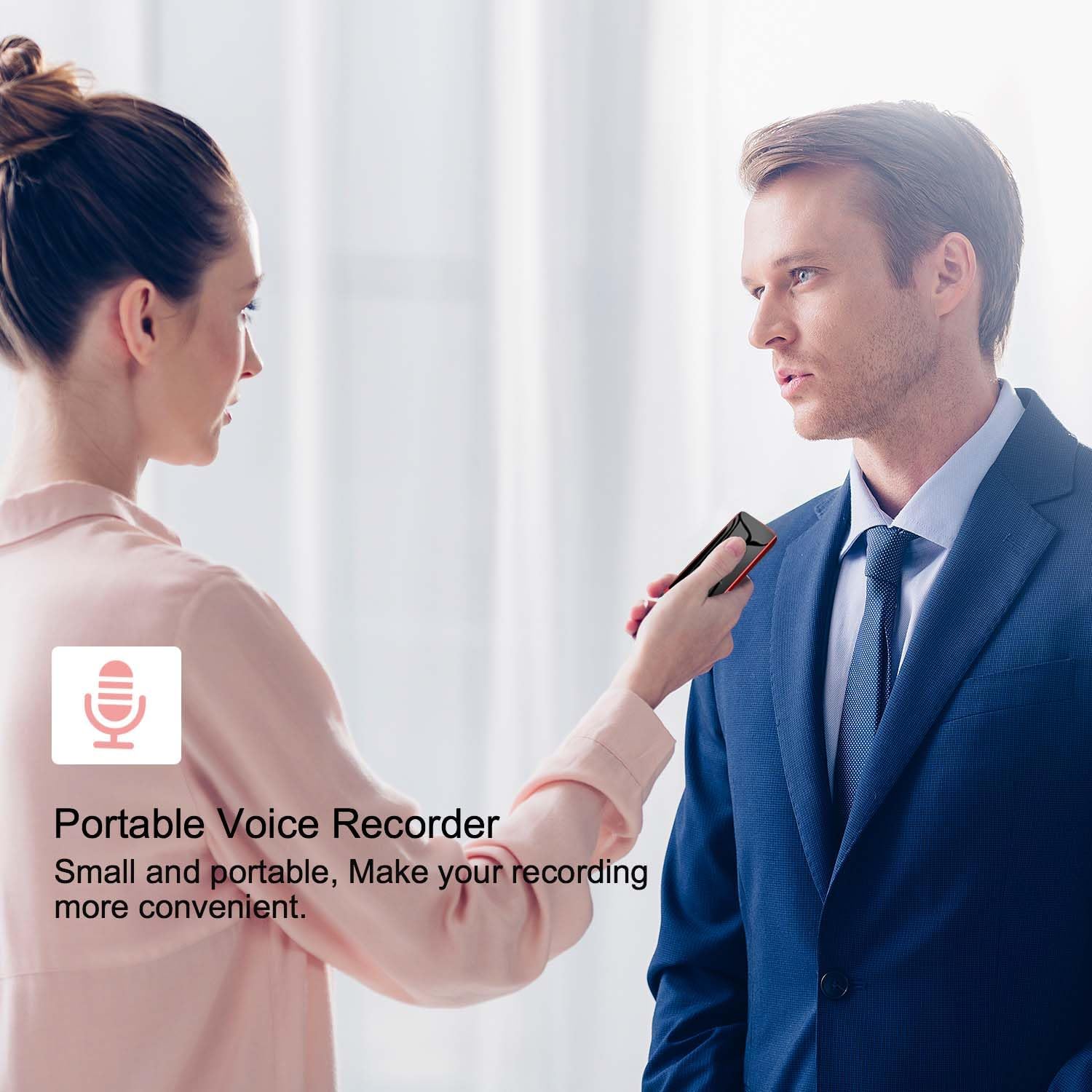
Image: A person holding the MP3 player to record audio, illustrating its use as a portable voice recorder.
4.6 Video Playback & E-Book Function
The player supports video playback (AVI/AMV formats) and e-book reading (TXT format). Transfer compatible files to the respective 'Videos' or 'E-book' folders on the device. Select the corresponding icon from the main menu to access these functions.
5. Maintenance
To ensure the longevity and optimal performance of your arungo M4 MP3 Player, follow these maintenance guidelines:
- Cleaning: Use a soft, dry, lint-free cloth to clean the device. Do not use liquid cleaners or aerosols.
- Storage: Store the player in a cool, dry place away from direct sunlight, extreme temperatures, and humidity.
- Handling: Avoid dropping the device or subjecting it to strong impacts. Keep it away from water and other liquids.
- Battery Care: For best battery life, avoid fully discharging the battery frequently. Charge it regularly, even if not in use for extended periods.
6. Troubleshooting
If you encounter issues with your arungo M4 MP3 Player, please refer to the following common problems and solutions:
| Problem | Possible Solution |
|---|---|
| Device does not turn on or respond. | Ensure the battery is charged. Perform a hard reset by holding the power button for 10-15 seconds. |
| Music files freeze or do not play. | Check if the music files are in a supported format (MP3, WMA, WAV). Corrupted files can cause issues; try re-transferring them. |
| Bluetooth connection issues. | Ensure your Bluetooth headset/speaker is in pairing mode. Make sure the MP3 player is not trying to connect to a car or phone Bluetooth (unsupported). Try unpairing and re-pairing the device. |
| FM Radio reception is poor. | Ensure wired earphones are properly plugged in, as they act as the antenna. Try repositioning the device or earphones for better signal. |
| Headphone jack not working. | Check if the earphones are fully inserted. Try a different pair of earphones to rule out earphone malfunction. Inspect the jack for debris. |
| Device storage shows less than expected. | The device has 8GB built-in and a 128GB SD card. Ensure the SD card is properly inserted and recognized. Some storage is used by the system software. |
If the problem persists after trying these solutions, please contact customer support.
7. Specifications
| Feature | Detail |
|---|---|
| Model Name | M4 |
| Brand | arungo |
| Memory Storage Capacity | 136 GB (8GB built-in + 128GB Micro SD Card) |
| Screen Size | 2.4 Inches |
| Connectivity Technology | Aux, Bluetooth 5.2, USB |
| Special Features | Built-In Speaker, FM Radio, Video Playback, Voice Recorder, E-Book Function |
| Supported Audio Formats | MP3, WMA, WAV, etc. (HiFi Lossless Sound Quality) |
| Supported Video Formats | AVI, AMV |
| Supported E-Book Format | TXT |
| Battery | 1 P76 battery required (included) |
| Battery Life (with earphones) | Up to 30 hours |
| Product Dimensions | 0.3 x 1.9 x 4.2 inches |
| Item Weight | 4.5 ounces |
| Color | Red |
8. Warranty and Support
arungo is committed to providing high-quality products and excellent customer service. Each product undergoes strict quality inspection to ensure reliability.
8.1 After-sales Service
If you have any usage issues, questions, or require support, please send a message to our Amazon seller message box or contact our after-sales email. We aim to reply within 24 hours to assist you.
For further assistance, please visit the arungo store on Amazon: arungo Store