
Euker JJJouae
Euker 50 Pints Portable Dehumidifier User Manual
Model: JJJouae
Brand: Euker
Introduction
Thank you for choosing the Euker 50 Pints Portable Dehumidifier. This appliance is designed to efficiently remove excess moisture from your indoor environment, creating a more comfortable and healthier living space. It is ideal for areas up to 4500 square feet, including basements, bedrooms, kitchens, and offices. This manual provides essential information for the safe and effective operation, maintenance, and troubleshooting of your dehumidifier.

Image: Front view of the Euker 50 Pints Portable Dehumidifier.
Key Features
- Superior Humidity Management: Capable of extracting up to 50 pints of moisture daily, maintaining ideal humidity levels between 45-55% in spaces up to 4500 sq. ft.
- Enhanced Safety Features: Equipped with a smart auto-shutoff function that activates when the water tank is full, accompanied by an alarm to prevent overflow.
- Versatile Drainage Options: Offers both an 8.3L (2.18 Gal) removable tank for manual emptying and a continuous drainage option via the included 16.4-inch hose. Features a washable and detachable filter for clean air.
- Ultra-Quiet Operation: Operates at a low noise level of approximately 49dB with three adjustable fan speeds (high, medium, low) for quiet performance, suitable for use during sleep or relaxation.
- Modern and Mobile Design: Features 360° rotating wheels and ergonomic portable handles for easy movement between rooms.

Image: Visual representation of the dehumidifier's 50-pint capacity.

Image: Illustration of the auto-shutoff protection feature.

Image: Detailed view highlighting the dehumidifier's dimensions, water tank, filter, and hose.

Image: Dehumidifier operating quietly in a bedroom, indicating 49dB noise level.
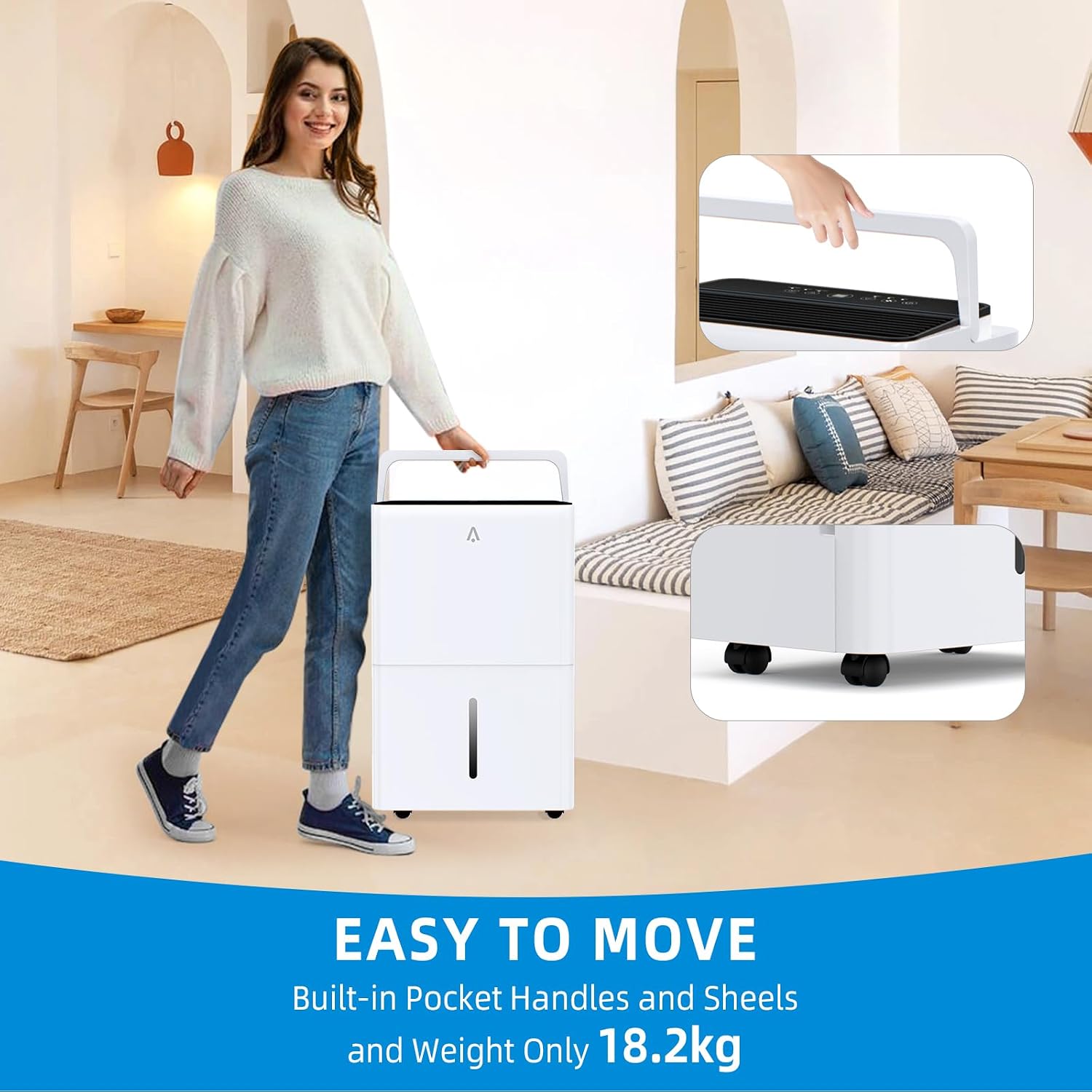
Image: Demonstrating the ease of moving the dehumidifier with its handles and wheels.

Image: Detailed views of the dehumidifier's components: hidden handle, hose, 360-degree wheels, and drainage outlet.
Setup Guide
1. Unpacking and Placement
- Carefully remove the dehumidifier from its packaging. Retain packaging for future storage or transport.
- Place the dehumidifier upright on a flat, stable surface. Ensure there is at least 8 inches (20 cm) of space around the unit for proper airflow.
- Avoid placing the unit near heat sources, in direct sunlight, or in areas where it might be exposed to freezing temperatures.
2. Power Connection
- Plug the power cord into a grounded electrical outlet. Ensure the voltage matches the specifications of the unit.
3. Drainage Options
Your dehumidifier offers two drainage methods:
- Manual Drainage (Water Tank): The unit will collect water in its internal 8.3L (2.18 Gal) water tank. When the tank is full, the unit will automatically shut off and an indicator light will illuminate. You will need to manually empty the tank.
- Continuous Drainage (Hose): For continuous operation without manual emptying, attach the provided 16.4-inch drainage hose to the continuous drainage outlet on the back of the unit. Ensure the hose is sloped downwards to allow gravity to drain the water into a floor drain or suitable container.
Operating Instructions
Control Panel Overview

Image: Detailed Smart Control Panel with button functions.
- ON/OFF Button: Press to turn the unit on or off.
- Humidity & Timer Incr/Decr Buttons: Use to adjust the desired humidity level (typically 45-55% for comfort) or to set the timer duration.
- Airflow Speed Button: Cycle through High, Medium, and Low fan speeds.
- Timer Setting Button: Press to activate the 24-hour timer function.
- Comfort Mode: Hold the Timer Setting button for 3 seconds to enter "Comfort" mode, which automatically adjusts humidity for optimal comfort. Hold the Timer Setting or Airflow Speed button for 3 seconds to exit "Comfort" mode.
- Tank Full Indicator: Illuminates when the water tank is full and requires emptying.
General Operation
- Press the ON/OFF button to start the dehumidifier.
- Use the Humidity Incr/Decr buttons to set your desired humidity level. The display will show the current room humidity.
- Select your preferred fan speed using the Airflow Speed button.
- If using the timer, press the Timer Setting button and adjust the desired operating hours.
- The unit will automatically cycle on and off to maintain the set humidity level.
Maintenance
1. Emptying the Water Tank
- When the "Tank Full" indicator lights up and the unit stops operating, carefully pull out the water tank from the front of the dehumidifier.
- Empty the collected water.
- Slide the empty tank back into the unit until it clicks into place. The dehumidifier will resume operation.
2. Cleaning the Air Filter
The washable and detachable filter should be cleaned regularly (every 2-4 weeks, depending on usage and air quality) to ensure optimal performance.
- Turn off the dehumidifier and unplug it from the power outlet.
- Locate and remove the air filter (typically at the back or side of the unit).
- Rinse the filter under running water (not hot) or use a vacuum cleaner to remove dust and debris.
- Allow the filter to air dry completely before reinserting it into the dehumidifier. Do not use a dryer or direct heat.
3. Cleaning the Unit Exterior
- Wipe the exterior of the dehumidifier with a soft, damp cloth.
- Do not use harsh chemicals, abrasive cleaners, or solvents, as these can damage the surface.
Troubleshooting
| Problem | Possible Cause | Solution |
|---|---|---|
| Dehumidifier does not turn on. | No power; Power cord not plugged in; Water tank full or not properly seated. | Ensure unit is plugged into a live outlet; Empty and re-seat the water tank correctly. |
| Unit is running but not collecting water. | Room humidity is too low; Temperature is too low; Air filter is clogged; Unit is in continuous drainage mode. | Check room humidity (should be above 45%); Ensure room temperature is above 41°F (5°C); Clean the air filter; Verify continuous drainage hose is properly connected and sloped. |
| Unit is noisy. | Unit not on a level surface; Air filter clogged; Obstruction in fan. | Place unit on a flat, stable surface; Clean the air filter; Check for and remove any obstructions. |
| "Tank Full" indicator is on, but tank is not full. | Water tank not properly seated; Float switch malfunction. | Remove and re-insert the water tank firmly; If problem persists, contact customer support. |
Specifications
| Feature | Detail |
|---|---|
| Brand | Euker |
| Model Name | 717023780542 |
| Item Model Number | JJJouae |
| Dehumidification Capacity | 50 Pints per Day |
| Floor Area Coverage | Up to 4500 Square Feet |
| Tank Volume | 8.3 Liters (2.18 Gallons) |
| Product Dimensions | 12.91"D x 17.09"W x 25.67"H |
| Item Weight | 43.43 Pounds |
| Color | White |
| Operation Mode | Automatic |
| Special Feature | Portable |
| Included Components | 1*Dehumidifier |
| Country of Origin | China |
Warranty and Support
For warranty information and customer support, please refer to the warranty card included with your product or visit the official Euker website. If you encounter any issues not covered in this manual, please contact Euker customer service for assistance.
You can also visit the Euker Store on Amazon for more information and products: Euker Amazon Store
Ask a question about this manual
Ask about setup, troubleshooting, compatibility, parts, safety, or missing instructions. Manuals+ will review the question and use this page’s manual context to help answer it.