
1. Introduction and Overview
The TODAAIR 2025 Outdoor WiFi Extender AC1200 is designed to expand your wireless network coverage in outdoor environments. Featuring IP65 weatherproofing, it ensures stable operation in various climates. This dual-band device supports both 2.4GHz (300Mbps) and 5GHz (867Mbps) frequencies, providing greater Wi-Fi coverage and high-speed internet for a seamless experience across your property. It supports both Repeater and AP modes, offering versatile connectivity options for different network setups.
2. What's in the Box
- Outdoor WiFi Extender *1
- Quick Installation Guide *1
- Power Adapter 12V/1A *1
- Plastic Cable Tie *1
- Stainless Steel Tie *1
3. Product Features
- Dual Frequency & Compatibility: Connects to any device via Ethernet Port, Wi-Fi Router, Gateway, or Access Point. Offers 2.4GHz/300Mbps for better diffraction and 5GHz/867Mbps for faster speeds.
- Enhanced Security: Supports WPA-PSK/WPA2-PSK and WPA/WPA2 wireless security protocols to protect your network and data.
- Superior Coverage: Extends Wi-Fi range up to 2000 sq ft and connects up to 30 devices. Features an enhanced antenna for improved signal gain and stability.
- Two Working Modes: Equipped with 1 Ethernet Port, it can function as a Repeater (turning wired internet into wireless) or an Access Point (connecting Ethernet-enabled devices).
- Outdoor Durability: IP65 waterproof housing with lightning protection, dust resistance, antifreeze, high temperature resistance, and anti-corrosion properties for reliable operation in harsh conditions.
4. Setup & Installation
The TODAAIR Outdoor WiFi Extender is designed for easy setup. Follow these steps for initial configuration:
- Antenna Attachment: Carefully screw the two antennas into the designated ports on top of the extender. Ensure they are securely fastened.
- Ethernet Cable Connection: Open the protective cover at the bottom of the extender to reveal the Ethernet port. Connect the provided Ethernet cable.
- Power Connection: Connect the power adapter to the PoE injector, then connect the Ethernet cable from the extender to the PoE injector. Plug the PoE injector into a power source.
- Initial Configuration: Connect to the extender's default Wi-Fi network (SSID: TDair) from your device. Open a web browser and follow the on-screen instructions to configure Repeater or AP mode, set your desired SSID, and password.

Figure 4.1: The bottom of the extender showing the Ethernet port and indicator lights for power, WLAN, LAN, and reset.

Figure 4.2: Visual guide for connecting to the TDair network and configuring settings via a smartphone interface.
Installation Videos:
Video 4.1: Unboxing and initial setup of the TODAAIR outdoor repeater, demonstrating component assembly.
Video 4.2: A tutorial demonstrating the pairing process for the TODAAIR WiFi Extender.
5. Operating Modes
The TODAAIR Outdoor WiFi Extender supports two primary operating modes:
- Repeater Mode: In this mode, the extender receives an existing Wi-Fi signal from your main router and re-broadcasts it, effectively extending the coverage area. This is ideal for eliminating Wi-Fi dead zones.
- AP (Access Point) Mode: In AP mode, the extender connects to your wired network (e.g., via an Ethernet cable from your router) and creates a new wireless network. This is useful for providing Wi-Fi access in areas where only wired connections are available.
Video 5.1: Demonstration of the TODAAIR outdoor repeater's mode test, showcasing its functionality in different operating modes.
6. Weatherproofing & Durability
The TODAAIR Outdoor WiFi Extender is built to withstand challenging outdoor conditions, ensuring reliable performance year-round:
- IP65 Waterproof: Provides protection against water jets from any direction and is dust-tight.
- Lightning Protection: Designed to protect against electrical surges caused by lightning.
- Dust and Antifreeze: Prevents dust ingress and maintains functionality in freezing temperatures.
- High Temperature Resistance & Anti-Corrosion: Ensures stable operation in hot climates and resists corrosive elements.

Figure 6.1: Visual representation of the IP65 waterproof rating and other protective features like cold protection, lightning protection, windproof, and high temperature resistance.
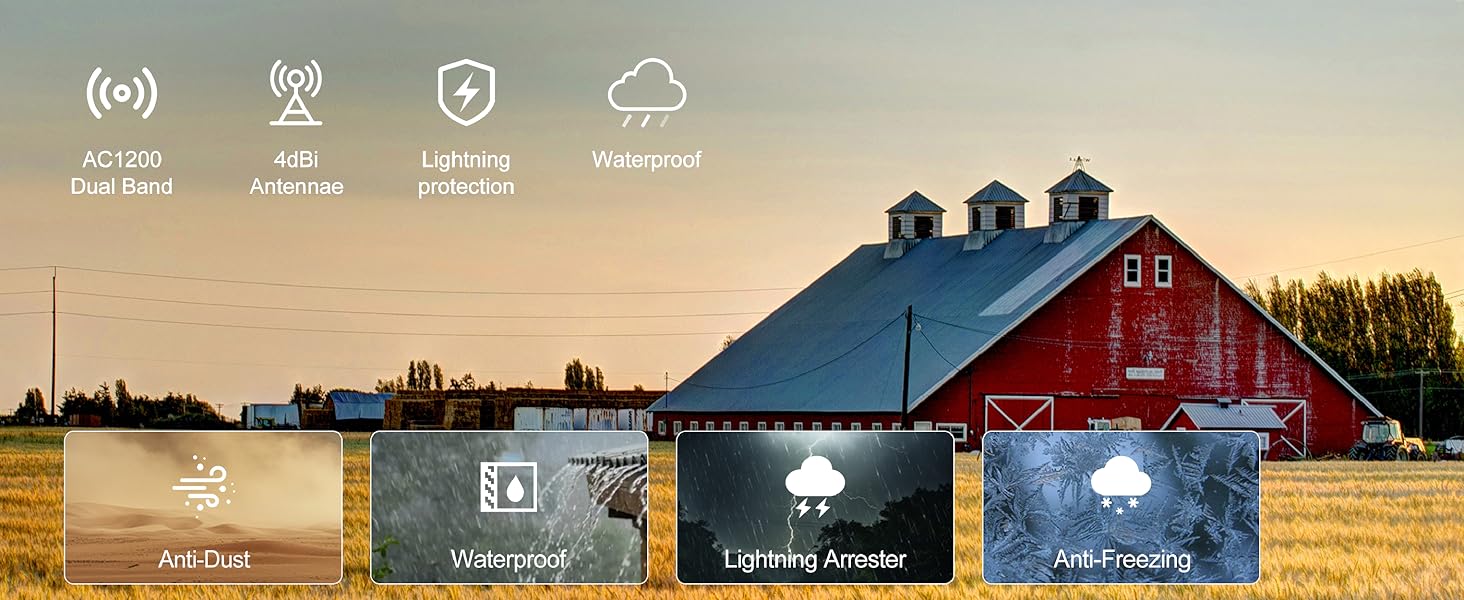
Figure 6.2: Icons illustrating key features including dual-band, antenna gain, and various environmental protections.
7. Specifications
| Feature | Detail |
|---|---|
| Product Dimensions | 9 x 3 x 4 inches |
| Item Weight | 15.5 ounces |
| Wireless Communication Standard | 802.11a/b/g/n/ac |
| Data Transfer Rate | 1200 Megabytes Per Second |
| Frequency Band Class | Dual-Band |
| Special Feature | IP65 Waterproof, Repeater & AP Mode |
8. Troubleshooting
If you encounter issues with your TODAAIR Outdoor WiFi Extender, consider the following:
- No Power: Ensure the power adapter and PoE injector are correctly connected and plugged into a working power outlet. Check the PWR indicator light on the extender.
- Weak Signal: Adjust the position of the extender and its antennas to optimize signal reception. Ensure there are no major obstructions between the extender and your main router.
- Connection Drops: Verify that the Ethernet cable is securely connected. If using Repeater mode, ensure the extender is within a reasonable range of your main router's signal. Consider switching to AP mode if a wired connection is feasible.
- Cannot Access Setup Page: Ensure your device is connected to the extender's default Wi-Fi network (TDair) and try accessing the setup IP address (usually 192.168.10.1 or similar, refer to Quick Installation Guide) in your browser.
- Resetting the Device: If configuration issues persist, locate the reset button (often a small pinhole) at the bottom of the device. Use a paperclip to press and hold the button for 5-10 seconds until the indicator lights flash, then release. This will restore factory default settings.
9. Warranty and Support
For any questions during installation or issues encountered while using your WiFi Extender, please contact our Technical Team. Refer to the Quick Installation Guide for contact details or visit the official TODAAIR website for support resources.
This product comes with a standard manufacturer's warranty. Please retain your proof of purchase for any warranty claims.
