
1. Product Overview
The ZURU Mini Brands Fill The Fridge Playset allows users to create and display a miniature fridge collection. This playset includes a mini fridge, exclusive miniature items, magnets, and features a functional UV light. It is designed for miniature collectors and enthusiasts to organize and showcase their mini food items.

Image 1.1: The Mini Brands Fill The Fridge Playset, showcasing the fridge, a mini can, a mini jelly, a scoop, and a resin bottle.
2. Important Safety Information
- Choking Hazard: This product contains small parts and is not suitable for children under 3 years of age.
- Adult supervision is recommended during assembly and play, especially when using the UV resin components.
- The UV resin is not edible. Avoid ingestion and contact with eyes. In case of contact, rinse thoroughly with water and seek medical attention if irritation persists.
- Ensure batteries are inserted correctly according to polarity markings. Do not mix old and new batteries, or different types of batteries.
3. Package Contents
Verify that all the following items are included in your package:
- 1 x Mini Fridge Unit
- 4 x Exclusive Mini Brands Create Minis (including resin components)
- 1 x Ice Scoop
- 1 x Fridge Magnet
- 3 x LR44 Batteries (pre-installed or included separately)

Image 3.1: Rear packaging view, detailing the included components such as the fridge, exclusive minis, ice scoop, and fridge magnet.
4. Setup and Assembly
4.1. Shelf Installation
- Carefully unpack all components from the packaging.
- Locate the removable shelves and drawers.
- Insert the shelves into the designated slots inside the fridge compartment. Ensure they are securely seated.
- Place the drawers into their respective runners in the lower fridge section.
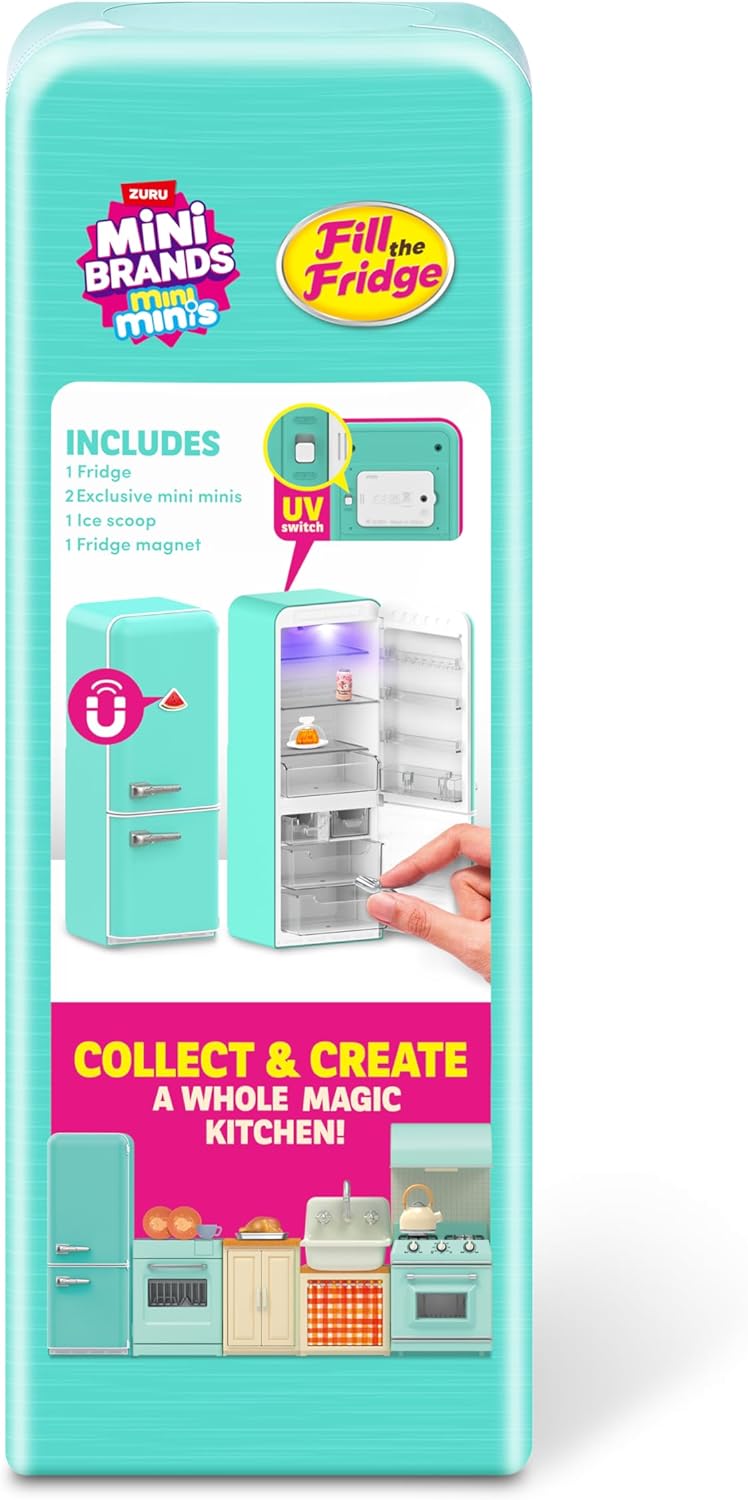
Image 4.1: The interior of the mini fridge, showing the placement of shelves and drawers.
4.2. Battery Installation (if not pre-installed)
- Locate the battery compartment, typically on the back or bottom of the fridge unit.
- Using a small screwdriver, open the battery compartment cover.
- Insert 3 LR44 batteries, ensuring correct polarity (+/-) as indicated inside the compartment.
- Replace the cover and secure it with the screw.

Image 4.2: The rear of the mini fridge, highlighting the battery compartment and the UV light activation switch.
5. Operating Instructions
5.1. Fridge Door and Drawers
- Gently pull the fridge door handle to open the main compartment.
- Slide out the clear drawers to access or store mini items.
- Close the door and drawers firmly to ensure they are secure.

Image 5.1: A hand demonstrating how to open one of the mini fridge drawers.
5.2. UV Light Operation
- Locate the UV light switch, typically on the back of the fridge (refer to Image 4.2).
- Flip the switch to the 'ON' position to activate the UV light inside the fridge.
- Place your Mini Brands Create resin creations inside the fridge for curing.
- Allow 10-15 minutes for the resin to cure under the UV light. Curing times may vary based on resin thickness and ambient conditions.
- Flip the switch to the 'OFF' position when not in use to conserve battery life.
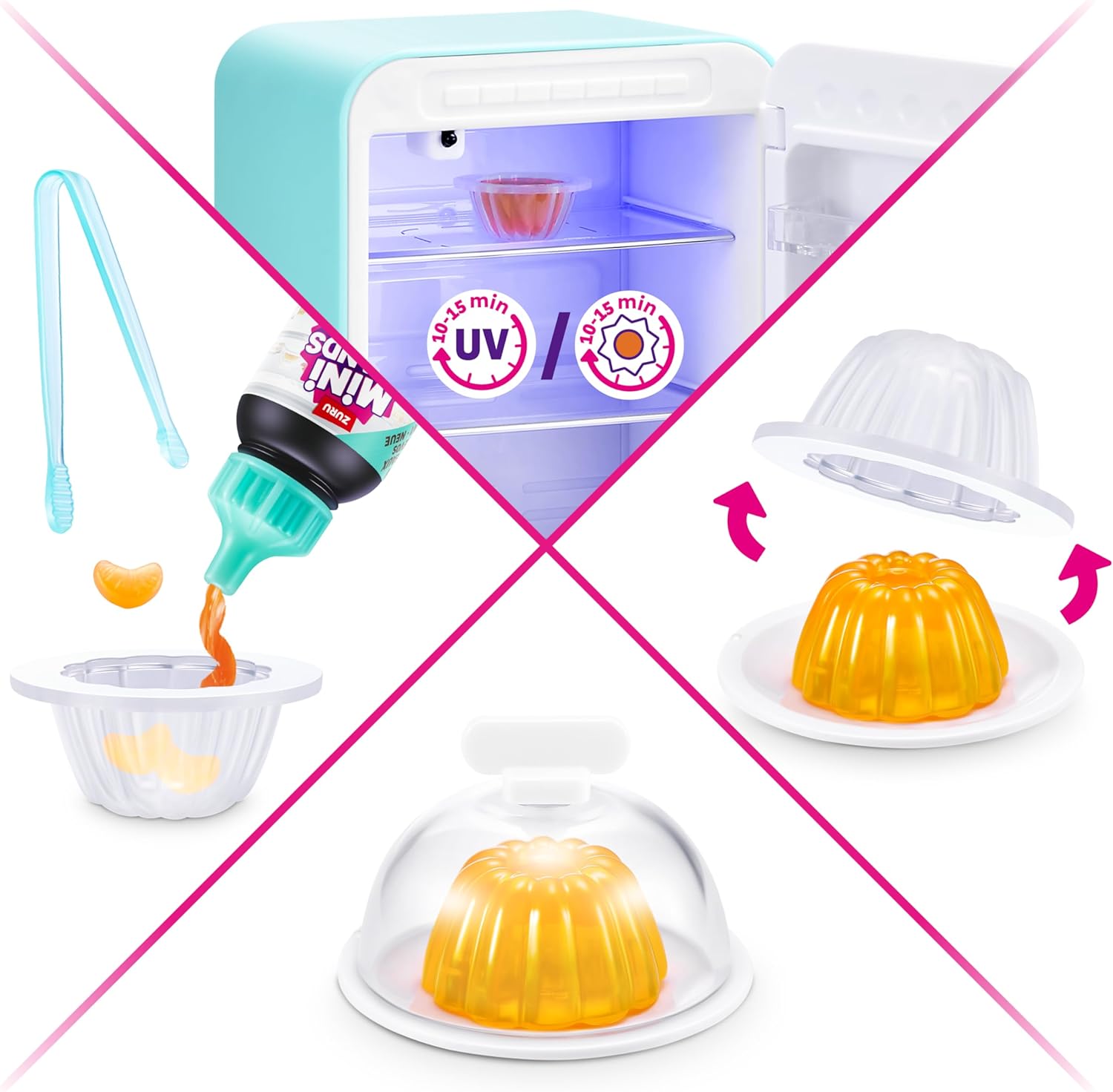
Image 5.2: The mini fridge interior illuminated by the UV light, curing a miniature food item.
5.3. Creating Exclusive Minis
The playset includes components to create exclusive mini items using UV resin. Follow these general steps:
- Prepare your mold and any decorative elements (e.g., fruit pieces).
- Carefully dispense the UV resin into the mold.
- Add any desired decorative elements to the resin.
- Place the mold with resin into the fridge under the UV light for curing (refer to Section 5.2).
- Once cured, carefully remove the finished mini from the mold.
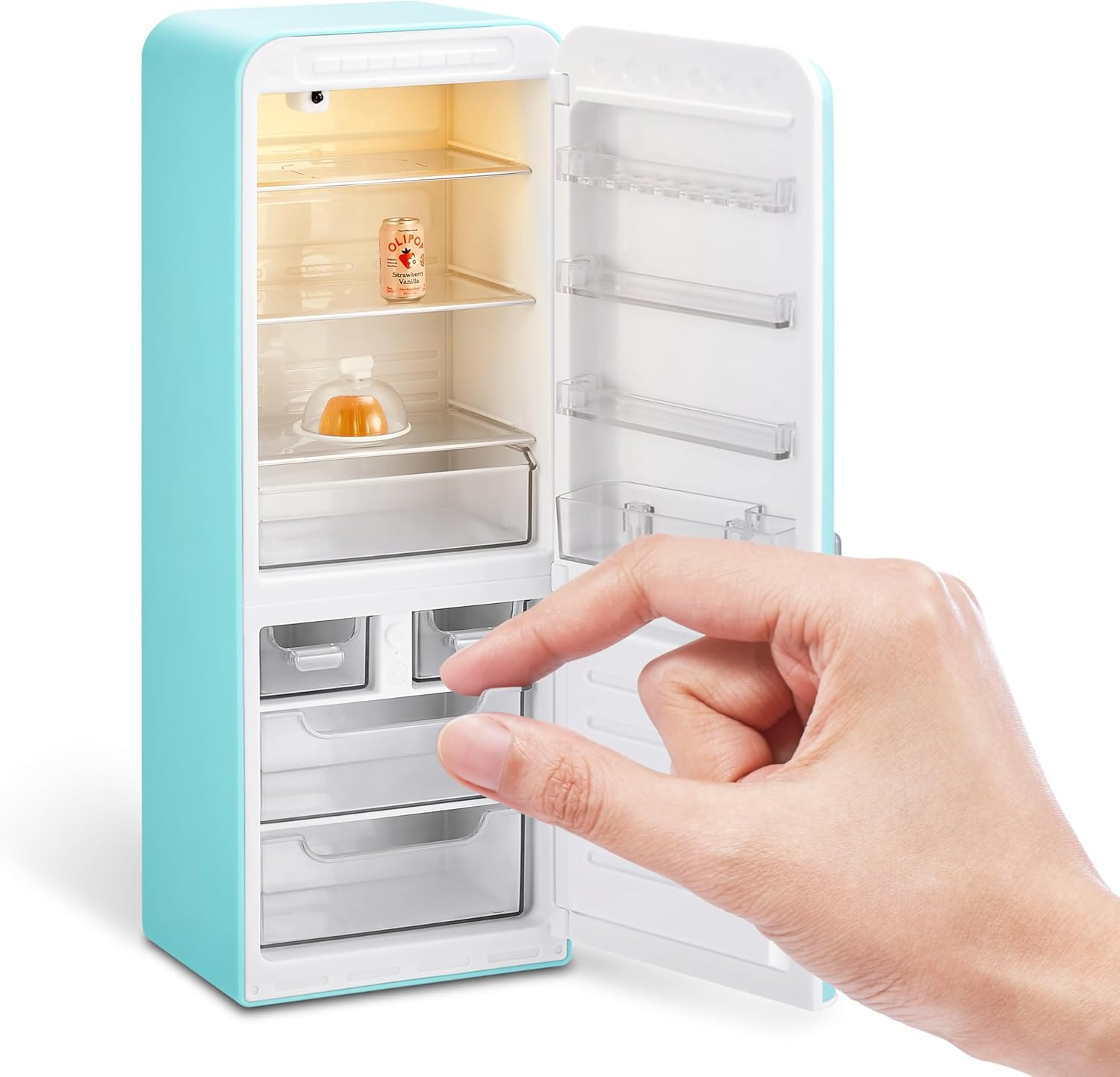
Image 5.3: A hand pouring UV resin into a miniature mold containing small fruit pieces.
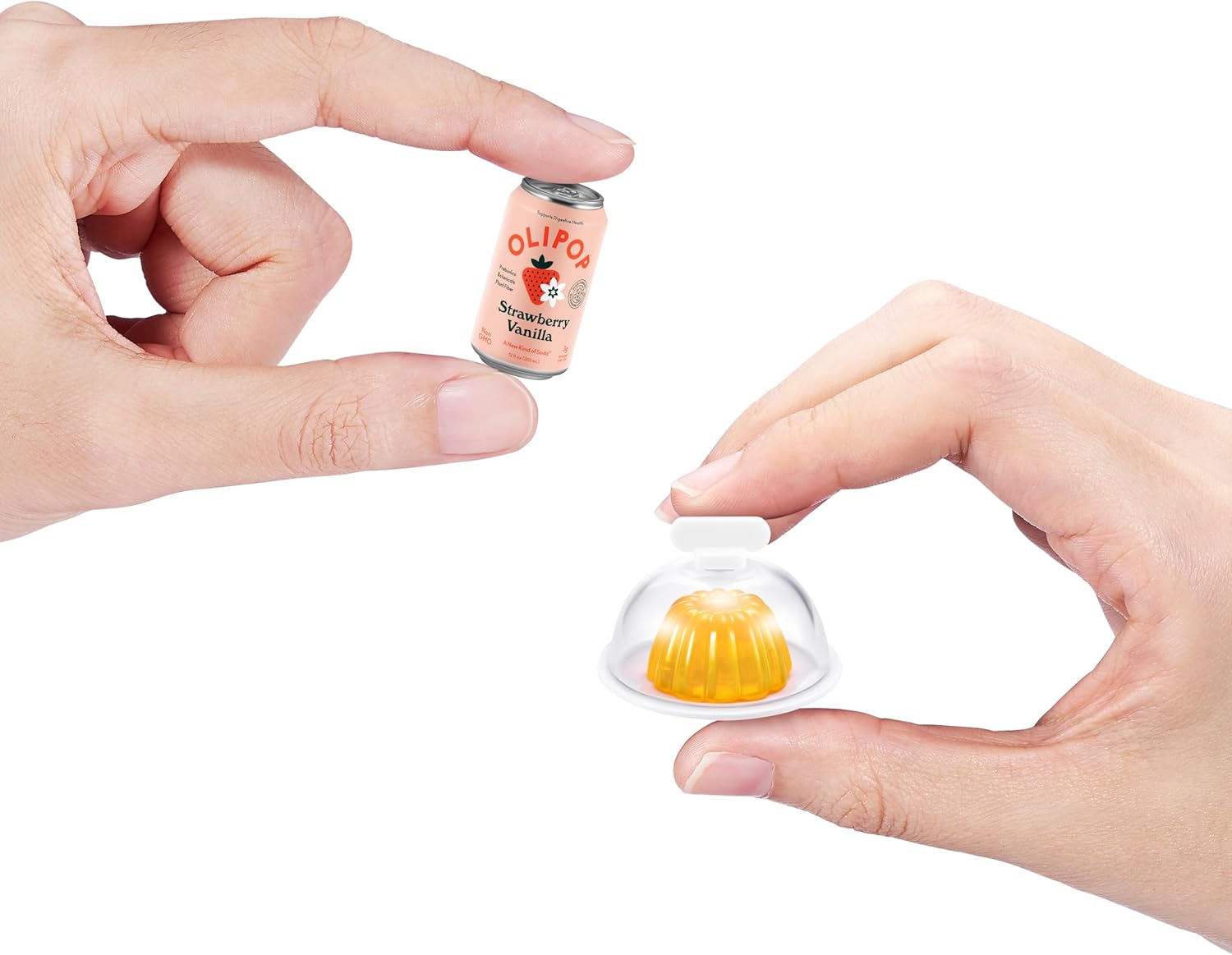
Image 5.4: A visual guide illustrating the process of creating a miniature jelly, from molding to curing with UV light.
6. Care and Maintenance
- To clean the fridge, wipe surfaces with a soft, dry cloth. Do not use abrasive cleaners or solvents.
- Avoid submerging the fridge in water or exposing it to excessive moisture.
- When not in use for extended periods, remove the batteries to prevent leakage.
- Store the playset in a cool, dry place away from direct sunlight.
7. Troubleshooting
- UV Light Not Working:
- Check if the UV light switch is in the 'ON' position.
- Verify that the batteries are correctly installed and not depleted. Replace batteries if necessary. - Resin Not Curing:
- Ensure the UV light is active and the resin is exposed to it for the recommended time (10-15 minutes).
- Check battery strength; a weak UV light may not cure resin effectively. - Fridge Door/Drawers Sticking:
- Ensure no mini items are obstructing the movement of doors or drawers.
- Gently clean any debris from the tracks or hinges.
8. Product Specifications
| Feature | Specification |
|---|---|
| Model Number | 77673 |
| Product Dimensions | 3.62 x 3.94 x 9.84 inches (L x W x H) |
| Item Weight | 1.3 pounds |
| Recommended Age | 8 - 17 years |
| Batteries Required | 3 x LR44 (included) |
| Manufacturer | ZURU |
9. Warranty and Support
For warranty information or product support, please refer to the contact details provided on the product packaging or visit the official ZURU website. Keep your purchase receipt as proof of purchase.

