
1. Introduction
Thank you for choosing the DIGITEK LED-D6W RGB Portable Mini Video Light. This compact and versatile lighting solution is designed for content creators, photographers, and videographers seeking flexible and high-quality illumination. Featuring a built-in rechargeable battery, 360° HSI full-color spectrum, adjustable bi-color temperature, and various special effects, this light enhances your creative projects.
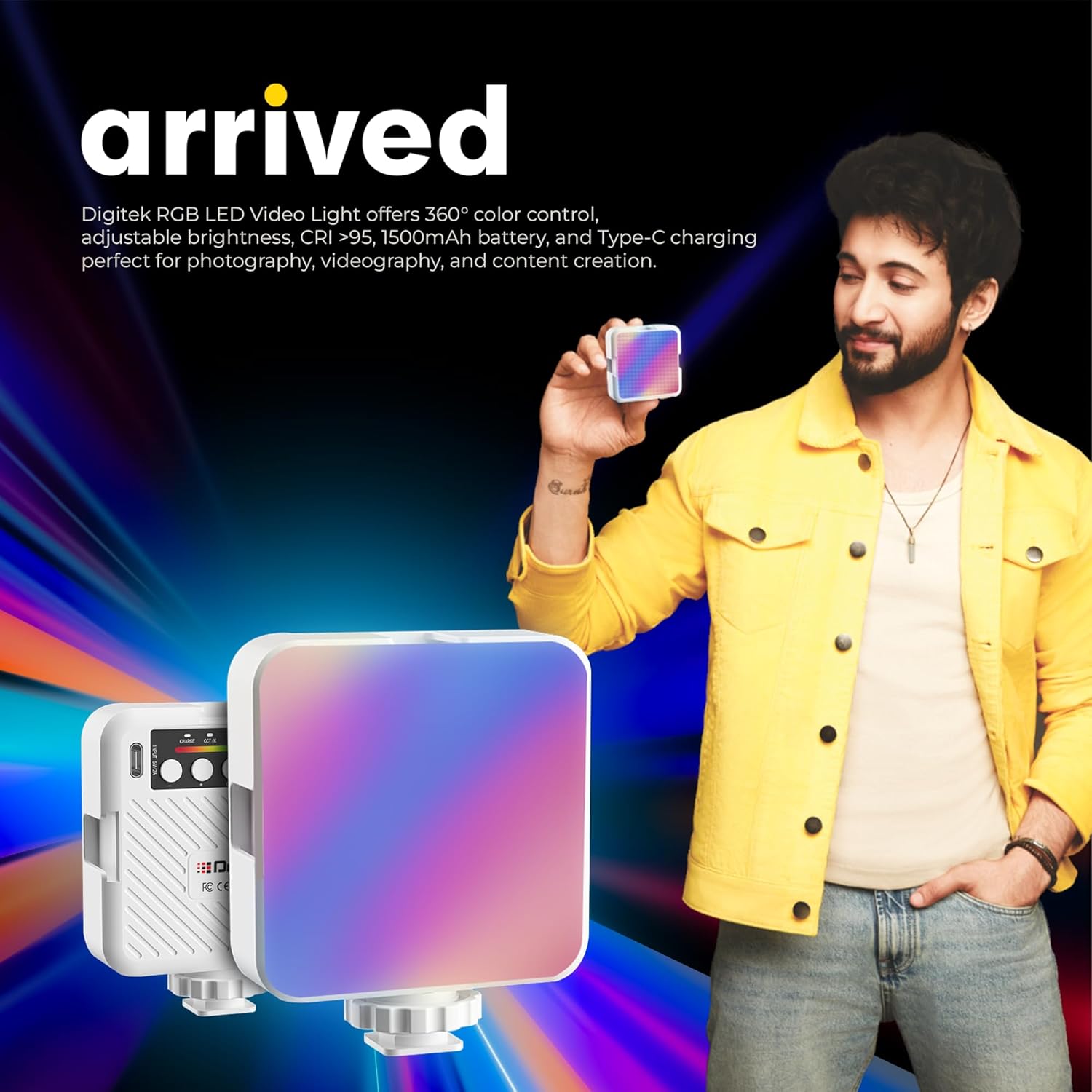
Image 1.1: The DIGITEK LED-D6W RGB Portable Mini Video Light, showcasing its compact design and vibrant color output.
Key Features:
- Portable and Rechargeable: Integrated battery for on-the-go use.
- 360° HSI Full-Color Spectrum: Precise and vibrant color customization.
- Adjustable Color Temperature: Ranges from 3000K to 6000K.
- 8-Level Brightness Control: Fine-tune light intensity from 10% to 100%.
- 9 Special FX Modes: Dynamic lighting options for creative effects.
- Type-C Charging: Convenient and fast charging.
- White OLED Display: Intuitive interface for real-time settings visibility.
2. What's in the Box
Upon unpacking, please ensure all items listed below are present and in good condition:
- DIGITEK LED-D6W RGB Portable Mini Video Light
- Portable Clip Mount
- USB Type-C Charging Cable (not explicitly listed but implied by Type-C charging)

Image 2.1: Packaging and included accessories: the LED light and its portable clip mount.
3. Parts Diagram
Familiarize yourself with the components of your LED video light:

Image 3.1: Rear view of the LED-D6W RGB, highlighting the control buttons, OLED display, and Type-C charging port.
- OLED Display: Shows current settings (brightness, color temperature, HSI values, battery level).
- Mode Button: Cycles through CCT (Color Temperature), HSI (Hue, Saturation, Intensity), and FX (Special Effects) modes.
- Adjustment Dials/Buttons: Used to increase/decrease brightness, adjust color temperature, hue, or saturation depending on the selected mode.
- Power Button: Turns the device on or off.
- Type-C Charging Port: For connecting the charging cable.
- 1/4-inch Screw Hole: Located at the bottom for mounting on tripods or light stands.
- Cold Shoe Mount: For attaching to cameras or other accessories.
4. Setup
4.1 Initial Charging
Before first use, fully charge the LED light. Connect the provided USB Type-C cable to the light's charging port and plug the other end into a compatible USB power source (e.g., wall adapter, computer USB port). The OLED display will indicate charging status. A full charge typically takes approximately 2 hours.
4.2 Mounting the Light
The LED-D6W RGB offers versatile mounting options:
- Using the Portable Clip Mount: Attach the clip mount to the 1/4-inch screw hole at the bottom of the light. The clip can then be used to secure the light to various surfaces, such as laptops, monitors, or shelves.
- Directly on a Tripod/Light Stand: Screw the light directly onto any standard tripod or light stand using the 1/4-inch screw hole.
- On a Camera Hot Shoe: Utilize the cold shoe adapter (often integrated with the 1/4-inch screw mount) to slide the light onto a camera's hot shoe or cold shoe mount.

Image 4.1: Illustration of the light's versatile attachments, including the clip mount, 1/4-inch port, and cold shoe holder, demonstrating its use with cameras, smartphones, and laptops.
5. Operating Instructions
5.1 Power On/Off
Press and hold the Power button for approximately 2 seconds to turn the light on or off.
5.2 Mode Selection
Press the Mode button to cycle through the available lighting modes:
- CCT Mode (Color Correlated Temperature): For white light adjustments.
- HSI Mode (Hue, Saturation, Intensity): For full-color spectrum control.
- FX Mode (Special Effects): For pre-programmed lighting effects.
5.3 Adjusting Settings (CCT Mode)
In CCT Mode, use the adjustment dials/buttons to control:
- Brightness: Adjust from 10% to 100% (8 levels).
- Color Temperature: Adjust from 3000K (warm) to 6000K (cool).
5.4 Adjusting Settings (HSI Mode)
In HSI Mode, use the adjustment dials/buttons to control:
- Hue (H): Select any color across the 360° spectrum.
- Saturation (S): Adjust the intensity or purity of the selected color.
- Intensity (I): Control the overall brightness of the color.
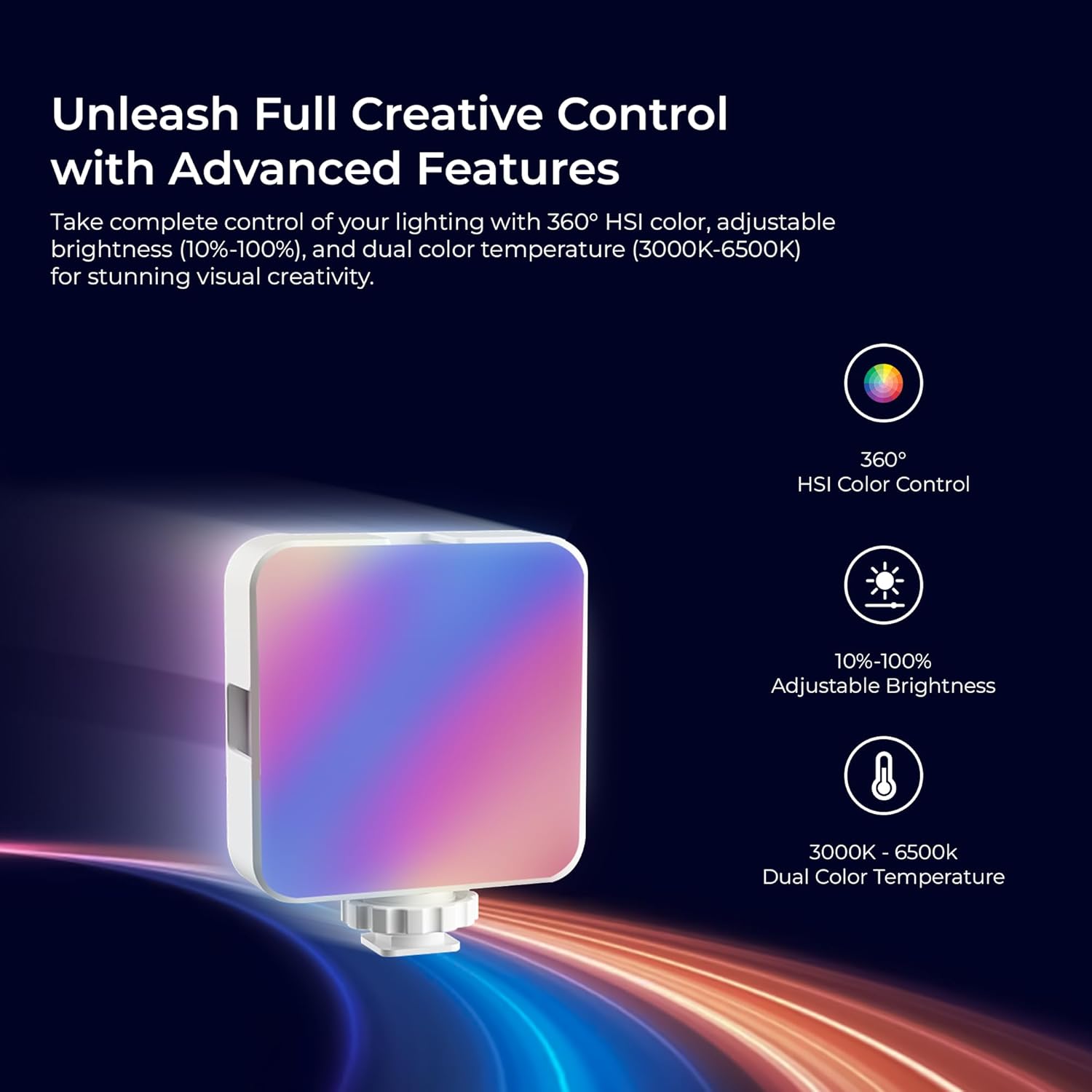
Image 5.1: The LED-D6W RGB light emitting a vibrant hue, demonstrating its HSI color control capabilities.
5.5 Using FX Modes
In FX Mode, use the adjustment dials/buttons to select from 9 unique special effects. These effects include simulations like lightning, fire, TV flicker, and more, designed to add dynamic elements to your visuals.

Image 5.2: Visual representation of the 9 dynamic FX modes available on the LED-D6W RGB, including lightning, fire, and TV flicker.
6. Charging and Battery Information
The DIGITEK LED-D6W RGB is equipped with a built-in 1500mAh rechargeable battery, providing extended usage for your creative needs.
6.1 Charging the Device
To charge, connect the USB Type-C cable to the light's Type-C port and a 5V/2A USB power adapter. The OLED display will show the battery charging icon. Charging is complete when the icon indicates a full battery.
6.2 Battery Runtime
A fully charged battery provides approximately 2 hours of continuous operation at 100% brightness. Runtime may vary depending on brightness levels, color modes, and environmental conditions.
Image 6.1: The LED-D6W RGB highlighting its 1500mAh battery capacity, Type-C charging port, and 2-4 hours runtime per charge.
7. Maintenance
7.1 Cleaning
- Ensure the device is powered off and disconnected from any power source before cleaning.
- Use a soft, dry cloth to wipe the exterior of the light.
- For stubborn dirt, slightly dampen the cloth with water; avoid harsh chemicals or abrasive cleaners.
- Do not spray cleaning liquids directly onto the light.
7.2 Storage
- Store the light in a cool, dry place away from direct sunlight and extreme temperatures.
- If storing for an extended period, charge the battery to approximately 50% every three months to prolong battery life.
8. Troubleshooting
If you encounter any issues with your DIGITEK LED-D6W RGB, please refer to the following common problems and solutions:
| Problem | Possible Cause | Solution |
|---|---|---|
| Light does not turn on. | Battery is depleted. | Charge the light using the Type-C cable. |
| Light does not turn on. | Power button not pressed correctly. | Press and hold the Power button for 2 seconds. |
| Battery not charging. | Faulty cable or power adapter. | Try a different Type-C cable and/or USB power adapter. Ensure connections are secure. |
| Light flickers or output is inconsistent. | Low battery. | Recharge the light. |
| Light flickers or output is inconsistent. | Environmental interference. | Move the light away from other electronic devices that might cause interference. |
| Cannot change modes or settings. | Controls are unresponsive. | Turn the light off and then on again to reset. If the issue persists, contact customer support. |
9. Specifications
| Feature | Detail |
|---|---|
| Model Name | LED-D6W RGB |
| Brand | Digitek |
| Battery Capacity | 1500mAh (Built-in) |
| Battery Average Life | Approx. 2 hours (at 100% brightness) |
| Connectivity Technology | USB (Type-C for charging) |
| Color Temperature Range | 3000K - 6000K |
| Brightness Control | 8-level (10% - 100%) |
| Color Modes | HSI 360° Full Color Spectrum, 9 FX Modes |
| Display | White OLED Display |
| Product Dimensions (L x W x H) | 26L x 19W x 34H Centimeters |
| Item Weight | 200 Grams |
| Compatible Devices | Cameras, smartphones, tripods, light stands, phone clamps |
| Water Resistance Level | Not Water Resistant |
| Country of Origin | China |
10. Warranty Information
The DIGITEK LED-D6W RGB Portable Mini Video Light comes with a 6 Months of warranty from the date of purchase. This warranty covers manufacturing defects and workmanship under normal use. Please retain your purchase receipt as proof of purchase for warranty claims. The warranty does not cover damage caused by misuse, accidents, unauthorized modifications, or normal wear and tear.
11. Customer Support
For any questions, technical assistance, or warranty claims, please contact Digitek customer support:
- Manufacturer/Importer: IMS Mercantiles Limited
- Address: 704, 7th floor, Ring Road Mall, Sec-3, Rohini, Delhi 110085, India
- Customer Helpline (Toll-Free): 1800-123-544-444
- Email: support@digitek.net.in