
Introduction
Thank you for choosing DERAYSION Solar Pathway Lights. This manual provides essential information for the safe and efficient installation, operation, and maintenance of your new solar lights. Please read these instructions carefully before use and retain them for future reference.

Image: Twelve DERAYSION solar pathway lights illuminating a garden path at dusk.
Product Components
Your DERAYSION Solar Pathway Lights package includes the following:
- 12 x Solar Light Units (each with integrated solar panel, LED, and battery)
- 12 x Ground Spikes
- 12 x Connecting Poles
- 12 x AA Rechargeable Batteries (pre-installed)

Image: A pack of twelve DERAYSION solar pathway lights, showing the individual units.
Setup and Installation
No wiring or electricity is required for these solar lights, making installation straightforward. Follow these steps for optimal performance:
- Unpack Components: Carefully remove all solar light units, connecting poles, and ground spikes from the packaging.
- Activate the Light: Locate the switch, usually under the top cap or near the battery compartment. Ensure the switch is in the 'ON' position. Some models may require twisting the top to access the switch or removing a protective tab from the battery.
- Assemble the Light: Attach the connecting pole to the base of the solar light unit. Then, attach the ground spike to the bottom of the connecting pole. Ensure all connections are secure.
- Choose Location: Select a location outdoors that receives at least 6-8 hours of direct sunlight daily. Avoid areas under trees, eaves, or other obstructions that might shade the solar panel.
- Install in Ground: Gently push the assembled light (with the ground spike) into the soil. Do not force it, as this may damage the spike or the light unit. If the ground is too hard, moisten it or use a tool to create a pilot hole.

Image: Visual guide for assembling and preparing DERAYSION solar lights.
Operating Instructions
Your DERAYSION Solar Pathway Lights are designed for automatic operation:
- Automatic On/Off: Each light features a built-in dusk-to-dawn sensor. During the day, the solar panel converts sunlight into electricity, charging the internal AA rechargeable battery. At dusk, the lights will automatically turn on, providing warm white illumination. At dawn, they will automatically turn off to begin recharging.
- First Use: For the first use, allow the lights to charge in direct sunlight for a full 24-48 hours with the switch in the 'ON' position to ensure the battery is fully charged.

Image: DERAYSION solar lights automatically turning on at dusk.
Maintenance
To ensure the longevity and optimal performance of your solar lights, follow these maintenance tips:
- Clean Solar Panels: Regularly wipe the solar panels with a soft, damp cloth to remove dust, dirt, and debris. A clean panel ensures maximum sunlight absorption and efficient charging.
- Clear Obstructions: Periodically check that no new obstructions (e.g., growing plants, fallen leaves) are shading the solar panel.
- Battery Replacement: The included AA rechargeable batteries have a limited lifespan. If the lights' performance diminishes significantly over time, consider replacing the batteries with new AA rechargeable batteries of the same type and capacity.
- Weather Resistance: These lights are designed to withstand various outdoor environments, including rain, snow, heat, and UV exposure. However, during extreme weather conditions, it is advisable to bring them indoors to prevent potential damage.
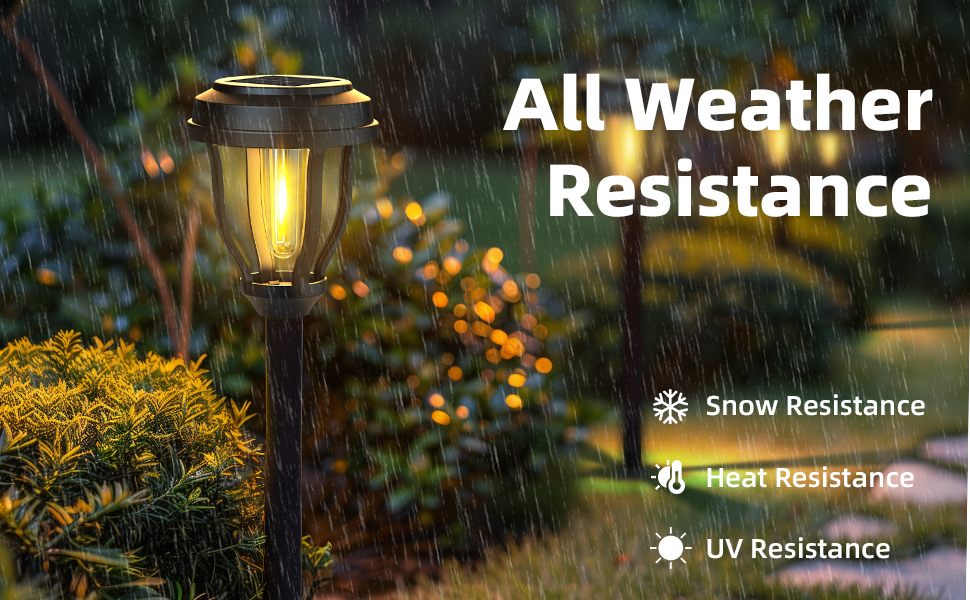
Image: DERAYSION solar light demonstrating all-weather resistance.
Troubleshooting
If your solar lights are not performing as expected, try these solutions:
- Light Not Turning On:
- Ensure the power switch is in the 'ON' position.
- Verify the solar panel is receiving direct sunlight for at least 6-8 hours daily.
- Check for any obstructions blocking sunlight from reaching the solar panel.
- Confirm the battery is correctly installed and making proper contact.
- Allow the light to charge for a full day in direct sunlight before testing again.
- Short Illumination Time:
- Ensure the solar panel is clean and free of dirt or debris.
- Relocate the light to an area with more direct and prolonged sunlight exposure.
- The battery may be old and require replacement.
- Flickering Light:
- This could indicate a low battery charge; allow for more charging time.
- Check for loose connections within the light unit.
Specifications
| Feature | Detail |
|---|---|
| Brand | DERAYSION |
| Model Name | B90H |
| Color | Warm White |
| Material | Plastic |
| Style | Country Rustic |
| Light Fixture Form | Path |
| Product Dimensions | 3.6"L x 3.6"W x 15"H |
| Indoor/Outdoor Usage | Outdoor |
| Power Source | Solar Powered |
| Installation Type | In Ground Mount |
| Special Features | Automatic Dusk To Dawn, Cordless, Decorative, Durability And Weather Resistance, Ease Of Installation |
| Light Source Type | LED |
| Finish Type | Powder Coated |
| Number of Light Sources | 1 |
| Voltage | 1.2 Volts (DC) |
| Light Color | Warm White |
| Included Components | 12 Pack solar outdoor lights |
| Item Weight | 4 Pounds |
| Number of Items | 12 |
| Switch Type | Toggle |
| Water Resistance Level | Waterproof |
| Brightness | 10 Lumen |
| Mounting Type | In Ground Mount |
| Color Temperature | 3000 Kelvin |
| Batteries | 1 AA batteries required (included) |
Warranty Information
Specific warranty details for the DERAYSION B90H Solar Pathway Lights are not provided in the product information. Please refer to the product packaging or contact DERAYSION customer support directly for comprehensive warranty terms and conditions.
Customer Support
For any questions, technical assistance, or support regarding your DERAYSION B90H Solar Pathway Lights, please contact the manufacturer or seller through the platform where the product was purchased. Ensure you have your purchase details and model number (B90H) ready for faster service.
Additional Resources
While no specific product videos for the DERAYSION B90H Solar Pathway Lights were available from the seller in the provided data, general solar light installation and maintenance guides can be found online. Always ensure any external resources are from reputable sources.