
Introduction
Thank you for choosing GenXenon GS03-Clear-Standard Smart Glasses. These innovative glasses combine advanced audio technology with blue light protection, offering a seamless and comfortable experience for daily use. This manual provides detailed instructions to help you get the most out of your new smart glasses.
Product Overview
The GenXenon GS03-Clear-Standard Smart Glasses are designed for comfort and functionality, integrating open-ear audio, blue light filtering, and intuitive controls into a stylish frame.
Key Features:
- Open-Ear Audio: Enjoy music and calls without blocking your ears, maintaining awareness of your surroundings.
- Bluetooth 5.3: Provides stable and fast wireless connectivity to your devices.
- Blue Light Blocking: Lenses filter harmful blue light from digital screens, reducing eye strain.
- Voice Assistant: Access your device's voice assistant with simple touch controls.
- Magnetic Charging: Convenient and secure charging mechanism.
- Lightweight Design: Weighing only 27g for comfortable all-day wear.
- IPX5 Waterproof: Resistant to sweat and light rain, suitable for various activities.
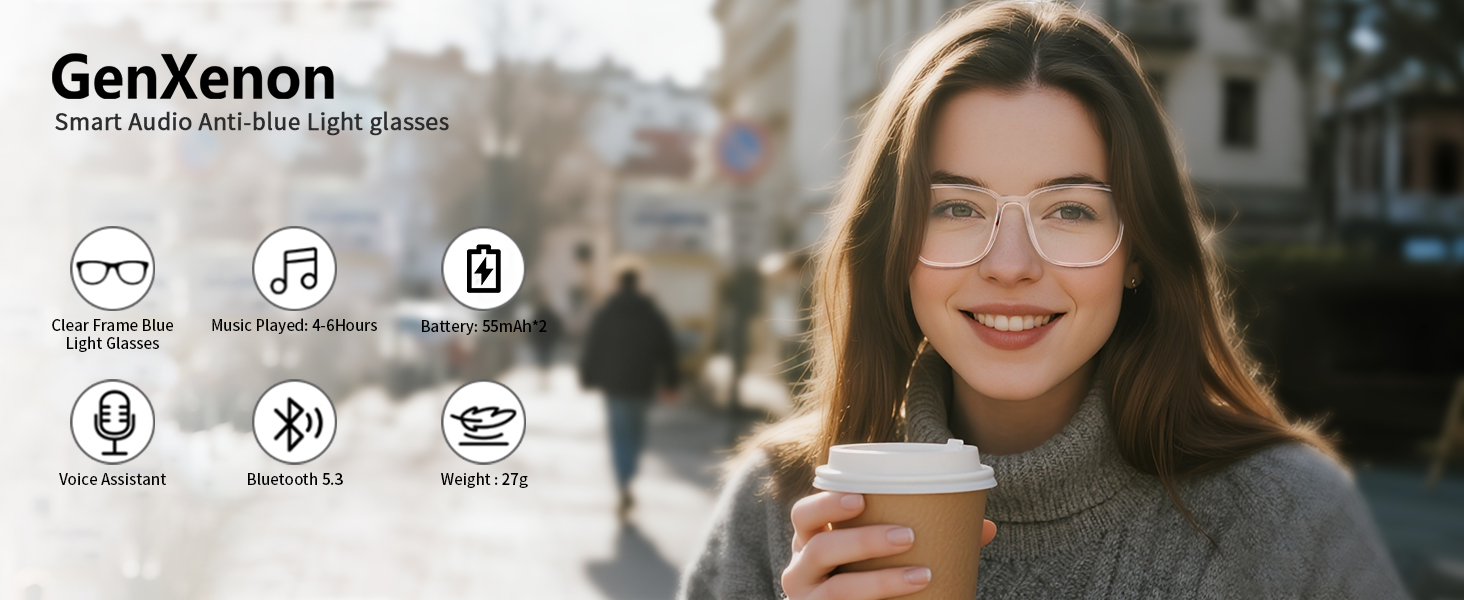
Image: Overview of GenXenon Smart Audio Anti-blue Light glasses highlighting features like clear frame, music playback, battery life, voice assistant, Bluetooth 5.3, and weight.
Setup
1. Charging the Glasses
Before first use, fully charge your smart glasses. Use the provided magnetic charging cable. Connect the cable to a 5V, 1A USB power source. Do not use fast chargers, as this may damage the device.
- The charging indicator light will illuminate red during charging.
- A full charge typically takes about 1 hour.
- Ensure both sides of the glasses are properly connected to the charging modules.
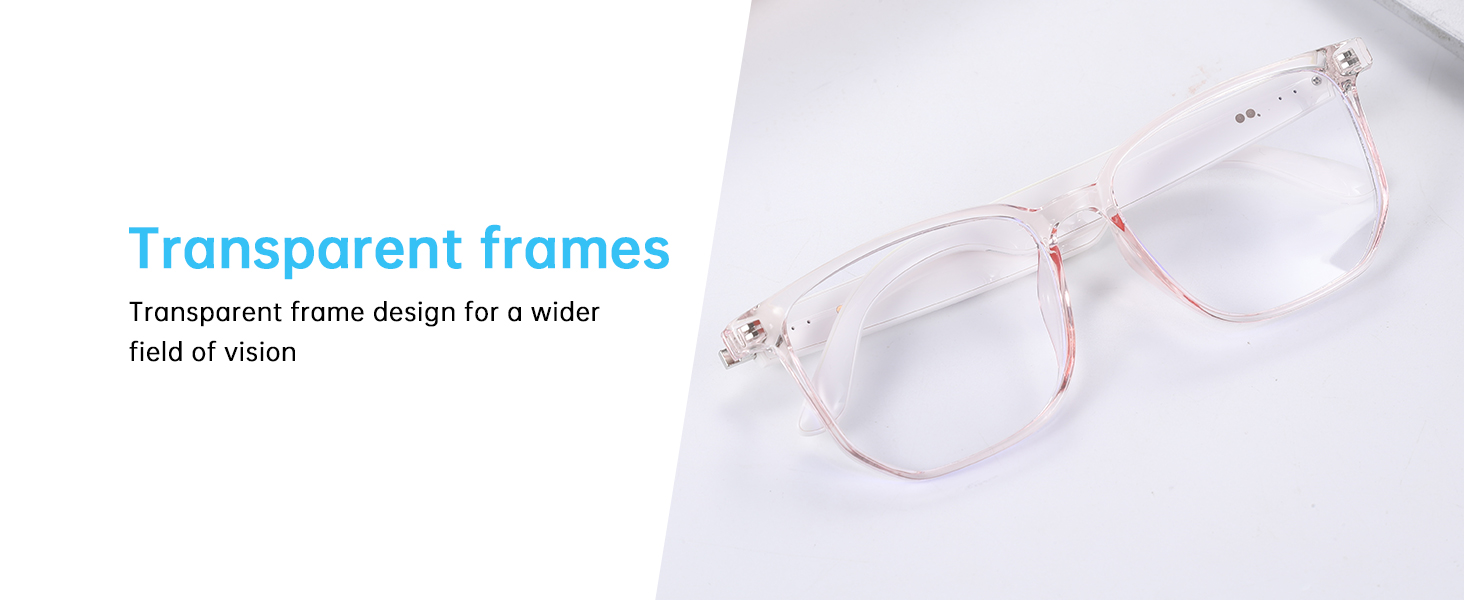
Image: Detail of the magnetic charging port on the smart glasses arm.
2. Powering On/Off
- Power On: Long press the power button (located on the temple) for 3 seconds. You will hear a power-on sound.
- Power Off: Long press the power button for 5 seconds. You will hear a power-off sound.
3. Bluetooth Pairing
After powering on, the glasses will automatically enter pairing mode. The indicator light will blink, indicating it's ready to connect.
- Enable Bluetooth on your smartphone or other device.
- Search for available devices and select "UF" (or similar device name) from the list.
- Once connected, the indicator light will stop blinking and remain solid. You will hear a confirmation sound.
Operating Instructions
The smart glasses feature intuitive touch controls on the temples for various functions.
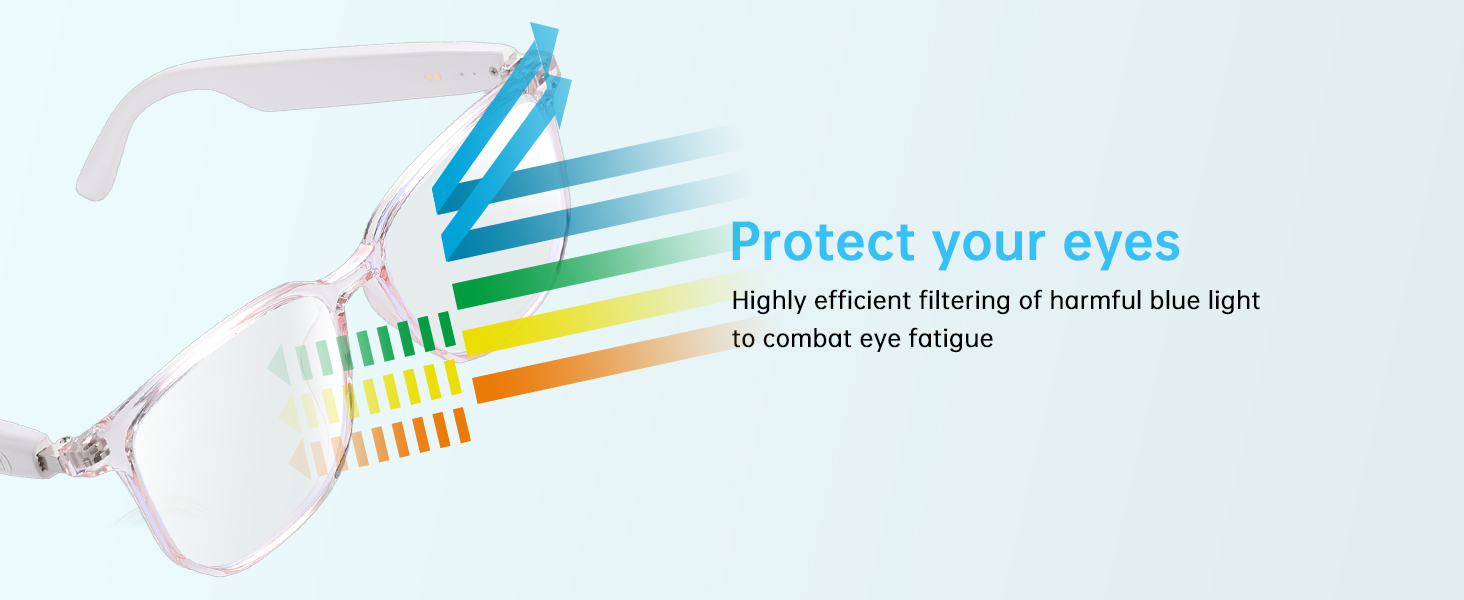
Image: Visual guide to touch controls for power, music, calls, and voice assistant.
Music Playback
- Play/Pause: Double-click either temple.
- Next Song: Triple-click the right temple.
- Previous Song: Triple-click the left temple.
- Volume Up: Long press the right temple.
- Volume Down: Long press the left temple.
Call Management
- Answer/End Call: Double-click either temple.
- Reject Call: Long press either temple for 3 seconds.
Voice Assistant
- Activate Voice Assistant: Triple-click either temple.
Remote Camera Control
- Take Photo: Triple-click either temple while your phone's camera app is open.
Features Explained
Blue Light Protection
The lenses are designed to filter over 99% of harmful blue light emitted from digital screens, helping to reduce eye fatigue and protect your vision during prolonged screen time.

Image: Graphic showing blue light being filtered by the smart glasses lenses.
Open-Ear Audio Design
Experience high-quality audio through open-ear speakers, allowing you to hear your music or calls while remaining aware of your surroundings. This design prevents earache from prolonged in-ear headphone use.

Image: A woman wearing the smart glasses, illustrating the open-ear audio feature.
IPX5 Waterproof Rating
The glasses are rated IPX5, providing protection against sweat, splashes, and light rain. This makes them suitable for workouts, outdoor activities, and daily commutes.

Image: A woman working out, demonstrating the IPX5 waterproof capability of the smart glasses.
Maintenance
- Clean lenses with the provided cleaning cloth.
- Avoid exposing the glasses to extreme temperatures or direct sunlight for extended periods.
- Store in the provided glasses case when not in use to prevent scratches.
- Do not immerse the glasses in water. The IPX5 rating protects against splashes, not submersion.
Troubleshooting
| Problem | Solution |
|---|---|
| Cannot power on | Ensure the glasses are fully charged. Long press the power button for 3 seconds. |
| Cannot pair via Bluetooth | Ensure Bluetooth is enabled on your device and the glasses are in pairing mode (blinking indicator light). Restart both devices if necessary. |
| No sound or one side not working | Check if both independent power switches on the temples are on. Ensure charging contacts are clean and aligned. This is normal behavior if one side is off, not a defect. |
| Short battery life | Ensure the glasses are fully charged. Avoid using fast chargers which can degrade battery over time. |
Specifications
- Model Name: GS03-Clear Smart Glasses
- Brand: GenXenon
- Item Weight: 27 Grams
- Battery Capacity: 110 Milliamp Hours (per side)
- Connectivity Technology: Bluetooth 5.3
- Charging Input: 5V, 1A (Magnetic)
- Waterproof Rating: IPX5
- Special Features: Bluetooth call answering, Bluetooth music playback, touch control, blue light protection, speaker noise reduction function, voice assistant.

Image: Detailed product dimensions including frame bridge, lens width, lens height, and temple length.
What's in the Box
- Smart Glasses
- User Manual
- Magnetic Charging Cable
- Cleaning Bag
- Cleaning Cloth

Image: All items included in the product packaging: smart glasses, user manual, magnetic charging cable, cleaning bag, and cleaning cloth.
Important Safety Information
- The smart glasses only support 5V, 1A charging. Do not use fast chargers. Fast charging or poor quality/multi-port chargers may output high voltage, causing overheating, short circuits, or damage.
- GenXenon Smart glasses have independent power switches and charging modules on both sides. For normal use/charging, ensure both sides emit the power on sound when powering on, and the power off sound when powering off. If one side doesn’t work/charge, it’s usually due to a switch being off or misaligned contacts—this is normal, not a defect.
Official Product Video
Video: An official product video from GenXenon Eyewear showcasing the GS03 Clear Blue Light Glasses for women, demonstrating features and design.
Warranty and Support
Specific warranty details are not provided in the product information. For warranty claims or technical support, please contact GenXenon customer service through the retailer's platform or the official GenXenon website.