Introduction
This instruction manual provides essential information for the proper setup, operation, and maintenance of your ZWP Replacement Remote Control. This remote is designed to be compatible with various vibration plate exercise machines, including MERACH CV30, CV30 Pro, MR-2440, MR-2398, MR-2398P, MR-2398B1, MR-2398L1, MR-2398slim, ZenActive, Arlopu AVP-GG, YESOUL YS-VM60, and Goplus models. Please read this manual thoroughly before use.
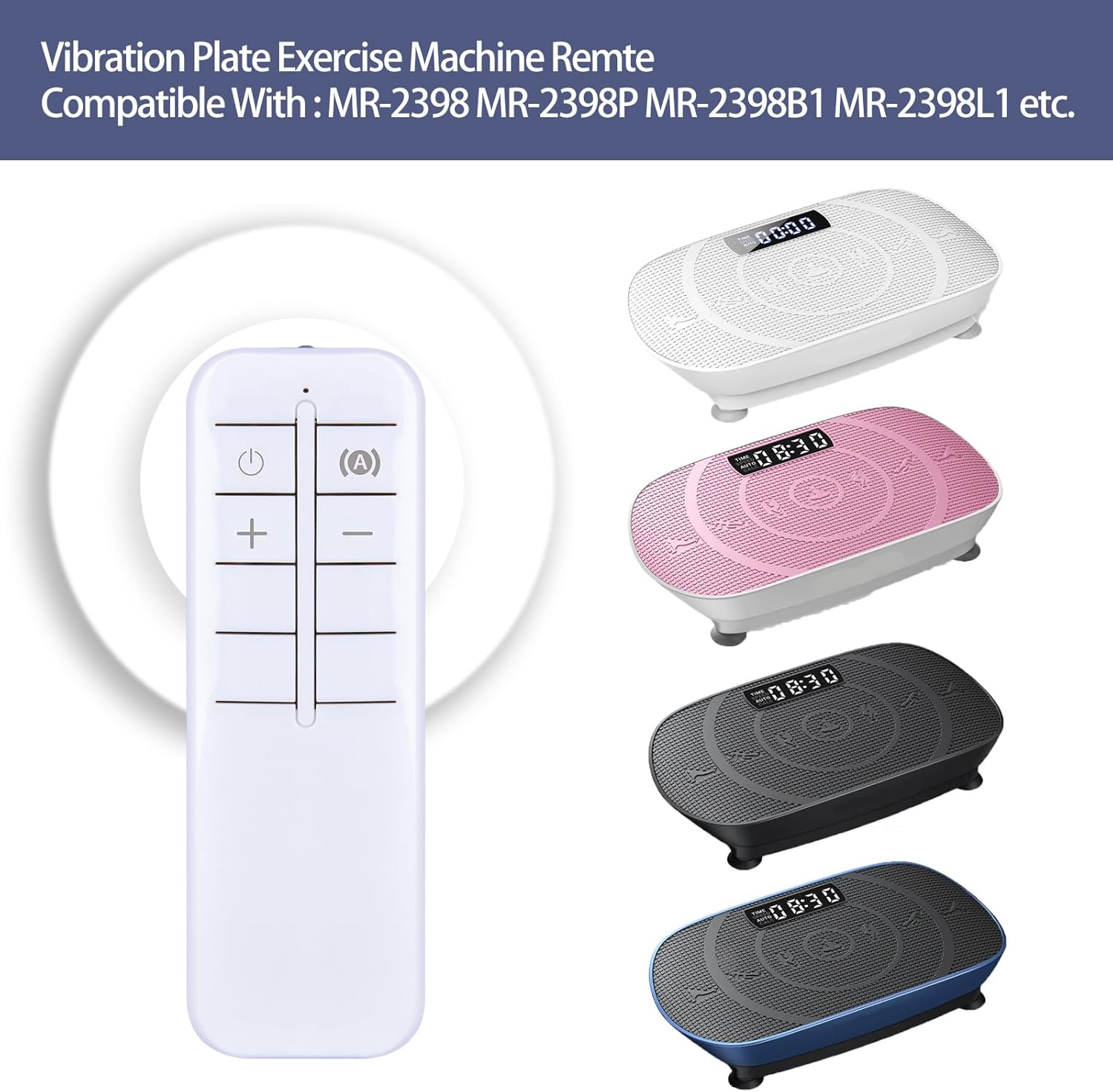
Image: The ZWP Replacement Remote Control shown alongside various compatible vibration plate exercise machines.
Product Overview
The ZWP Replacement Remote Control is engineered for reliable performance and ease of use. It features advanced infrared technology for a strong and stable signal, ensuring quick response times and multi-angle control without obstruction. Constructed from high-quality ABS material, the remote is designed for durability and safety.

Image: Diagram illustrating the remote's durable construction, advanced chip, and quality assurance for long-lasting use.
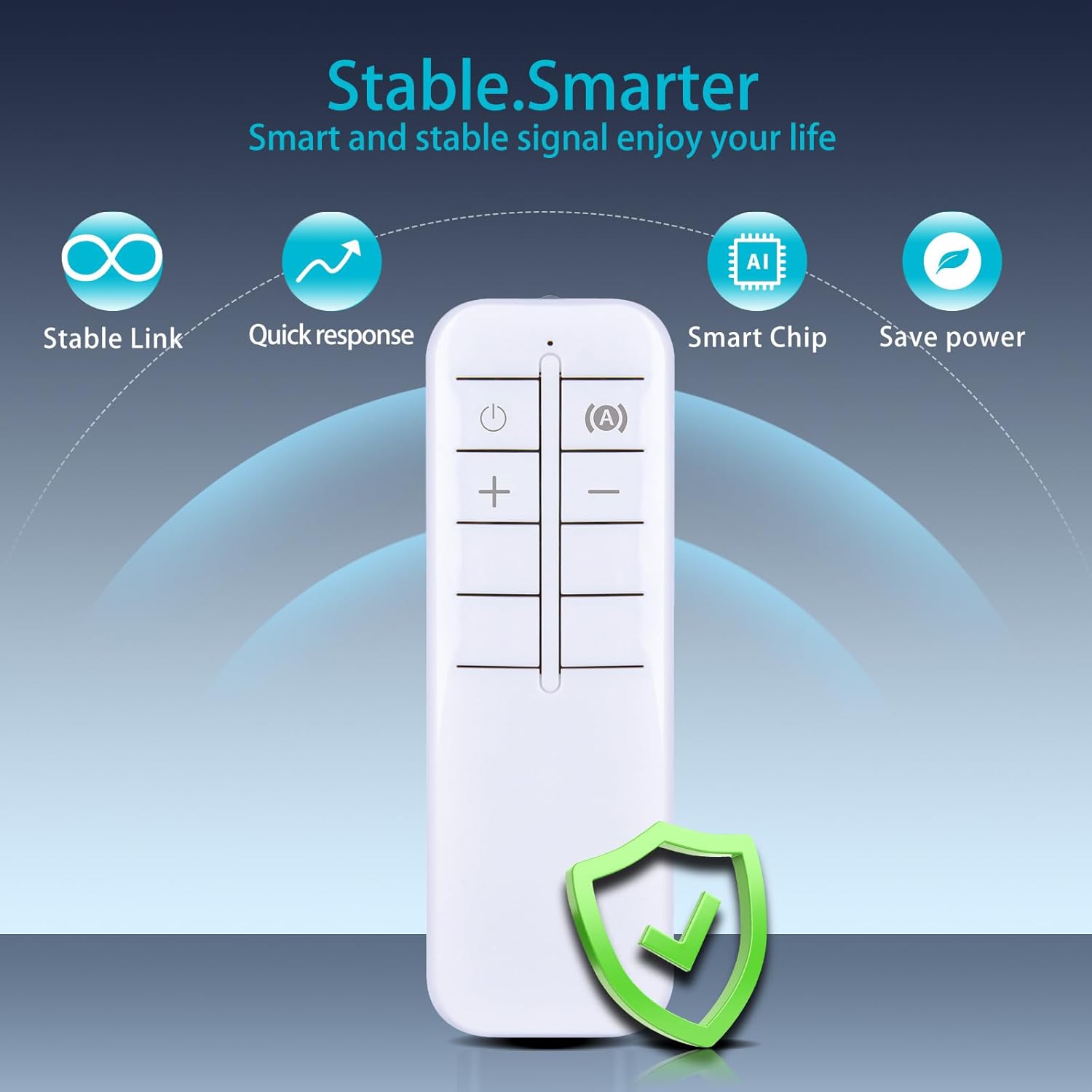
Image: Visual representation of the remote's stable link, quick response, smart chip, and power-saving capabilities.
The ergonomic design ensures comfortable handling, and its compact size makes it convenient to use. With an ultra-long standby time of up to 6 months, it minimizes the need for frequent battery changes.
Video: A short demonstration of the remote control's quick response and ease of use with a vibration plate.
Setup
The ZWP Replacement Remote Control requires no programming or complex setup. Simply install the batteries, and it is ready for use.
Battery Installation
- Locate the battery compartment cover on the back of the remote control.
- Slide the cover downwards or press the latch to open it.
- Insert two (2) AAA batteries (not included), ensuring the positive (+) and negative (-) terminals align correctly with the markings inside the compartment.
- Replace the battery compartment cover, ensuring it clicks securely into place.
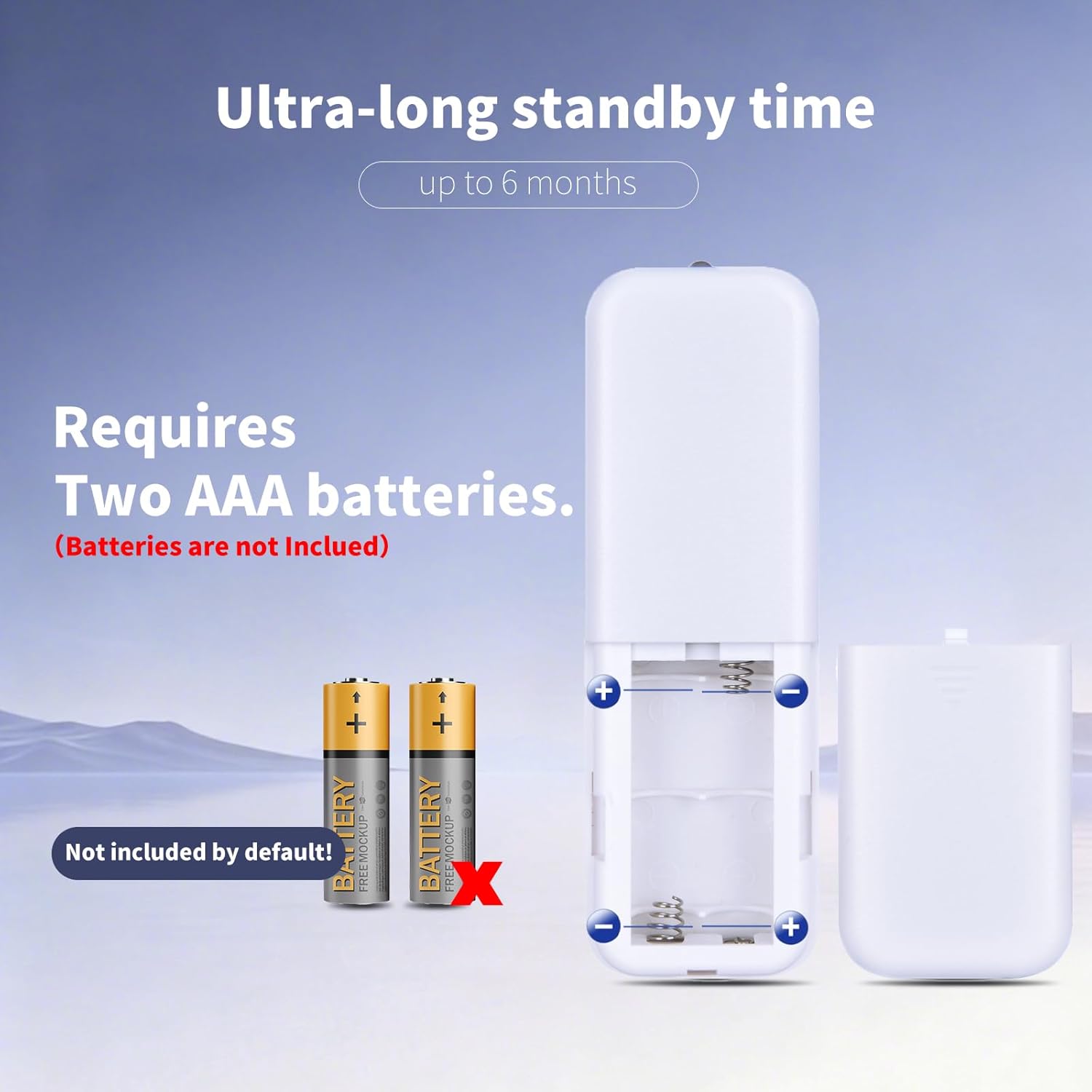
Image: A visual guide demonstrating how to correctly insert two AAA batteries into the remote control's battery compartment.
Note: Batteries are not included with the remote control.

Image: The remote control being held, emphasizing its immediate usability without any setup.
Operating Instructions
Once batteries are installed, point the remote control directly at your vibration plate exercise machine. Ensure there are no obstructions between the remote and the machine's infrared receiver.
Button Functions:
- Power Button (⏻): Turns the vibration plate ON or OFF.
- Mode/Program Button (Ⓐ): Cycles through different exercise modes or programs available on your vibration plate.
- Increase Button (+): Increases the intensity, speed, or time setting of the vibration plate.
- Decrease Button (-): Decreases the intensity, speed, or time setting of the vibration plate.
Specific functions may vary slightly depending on the model of your vibration plate exercise machine. Refer to your vibration plate's user manual for detailed program descriptions.
Maintenance
- Cleaning: Wipe the remote control with a soft, dry cloth. Do not use liquid cleaners or abrasive materials.
- Battery Replacement: Replace batteries when the remote's response becomes sluggish or it stops functioning. Always replace both batteries at the same time with new ones of the same type.
- Storage: Store the remote control in a cool, dry place away from direct sunlight and extreme temperatures. If storing for extended periods, remove the batteries to prevent leakage.
Troubleshooting
Remote Control Not Responding:
- Check Batteries: Ensure batteries are inserted correctly with the correct polarity (+/-) and are not depleted. Replace with fresh AAA batteries if necessary.
- Line of Sight: Make sure there is a clear line of sight between the remote control and the infrared receiver on your vibration plate. Obstructions can block the signal.
- Distance: Ensure you are within the effective operating range of the remote control.
- Interference: Strong light sources or other infrared devices might cause interference. Try operating the remote in a different environment.
Specifications
| Feature | Detail |
|---|---|
| Brand | ZWP |
| Model Number | MR-2398 |
| Compatible Devices | Vibration Plate Exercise Machines (MERACH CV30, CV30 Pro, MR-2440, MR-2398, MR-2398P, MR-2398B1, MR-2398L1, MR-2398slim, ZenActive, Arlopu AVP-GG, YESOUL YS-VM60, Goplus) |
| Max Supported Devices | 1 |
| Color | Black |
| Special Feature | Ergonomic Design |
| Power Source | 2 x AAA Batteries (Not Included) |
| Item Weight | 0.634 ounces |
| Package Dimensions | 4.65 x 1.65 x 0.67 inches |

Image: The remote control displaying its ergonomic design and physical dimensions (length, width, height).
Warranty and Support
ZWP provides a 1-year warranty return service for this product. If you encounter any issues or have questions regarding your order, please do not hesitate to contact us directly. Our customer support team aims to respond within 12 hours to assist you.