
HONOR CHOICE ROS-ME01
HONOR CHOICE Wireless Bluetooth 5.4 Headphones
Model: ROS-ME01 | Brand: HONOR CHOICE
Introduction
Thank you for choosing the HONOR CHOICE Wireless Bluetooth 5.4 Headphones. This manual provides essential information for setting up, operating, and maintaining your new headphones. Designed for superior audio experience, these headphones feature Hi-Res Audio, extended battery life, and advanced call noise cancellation.

Image: The HONOR CHOICE Wireless Bluetooth 5.4 Headphones in black, showcasing their sleek over-ear design.
Package Contents
- HONOR CHOICE Wireless Bluetooth 5.4 Headphones
- USB-C Charging Cable
- User Manual (this document)
Product Features
- 80 Hours Playback: Enjoy up to 80 hours of listening or 40 hours of talk time on a single full charge, ideal for extended travel.
- Bluetooth 5.4: Experience stable and faster wireless connectivity with the latest Bluetooth technology, including a low-latency game mode for enhanced gaming.
- Dual ENC Microphone: Integrated dual microphones with active ambient noise cancellation ensure crystal-clear calls in various environments, from offices to busy streets.
- Hi-Res Audio: Equipped with 40mm drivers, these headphones deliver powerful stereo sound with a subwoofer effect, providing excellent music and immersive gaming audio.
- User-Friendly Design: High sensitivity controls make operation quick and simple. Soft earcups ensure comfortable wear for long periods.

Image: An overview of the headphones' main features, including Hi-Res Audio, 80-hour battery life, Bluetooth 5.4, dual-microphone noise reduction, bass enhancement, and game mode.
Setup
1. Charging the Headphones
Before first use, fully charge your headphones.
- Connect the provided USB-C charging cable to the charging port on the headphones.
- Connect the other end of the cable to a USB power adapter (not included) or a computer's USB port.
- The indicator light will show charging status (e.g., red for charging, blue/off for fully charged).
- A full charge takes approximately 2 hours and provides up to 80 hours of playback or 40 hours of talk time.

Image: Visual representation of the impressive battery life: 80 hours of playtime, 40 hours of talk time, and a quick 2-hour full charge.
2. Bluetooth Pairing
Pair your headphones with your device (smartphone, tablet, PC, etc.) for wireless audio.
- Ensure the headphones are charged and turned off.
- Press and hold the Multi-Function Button (MFB) for 5 seconds until the indicator light flashes red and blue alternately, indicating pairing mode.
- On your device, enable Bluetooth and search for available devices.
- Select "HONOR CHOICE Headphones" (or similar name) from the list.
- Once connected, the indicator light will turn solid blue or off, and you will hear a confirmation tone.
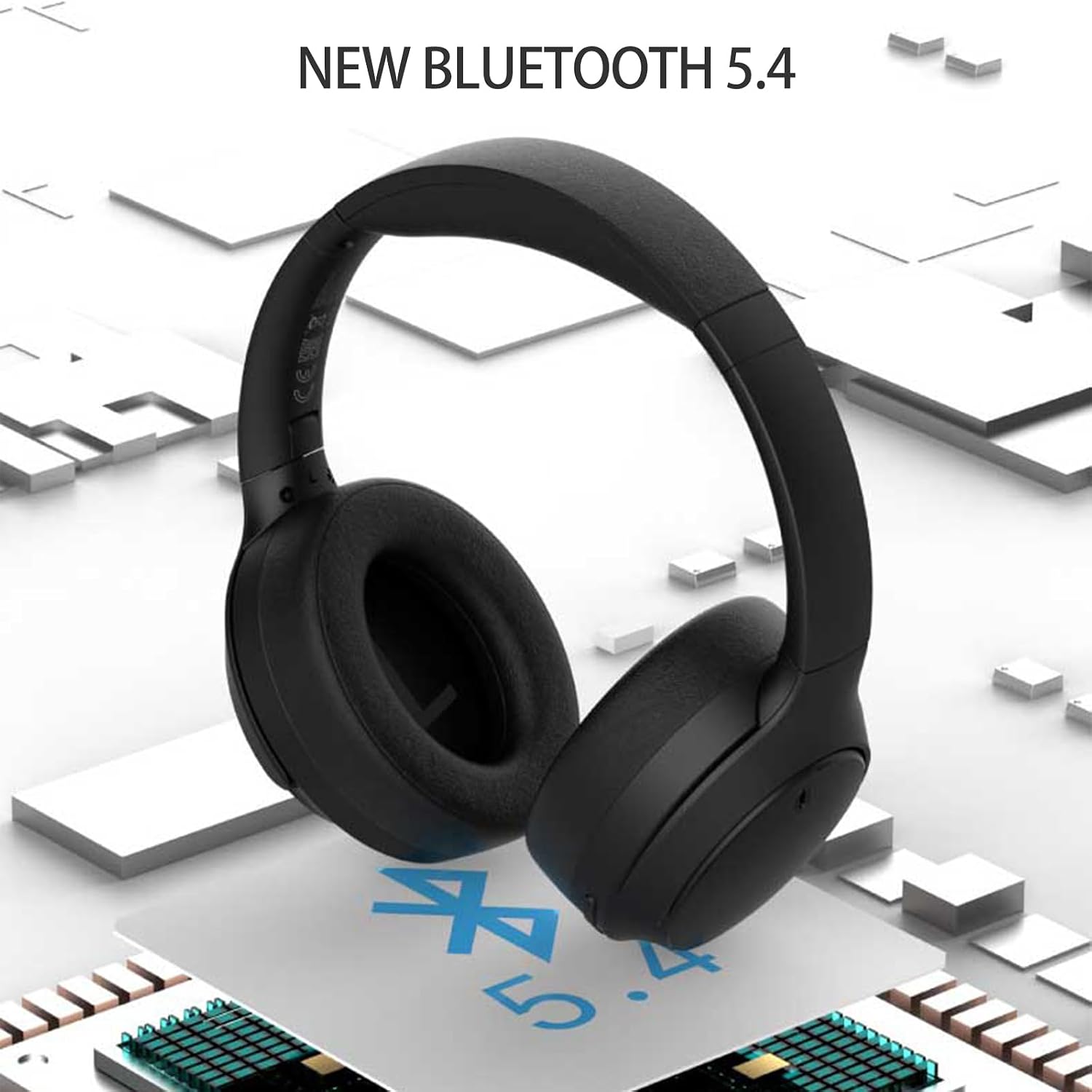
Image: The headphones highlighting the integration of new Bluetooth 5.4 technology for stable and fast connections.
Operating Instructions

Image: Detailed diagram of the headphone controls, including volume buttons, MFB, USB-C port, and mode switch.
Multi-Function Button (MFB)
- Power On/Off: Long press for 5 seconds to switch on/off.
- Play/Pause Music: Short press to play or pause music.
- Answer/Hang Up Call: Short press to answer or end a call.
- Reject Call: Long press to reject an incoming call.
- Factory Reset: When the headset is off, long press for 10 seconds. The red and blue lights will flash to restore factory mode and automatically enter Bluetooth pairing mode.
Volume Buttons
- Volume Up (+): Short press to increase volume. Long press to skip to the next song.
- Volume Down (-): Short press to decrease volume. Long press to go to the previous song.
Bass Mode / Game Mode Button
- Short press to switch between Bass Mode and Game Mode.
- Bass Mode: Enhances low frequencies for a richer audio experience.
- Game Mode: Reduces audio latency for improved synchronization during gaming.
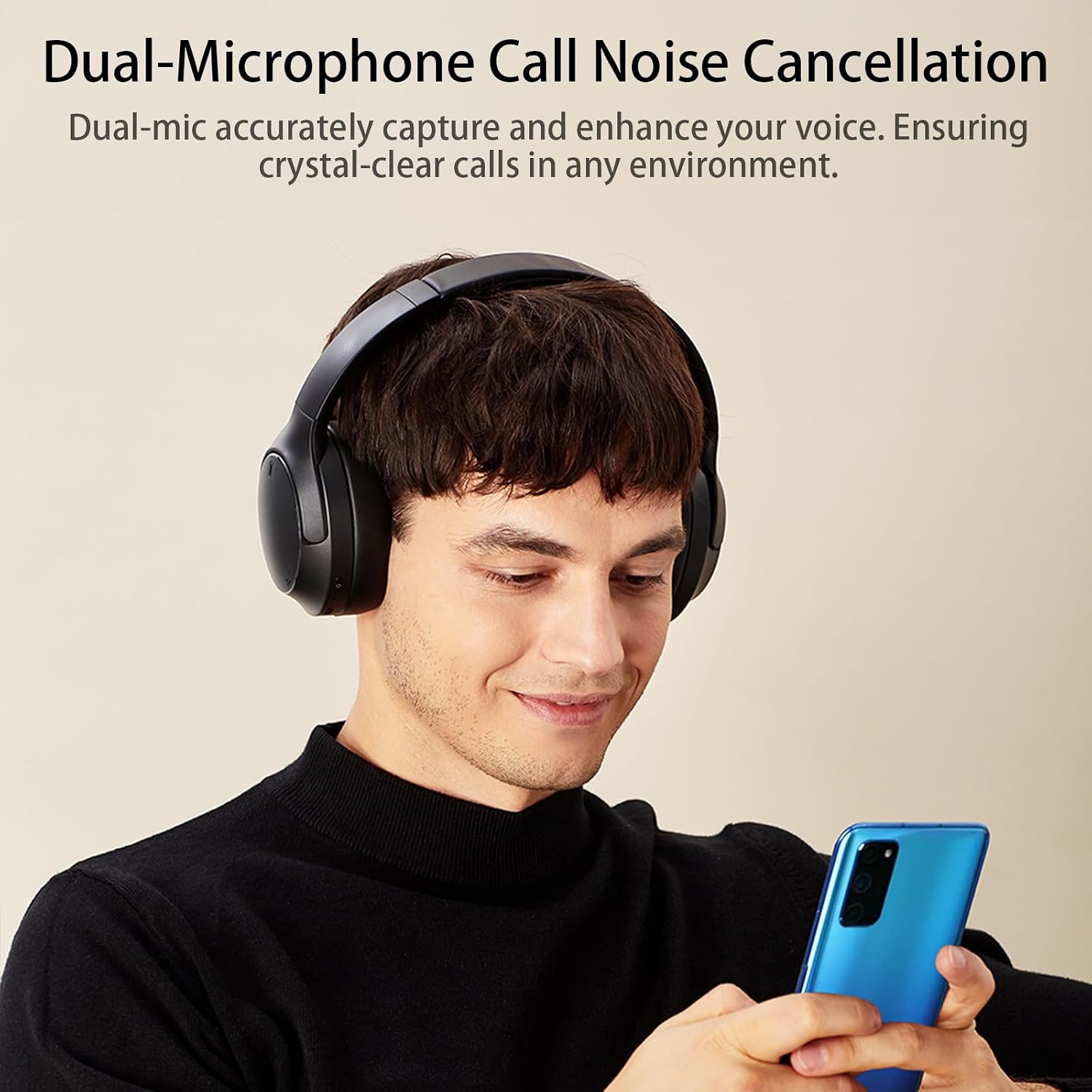
Image: A user demonstrating the headphones' dual-microphone call noise cancellation feature, ensuring clear communication.
Maintenance
- Clean the headphones regularly with a soft, dry cloth.
- Avoid exposing the headphones to extreme temperatures, humidity, or liquids.
- Do not use abrasive cleaners or solvents.
- Store the headphones in a cool, dry place when not in use.
- Do not attempt to disassemble or repair the headphones yourself, as this will void the warranty.
Troubleshooting
| Problem | Possible Solution |
|---|---|
| Headphones do not power on. | Ensure the headphones are fully charged. Press and hold the MFB for 5 seconds. |
| Cannot pair with device. |
|
| No sound or low volume. |
|
| Poor call quality. |
|
Specifications
| Feature | Detail |
|---|---|
| Brand | HONOR CHOICE |
| Model Number | ROS-ME01 |
| Color | Black |
| Connectivity Technology | Wireless (Bluetooth 5.4) |
| Form Factor | Over-Ear |
| Noise Control | Active Noise Cancellation (ENC Mic) |
| Driver Unit | 40mm |
| Frequency Range | 20 Hz - 40 kHz |
| Battery Life (Playback) | Up to 80 hours |
| Battery Life (Talk Time) | Up to 40 hours |
| Charging Time | Approx. 2 hours |
| Battery Composition | Lithium Ion |
| Compatible Devices | Phone, Computer, Tablet, Television |
| Product Weight | 440 g |
| Material | Flexible material |

Image: An exploded view highlighting the 40mm driver unit, which is responsible for the Hi-Res Audio performance.
Warranty and Support
Your HONOR CHOICE headphones come with a standard manufacturer's warranty. For detailed warranty information, please refer to the warranty card included with your purchase or visit the official HONOR CHOICE website.
For technical support, troubleshooting assistance, or any inquiries regarding your product, please contact HONOR CHOICE customer service through their official channels.
Related documentsROS-ME01


Ask a question about this manual
Ask about setup, troubleshooting, compatibility, parts, safety, or missing instructions. Manuals+ will review the question and use this page’s manual context to help answer it.