
Introduction
This manual provides detailed instructions for the assembly, operation, and maintenance of your APPECK Smart RGBW Floor Lamp. Please read this guide thoroughly before use to ensure proper functionality and safety. This smart LED standing lamp offers customizable lighting, app control, remote control, and voice command compatibility with Alexa and Google Assistant.
What's in the Box
Carefully unpack all components and verify that you have received the following items:
- Base *1
- Strip Light *1
- Adapter *1
- Control Box *1
- Remote *1
- Top Cover *1
- User Manual *1
- Screw Bag *1

Setup and Assembly
The APPECK Smart RGBW Floor Lamp is designed for quick and tool-free assembly. Follow these steps to set up your lamp:
- Unpack Components: Remove all parts from the packaging.
- Assemble the Pole: Connect the metal light pole sections by screwing them together. Ensure they are securely fastened.
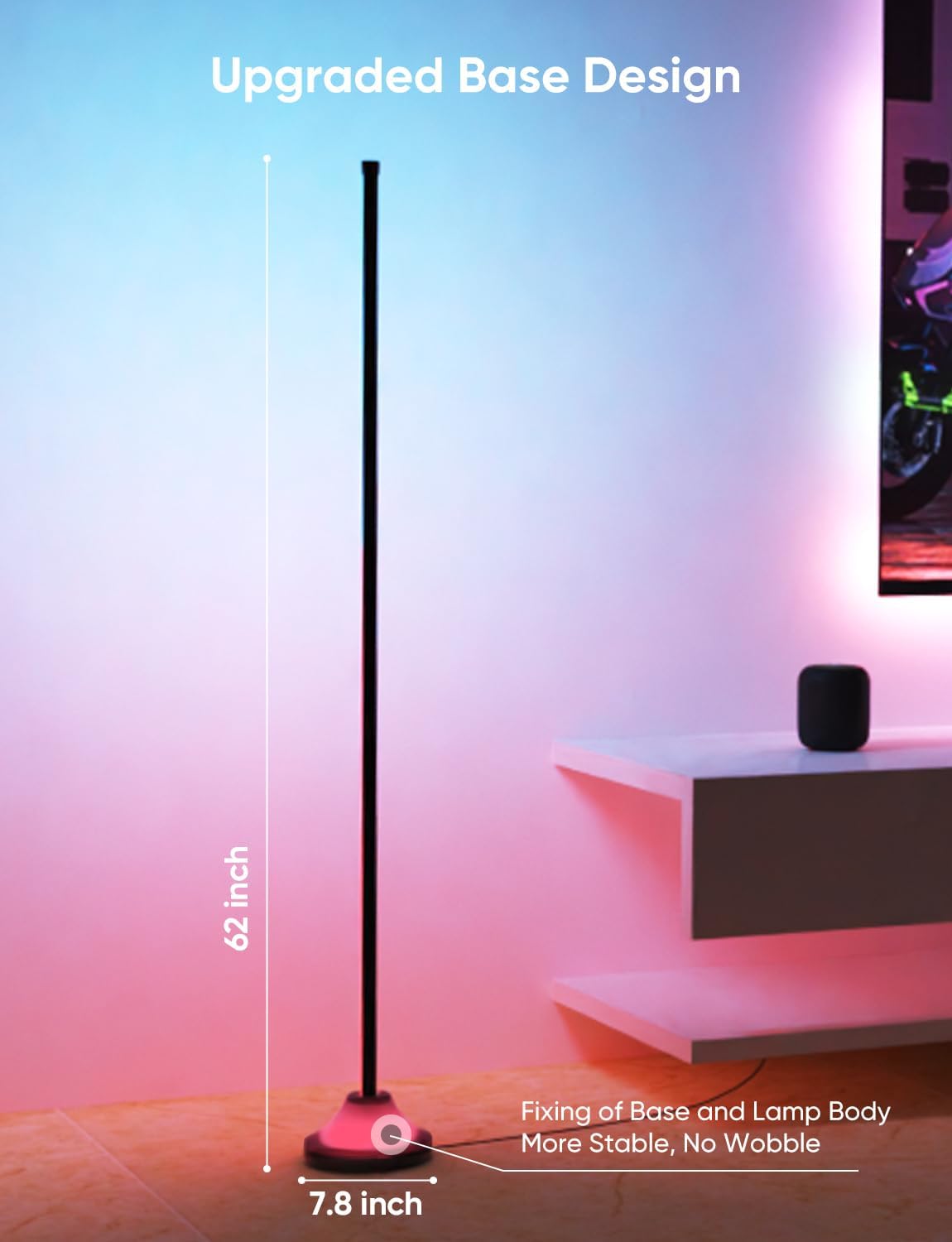
- Attach the Base: Secure the assembled pole to the lamp base using the provided screws. The base is weighted for stability.
- Insert the Light Strip: Carefully slide the silicone light strip into the channel of the assembled pole. Ensure it is fully seated.
- Attach Top Cover: Place the top cover onto the uppermost part of the light strip.
- Connect Control Box and Adapter: Connect the light strip to the control box, and then connect the control box to the power adapter.
- Power On: Plug the adapter into a standard electrical outlet.

Assembly Video Guide
Video: This video provides a visual guide to the unboxing and assembly process of the LED RGB Smart Floor Lamp, demonstrating how to put together the components.
Operating Instructions
1. App Control (Smart Life App)
Download the "Smart Life" app from your device's app store. Follow the in-app instructions to connect your lamp to your 2.4 GHz Wi-Fi network. The app allows for comprehensive control:
- Color Selection: Choose from 16 million colors.
- Brightness Adjustment: Dimmable control for desired light intensity.
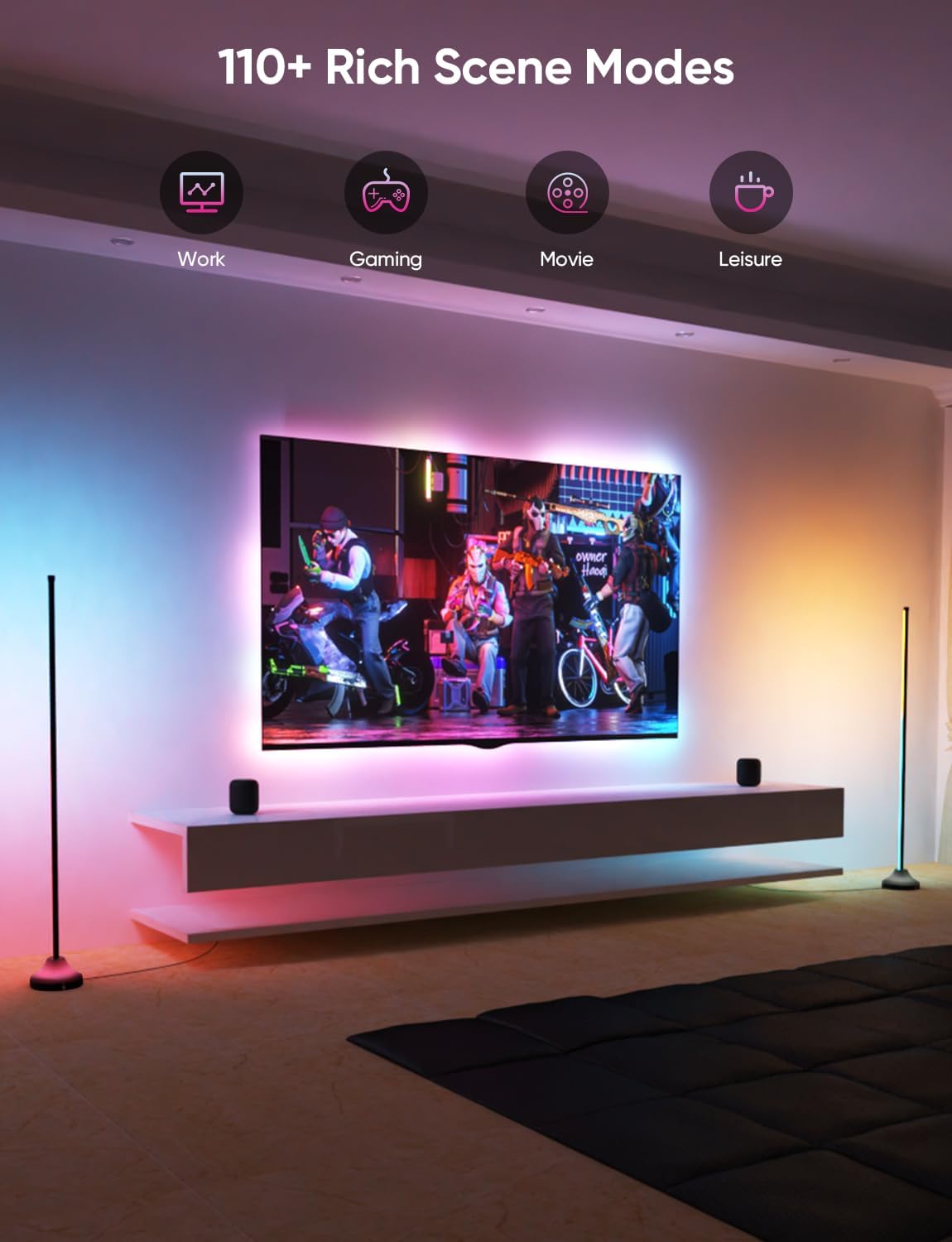
- Scene Modes: Access over 110 pre-set scene modes for various moods and occasions.
- DIY Mode: Create and save personalized lighting effects.
- Music Synchronization: The app can use your phone's microphone to sync lights with music.
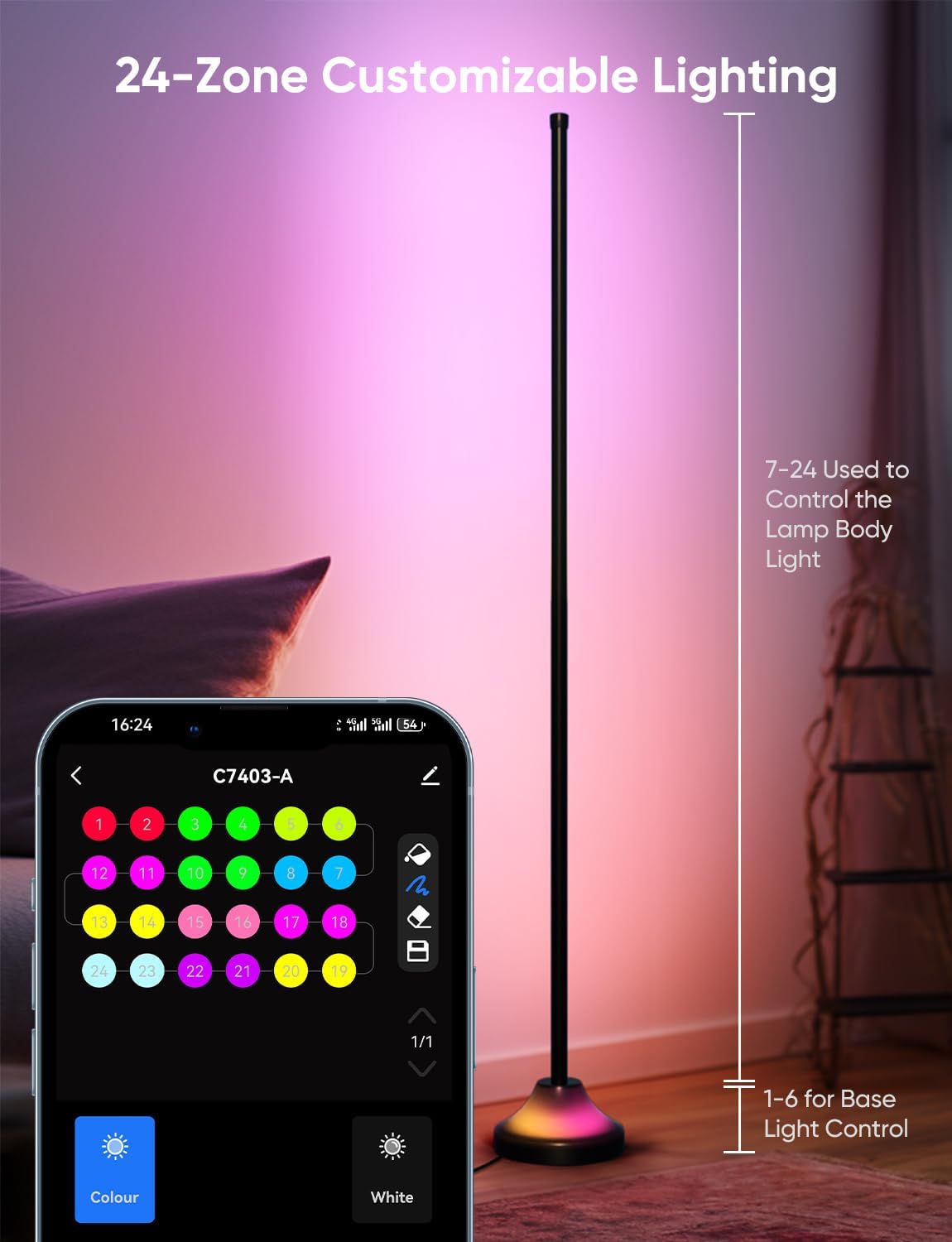
- Zone Control: Customize lighting for specific sections of the lamp (zones 1-6 for the base, 7-24 for the lamp body).

2. Remote Control
The included remote control provides convenient access to basic functions:
- Power On/Off: Short press to turn the lamp on or off.
- Reset: Hold the power button for more than 5 seconds to reset the lamp.
- Mode Switching: Cycle through different lighting modes.
- Speed/Brightness Adjustment: Adjust the speed of dynamic modes or the brightness of static colors.
3. Voice Control (Alexa & Google Assistant)
The lamp is compatible with Amazon Alexa and Google Assistant for hands-free control. Ensure your lamp is connected to your 2.4 GHz Wi-Fi network and linked to your smart home assistant account.
- Example Commands:
- "Alexa, turn on the LED Floor Lamp."
- "Hey Google, set the floor lamp to blue."
- "Alexa, dim the floor lamp to 50%."

4. Music Synchronization
The lamp features a built-in high-sensitivity microphone that allows the lights to react and dance to the rhythm of music. This feature can be activated via the Smart Life app or the control box.

Maintenance
To ensure the longevity and optimal performance of your APPECK Smart RGBW Floor Lamp, follow these simple maintenance guidelines:
- Cleaning: Use a soft, dry cloth to wipe down the lamp pole and base. Avoid abrasive cleaners or solvents that could damage the finish or light strip.
- Dust Removal: Regularly dust the light strip to maintain optimal light output.
- Power Off Before Cleaning: Always unplug the lamp from the power outlet before cleaning or performing any maintenance.
- Avoid Water: The lamp is not waterproof. Do not expose it to water or high humidity.
Troubleshooting
If you encounter issues with your APPECK Smart RGBW Floor Lamp, refer to the following common problems and solutions:
| Problem | Possible Cause | Solution |
|---|---|---|
| Lamp does not turn on. | No power, loose connection, faulty adapter. | Check if the power adapter is securely plugged into the outlet and the lamp. Try a different outlet. Ensure all lamp components are correctly assembled. |
| Cannot connect to Wi-Fi/Smart Life app. | Incorrect Wi-Fi band, weak signal, incorrect password, app pairing issue. | Ensure your Wi-Fi network is 2.4 GHz (5 GHz is not supported). Move the lamp closer to your router. Double-check your Wi-Fi password. Try resetting the lamp (hold remote power button for 5+ seconds) and re-pairing through the app. |
| Voice control (Alexa/Google Assistant) not working. | Not linked, incorrect device name, connectivity issues. | Verify the lamp is successfully connected to the Smart Life app. Ensure the Smart Life skill/service is enabled and linked in your Alexa/Google Home app. Use the exact device name configured in the Smart Life app. Check Wi-Fi connectivity. |
| Lamp turns on/off randomly. | Interference, scheduled routines, app malfunction. | Check the Smart Life app for any active schedules or automation routines that might be triggering the lamp. Ensure no other smart home devices are interfering. Try resetting the lamp and re-pairing. |
| Colors are not displaying correctly. | Software glitch, light strip issue. | Restart the lamp by unplugging and re-plugging it. If the issue persists, perform a factory reset via the remote. |
Specifications
| Feature | Detail |
|---|---|
| Model Number | C7403-A |
| Product Dimensions | 4.17"D x 4.17"W x 62"H |
| Item Weight | 4.2 Pounds |
| Light Source Type | LED |
| Wattage | 20 watts |
| Voltage | 24 Volts |
| Control Methods | App, Remote, Voice (Alexa, Google Assistant) |
| Connectivity Technology | Bluetooth, Wi-Fi (2.4 GHz only) |
| Material Type | Acrylonitrile Butadiene Styrene, Silicone |
| Base Material | Concrete, PC |
| Indoor/Outdoor Usage | Indoor |
| Number of Light Sources | 24 |
| Color | Black |
Warranty and Support
APPECK stands behind the quality of its products. Your Smart RGBW Floor Lamp comes with a 1-year free replacement guarantee. Additionally, we offer lifetime technical support from our dedicated team to assist you with any questions or issues you may encounter.
For technical assistance or warranty claims, please refer to the contact information provided in the original product packaging or visit the official APPECK support website.