1. Introduction
This manual provides detailed instructions for the installation, operation, and maintenance of your AINAVITO 10-inch Wireless CarPlay Android Auto Touch Screen Stereo. This system is designed to upgrade the infotainment experience in compatible Dodge Ram 1500, 2500, and 3500 vehicles from 2013-2018 and 2019-2024 Classic models, retaining both manual and automatic AC controls.
Please read this manual thoroughly before installation and use to ensure proper functionality and to maximize your product experience. Keep this manual for future reference.
2. Product Overview
The AINAVITO A10T car stereo offers a significant upgrade to your vehicle's dashboard. It features a 10-inch high-definition touch screen, integrated Wireless CarPlay and Android Auto for seamless smartphone integration, and an Android 12.0 operating system for enhanced performance. The system is designed for a plug-and-play installation, preserving factory steering wheel controls and speaker functionality.

Image: The AINAVITO 10-inch car stereo head unit, shown with both manual and automatic climate control frames, and a smartphone illustrating Wireless CarPlay and Android Auto compatibility.
3. What's Included
Verify that all components are present in the package before beginning installation:
- 1x Car Stereo Radio with Frame (Head Unit)
- 1x GPS Antenna
- 1x Frame Removal Tool
- 1x RCA Cable
- 1x Power Cable
- 1x Car Microphone
- 1x Rear View 1080P Camera
- 2x USB Cables
- Automatic Air Conditioning Panel (if applicable)
- Manual Air Conditioning Panel (if applicable)

Image: A visual representation of all items included in the product package, such as the head unit, various cables, camera, and installation tools.
4. Installation and Setup
The AINAVITO A10T stereo is designed for a plug-and-play installation. However, professional installation is recommended if you are unfamiliar with car audio systems.
4.1 Compatibility Check
This unit is compatible with Dodge Ram 1500, 2500, and 3500 models from 2013-2018 and 2019-2024 Classic. It includes frames to accommodate both manual and automatic AC control systems.

Image: Comparison of Dodge Ram dashboards before and after the installation of the AINAVITO stereo, demonstrating fitment for both manual and automatic climate control configurations.
4.2 Pre-Installation Steps
- Disconnect Battery: Always disconnect the vehicle's negative battery terminal before starting any electrical work to prevent short circuits.
- Remove Factory Radio: Carefully remove the existing factory radio and trim panels using the provided frame removal tool.
- Identify AC Controls: Determine if your vehicle has manual or automatic AC controls and select the appropriate frame provided.
4.3 Wiring and Connections
Connect the included wiring harnesses to the corresponding ports on the new stereo and the vehicle's factory wiring. Ensure all connections are secure.
- Power Cable: Connect the main power harness.
- GPS Antenna: Mount the GPS antenna in a location with a clear view of the sky, typically on the dashboard or under the windshield.
- USB Cables: Route the USB cables to a convenient location for connecting external devices.
- Rear View Camera: Install the 1080P rear view camera and connect its video and power cables to the stereo system.
- Car Microphone: Connect the external microphone for improved call quality.
- RCA Cables: Use RCA cables for connecting external amplifiers or subwoofers if desired.
For detailed wiring diagrams and installation video guides, please refer to the support section or contact customer service.
4.4 Final Assembly
Once all connections are made, carefully mount the new stereo into the dashboard opening, ensuring the AC control frame fits correctly. Reinstall any removed trim panels. Reconnect the vehicle's battery.
5. Operation
5.1 Power On/Off
The unit will power on automatically when the vehicle's ignition is turned on. To manually power off or restart, use the designated power button on the unit or within the software interface.
5.2 Touch Screen Interface
Navigate the system using the 10-inch capacitive touch screen. The Android 12.0 operating system provides a familiar and intuitive user experience.
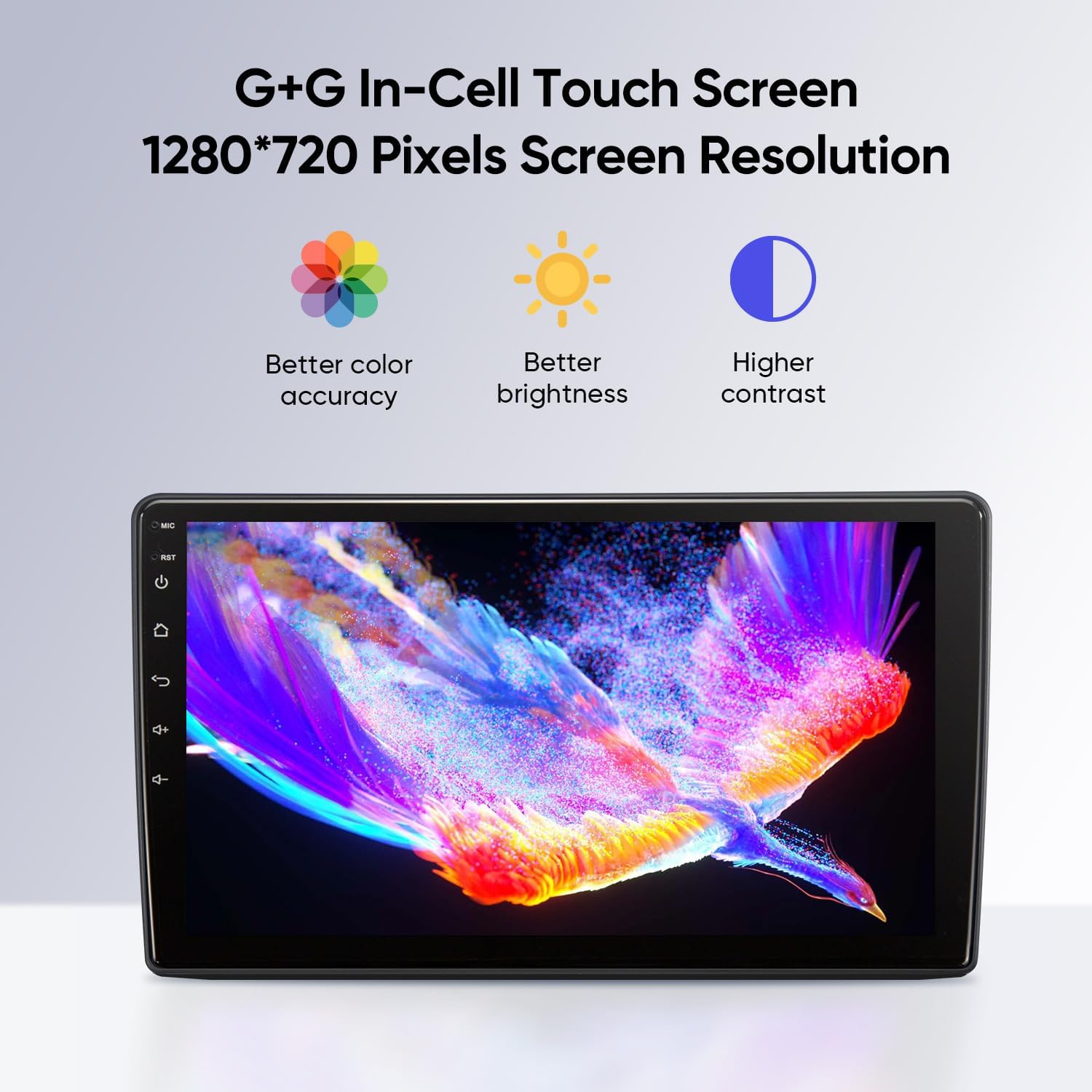
Image: The G+G In-Cell Touch Screen, showcasing its 1280x720 pixel resolution with enhanced color accuracy, brightness, and contrast.
5.3 Wireless CarPlay & Android Auto
Connect your iPhone or Android smartphone wirelessly via Bluetooth 5.0 and 5G WiFi for seamless access to navigation, music, calls, and other compatible apps. Connection typically takes approximately 3 seconds.
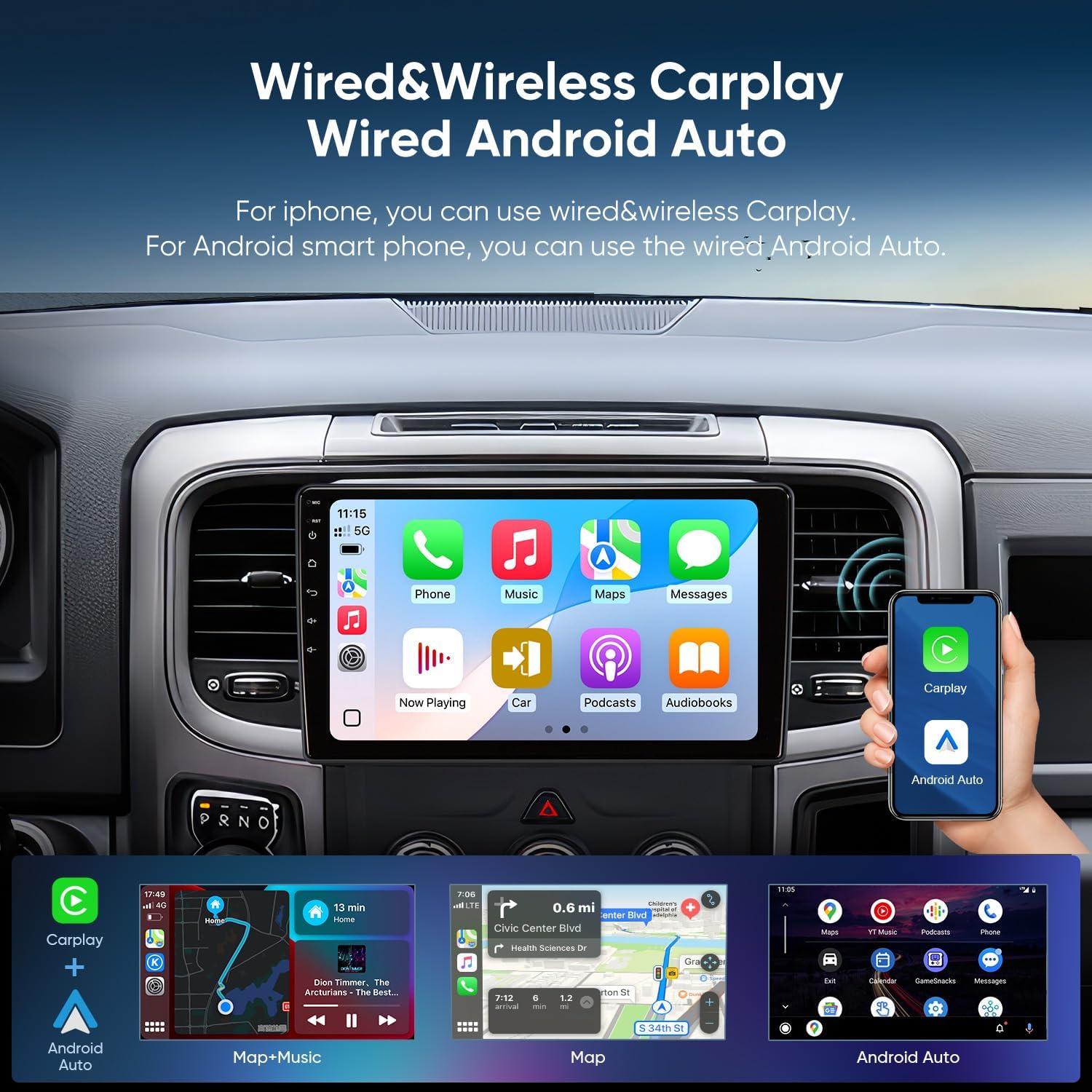
Image: The stereo displaying the CarPlay interface, demonstrating wireless connectivity for both Apple CarPlay and Android Auto.
5.4 Navigation (GPS)
The system includes GPS functionality with support for live traffic updates. Utilize pre-installed navigation apps or download your preferred mapping applications from the app store.
5.5 Audio Settings (DSP & EQ)
Access the built-in Digital Sound Processor (DSP) and 48-band Equalizer (EQ) to customize your audio experience. Adjust sound fields, effects, and surround sound to enhance bass, smooth treble, and enrich midrange frequencies. This system is designed to enhance factory Alpine systems.

Image: The stereo's display showing the detailed 48-band equalizer and DSP settings for precise audio tuning.
5.6 Split Screen Display
The split-screen feature allows you to run two applications simultaneously, such as navigation and music playback, or a phone call and another app, enhancing multitasking capabilities.

Image: The stereo's split-screen display, showing navigation on one side and media playback on the other, illustrating simultaneous application use.
5.7 Rear View Camera
When the vehicle is shifted into reverse gear, the system automatically displays a real-time 1080P image from the backup camera, assisting with safe maneuvering and parking.

Image: The stereo displaying the high-definition 1080P view from the AHD backup camera, complete with parking assistance lines.
6. Maintenance
To ensure the longevity and optimal performance of your AINAVITO stereo, follow these maintenance guidelines:
- Screen Cleaning: Use a soft, lint-free cloth specifically designed for electronics to clean the touch screen. Avoid abrasive cleaners or harsh chemicals.
- Software Updates: Periodically check for and install available software updates to ensure the system has the latest features and security patches.
- Environmental Conditions: Avoid exposing the unit to extreme temperatures, direct sunlight for prolonged periods, or excessive moisture.
- Cable Connections: Occasionally check all cable connections to ensure they remain secure and free from damage.
7. Troubleshooting
If you encounter issues with your AINAVITO stereo, refer to the following common troubleshooting steps:
- No Power: Check all power connections and ensure the vehicle's battery is properly connected. Verify the vehicle's fuse for the radio.
- No Sound: Check speaker connections, volume levels, and audio settings (EQ/DSP). Ensure the correct audio source is selected.
- CarPlay/Android Auto Not Connecting: Ensure Bluetooth and Wi-Fi are enabled on your smartphone and the stereo. Try restarting both devices. Verify your phone's operating system is up to date.
- Touch Screen Unresponsive: Perform a soft reset of the unit (refer to the device's settings for a reset option or disconnect/reconnect the battery).
- GPS Signal Issues: Ensure the GPS antenna has a clear line of sight to the sky and is securely connected.
- Black Screen: If the screen goes black, try restarting the unit. If the issue persists, check power connections and contact support.
For persistent issues or problems not listed here, please contact AINAVITO customer support.
8. Specifications
| Feature | Specification |
|---|---|
| Model Number | A10T |
| Operating System | Android 12.0 |
| Display Size | 10 Inches |
| Screen Resolution | 1280x720 Pixels |
| Touch Screen Type | Capacitive (G+G In-Cell) |
| RAM | 2GB |
| Memory Storage Capacity | 64GB |
| Connectivity Technology | Bluetooth 5.0, USB, 5G Wi-Fi |
| Special Features | Wireless CarPlay, Android Auto, Built-in DSP, 48-band EQ, Split Screen, AHD 1080P Backup Camera Support, GPS Navigation |
| Map Type | North America, South America, Worldwide |
| Item Weight | 4.31 pounds |
| Package Dimensions | 13.89 x 9.72 x 5.2 inches |
9. Warranty and Support
9.1 Manufacturer's Warranty
The AINAVITO A10T stereo comes with a manufacturer's 1-year limited warranty from the date of purchase. This warranty covers defects in materials and workmanship under normal use. Please retain your proof of purchase for warranty claims.
9.2 Customer Support
For technical assistance, installation video guides, wiring diagrams, or any product-related inquiries, please contact AINAVITO customer support:
- Amazon Messages: You can send a message to the seller, Speedroad, via your Amazon order details page. Look for the "Ask a Question" button.
- Hotline: +1 888 502 7557 (Available 3:00 PM to 12:00 PM PST)
- Email: info@ainavito.com
Our engineers are available to provide support and will respond to your inquiries within 24 hours.