
Coolski IM55BS-2
Coolski IM55BS-2 Under Counter Ice Maker Machine User Manual
Model: IM55BS-2 | Brand: Coolski
1. Introduction
This manual provides essential information for the safe and efficient operation, installation, and maintenance of your Coolski IM55BS-2 Under Counter Ice Maker Machine. Please read all instructions carefully before use and retain this manual for future reference.
2. Safety Information
- Ensure the unit is placed upright for at least 24 hours before initial operation.
- Connect to a grounded power outlet.
- Do not operate the appliance with a damaged power cord or plug.
- Keep ventilation openings clear of obstruction.
- Do not store explosive substances such as aerosol cans with a flammable propellant in this appliance.
- Only use the ice maker for its intended purpose.
- Supervise children to ensure they do not play with the appliance.
3. What's in the Box
Your Coolski IM55BS-2 Ice Maker package includes the following items:
- Ice Maker Machine
- Water Filter
- Water Hose
- Drain Hose
- Ice Scoop

Image: All components included with the Coolski IM55BS-2 ice maker, laid out for inspection.
4. Installation and Setup
The Coolski IM55BS-2 ice maker is designed for both built-in under-counter and freestanding installations. It measures 15"W x 21"D x 33"H.

Image: The ice maker shown in both under-counter and freestanding configurations, highlighting its compact design.
4.1 Drain Hose Installation
Proper drain hose installation is crucial for preventing water leakage and ensuring smooth operation. The unit uses a gravity drain system.
- Ensure the entire drain pipe is positioned lower than the machine's drain outlet to allow for gravity drainage.
- Connect the drain hose to the designated outlet at the rear of the machine.
- Route the drain hose to a floor drain or an external pump if the drain is above floor level. If an external pump is needed, it must be purchased separately and positioned below the ice machine's floor level.
Video: Demonstrates the correct installation of the under-counter ice maker's drain hose, emphasizing the importance of gravity drainage.
4.2 Water Line and Filter Installation
Connect the water line to your kitchen water supply and install the inline water filter to improve ice quality.
- Attach the water inlet hose to the machine and to your water supply.
- Integrate the provided inline water filter into the water supply line as shown in the installation video.
- Ensure all connections are secure to prevent leaks.
Video: Provides comprehensive instructions for installing the under-counter ice maker, including water line and filter connections.
5. Operating Instructions
Your Coolski ice maker features an intuitive LCD digital control panel for easy operation.

Image: The digital control panel, showing buttons for mode selection, cleaning, and ice thickness adjustment.
5.1 Ice Production
The machine can produce up to 130 pounds of ice per day and store up to 30 pounds. Ice is typically ready within 8 to 16 minutes per cycle, depending on the selected thickness.
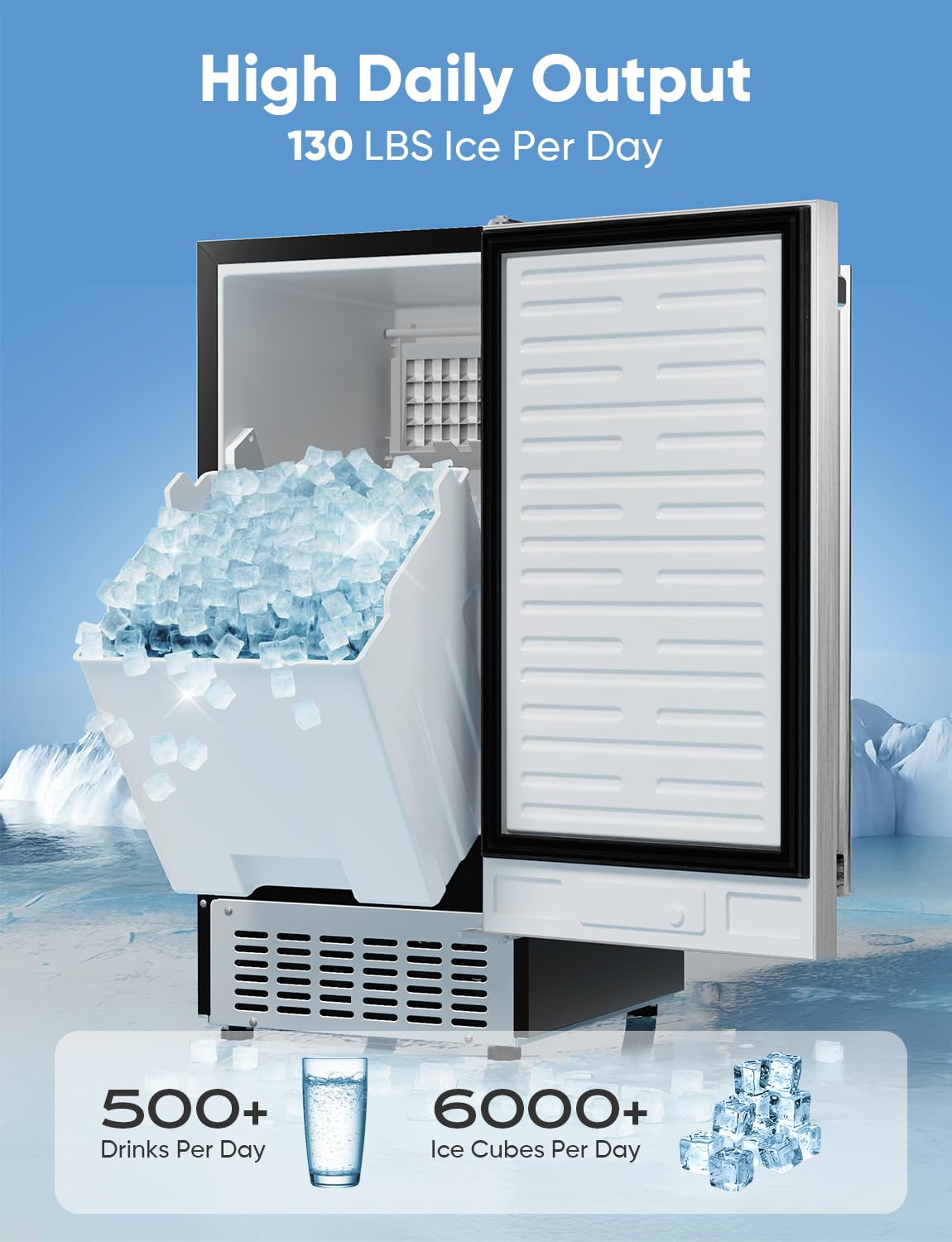
Image: A visual representation of the ice maker's high daily output and storage capacity.
5.2 Customizable Ice Thickness
You can select from three ice cube sizes (Thin, Medium, Large) using the control panel to suit your needs. Thin ice is ideal for smoothies, medium for drinks, and large for chilling seafood.
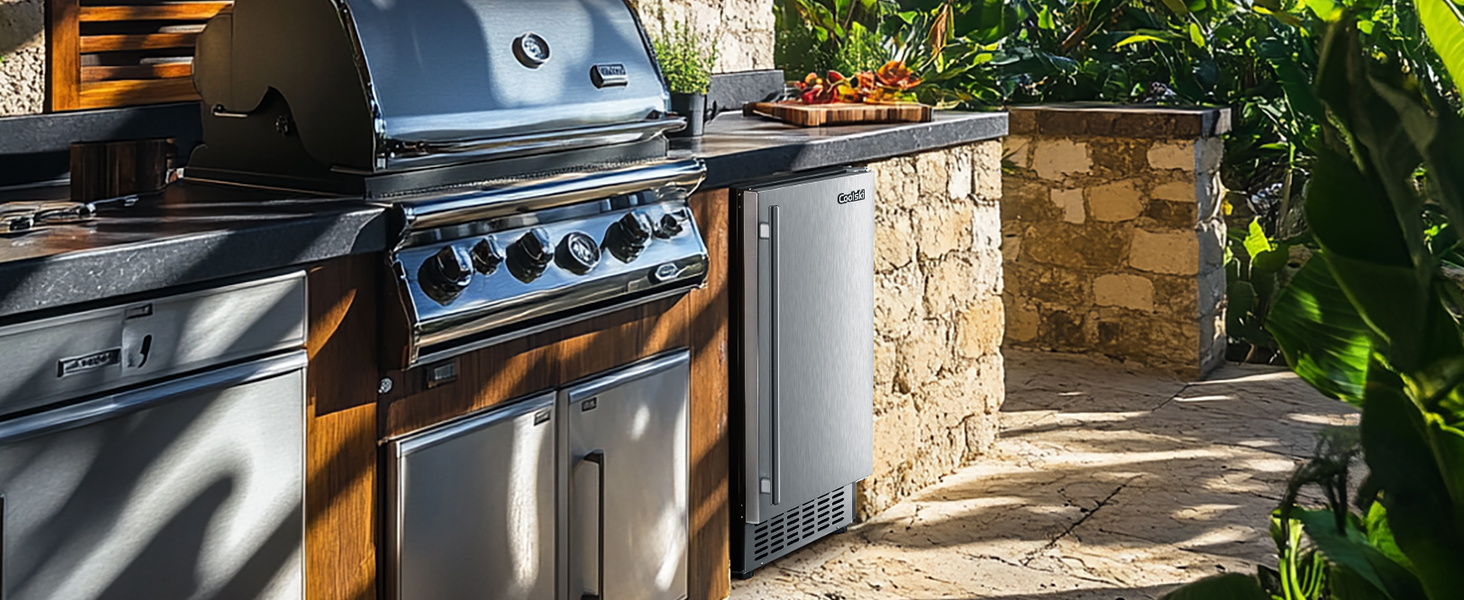
Image: Visual guide to selecting ice thickness settings and their corresponding production times and applications.
6. Maintenance
Regular maintenance ensures the longevity and optimal performance of your ice maker.
6.1 Self-Cleaning Function
The ice maker features a self-cleaning function. To activate, press and hold the "Clean" button on the control panel for 3 seconds.
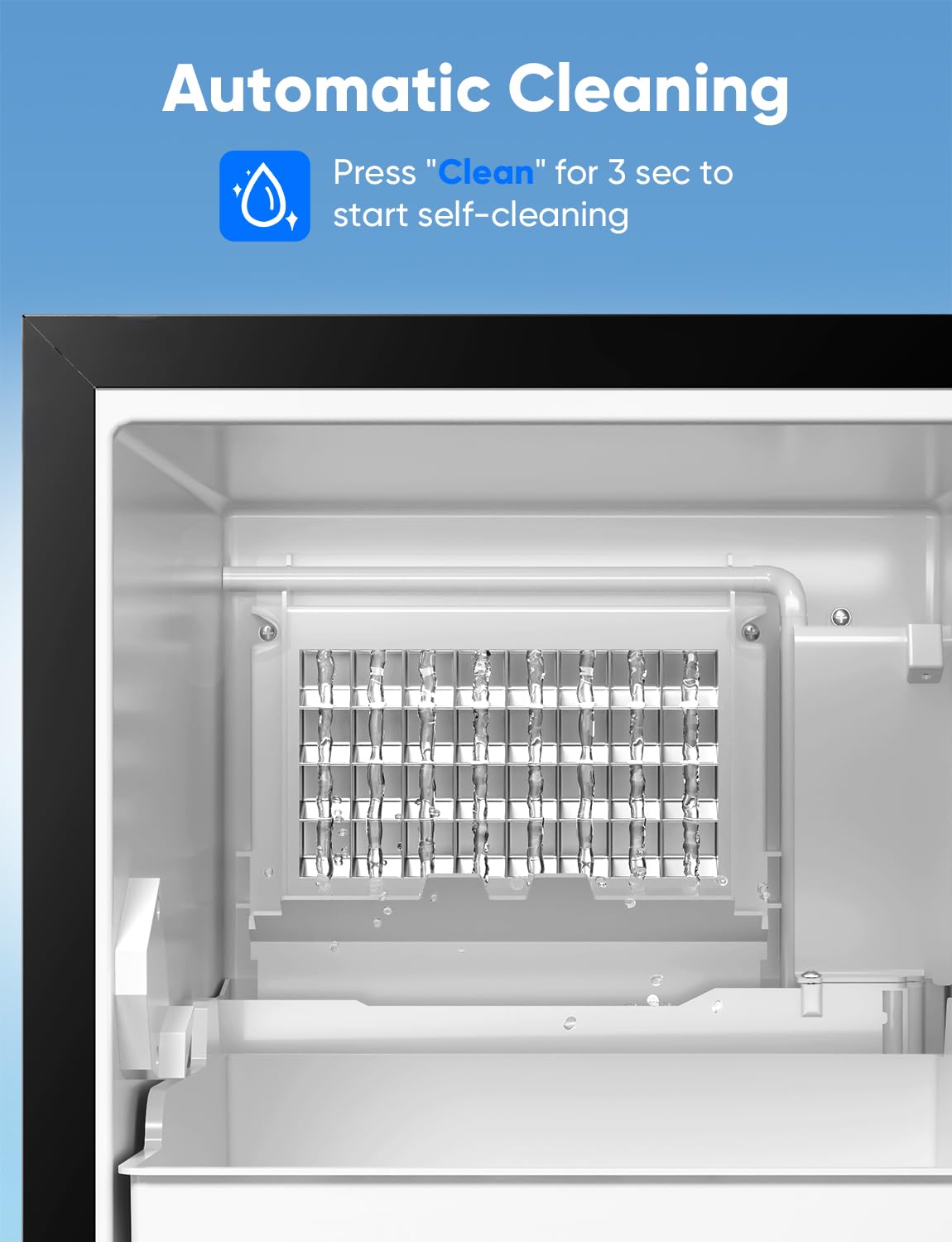
Image: The ice maker's interior during a self-cleaning cycle, showing water circulation.
6.2 Descaling
Hard water can affect ice quality and machine performance. Descale your ice maker regularly based on your local water hardness:
- Slightly Hard Water (1-60mg/L): Descale once a month.
- Moderately Hard Water (61-120mg/L): Descale monthly.
- Hard to Very Hard Water (121-250mg/L): Descale every two to three weeks.

Image: A water hardness map of the USA with guidelines for descaling frequency.
6.3 Filter Replacement
The inline water filter helps remove sediment and improve ice taste. Replace the filter as needed, typically every 3-6 months depending on water quality and usage.
7. Specifications
| Feature | Specification |
|---|---|
| Brand | Coolski |
| Model Name | IM55BS-2 |
| Product Dimensions | 21"D x 15"W x 33"H |
| Ice Storage Capacity | 30 Pounds |
| Ice Production per Day | 130 Pounds |
| Wattage | 285.00 W |
| Voltage | 115 Volts |
| Refrigerant | R290a |
| Material | Stainless Steel |
| Item Weight | 65 pounds |
8. Troubleshooting
If you encounter issues with your ice maker, refer to the following common troubleshooting steps:
- No Ice Production: Check water supply connection, ensure the water valve is open, and verify the unit is powered on.
- Ice Melting Quickly: Ensure the door seal is intact and the unit is not exposed to excessive heat. The 8-hour insulation design helps maintain ice temperature.
- Water Leakage: Inspect drain hose installation to ensure it is lower than the machine's drain outlet and free of kinks. Check all water line connections for tightness.
- Unusual Noises: Verify the unit is level and not vibrating against surrounding surfaces. If noises persist, consult customer support.
- Poor Ice Quality/Taste: Replace the water filter and perform a self-cleaning cycle. Consider descaling if you have hard water.
9. Warranty Information
The Coolski IM55BS-2 Ice Maker comes with a 5-year warranty on the compressor and a 3-year warranty on parts and labor. For warranty claims or service, please contact Coolski customer support.
10. Customer Support
For further assistance, technical support, or to order replacement parts, please visit the official Coolski website or contact their customer service department.
Related documentsIM55BS-2


Ask a question about this manual
Ask about setup, troubleshooting, compatibility, parts, safety, or missing instructions. Manuals+ will review the question and use this page’s manual context to help answer it.