
1. Introduction
This manual provides essential instructions for the safe and efficient operation and maintenance of your Poolmate Hydro 3S Cordless Robotic Pool Vacuum. Please read this manual thoroughly before first use and retain it for future reference.
2. Safety Information
- Always ensure the device is powered off and disconnected from the charger before handling or maintenance.
- Do not operate the device if the power cord or plug is damaged.
- Keep children and pets away from the pool area during operation.
- Ensure the charging port is dry before connecting the charger.
- Do not use the device in water temperatures outside the recommended range.
- Only use the original charger and accessories provided by Poolmate.
3. Package Contents
The Poolmate Hydro 3S package includes:
- Poolmate Hydro 3S Robotic Pool Vacuum
- Power Adapter
- Retrieval Hook
- Air Blower (for drying charging port)
- User Manual

Image: The Poolmate Hydro 3S robotic pool vacuum shown with its included accessories: power adapter, retrieval hook, and air blower, all placed next to a swimming pool.
4. Product Features
- Extended ECO Mode: Up to 300 minutes of cleaning with an 11,000mAh battery.
- Powerful Suction: Double centrifugal pump filters up to 380 liters of water per minute, effective on leaves, dirt, debris, and hair.
- Smart Navigation: S-shaped path planning with intelligent obstacle avoidance and waterline wall-climbing technology for comprehensive coverage.
- Efficient Waterline Cleaning: Patented waterline translation technology ensures stable parallel movement for thorough scrubbing.
- Four Cleaning Modes: Auto, Pool Floor, Pool Wall, and ECO modes to suit various cleaning needs.
- User-Friendly Design: Lightweight (7.5 kg) and features a high-capacity 4.1L filter basket for easy handling and reduced cleaning frequency.
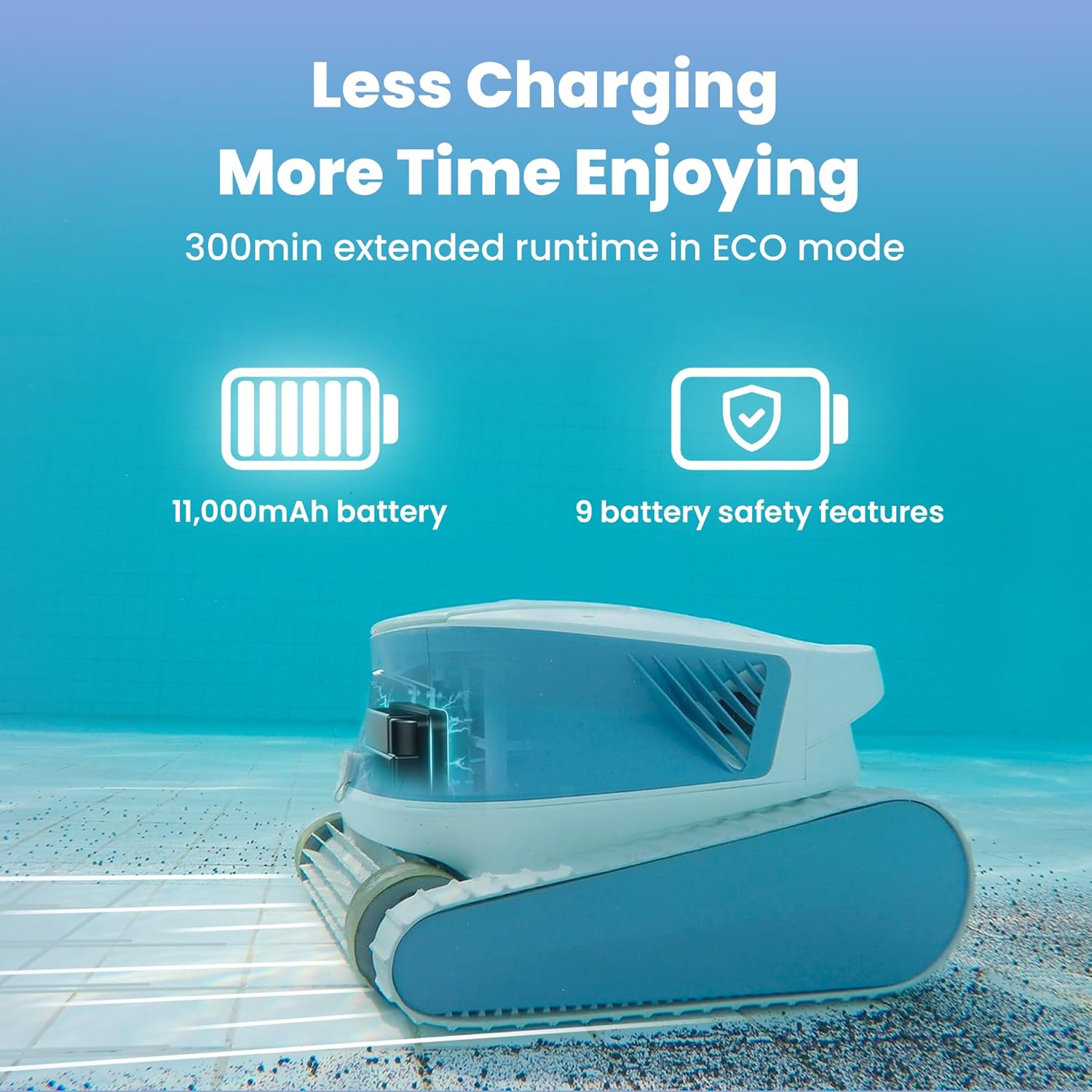
Image: The Poolmate Hydro 3S robotic cleaner highlighting its 11,000mAh battery and 300-minute extended runtime in ECO mode, emphasizing less charging and more enjoyment.
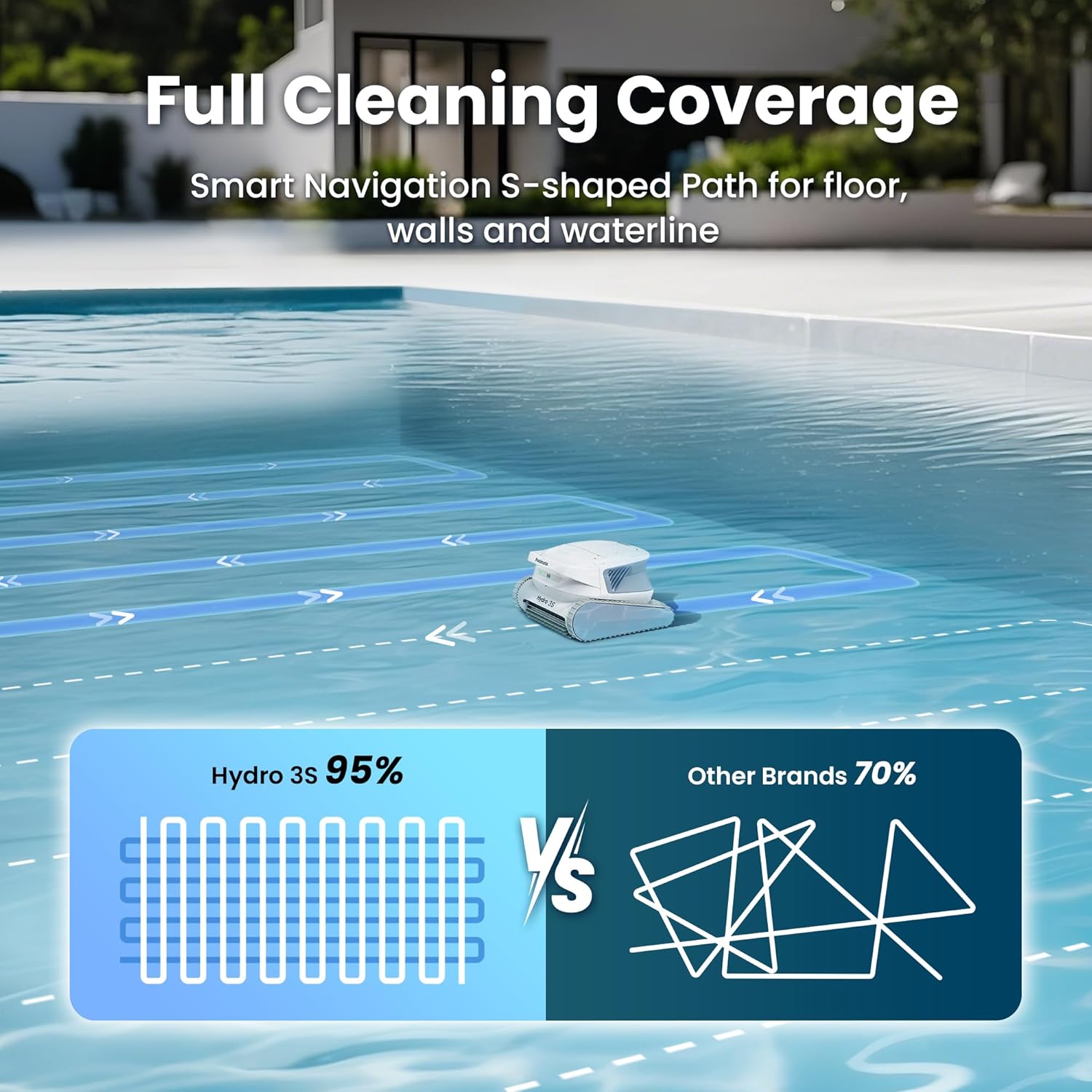
Image: An illustration showing the Poolmate Hydro 3S following an S-shaped cleaning path for full coverage of the pool floor, walls, and waterline, compared to a less efficient random path.
5. Setup
- Charge the Device: Connect the power adapter to the robotic cleaner's charging port. Ensure the port is dry before charging. A full charge takes approximately 3 hours.
- Download the App: Search for "Poolmate Bot" in your device's app store (compatible with iOS 11.0 and Android 7.0 or above).
- Connect via App: Enable Bluetooth on your mobile phone. Open the "Poolmate Bot" app and follow the on-screen instructions to connect to your Hydro 3S.
- Select Cleaning Mode: Choose your desired cleaning mode (Auto, Pool Floor, Pool Wall, ECO) either via the app or the main unit button.
- Place in Pool: Gently lower the robotic cleaner into the pool. Ensure sufficient buoyancy cable is released to allow the robot to reach all pool areas without tilting.
6. Operation
6.1 Main Unit Button Control
The main unit features an ON/OFF switch and indicators for different cleaning modes (Wall, Floor, Auto). Slide the switch to "ON" to activate. To select a cleaning mode, slide the switch from ON to OFF and back to ON within 5 seconds. The indicator light will switch to a different mode with each toggle.
6.2 App Control
The "Poolmate Bot" app allows for advanced control and scheduling:
- Mode Selection: Choose from Auto, Pool Floor, Pool Wall, and ECO modes.
- Scheduled Cleaning: Set specific times for the robot to automatically begin cleaning.
- Ultra Clean Mode: Enable this feature via the app to increase pump power for enhanced cleaning effectiveness.
Note: App control only functions when the Hydro 3S is out of the water. The signal cannot penetrate water.

Image: An illustration showing the main unit button for activating and switching modes, alongside a smartphone displaying the Poolmate app interface for choosing modes and setting cleaning schedules.
7. Maintenance
7.1 Cleaning the Filter Basket
- After cleaning is complete, ensure the robot is powered off.
- Lift the handle on the top of the unit and remove the filter basket.
- Open the top and bottom covers of the filter basket.
- Thoroughly rinse both the inside and outside of the filter basket with a water hose.
- Reinsert the clean filter basket into the robot and close the top cover securely.

Image: A person demonstrating the easy removal of the 4.1L top-load filter basket from the Poolmate Hydro 3S, showing collected leaves and debris.
7.2 Storage
- Disconnect the robot from the power supply.
- Thoroughly clean the filter basket and place it back into the robot.
- Make sure there is no water left inside the robot, especially in the charging port. Use the provided air blower to dry the charging port.
- Store the robot in a cool and dry place indoors, between 41°F - 113°F (5°C - 45°C).
8. Troubleshooting
| Problem | Possible Cause | Solution |
|---|---|---|
| Robot does not move or clean effectively. | Low battery; clogged filter; incorrect mode; navigation issue. | Charge battery; clean filter; select appropriate mode; ensure sufficient cable length. |
| Robot gets stuck or does not cover entire pool. | Obstacles in pool; insufficient cable length; complex pool shape. | Remove obstacles; adjust cable length; try different cleaning modes. |
| App not connecting to robot. | Bluetooth off; robot in water; app not updated. | Ensure Bluetooth is on; remove robot from water for connection; update app. |
9. Specifications
- Power Source: Battery Powered
- Battery Capacity: 11,000mAh Lithium-Ion
- Charging Time: 3 Hours
- ECO Mode Runtime: Up to 300 minutes
- Suction Power: Dual centrifugal pump, filters up to 380 liters/minute
- Filter Basket Capacity: 4.1 Liters
- Filter Type: 180µm Nylon Filter
- Item Weight: 7.5 kg (16.5 lbs)
- Product Dimensions: 10"L x 9"W x 15"H
- Control Method: App / Main Unit Button
- Special Features: Smart Navigation S-Path, Waterline Cleaning, Obstacle Avoidance
10. Warranty and Support
The Poolmate Hydro 3S comes with a 2-Year Limited Warranty. For warranty claims or technical support, please refer to the contact information provided in your product packaging or visit the official Poolmate website.
