
1. Introduction
The MONSGA MS1 MAX Robot Vacuum and Mop Combo is designed to provide an automated and efficient cleaning solution for your home. Featuring powerful suction, advanced navigation, and a self-emptying station, this device simplifies floor maintenance. This manual provides essential information for safe operation, setup, usage, and maintenance of your robot vacuum.
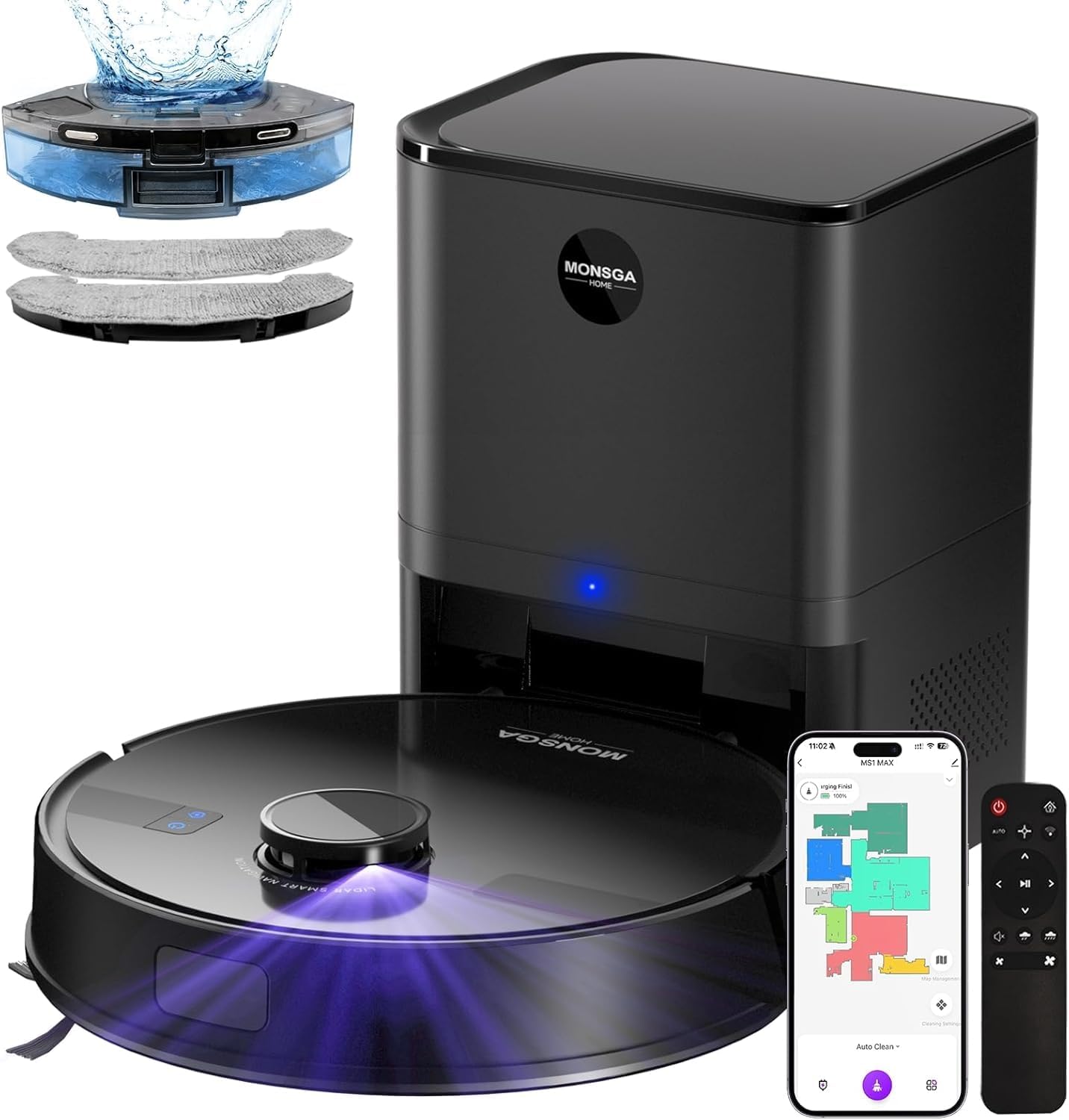
Image 1.1: MONSGA MS1 MAX Robot Vacuum and Mop Combo with self-emptying station and accessories.
2. Safety Instructions
Please read all safety instructions carefully before using the MONSGA MS1 MAX. Retain this manual for future reference.
- Ensure the robot is placed on a stable, flat surface during operation and charging.
- Keep the robot and its accessories away from water and moisture.
- Supervise children and pets when the robot is operating to prevent accidents.
- Do not use the robot to pick up large debris, liquids, or burning objects.
- Regularly check and clean the brushes and filters to maintain optimal performance and prevent damage.
- Use only the original charging dock and power adapter provided with the device.
- Avoid operating the robot in areas with exposed electrical wires or fragile items.
3. Package Contents
Verify that all items are present in the package:
- MS1 MAX Robot Vacuum (1)
- 2-in-1 Dustbox (1)
- Self-Emptying Station (1)
- Mop Holder (1)
- Mop Cloth (2)
- Remote Control (1)
- AAA Batteries (2)
- User Manual (1)
- Extra Accessories: 3.5L Dust Bag (1), HEPA Filter (1)

Image 3.1: All components included in the MONSGA MS1 MAX package.
4. Product Overview
The MONSGA MS1 MAX combines powerful vacuuming and efficient mopping capabilities with smart navigation and convenient features.
4.1. Impressive 6000Pa Suction Power
Equipped with a 19,500 RPM brushless motor, the MS1 MAX delivers 6000Pa of suction, effectively capturing dirt, sand, and pet hair. The V-shaped rubber-bristle brush minimizes hair tangles, and a floating head ensures close contact with various floor types for thorough cleaning.
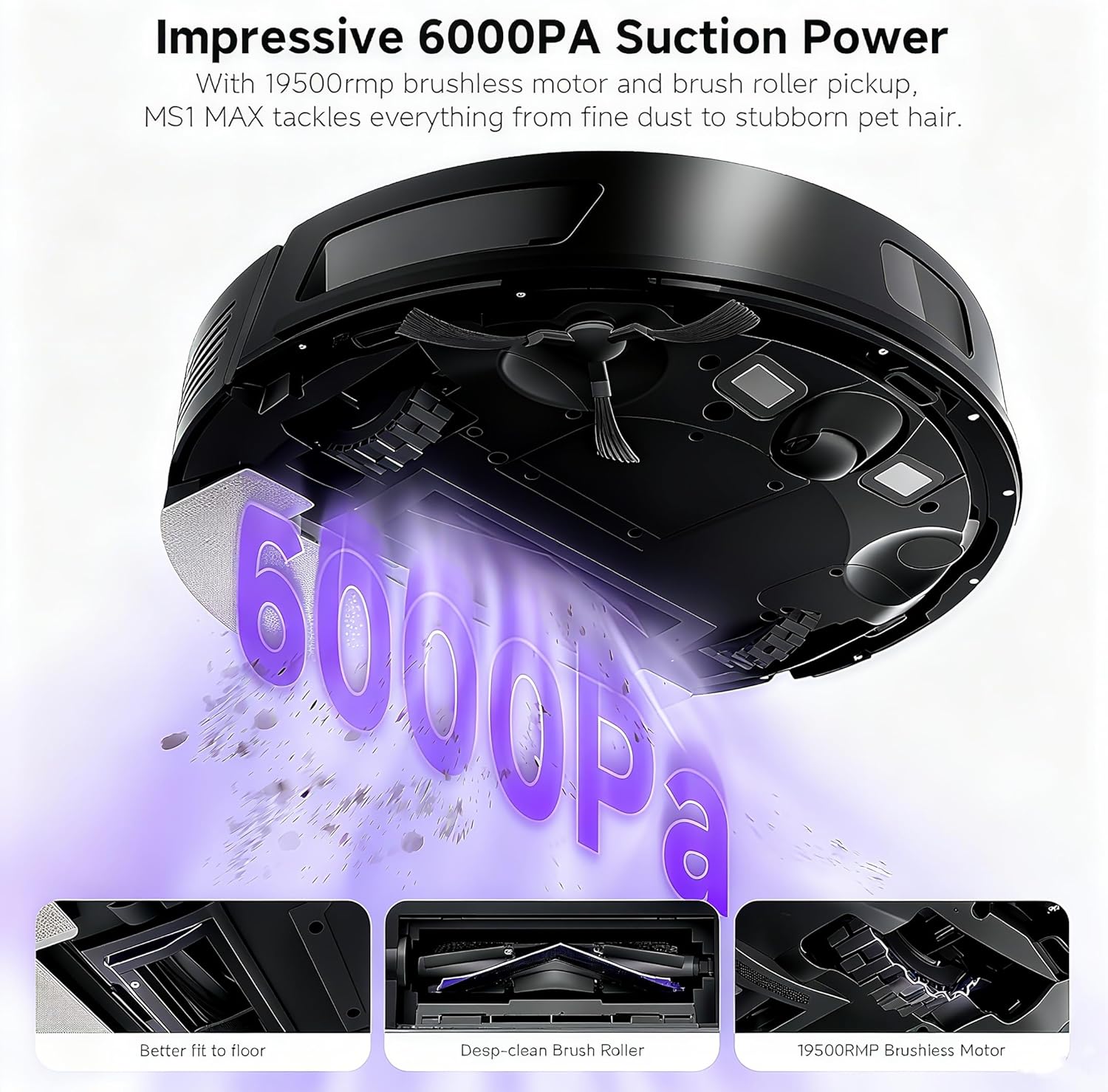
Image 4.1: Visual representation of the 6000Pa suction power of the MONSGA MS1 MAX.
4.2. 3-in-1 Sweep, Vacuum, and Mop Functionality
This robot vacuum performs sweeping, vacuuming, and mopping in a single pass. It features a 340ml dustbin and a 270ml water tank, with adjustable suction power and water flow settings for customized cleaning on hard floors and carpets.

Image 4.2: Illustration of the three cleaning modes: Mop Only, Vacuum & Mop, and Vacuum Only.
4.3. Self-Emptying and Charging Dock
The 2-in-1 dock automatically empties the robot's dustbin into a 3.5L dustbag and recharges the unit. The dustbag can hold debris for up to 60 days, providing a hands-free cleaning experience.
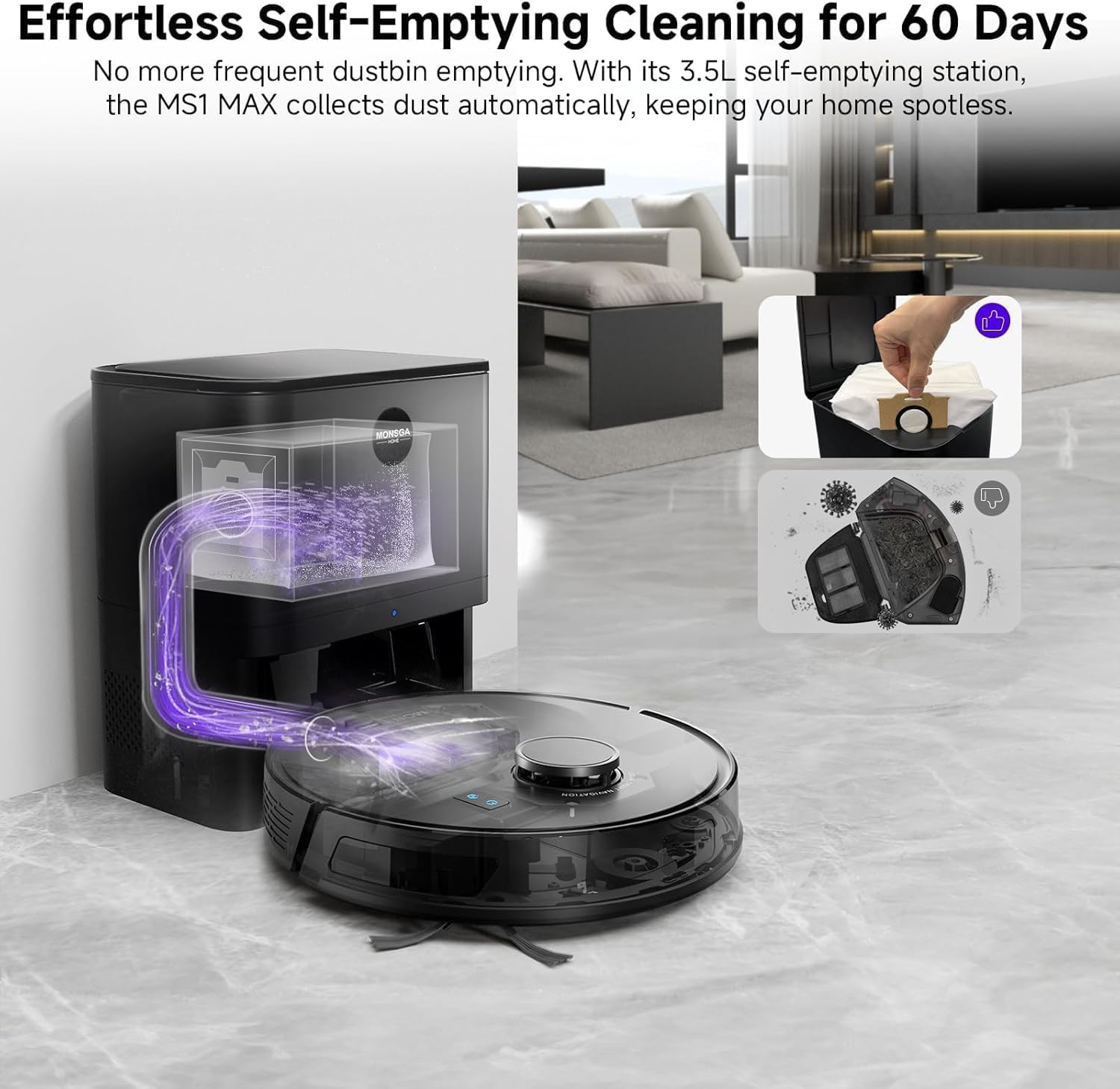
Image 4.3: The MONSGA MS1 MAX returning to its self-emptying and charging station.
4.4. Lidar Navigation and Mapping
Advanced LiDAR navigation scans your home to create accurate maps, supporting up to 5 unique maps for multi-level homes. This ensures efficient cleaning paths and obstacle avoidance, even in low light conditions.

Image 4.4: Comparison of Lidar navigation mapping versus cleaning without Lidar.
5. Setup
5.1. Initial Charging
Before first use, place the robot on its self-emptying station to fully charge. Ensure the station is placed against a wall with adequate clear space around it.
5.2. App Connection (Smart Life/Tuya Smart)
Download the Smart Life or Tuya Smart app from your mobile device's app store. Follow the in-app instructions to connect your MONSGA MS1 MAX to your home Wi-Fi network (2.4GHz only). This enables advanced control and customization features.
Video 5.1: Step-by-step guide on setting up the Wi-Fi connection for the MS1 MAX Robot Vacuum.
5.3. Mop Function Setup
To enable mopping, attach the mop cloth to the mop holder and fill the water tank with fresh water. Securely install the water tank and mop holder onto the robot. Ensure the water tank clicks into place.
Video 5.2: Instructions for setting up the mopping function on the MS1 MAX Robot Vacuum.
6. Operating Instructions
6.1. Cleaning Modes
The MS1 MAX offers multiple cleaning modes to suit various needs:
- Auto Clean: The robot intelligently cleans the entire mapped area.
- Room Clean: Select specific rooms for cleaning via the app.
- Zone Clean: Define custom cleaning zones on the map for targeted cleaning.
- Spot Clean: Direct the robot to clean a specific small area with concentrated effort.
6.2. Smart Navigation and Mapping
The robot uses 360° LiDAR navigation to create and store up to 5 detailed floor maps. Use the app to customize these maps by setting no-go zones, virtual walls, and adjusting cleaning parameters for each room.
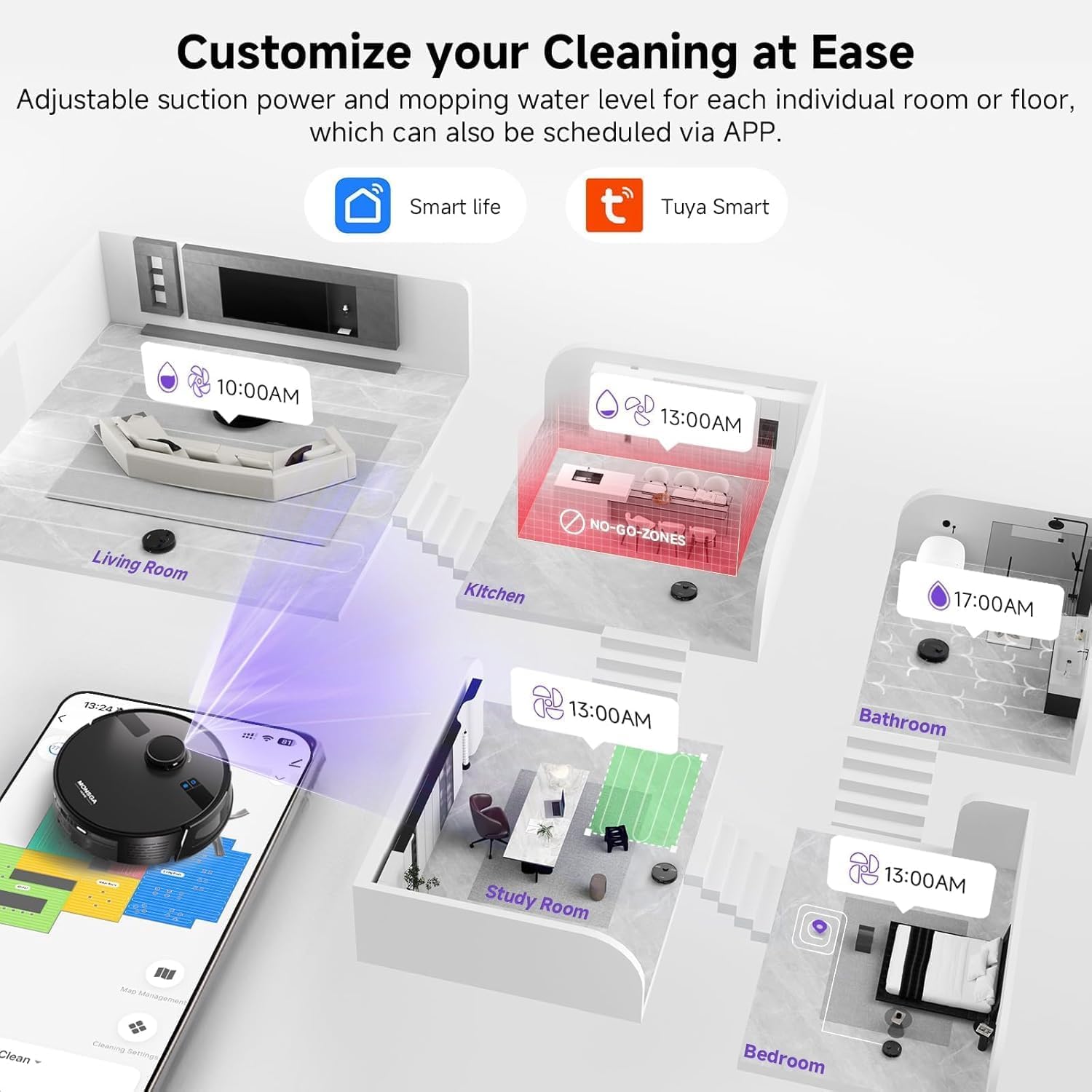
Image 6.1: Customizing cleaning schedules and no-go zones using the Smart Life/Tuya Smart app.
Video 6.2: The robot vacuum navigating over bathroom rugs without getting stuck, demonstrating its obstacle traversal capabilities.
Video 6.3: The robot vacuum efficiently cleaning a kitchen floor and transitioning smoothly over rugs.
6.3. Control Options
Control your robot vacuum using one of four methods:
- Smart App: Full control, mapping, scheduling, and customization.
- Voice Control: Compatible with Amazon Alexa and Google Assistant.
- Remote Control: Included for basic functions (start, stop, return to dock, directional control).
- Manual Buttons: On-device buttons for basic operations.
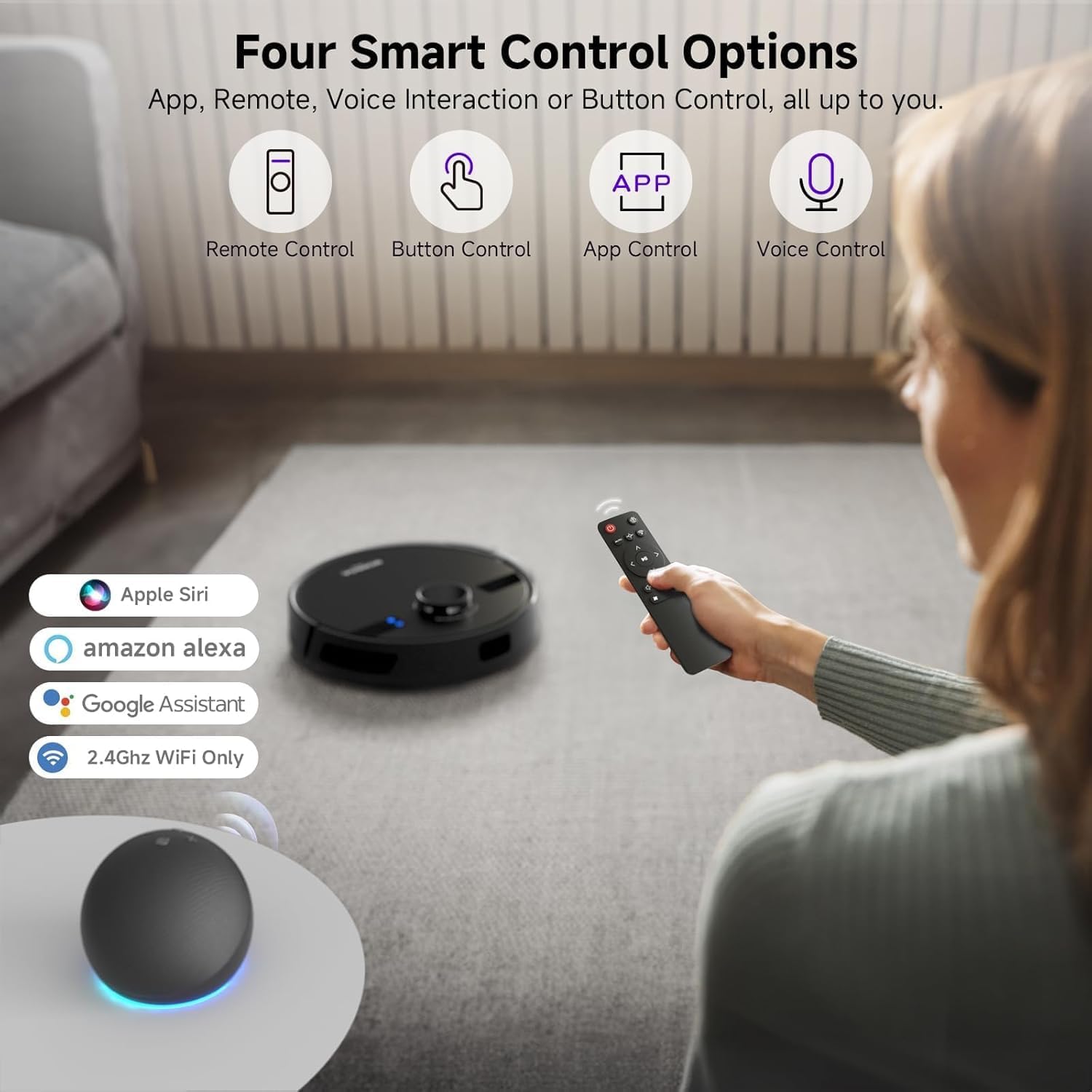
Image 6.4: Various control methods for the MONSGA MS1 MAX, including app, remote, voice, and manual buttons.
6.4. Auto-Recharge and Resume Cleaning
The robot automatically returns to its charging dock when the battery is low. After recharging, it resumes cleaning from where it left off, ensuring complete coverage of areas up to 2000 sq. ft. with a 180-minute runtime.
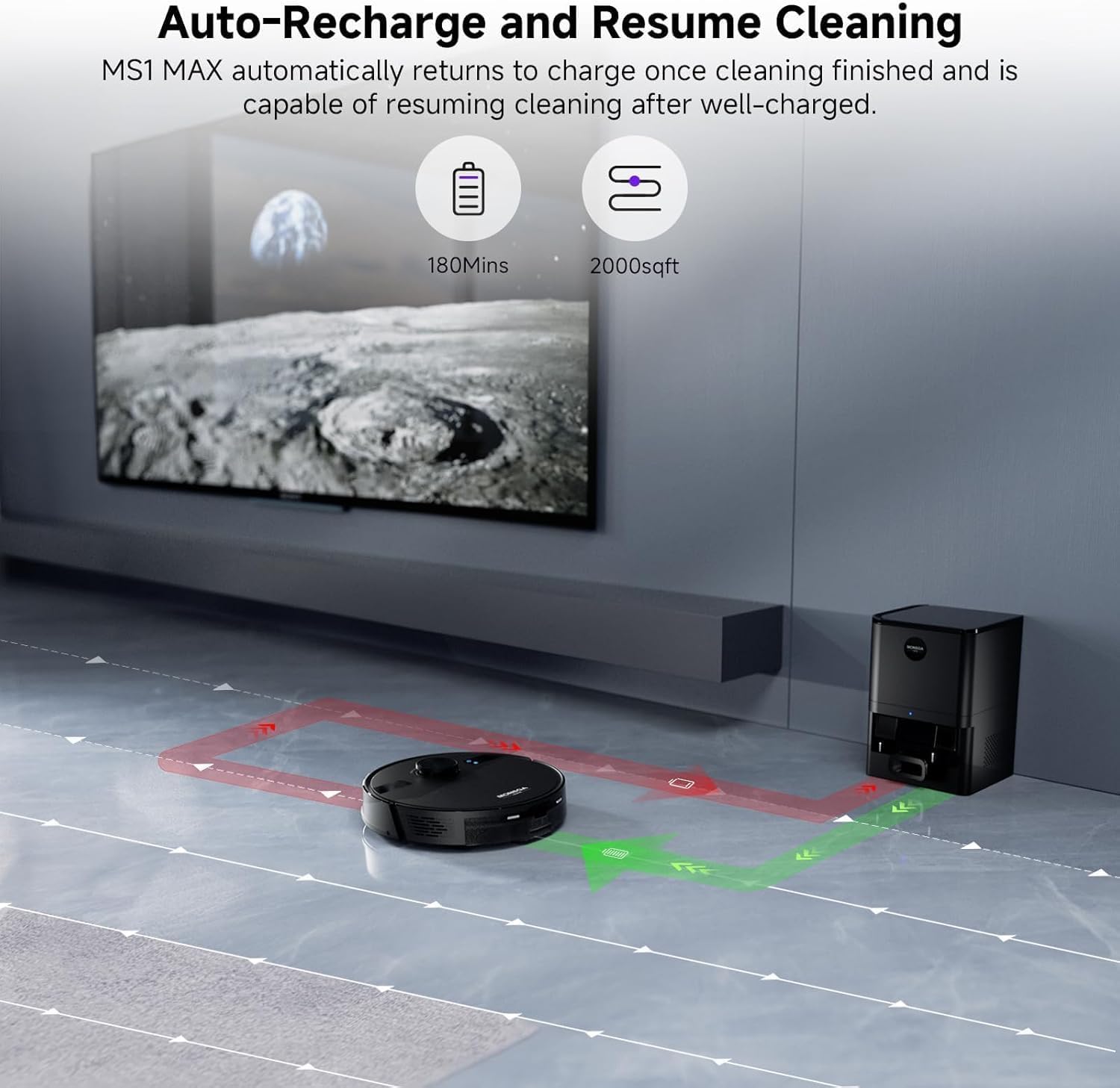
Image 6.5: The robot vacuum returning to its charging station and resuming cleaning after recharging.
6.5. Adaptive Carpet Boost Technology
The MS1 MAX automatically detects carpets and increases suction power to maximum for deep cleaning, effectively removing embedded dirt and pet hair from low to medium-pile carpets.

Image 6.6: The robot vacuum automatically boosting suction power upon detecting a carpet.
7. Maintenance
Regular maintenance ensures optimal performance and extends the lifespan of your robot vacuum.
7.1. Self-Emptying Station and Dust Bag
The 3.5L dust bag in the self-emptying station should be replaced approximately every 60 days, depending on usage. Monitor the bag full indicator on the station or app.
Video 7.1: A demonstration of the self-emptying feature of the robot vacuum, showing debris being transferred to the station.
7.2. Water Tank and Mop Cloth
Empty and rinse the water tank after each mopping session. The mop cloth should be removed, washed, and air-dried after each use to prevent odors and maintain hygiene.
7.3. Brushes and Filters
Regularly inspect and clean the main brush and side brushes for tangled hair or debris. The HEPA filter should be cleaned weekly and replaced every 3-6 months, depending on usage.
8. Troubleshooting
If you encounter issues with your MONSGA MS1 MAX, refer to the following common problems and solutions:
- Robot not charging: Ensure the charging pins on both the robot and the station are clean and making proper contact. Verify the power cable is securely plugged in.
- Robot stuck or lost: Clear obstacles from the cleaning path. If the robot frequently gets stuck, consider setting no-go zones in the app.
- Poor cleaning performance: Check if the dustbin is full, the brushes are tangled, or the filter is clogged. Clean or replace as necessary.
- App connection issues: Ensure your Wi-Fi network is 2.4GHz. Restart your router, robot, and mobile device, then attempt to reconnect via the app.
- Mopping not effective: Ensure the water tank is filled and the mop cloth is properly attached and wet. Check water flow settings in the app.
For more detailed troubleshooting or persistent issues, please contact customer support.
9. Specifications
| Feature | Detail |
|---|---|
| Brand | MONSGA |
| Model Name | MS1 MAX |
| Special Features | 3.5L Automatic Dust Collection, 360° LIDAR Navigation, 5 Floor Mapping, 6000Pa Strong Suction Power, Precision Laser Mapping & Navigation |
| Color | Starry Grey |
| Product Dimensions | 12.6"L x 12.6"W x 3.8"H |
| Filter Type | HEPA Filter |
| Battery Life | 180 minutes |
| Voltage | 19 Volts |
| Capacity (Dust Bag) | 3.5 Liters |
| Power Source | Battery Powered |
| Batteries Included | Yes (2 AAA for remote) |
| Control Method | App, Push Button, Remote, Voice |
| Compatible Devices | Amazon Echo, Google Home, Smartphones, Tablets |
| Form Factor | Robotic |
| Item Weight | 7.7 pounds |
10. Warranty and Support
MONSGA provides a comprehensive 2-year after-sales service and lifetime technical support for your robot vacuum. Our dedicated customer service team offers one-on-one professional assistance to resolve any issues promptly.
For support, please contact us at: service_us@monsga.com


