
1. Introduction
Thank you for choosing the FRESHDEW AP201 Air Purifier. This device is designed to improve your indoor air quality by effectively filtering out particles and odors. Featuring a high-efficiency H13 True HEPA filtration system and 360° air intake, it covers areas up to 1300 ft² with 1 air change per hour, or 217 ft² with 6 air changes per hour. Enjoy a healthier and more comfortable environment with its quiet operation, customizable settings, and integrated fragrance sponge.
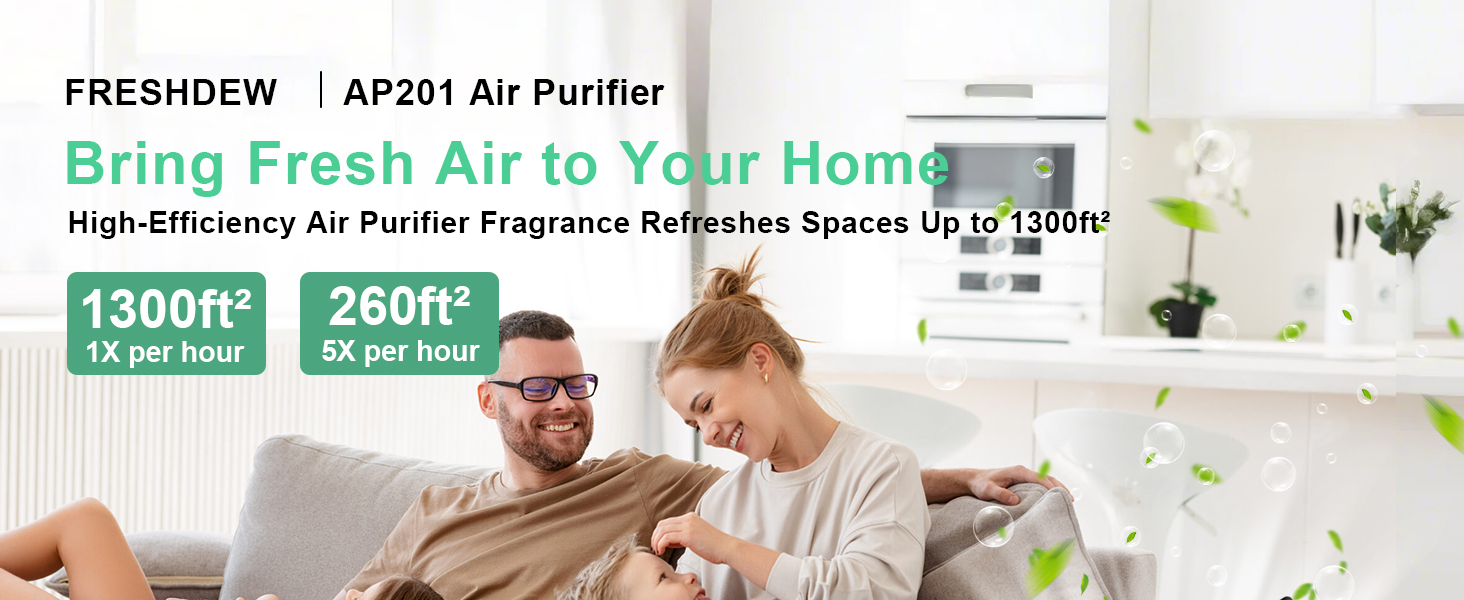
Image: The FRESHDEW AP201 Air Purifier operating in a living room, demonstrating its 360° air intake and coverage for large areas.
2. Safety Instructions
- Read all instructions before use.
- Do not block the air inlets or outlets.
- Ensure the device is placed on a stable, level surface.
- Keep away from water and moisture.
- Unplug the air purifier before cleaning or performing maintenance.
- Do not operate with a damaged cord or plug.
- Keep out of reach of children and pets.
3. Product Overview
The FRESHDEW AP201 Air Purifier features a sleek design with intuitive controls and a comprehensive filtration system. It includes a PM2.5 sensor to monitor air quality and a user-friendly control panel on the top surface.
Components:
- Main Unit: Houses the fan, motor, and control panel.
- H13 True HEPA Filter: Multi-layer filter for capturing particles, odors, and allergens.
- Fragrance Sponge: Located on the top, allows for essential oil diffusion.
- PM2.5 Sensor: Located on the back, detects air quality levels.
Control Panel:
The top panel features touch controls and indicator lights for various functions:
- Power Button: Turns the unit on/off.
- Fan Speed Button: Cycles through Low, Medium, High, and Turbo speeds.
- Sleep Mode Button: Activates quiet operation for nighttime use.
- Timer Button: Sets operation duration (2H, 4H, 8H).
- Night Light Button: Toggles the night light on/off.
- Child Lock Button: Long press to lock/unlock controls.
- Filter Reset Indicator: Lights up when filter replacement is needed.
- Air Quality Display: Digital display showing PM2.5 levels and corresponding color indicator (Green: Excellent/Good, Orange: Mild Pollution, Red: Heavy Pollution).

Image: A detailed view of the FRESHDEW AP201 Air Purifier's control panel, showing various settings and indicators.
4. Setup
- Unpack: Carefully remove the air purifier from its packaging.
- Remove Filter Packaging: Before first use, unscrew the base cover to access the filter. Remove the plastic packaging from the H13 True HEPA filter.
- Install Filter: Place the unwrapped filter back into the unit and secure the base cover by twisting it clockwise until it clicks into place.
- Position: Place the air purifier on a firm, level surface, ensuring at least 12 inches (30 cm) of clearance from walls or furniture for optimal airflow.
- Power On: Plug the power adapter into a wall outlet. The unit will enter standby mode.

Image: Illustration of the air purifier's filter layers, including pre-filter, H13 HEPA, and activated carbon filter.
5. Operating Instructions
- Power On/Off: Touch the power button to turn the unit on or off.
- Adjust Fan Speed: Press the fan speed button repeatedly to cycle through Low, Medium, High, and Turbo settings.
- Sleep Mode: Press the sleep mode button to activate a quiet operation with dimmed lights, ideal for sleeping environments.
- Set Timer: Press the timer button to select a desired operating time (2, 4, or 8 hours). The unit will automatically shut off after the set time.
- Night Light: Press the night light button to turn the ambient light on or off.
- Child Lock: Press and hold the child lock button for 3 seconds to lock or unlock the control panel, preventing accidental changes.
- Fragrance Sponge: To add essential oils, locate the small sponge compartment on the top of the unit. Add 4-5 drops of your favorite essential oil to the sponge.

Image: A user adding essential oils to the fragrance sponge on the FRESHDEW AP201 Air Purifier.
6. Maintenance
Filter Replacement:
The filter life indicator will illuminate when it's time to replace the filter. Typically, filters should be replaced every 3-6 months, depending on usage and air quality.
- Unplug the air purifier.
- Unscrew the base cover by twisting it counter-clockwise.
- Remove the old filter.
- Insert a new FRESHDEW AP201 replacement filter (ensure plastic packaging is removed).
- Replace the base cover and twist clockwise to secure.
- Plug in the unit. To reset the filter life indicator, press and hold the HEPA button for 5 seconds until you hear three beeps.
Cleaning:
- Wipe the exterior with a soft, dry cloth.
- Clean the PM2.5 sensor opening with a soft brush or vacuum cleaner periodically.
- The pre-filter layer of the main filter can be gently vacuumed to extend its life, but the HEPA and activated carbon layers are not washable.
7. Troubleshooting
| Problem | Possible Cause | Solution |
|---|---|---|
| Unit does not turn on. | Power cord not properly connected. | Check power cord connection. Ensure outlet is functional. |
| Reduced airflow or purification. | Filter is dirty or clogged. | Clean or replace the filter. |
| Unusual noise. | Obstruction in fan or filter not installed correctly. | Check for foreign objects. Reinstall filter properly. |
| All lights blink, unit beeps, and shuts off. | Internal error or sensor issue. | Unplug the unit for 15 minutes, then plug back in. If the issue persists, contact customer support. Ensure the PM2.5 sensor is not blocked. |
| Air quality reading is consistently high. | PM2.5 sensor is dirty or blocked. | Clean the PM2.5 sensor opening. Ensure the unit is not placed too close to a wall. |
8. Specifications
- Model Number: AP201
- Product Dimensions: 6.8 x 6.8 x 10.2 inches
- Item Weight: 2 Pounds
- Power Source: AC
- Control Method: Touch Button Control
- Filter Type: H13 True HEPA
- Floor Area Coverage: Up to 1300 Square Feet
- Noise Level: As low as 15 Decibels (Sleep Mode)
- Particle Retention Size: 0.03 Micron
- Wattage: 12 watts
- Special Features: Fragrance Sponge for Essential Oils, 3 Timer Settings (2H, 4H, 8H), Child Lock, Night Light
- Certifications: CARB Certified, EPA Certified, ETL Certified, FCC Certified
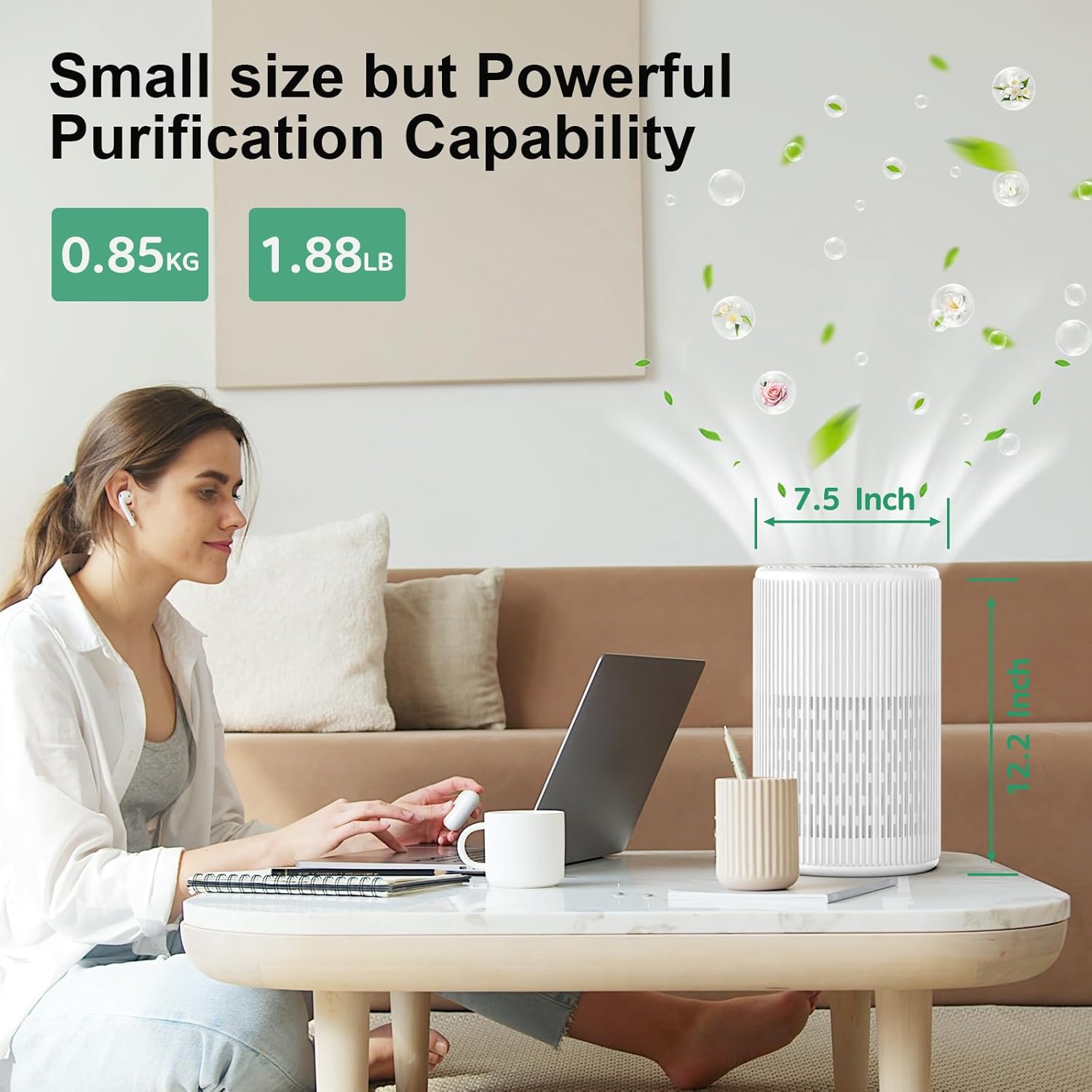
Image: The FRESHDEW AP201 Air Purifier demonstrating its small size and powerful purification capabilities.
9. Warranty and Support
For warranty information, technical support, or replacement parts, please contact FRESHDEW customer service. Keep your purchase receipt for warranty claims.
Customer Service: Refer to the contact information provided in your product packaging or visit the official FRESHDEW website.

