
1. Introduction
Thank you for choosing the JINLICTE Portable Misting Fan. This device is designed to provide personal cooling and humidification, suitable for various indoor and outdoor environments. Featuring a powerful rechargeable battery and a large water tank, it offers extended operation with both fan and misting functions. Please read this manual thoroughly before use to ensure proper operation and maintenance.
2. Safety Instructions
- Do not immerse the fan in water or other liquids.
- Keep the device away from open flames and high temperatures.
- Ensure the mist nozzle cover is removed before operating the mist function.
- Do not block the air inlet or outlet during operation.
- Use only the provided USB cable for charging.
- Keep out of reach of children and pets.
- Unplug the device when not in use or before cleaning.
- Avoid disassembling or modifying the fan, as this may void the warranty and pose safety risks.
3. Package Contents
Please check the package for the following items:
- JINLICTE Portable Misting Fan
- USB Charging Cable
- User Manual
4. Product Overview
Familiarize yourself with the main components of your JINLICTE Portable Misting Fan.
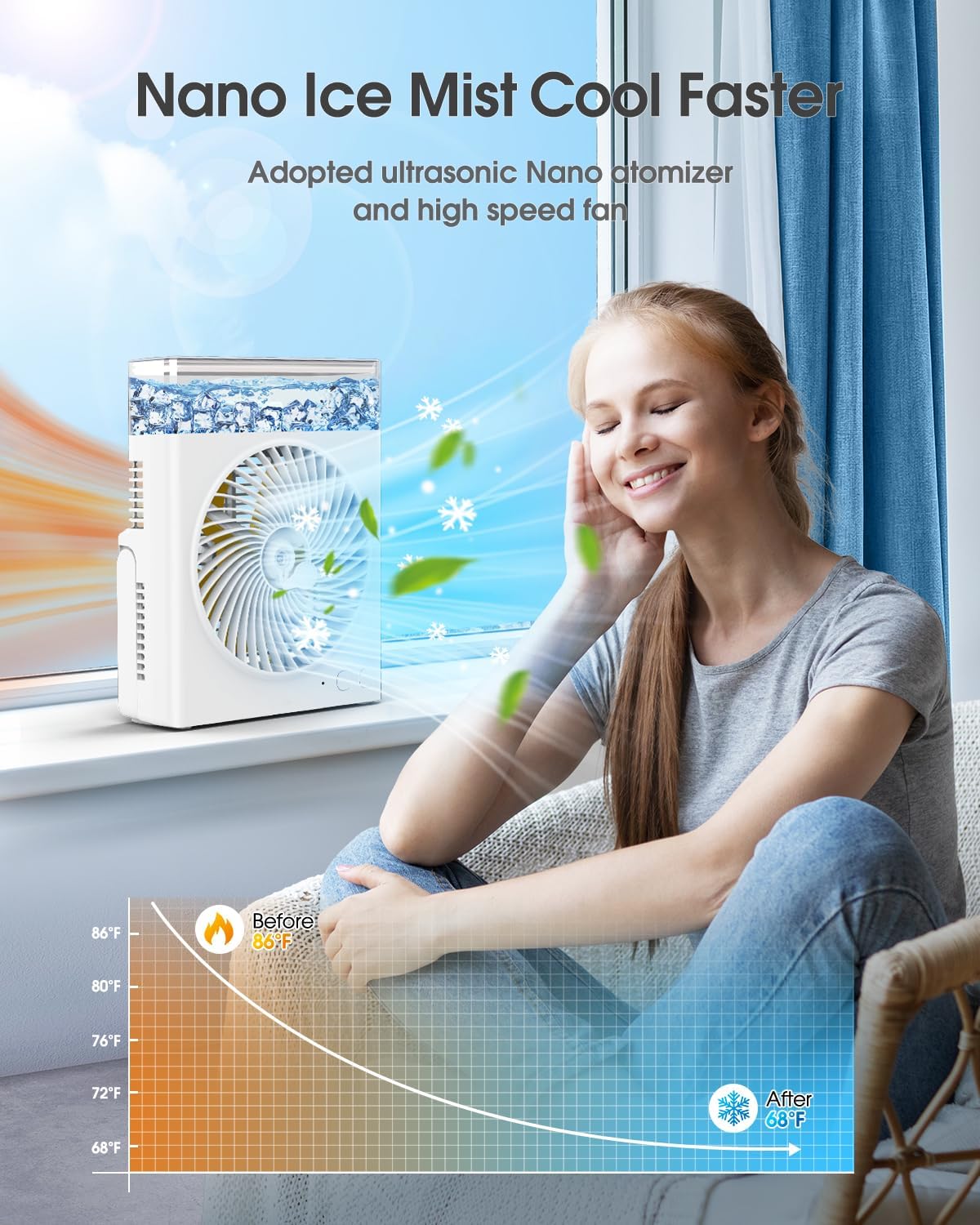
The fan features a front grille for airflow, a mist outlet in the center, and intuitive push-button controls for power, fan speed, and mist functions. The transparent top section houses the water tank.
5. Setup
5.1 Initial Charging
Before first use, fully charge the fan. The built-in 16000mAh battery requires approximately 3 hours for a full charge, providing 8-30 hours of continuous operation depending on settings.
- Connect the provided USB charging cable to the fan's charging port.
- Connect the other end of the USB cable to a compatible USB power source (e.g., power bank, laptop, car charger, or wall adapter).
- The charging indicator light will illuminate. Once fully charged, the indicator may change color or turn off.

5.2 Filling the Water Tank
The fan is equipped with a large 600mL water tank for extended misting. The transparent design allows for easy monitoring of the water level.
- Ensure the fan is powered off and unplugged.
- Locate the top-refilled water tank opening.
- Carefully pour clean water into the tank. For enhanced cooling, you may add ice water.
- Do not overfill the tank beyond the maximum fill line. The tank has a sealing ring to help prevent leakage.

6. Operation
6.1 Power On/Off and Fan Speed Adjustment
The fan features multiple speed settings for customized airflow.
- Press the Power/Speed button once to turn on the fan at the lowest speed (Soft Wind, approx. 2.4 m/s).
- Press the Power/Speed button again to cycle through the fan speeds: Moderate Wind (approx. 3.4 m/s), Strong Wind (approx. 4.4 m/s).
- Press the Power/Speed button a fourth time to turn off the fan.

6.2 Misting Function
Activate the misting function for additional cooling and humidification. Ensure the mist nozzle cover is removed before use.
- Press the Mist button once to activate continuous misting. The 600mL water tank can provide mist for 4-8 hours.
- Press the Mist button again to activate intermittent misting (if available, refer to specific model features).
- Press the Mist button a third time to turn off the mist function.

6.3 Fan Angle Adjustment
The fan head can be rotated up to 60 degrees to direct airflow precisely where needed.
- Gently adjust the fan body to your desired angle.
- Do not force the rotation beyond its intended range.

7. Maintenance
7.1 Cleaning the Fan
Regular cleaning helps maintain optimal performance.
- Ensure the fan is powered off and unplugged before cleaning.
- Use a soft, damp cloth to wipe the exterior surfaces of the fan.
- For the fan blades, use a soft brush or cloth to gently remove dust. Do not use excessive force.
- Do not use abrasive cleaners or solvents.
7.2 Cleaning the Water Tank and Mist Nozzle
To prevent mineral buildup and ensure efficient misting:
- Empty any remaining water from the tank.
- Rinse the water tank with clean water. For stubborn residue, a mild detergent can be used, followed by thorough rinsing.
- Gently wipe the mist nozzle area with a cotton swab or soft cloth to remove any blockages. Ensure the mist nozzle cover is clean and clear.
- Allow all parts to air dry completely before reassembling or storing.
8. Troubleshooting
| Problem | Possible Cause | Solution |
|---|---|---|
| Fan does not turn on | Battery is depleted Power button not pressed correctly | Charge the fan fully Press the power button firmly |
| No mist or very light mist | Water tank is empty Mist nozzle is blocked Mist nozzle cover not removed | Refill the water tank Clean the mist nozzle Ensure the mist nozzle cover is removed |
| Water leakage | Water tank overfilled Sealing ring improperly seated | Do not overfill the water tank Check and adjust the sealing ring on the tank lid |
| Reduced airflow | Fan blades are dirty Air inlet/outlet blocked | Clean the fan blades Ensure air passages are clear |
9. Specifications
| Feature | Detail |
|---|---|
| Brand | JINLICTE |
| Model | B0GZZMZ4ZH |
| Color | White |
| Type | Portable Misting Table Fan |
| Power Source | USB Powered, Rechargeable Battery |
| Battery Capacity | 16000mAh |
| Runtime | 8-30 Hours (fan only, depending on speed) |
| Charging Time | Approx. 3 Hours |
| Water Tank Capacity | 600mL |
| Mist Duration | 4-8 Hours (depending on mist setting) |
| Fan Speeds | 3 (Soft, Moderate, Strong) |
| Noise Level | <30 dB |
| Control Method | Push Button |
| Product Dimensions | 4.7"D x 9.1"W x 9.1"H |
| Material | Plastic |
| Indoor/Outdoor Usage | Indoor, Outdoor |
10. Warranty and Support
JINLICTE products are manufactured with quality and performance in mind. For any questions, concerns, or warranty claims, please contact the retailer or manufacturer directly. Please retain your proof of purchase for warranty service.