
1. Introduction
This manual provides essential information for setting up, operating, maintaining, and troubleshooting your OnePlus 13 smartphone. Please read this guide thoroughly to ensure optimal performance and longevity of your device.
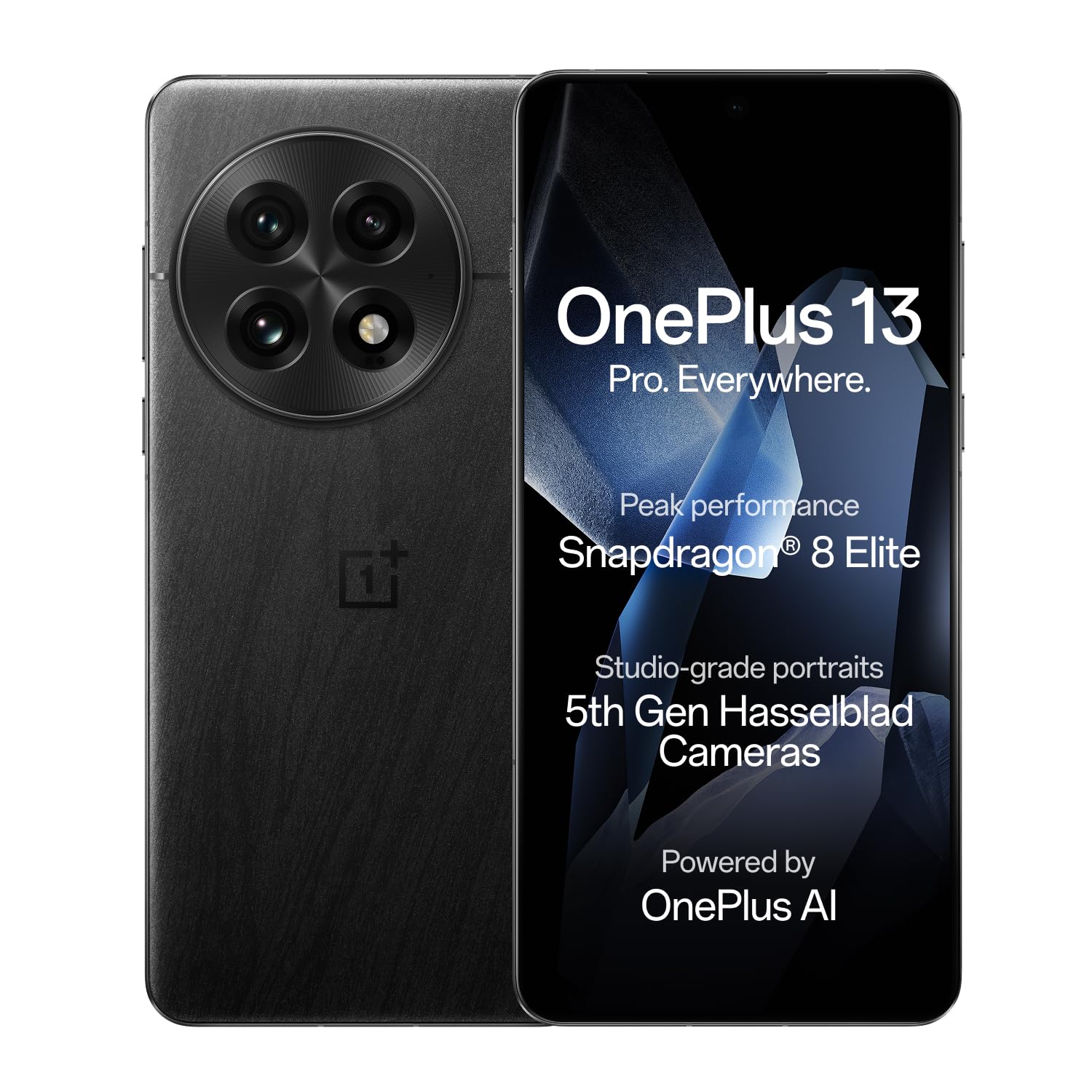
The OnePlus 13 smartphone in Black Eclipse color.
2. Setup
2.1 Box Contents
Verify that your package contains the following items:
- OnePlus 13 Smartphone
- Power Adapter
- USB Cable
- SIM Tray Ejector
- Phone Case
- Screen Protector (pre-applied or in box)
2.2 Inserting SIM Cards
The OnePlus 13 supports Dual Nano SIM cards.
- Locate the SIM card tray on the side of your device.
- Insert the SIM tray ejector tool into the small hole next to the tray and press firmly until the tray pops out.
- Place your Nano SIM card(s) into the tray with the gold contacts facing down. Ensure they are correctly seated.
- Carefully reinsert the SIM tray into the phone.
2.3 Initial Charging and Power On
Before first use, it is recommended to fully charge your device.
- Connect the USB cable to the power adapter and then to your phone's USB Type-C port. Plug the adapter into a power outlet.
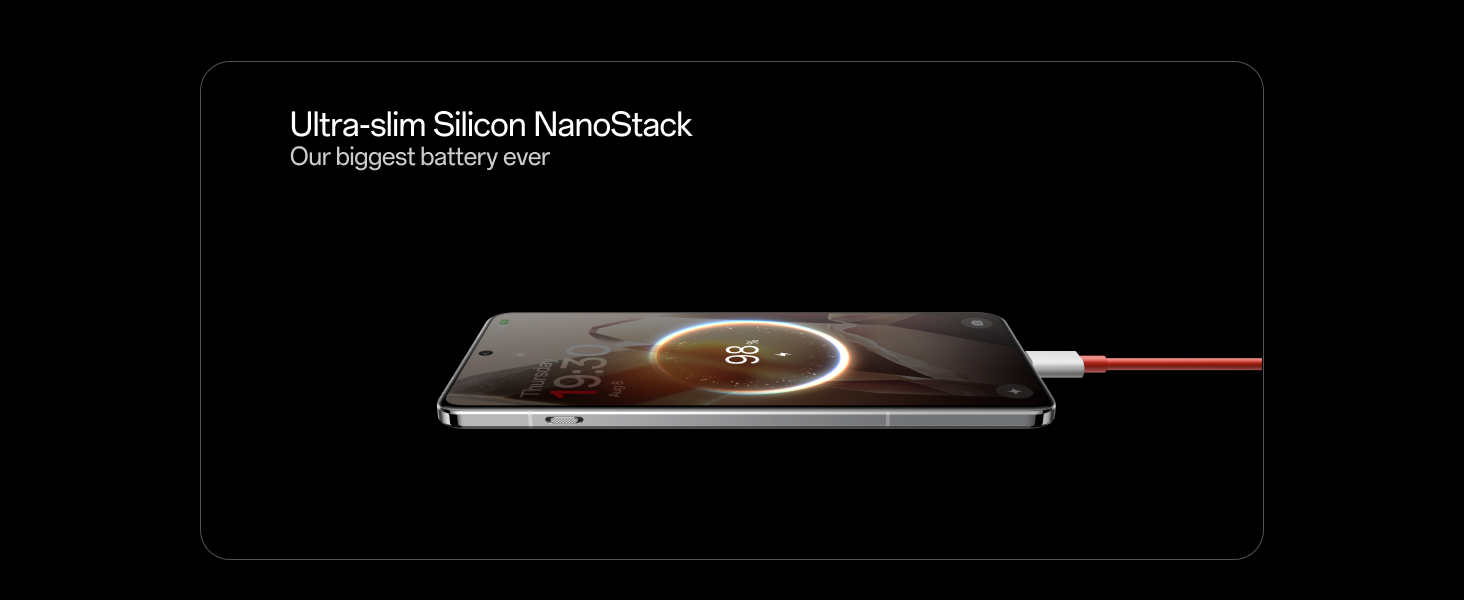
- The device supports 100W wired fast charging, achieving 100% charge in approximately 36 minutes, and 50W wireless fast charging, reaching 50% charge in about 34 minutes.
- To power on, press and hold the Power button until the OnePlus logo appears.

The OnePlus 13 featuring its Ultra-slim Silicon NanoStack Battery during charging.
3. Operating Your Device
3.1 Basic Navigation
Your OnePlus 13 runs on Android 15 with OxygenOS, offering an intuitive user experience. Use gestures or navigation buttons to interact with the interface:
- Swipe Up: Go to the home screen.
- Swipe Up and Hold: Open recent apps.
- Swipe from Left or Right Edge: Go back.
- Tap: Select an item.
- Long Press: Access contextual menus or move icons.
3.2 Key Features
The OnePlus 13 is equipped with advanced features for enhanced performance and user experience:
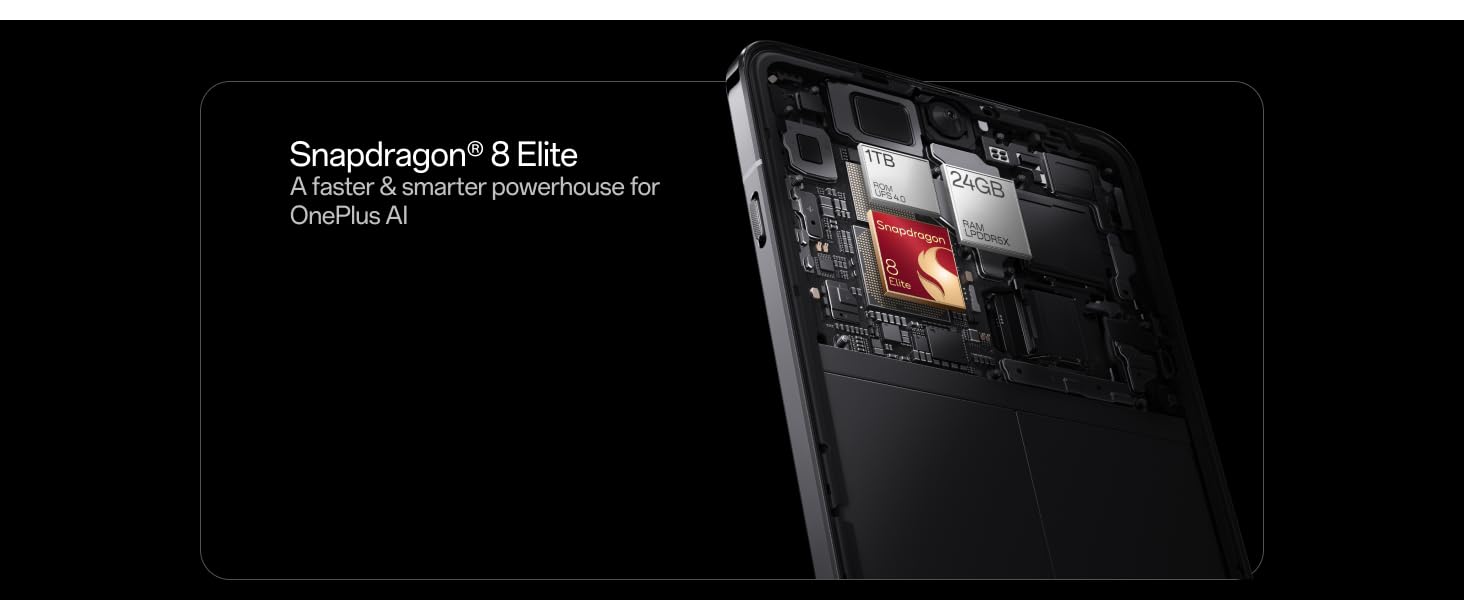
- Processor: Powered by the Qualcomm Snapdragon 8 Elite Mobile Platform (4.32 GHz), optimized for OnePlus AI.
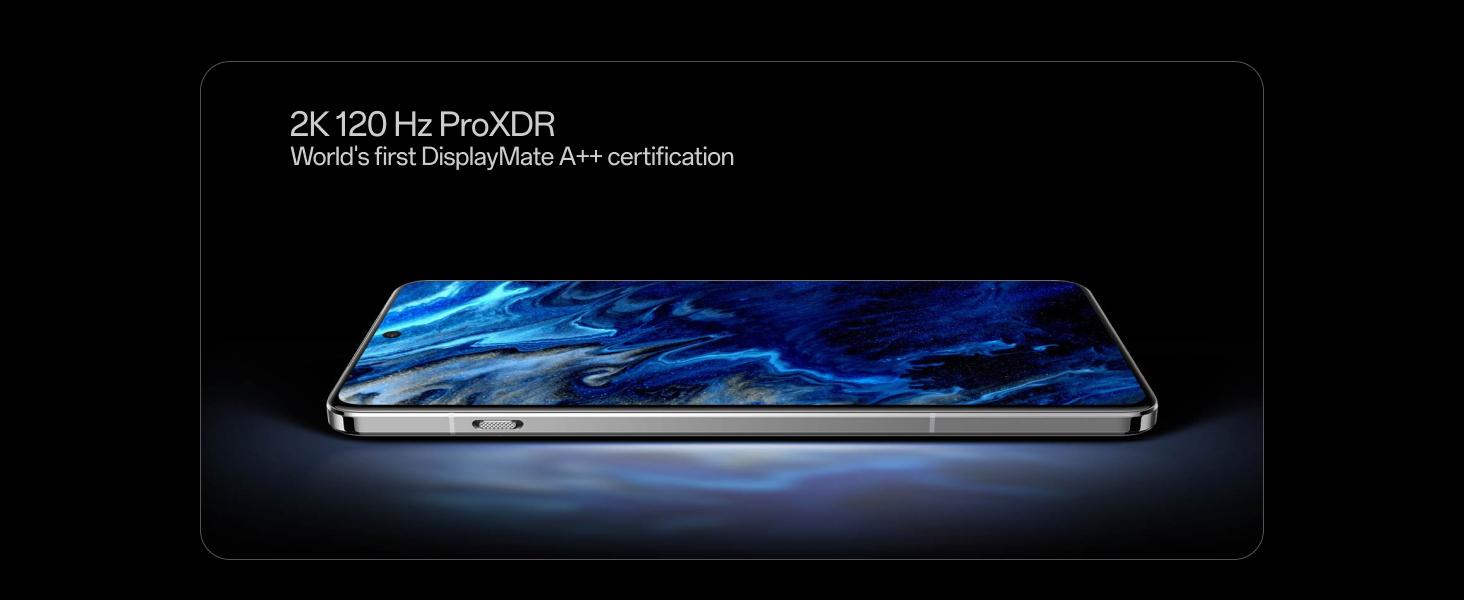
- Display: Features a 2K ProXDR Display with 3168 x 1440 resolution, 120 Hz refresh rate, and 510 PPI for vibrant visuals.
- Camera System: A 5th-Gen Hasselblad Camera for Mobile with a 50MP triple camera setup (Wide 50MP Sony LYT-808 with OIS, 3X Triprism Telephoto 50MP, and Ultra-wide 50MP). The front camera is 32MP. Supports 4K video capture at up to 120 fps.
- Battery: A large 6000 mAh Ultra-slim OnePlus Silicon NanoStack Battery for extended usage.
- Operating System: OxygenOS 15 with integrated OnePlus AI capabilities.
- Connectivity: Supports 5G cellular technology, Bluetooth, NFC, USB, and Wi-Fi.
- Durability: IP69 and IP68 rated for water and dust resistance.

The OnePlus 13 is powered by the Snapdragon 8 Elite processor.

The OnePlus 13 features a 2K 120 Hz ProXDR Display.
3.3 OnePlus AI Features
Leverage the integrated AI for a smarter experience:
- Intelligent Search: Quickly find information on your device or the web.
- AI Imaging Power: Enhance your photos with features like AI Reflection Eraser, AI Unblur, and AI Detail Boost.
- Gemini Assistant: Access Google's AI assistant for various tasks and queries.
The Intelligent Search feature on the OnePlus 13.
AI Imaging Power features on the OnePlus 13, including Reflection Eraser, Unblur, and Detail Boost.
Meet Gemini, your AI assistant from Google, integrated into the OnePlus 13.
3.4 Camera Operation
The 5th-Gen Hasselblad Camera system offers various shooting modes:
- Automatic: Point and shoot for everyday photos.
- Portrait: Create professional-looking photos with blurred backgrounds.
- Landscape: Optimize settings for wide scenic shots.
- Night Mode: Capture clear images in low-light conditions.
- Macro: For extreme close-up photography.
- Telephoto: Utilize the 3X optical zoom for distant subjects.
- Clear Burst: Capture split-second moments with enhanced clarity.
The 5th Gen Hasselblad Camera for Mobile on the OnePlus 13.

Capture split-second moments with the Clear Burst feature on the OnePlus 13 camera.
4. Maintenance
4.1 Water and Dust Resistance
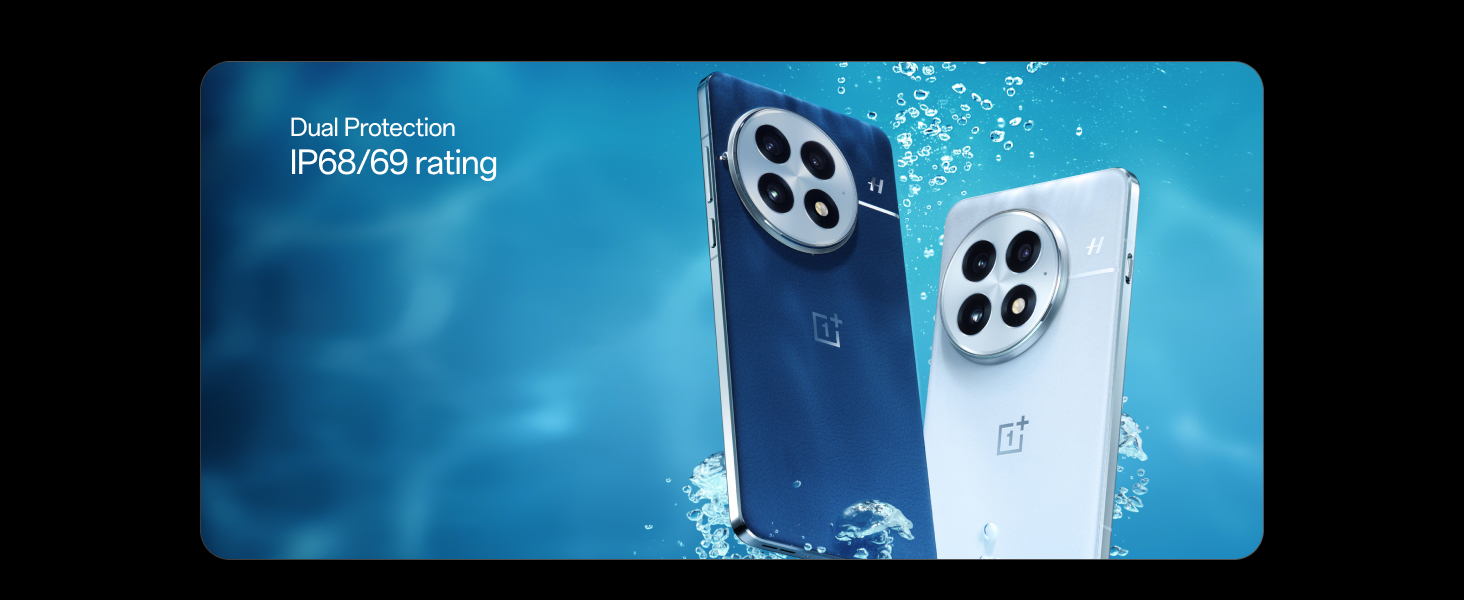
Your OnePlus 13 is rated IP69 and IP68 for water and dust resistance. This means it can withstand immersion in water up to 1.5 meters for 30 minutes and is protected against high-pressure, high-temperature water jets. However, water and dust resistance are not permanent conditions and may decrease over time with normal wear. Do not charge a wet device.

The OnePlus 13 features Dual Protection with IP68/69 rating for water and dust resistance.
4.2 Cleaning Your Device
To clean your OnePlus 13, use a soft, lint-free cloth. Avoid abrasive materials, solvents, or aerosol sprays. If necessary, slightly dampen the cloth with water. Ensure all ports are dry before charging.
4.3 Software Updates
Regularly check for and install OxygenOS updates to ensure your device has the latest features, security patches, and performance improvements. You can usually find this option in Settings > About device > Software update.
5. Troubleshooting
If you encounter issues with your OnePlus 13, try the following basic troubleshooting steps:
- Restart the Device: A simple restart can resolve many minor software glitches.
- Check Connections: Ensure Wi-Fi, Bluetooth, and cellular data are enabled and connected correctly.
- Clear Cache: If an app is misbehaving, try clearing its cache in Settings > Apps > [App Name] > Storage > Clear cache.
- Update Software: Ensure your device is running the latest OxygenOS version.
- Factory Reset: As a last resort, if issues persist, you may need to perform a factory reset. Warning: This will erase all data on your device. Back up important information before proceeding.
6. Specifications
| Feature | Specification |
|---|---|
| Brand | OnePlus |
| Model | CPH2649 |
| Operating System | Android 15, OxygenOS |
| RAM Memory Installed Size | 12 GB |
| Flash Memory Supported Size Maximum | 256 GB |
| CPU Model | Snapdragon 8 Elite |
| CPU Speed | 4.32 GHz |
| Colour | Black Eclipse |
| SIM Card Slot Count | Dual SIM |
| Sim Card Size | Nano |
| Connector Type | USB Type C |
| Biometric Security Feature | Fingerprint Recognition |
| Water Resistance Level | IP69 and IP68 Rated |
| Front Photo Sensor Resolution | 32 MP |
| Camera Description | 50MP Triple Camera with OIS and Ultra-wide Lens (5th-Gen Hasselblad) |
| Number of Rear Facing Cameras | 3 |
| Battery Capacity | 6000 Milliamp Hours |
| Battery Description | Silicon-carbon battery |
| Battery Charge Time | 36 Minutes (100W wired), 34 Minutes (50% wireless) |
| Item Weight | 213 Grams |
| Item Dimensions | 16.3 x 7.7 x 0.9 Centimeters |
| Video Capture Resolution | 4k |
| Frame Rate | 120 fps, 30 fps, 60 fps |
| Resolution | 3168 X 1440 |
| Refresh Rate | 120 Hz |
| Display Pixel Density | 510 Pixels Per Inch (PPI) |
| Cellular Technology | 5G |
| Wireless Network Technology | Bluetooth, GSM, LTE, Wi-Fi |
7. Warranty Information
Your OnePlus 13 comes with a 1-year manufacturer warranty for the device and 1 year for in-box accessories, including batteries, from the date of purchase.
Additionally, OnePlus provides a Lifetime Display Warranty for industry-wide greenline issues. This service ensures free screen replacement within the warranty period if green line issues occur, provided the damage is not caused by human or external factors. Specific terms apply and are based on conditions at the service center on the day of service. OnePlus reserves the right of final interpretation regarding this service.
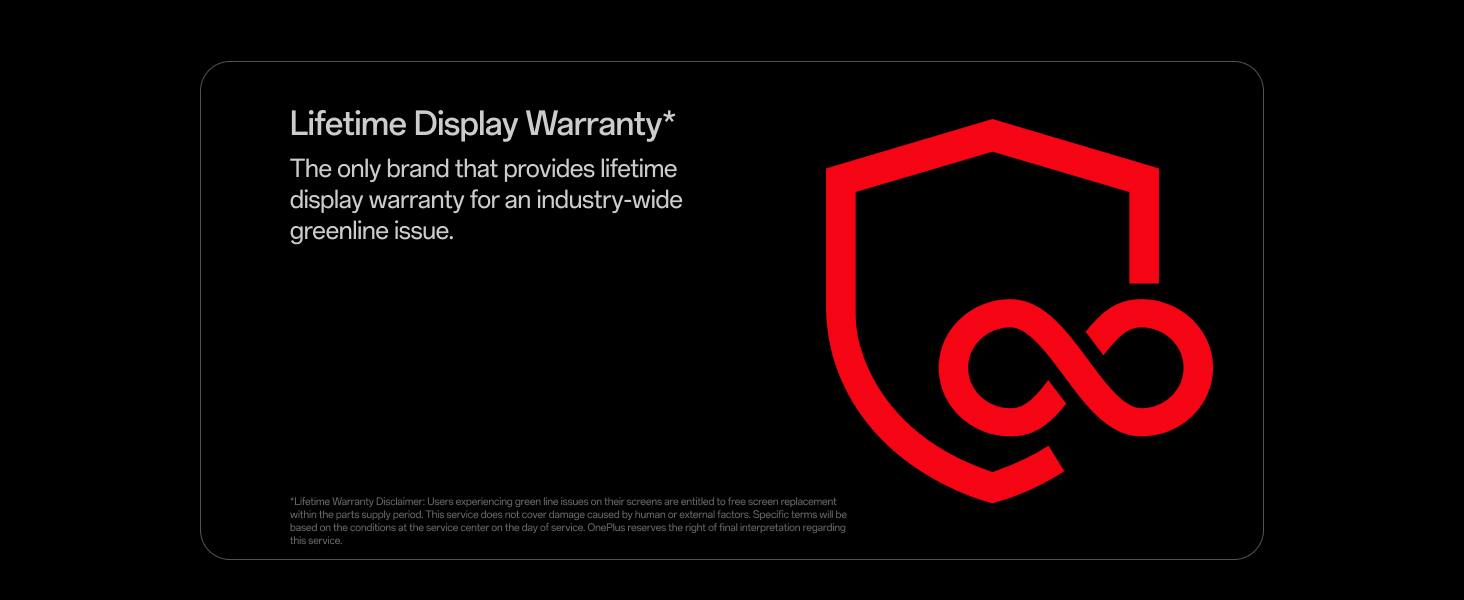
The OnePlus 13 offers a Lifetime Display Warranty for greenline issues.
8. Support
For further assistance or technical support, please contact OnePlus Customer Service:
- Contact Number: 1800 102 8411
- WhatsApp: +91-9289606888
Manufacturer Contact Information: OPPO Mobiles India Private Limited, PLOT-NO.1, SECTOR ECOTECH-VII, GREATER, NOIDA, UTTAR PRADESH, India-201306


