
Introduction
This manual provides essential information for the safe and efficient use of your Desky 72-inch L-Shaped Electric Standing Desk. Please read these instructions carefully before assembly and operation to ensure proper function and longevity of your product. Keep this manual for future reference.

Image: The Desky 72-inch L-Shaped Electric Standing Desk featuring a Dark Walnut desktop and Space Gray frame, viewed from an elevated angle.
Safety Information
- Ensure all components are securely fastened before use.
- Keep children and pets away from the desk during height adjustments.
- Do not overload the desk. The maximum weight capacity is 440.9 lbs (200 kg).
- Avoid placing liquids directly on the control panel or near electrical components.
- Do not attempt to disassemble or repair the motor system yourself. Contact customer support for assistance.
- Ensure there are no obstructions in the desk's path during height adjustments to prevent damage or injury.
Included Components
Before beginning assembly, verify that all the following components are present:
- Desk Frame (Legs and Crossbars)
- Desk Top (L-shaped, Dark Walnut)
- Motorised Electric Desk Legs (3 units)
- Desk Hand Controller (with 4 memory presets)
- Power Box
- Connecting Cords
- GPO Wall Plug
- Hardware (Screws, Washers, Allen Keys)
- Sticky Cable Ties
- Under Desk Cable Tray
Setup and Assembly
Assembly requires two people. Follow these general steps. Refer to the detailed assembly guide included in your packaging for specific diagrams and instructions.
- Unpack Components: Carefully remove all parts from the packaging and lay them out on a clean, soft surface to prevent scratches.
- Assemble Desk Frame: Attach the motorized legs to the crossbars according to the provided diagrams. Ensure all screws are tightened securely.
- Attach Desktop: Carefully place the L-shaped Dark Walnut desktop onto the assembled frame. Align the pre-drilled holes and secure the desktop to the frame using the provided screws.
- Install Control Panel: Mount the hand controller to the underside of the desk in a convenient location using the provided screws.
- Connect Wiring: Connect the motorized legs, hand controller, and power box using the connecting cords. Ensure all connections are firm and correct.
- Cable Management: Use the included cable tray and sticky cable ties to organize and secure all cables neatly under the desk.
- Connect to Power: Plug the GPO wall plug into the power box, then into a standard wall outlet.

Image: An assembled Desky L-Shaped Electric Standing Desk with a Dark Walnut top and Space Gray frame, highlighting the integrated control panel.

Image: The Desky L-Shaped Electric Standing Desk with a Dark Walnut desktop and Matte Black frame, illustrating an alternative frame color option.
Operating Instructions
Basic Height Adjustment
- Raise Desk: Press and hold the UP arrow button on the hand controller. Release when the desired height is reached.
- Lower Desk: Press and hold the DOWN arrow button on the hand controller. Release when the desired height is reached.
Setting Memory Presets
The hand controller features 4 programmable memory presets to save your preferred sitting and standing heights.
- Adjust the desk to your desired height using the UP/DOWN buttons.
- Press the M button (Memory). The display will show "S-".
- Within 3 seconds, press one of the numbered preset buttons (1, 2, 3, or 4). The display will show the number, indicating the height is saved.
- Repeat for other desired heights.
Using Memory Presets
To move the desk to a saved height, simply press the corresponding numbered preset button (1, 2, 3, or 4). The desk will automatically adjust to the saved position.
Setting Upper and Lower Limits
The desk allows you to set custom upper and lower height limits to prevent accidental adjustments beyond a certain range.
- Adjust the desk to the desired lower limit.
- Press and hold the M button until "S-" appears, then press the DOWN arrow button. The display will show "L1" to confirm the lower limit is set.
- Adjust the desk to the desired upper limit.
- Press and hold the M button until "S-" appears, then press the UP arrow button. The display will show "L2" to confirm the upper limit is set.
To clear limits, press and hold the M button until "S-" appears, then press the M button again. The display will show "CLR" to confirm limits are cleared.
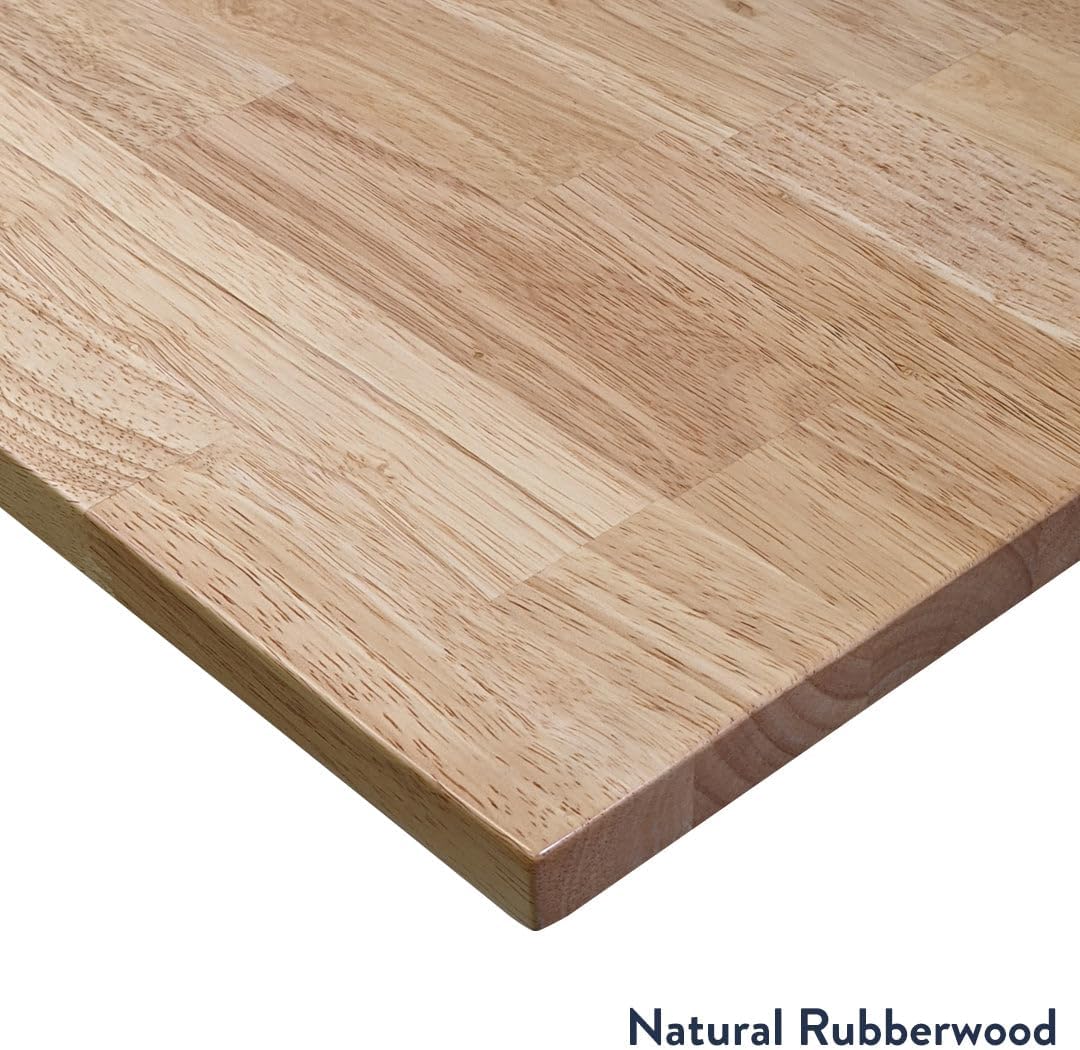
Image: Close-up of the Desky L-Shaped Electric Standing Desk control panel, showing the digital height display and programmable preset buttons.
Maintenance
- Cleaning: Wipe the desktop and frame with a soft, damp cloth. Avoid abrasive cleaners or harsh chemicals.
- Cable Management: Periodically check and re-secure cables to prevent tangling or damage.
- Fasteners: Occasionally check all screws and bolts to ensure they remain tight. Tighten if necessary.
- Motor System: The motor system is maintenance-free. Do not lubricate or attempt to open the motor housing.

Image: A detailed close-up of the Dark Walnut Rubberwood desktop surface, showcasing its grain and finish.
Troubleshooting
| Problem | Possible Cause | Solution |
|---|---|---|
| Desk does not move | Power cable disconnected; Overload protection activated; Motor error. | Check power connections. Reduce weight on desk. Perform a reset (see manual for specific reset procedure, typically holding down/up buttons). |
| Uneven height adjustment | Obstruction; Unbalanced load. | Clear any obstructions. Redistribute weight evenly on the desktop. |
| Display shows an error code | Specific system error. | Refer to the detailed error code list in your product packaging or contact customer support. |
| Desk stops mid-adjustment | Overheat protection; Anti-collision activated. | Allow the motor to cool down for 20 minutes. Check for obstructions and remove them. |
Specifications
| Feature | Detail |
|---|---|
| Model Number | 8893170778434 |
| Height Range | 23.6" - 49.2" (without desktop) |
| Weight Capacity | 440.9 lbs (200 kg) |
| Travel Speed | 1.4" per second (loaded) |
| Noise Level | 40db in motion |
| Motor System | Triple Motor Lifting System |
| Desktop Material | Rubberwood with Melamine Decorative Surface |
| Desktop Finish | Clear Polyurethane hard wearing finish (Dark Walnut) |
| Desktop Thickness | 1 inch |
| Base Material | Alloy Steel (Space Gray) |
| Control Panel | Digital keypad with 4 memory presets, upper & lower limits, overload protection |
| Input Power | 240v |
| Transformer Power | 200W (0.1W on standby) |
| Product Dimensions | 72 x 30 x 70 x 24 inches (L-Shape configuration) |
Warranty Information
Your Desky L-Shaped Electric Standing Desk is covered by a 10-year supplier warranty. This warranty covers defects in materials and workmanship under normal use. Please retain your proof of purchase for warranty claims.
For detailed warranty terms and conditions, please refer to the documentation included with your product or contact Desky customer support.
Support
If you encounter any issues or have questions regarding your Desky L-Shaped Electric Standing Desk that are not addressed in this manual, please contact Desky customer support.
Visit the official Desky Store on Amazon for additional resources and contact information.
