1. Introduction
Thank you for choosing the XWNV 5V AC Adapter Charger. This product is designed to provide a reliable and safe power supply for a wide range of compatible electronic devices, including specific Arcade1Up models. This manual provides essential information for proper setup, operation, and maintenance to ensure optimal performance and longevity of your adapter.
Key Features:
- Input: 100V - 240V AC, 50/60Hz (Worldwide Voltage Use)
- Cable Length: 4ft
- Advanced Safety Protections: Over Voltage Output Protection, Over Current Output Protection, Short Circuit Output Protection
- Portable and lightweight design for convenience
2. Setup
Before connecting the adapter, ensure your device requires a 5V power input and has a compatible round charging port. Incorrect voltage or port type can damage your device.
- Verify Device Compatibility: Check your device's power requirements. This adapter provides 5V output. Confirm the charging port on your device is a round tip, not a USB-C or other connector type.
- Connect to Device: Insert the round connector plug of the AC adapter firmly into the charging port of your electronic device.
- Connect to Power Outlet: Plug the AC adapter into a standard 100-240V wall power outlet.
- Power On Device: Once connected, power on your device if it does not automatically begin charging.

Figure 2.1: Ensure your device has a compatible round charging port.
3. Operating Instructions
The XWNV 5V AC Adapter Charger operates automatically once connected to a power source and a compatible device. It provides a consistent power supply for charging or continuous operation.
- Charging: When connected to a device with a rechargeable battery, the adapter will initiate the charging process. Monitor your device's charging indicator.
- Direct Power: For devices that operate directly from AC power without a battery, the adapter will supply continuous power as long as it is plugged in.
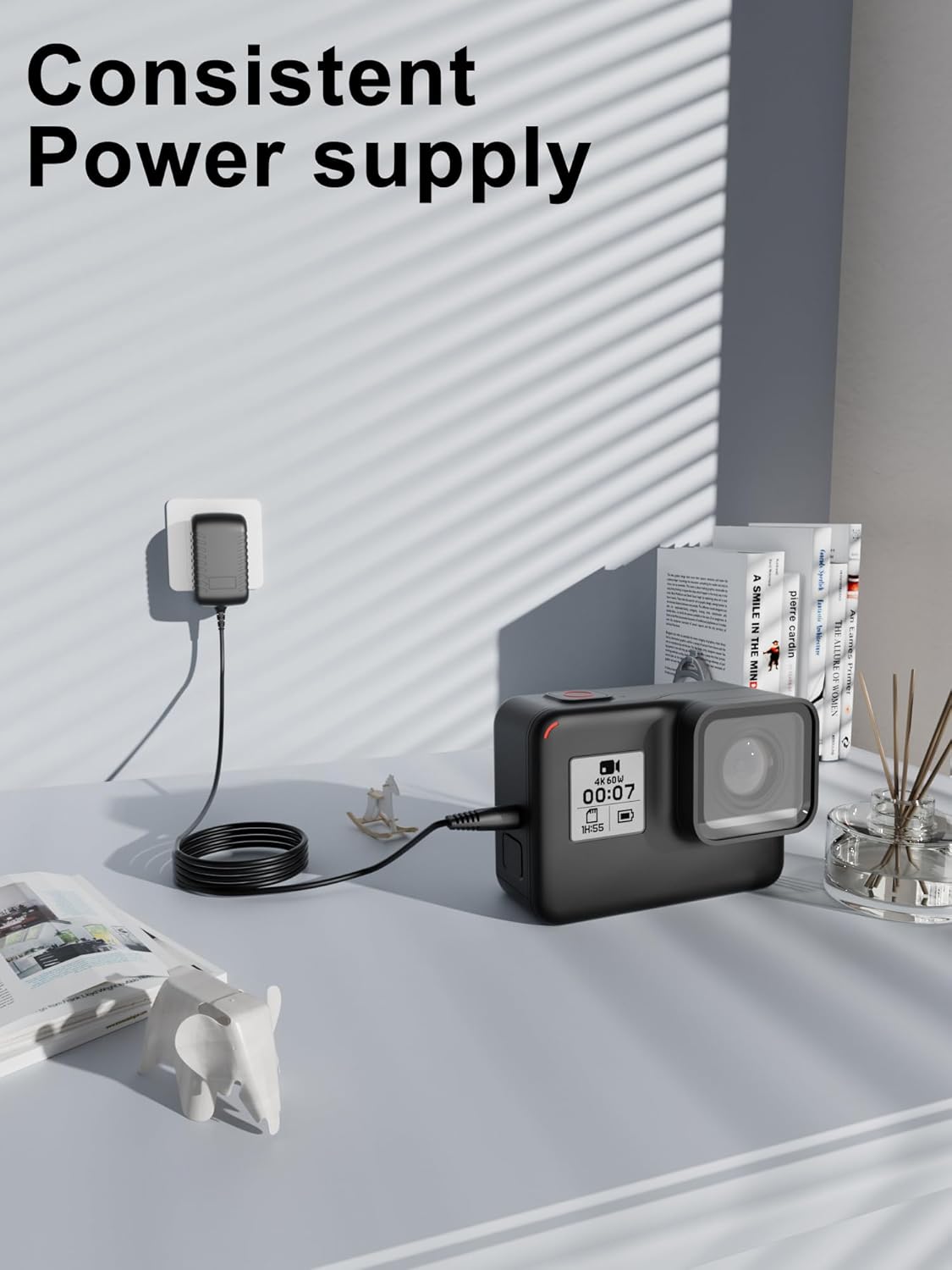
Figure 3.1: The adapter provides a consistent power supply for your devices.
4. Maintenance
Proper care and maintenance will extend the life of your AC adapter.
- Cleaning: Disconnect the adapter from the power outlet and device before cleaning. Use a soft, dry cloth to wipe the exterior. Do not use liquid cleaners or solvents.
- Storage: Store the adapter in a cool, dry place when not in use. Avoid extreme temperatures and high humidity.
- Cable Care: Do not bend or crimp the cable excessively. Avoid placing heavy objects on the cable.
- Ventilation: If using the adapter for extended periods, ensure it is in a well-ventilated area to prevent overheating. Do not cover the adapter.
5. Troubleshooting
If you encounter issues with your AC adapter, refer to the following common solutions:
- Device Not Charging/Powering On:
- Ensure the adapter is securely plugged into both the wall outlet and the device.
- Verify the wall outlet is functional by testing it with another device.
- Confirm the device's power requirements match the adapter's 5V output and the connector type is correct.
- Check for any visible damage to the adapter or cable.
- Adapter Overheating:
- Disconnect the adapter immediately.
- Ensure the adapter is in a well-ventilated area and not covered.
- Verify the device's power draw does not exceed the adapter's capacity.
If problems persist after following these steps, please contact customer support.
6. Specifications
| Brand | XWNV |
| Input Voltage | 100-240V AC, 50/60Hz |
| Output Voltage | 5V DC (Specific amperage not provided, assume standard for compatible devices) |
| Connector Type | Round Tip |
| Cable Length | 4ft |
| Color | Black |
| Special Features | Over Voltage Output Protection, Over Current Output Protection, Short Circuit Output Protection |
| Compatible Devices | Arcade1Up PAC-C-01334, Laptops (compatible models), Speakers, Tablets (compatible models), Routers, Game machines, Small desk lamps, Shavers, CCTV cameras (with 5V round tip input) |
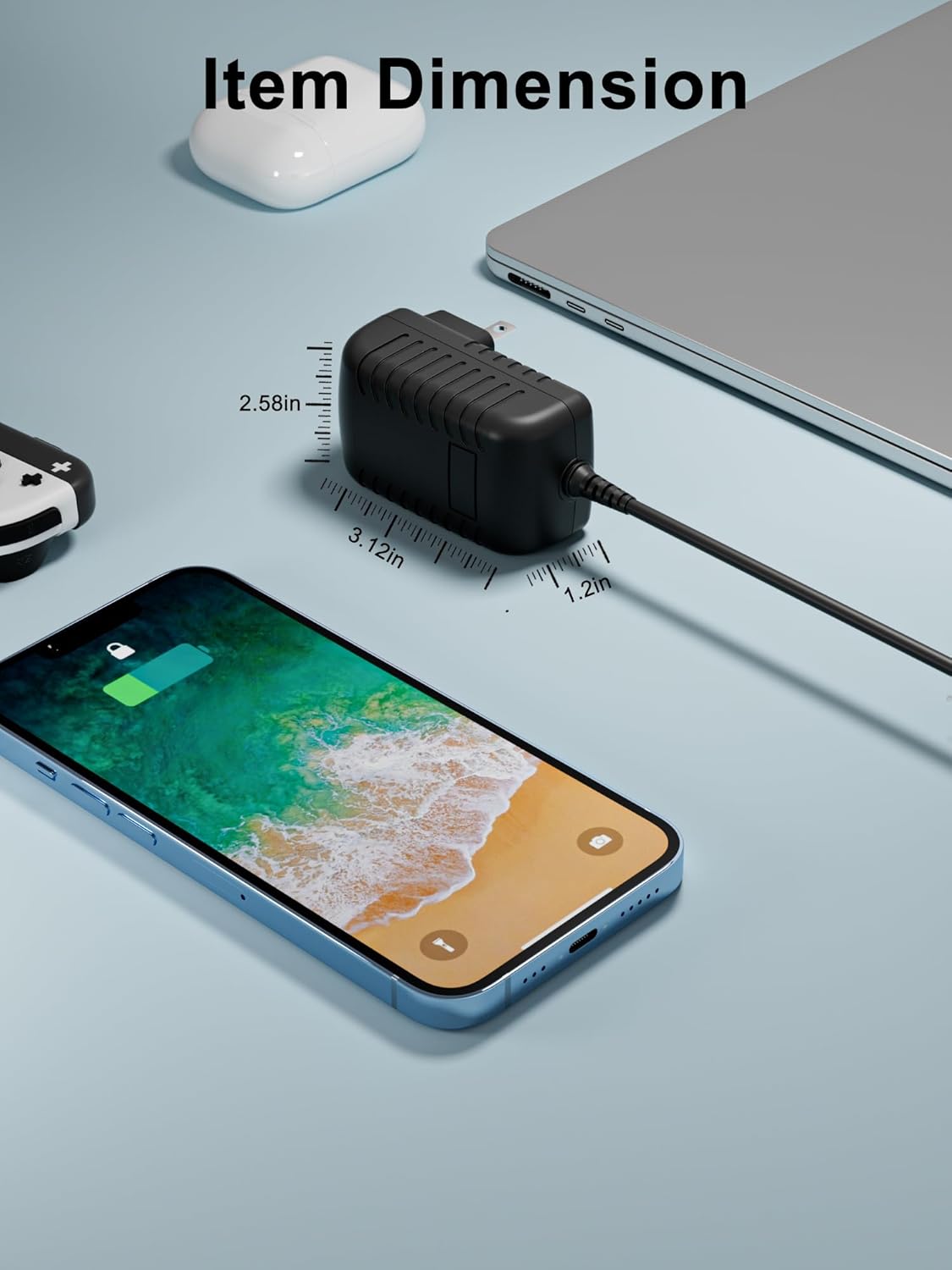
Figure 6.1: Item Dimensions of the XWNV AC Adapter.

Figure 6.2: Multiple Protection features ensure safe charging.

Figure 6.3: Examples of compatible devices for the XWNV AC Adapter.
7. Warranty and Support
For any questions or concerns regarding your XWNV AC Adapter Charger, please contact our customer support. We are committed to assisting you with any issues you may encounter.
Contact Information: Please refer to your purchase documentation or the seller's contact details on the platform where the product was acquired for specific support channels.
Warranty: Information regarding product warranty is typically provided at the point of purchase or within the product packaging. Please retain your proof of purchase for warranty claims.


