
1. Product Overview
The iFamily Flexible Mount Shelf provides a versatile and secure solution for positioning your iFamily baby camera. This mount allows you to attach your camera to various surfaces such as baby cribs, wall-mounted shelves, or curtain rods without the need for drilling or causing damage to surfaces. Its flexible design ensures optimal camera placement for a clear view of your baby.
Compatible Camera Models: ABM570, SM43E, SM43EV2, SM653, 70A, UKSUP 663.
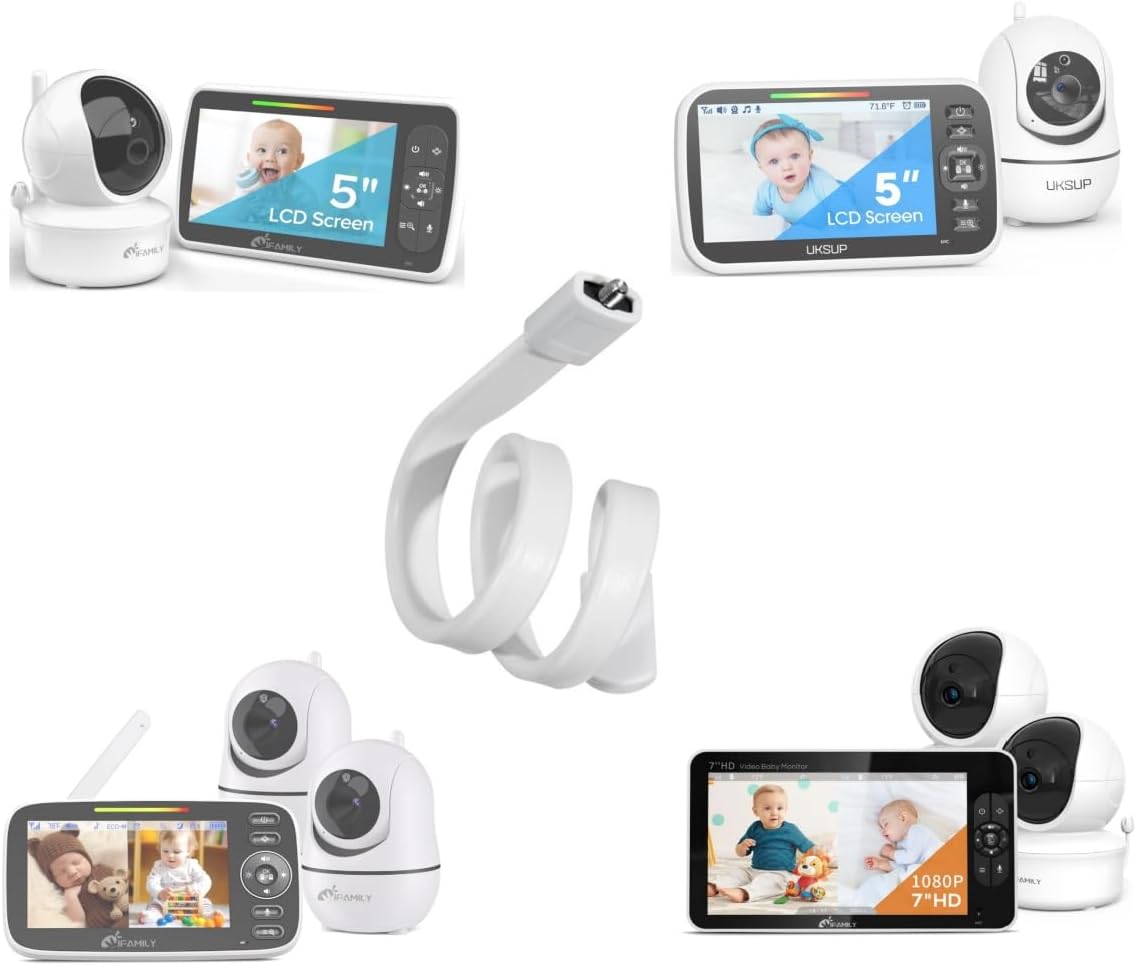
Image: The iFamily Flexible Mount Shelf shown alongside several compatible iFamily baby camera models, illustrating its versatility.
2. Setup and Installation
Follow these steps to properly install your iFamily Flexible Mount Shelf and attach your baby camera.
2.1 Compatibility Check
Before installation, ensure your iFamily baby camera has a screw hole on its bottom for secure attachment. This mount is designed to connect directly to this screw hole.

Image: A close-up view of the bottom of iFamily camera models SM70A and SM650, highlighting the essential screw hole required for mount compatibility.
Important Note: If your camera model, such as certain versions of SM650, does not have a screw hole on the bottom, this flexible mount shelf will not be compatible.
2.2 Attaching the Camera to the Mount
- Locate the screw hole on the bottom of your iFamily baby camera.
- Align the screw on the top of the flexible mount shelf with the camera's screw hole.
- Gently twist the camera clockwise onto the mount until it is securely fastened. Do not overtighten.
2.3 Mounting the Shelf
The flexible design allows for various mounting options without damaging surfaces.
- On a Baby Crib: Wrap the flexible arm around a crib rail. Ensure it is tightly secured and positioned out of reach of the baby.
- On a Shelf: Bend the flexible arm to create a stable base or wrap it around a shelf support.
- On Curtain Rods: Securely wrap the arm around a curtain rod, ensuring the camera has a clear view.
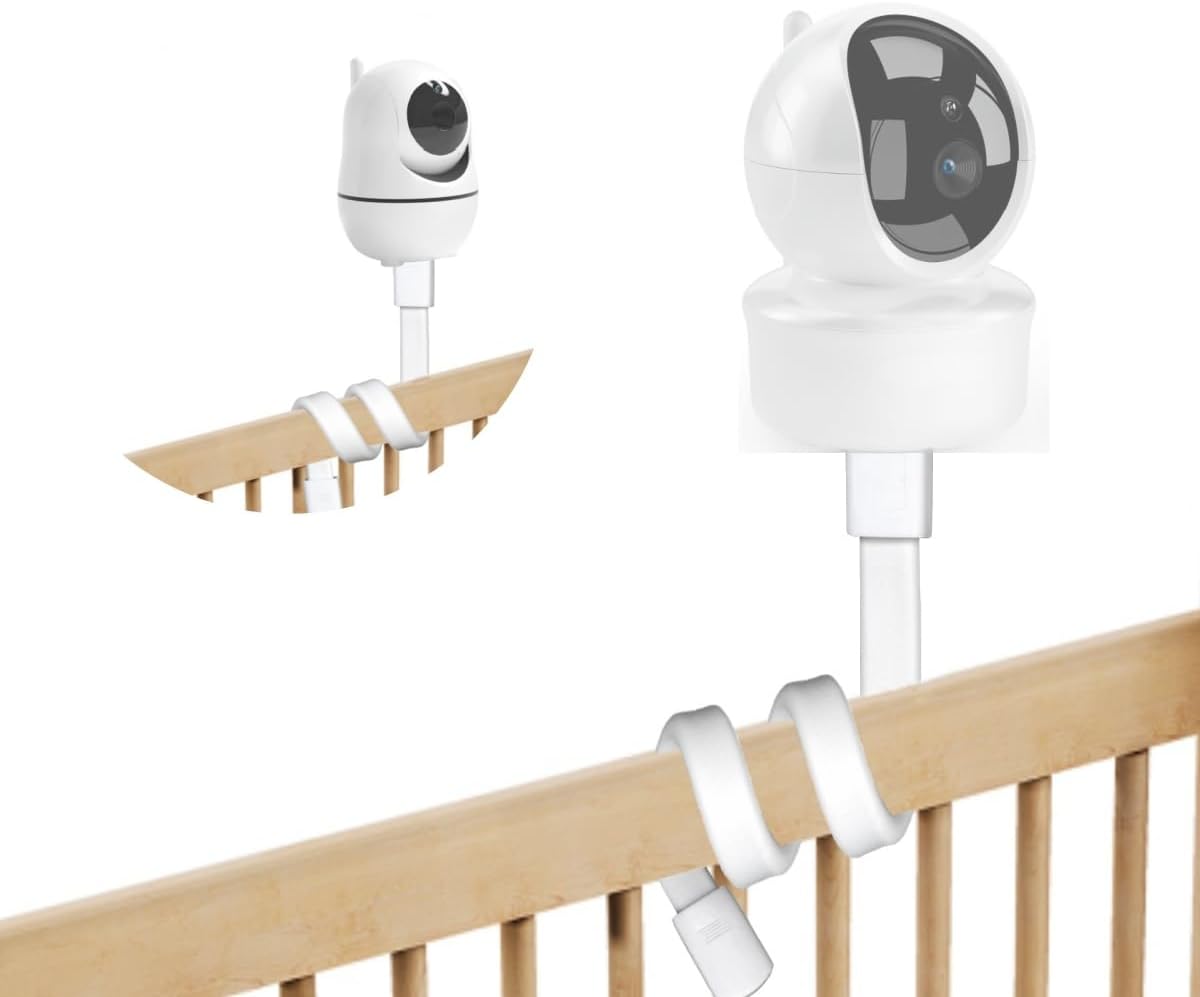
Image: The flexible mount shelf securely attached to the side rail of a baby crib, holding an iFamily baby camera in position.
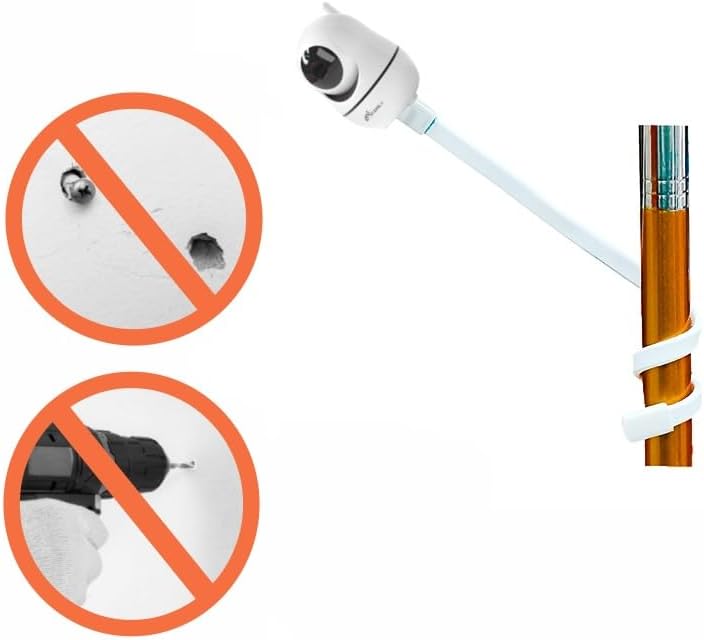
Image: An illustration emphasizing that the mount does not require drilling into walls, showing crossed-out images of wall damage and a drill.
3. Operating the Mount
Once installed, the flexible mount allows for easy adjustment of your camera's viewing angle.
- Positioning: Gently bend and shape the flexible arm to achieve the desired camera angle and height.
- Stability: Ensure the mount is stable and the camera is not wobbling after adjustment. The mount should hold its shape firmly.
- Safety: Always ensure the camera and mount are positioned securely and out of reach of children to prevent accidental dislodgement.

Image: An iFamily baby camera, securely mounted on a crib rail using the flexible shelf, providing a clear overhead view of the baby.
4. Care and Maintenance
- Cleaning: Wipe the mount with a soft, damp cloth. Do not use harsh chemicals or abrasive cleaners.
- Inspection: Periodically check the mount for any signs of wear or damage, especially if frequently repositioned.
- Storage: If not in use, store the mount in a cool, dry place away from direct sunlight.
5. Troubleshooting
5.1 Camera Not Attaching Securely
- Check for Screw Hole: Verify that your camera model has a screw hole on its bottom. Refer to Section 2.1.
- Alignment: Ensure the mount's screw is correctly aligned with the camera's screw hole before twisting.
- Tightness: Twist the camera onto the mount until it feels secure, but avoid overtightening which could damage the threads.
5.2 Mount Not Holding Position
- Secure Attachment: Ensure the flexible arm is tightly wrapped around the chosen surface (crib rail, shelf, etc.).
- Weight Limit: This mount is designed for iFamily baby cameras. Do not attempt to use it with heavier devices.
- Surface Stability: Ensure the surface you are attaching the mount to is stable and can support the camera's weight.
6. Product Specifications
| Feature | Detail |
|---|---|
| Model Number | CH01 |
| Product Dimensions | 0.8 x 3.3 x 5 inches (folded) |
| Item Weight | 2.89 ounces |
| Material | Plastic, Silicone |
| Color | White |
| Compatible Devices | iFamily Baby Cameras: ABM570, SM43E, SM43EV2, SM653, 70A, UKSUP 663 (requires screw hole on bottom) |

Image: A diagram illustrating the dimensions of the flexible mount shelf, including its length and width.
7. Customer Support
For any questions, concerns, or technical assistance regarding your iFamily Flexible Mount Shelf, please contact iFamily customer support. Our professional team is dedicated to providing satisfactory assistance.
Please refer to your product packaging or the iFamily official website for the most current contact information.
8. Warranty Information
iFamily products are manufactured with quality and reliability in mind. For detailed warranty information, including terms and conditions, please refer to the documentation included with your original product purchase or visit the official iFamily website. Keep your proof of purchase for warranty claims.